HypeNest
Free AI tools / Runs in HypeNest
Google Drive to Shorts converter
Pick the long video straight from Google Drive in HypeNest, with no download and re-upload. HypeNest cuts it into captioned Shorts, each with title options and tags.





Drive videos: open HypeNest and click Google Drive next to the link field. A pasted Drive link does not work. Up to 5 hours. Free plan: no card, 60 credits a month, 1 credit per minute of video at standard effort, watermark, 720p.
One video in. Up to 10 clips out.
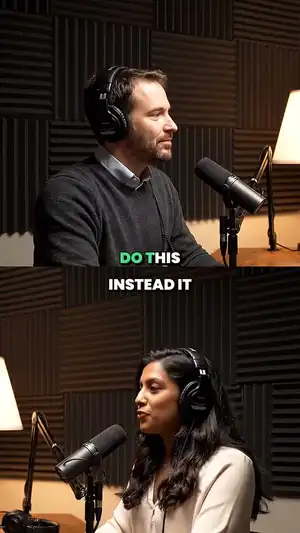
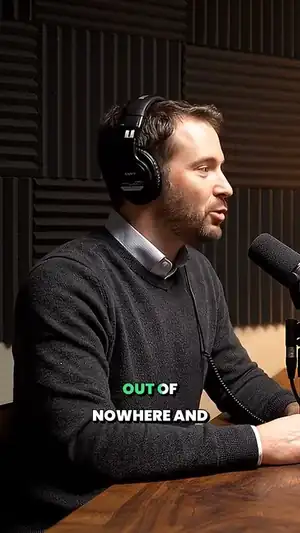
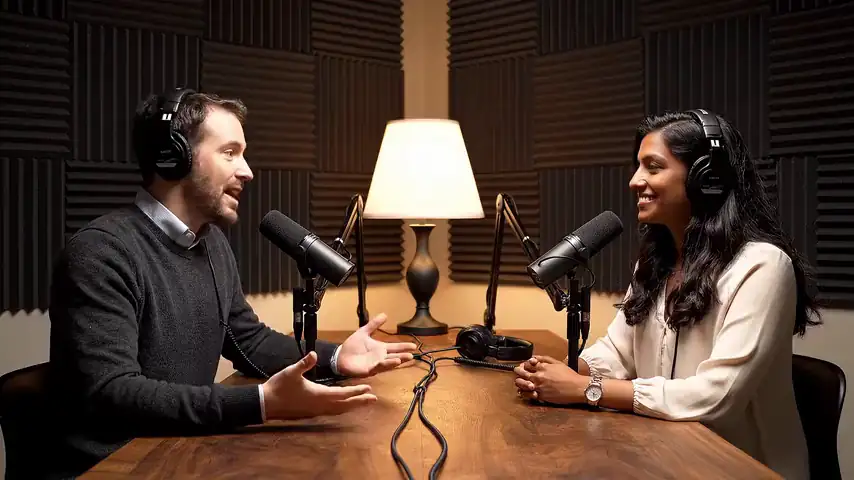
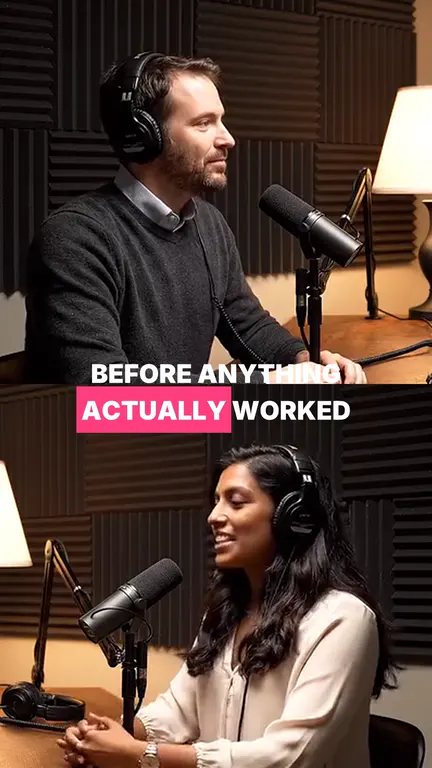
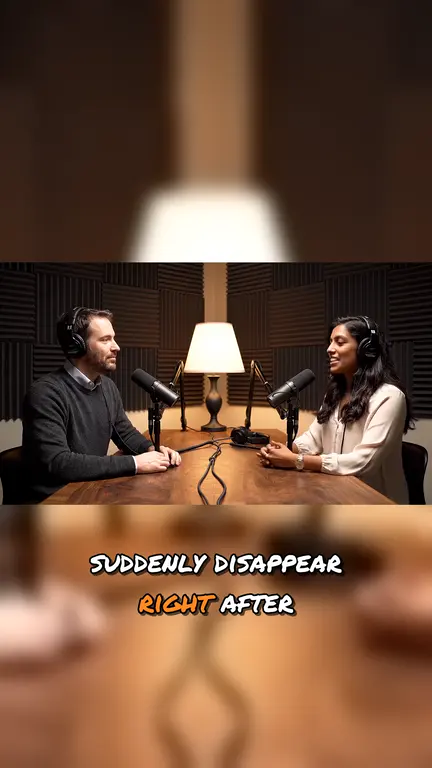
A 1 h 12 min podcast, cut where each thought starts and ends.
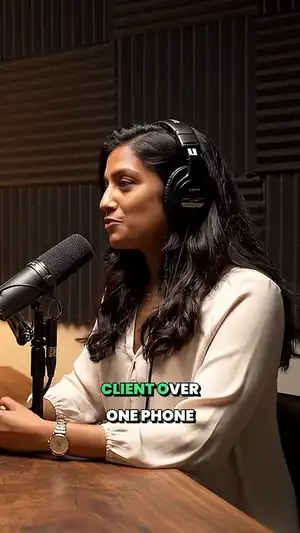
What comes back
- Up to 10 vertical Shorts
- 5 by default, 10 to 180 seconds each, framed as crop, letterbox or split screen.
- Captions burned in
- They show on mute, and you can fix any word before export.
- Titles, descriptions and tags
- Three title and description options for each Short, plus tags.
- Drafts, not posts
- Download on any plan. Posting to YouTube and TikTok, now or on a schedule, is on paid plans.
Every clip leaves packaged.
Captions burned in, a 9:16 frame, and three titles to pick from.
Caption look
- Karaoke
- Pop
- Box
- Comic
- Cinema
- Spotlight
- Typewriter
- Marker
Frame
- Fill
- Split
- Fit
Title
Description
The one thing he would change about his first year, and why it took so long to see it.
Tags
How the Drive picker works
- In HypeNest, click Google Drive next to the link field and sign in with Google.
- Google’s own file picker opens. Choose the video.
- The file comes straight in and clipping starts. Nothing is downloaded to your computer.
The picker opens only the files you choose, not your whole Drive. Nothing syncs folders in the background.
Drive, upload or link: which to use
| Where the video is | Route | Limit |
|---|---|---|
| In Google Drive | Google Drive button | Up to 5 hours. A pasted Drive sharing link does not work. |
| On your computer | Upload | Up to 5 hours and 5 GiB: mp4, mov, avi, webm or mkv. |
| Already on YouTube | Paste the link | Up to 3 hours. See YouTube to Shorts. |
| In Dropbox | Paste the shared link | Up to 3 hours. See Dropbox to Shorts. |
Before you pick the file
- 01
Pick the best export in the folder.
Compressed previews make captions and crops worse.
- 02
Choose speech, not slides.
Talks, demos, webinars and interviews give stand-alone moments. A deck with no voice gives little.
- 03
Name the file first.
A clear name keeps your project list easy to search.
Free to start.
€7 when you need more.
No card to sign up. Free clips carry a small HypeNest watermark; any paid plan removes it.
- 60
- credits a month on Free
- 1
- credit per minute of video
- 720p
- with a HypeNest watermark
- €7
- Lite: 1080p, no watermark, posting to YouTube and TikTok
A 30-minute podcast costs 30 credits. A run that finds no clips gives its credits back.
YouTube, TikTok, X, Dropbox and LinkedIn, up to 3 hours.
Video files up to 5 hours and 5 GiB.
Pick a file with the Drive button.
Common questions.
Does HypeNest connect to Google Drive?
Yes, through Google’s file picker: click Google Drive next to the link field, sign in and choose the video. HypeNest can open only the files you pick.
Can I paste a Drive sharing link?
No. Use the Google Drive button and pick the file instead. Videos picked from Drive can run up to 5 hours.
Do I have to download the video first?
No. The file goes from Drive to HypeNest without passing through your computer.
Is it free?
HypeNest has a Free plan with no card: 60 credits a month, 1 credit per minute of video at standard effort. Free clips carry a watermark and export at 720p. Paid plans add posting.
Where can I post the Shorts?
Posting is live for YouTube and TikTok on paid plans, now or on a schedule. For any other platform, download the Short and post it yourself.