
Subtitles
Captions that keep people watching.
Upload a video and get word-timed subtitles burned in for Shorts and TikTok. Pick one of eight presets or describe your own look, drag the captions into place, and review before publish.
Paste a link or open HypeNest to upload a file free.
- Auto speech-to-text
- Eight presets plus an AI style composer
- Drag and resize captions on the preview
- Review before export
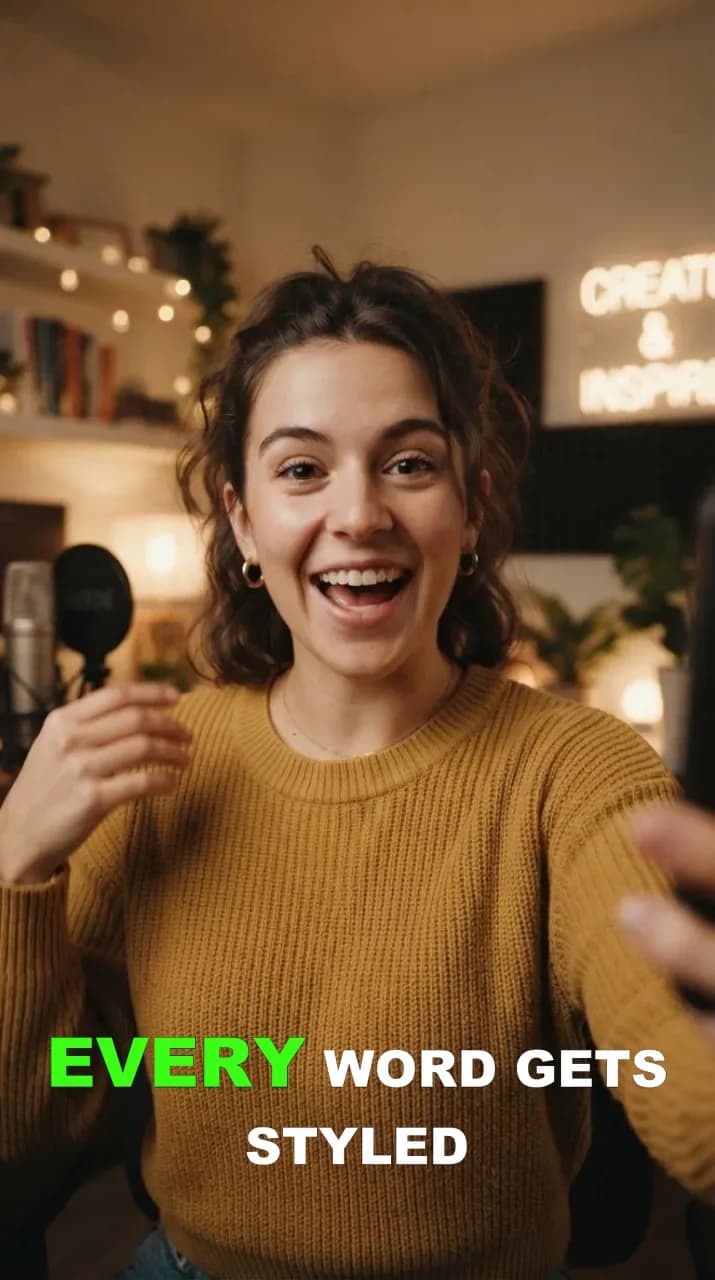
Karaoke
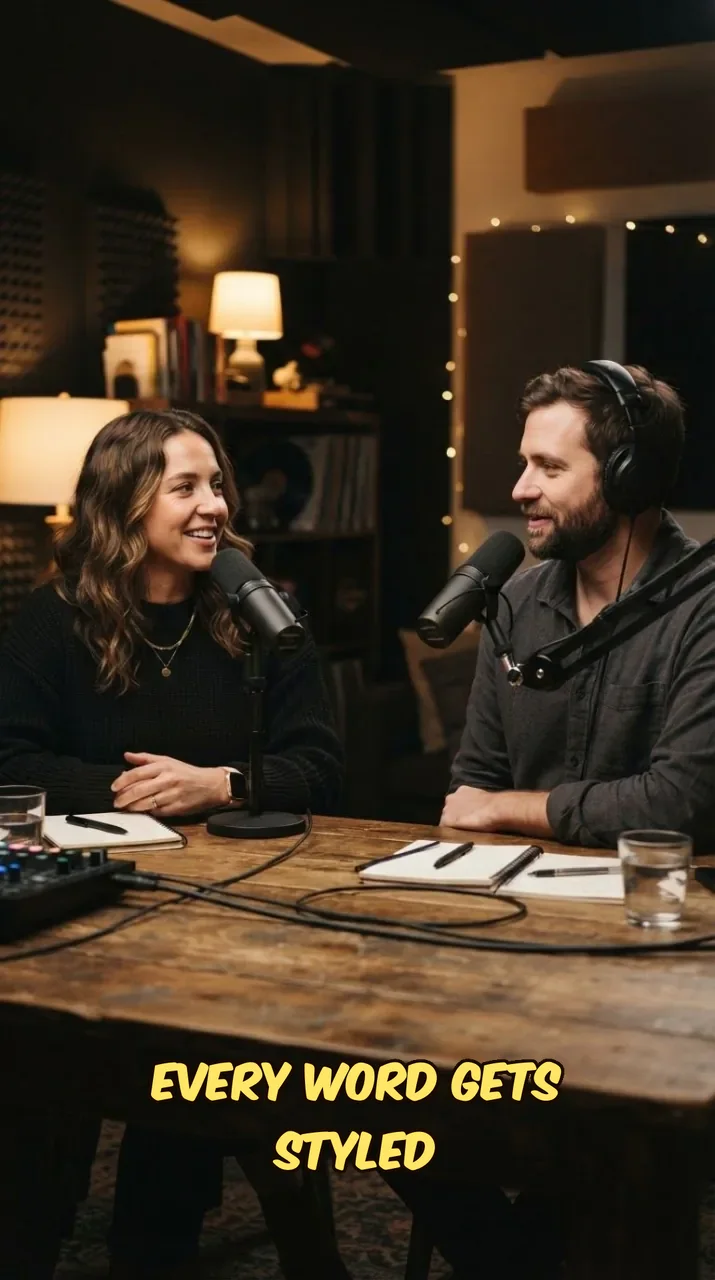
Comic
+6
Pop, Box, Cinema, Spotlight, Typewriter, Marker
All 8 caption presets
Two of the eight HypeNest caption presets: Karaoke and Comic. Pop, the default, plus Box, Cinema, Spotlight, Typewriter and Marker complete the set. Every preset can be recolored, restyled and saved as your own.
Karaoke
Words fill in green as they are spoken
Comic
Yellow Bangers lettering, heavy outline
- All 8 caption presets
Compare all eight presets, including Pop, the default.
+6
From audio to on-screen text
Three steps: upload, generate captions, then style, place and export them with the rest of your package.
Paste a link or drop a file. Works with long-form, clips, podcasts and talking-head drafts.
HypeNest transcribes speech and places word-timed subtitles on the frame, styled with your brand kit or the default preset.
Fix wording, switch the style, drag the captions where they read best, then export or continue into clips, B-roll and publish.
Subtitles built for short-form retention
Most feeds start muted. HypeNest turns speech into timed captions so viewers can follow without sound, then lets you shape how they look before anything ships.
- Accurate timing
- Speech is transcribed and aligned word by word, so captions land when the words are said. Subtitles stay in the language spoken in the video.
- AI style composer
- Describe a caption look in words or send a screenshot. The composer asks a few follow-up questions, then builds the style with motion and glow. The free plan includes a few AI looks; paid plans have no cap.
- Saved styles and your own fonts
- Save a look and reuse it across projects and brand kits; Starter holds several saved styles and Pro has no cap. Use the built-in caption font library or, on Starter and Pro, upload your own fonts.
- Placed where they read best
- Drag captions on the preview to clear faces and on-screen text, and resize them for the frame. Edit any word before export.
- AI emoji
- Switch on AI emoji and a fitting emoji lands on some lines, at most about one phrase in three, on its own row below the caption. Tap a word to add, change or remove its emoji.
- A color per speaker
- The Text tab lists the speakers in the clip: rename or merge them, reassign a line with Who says, or add a new speaker. With two or more, Color per speaker gives each one a color while the main speaker keeps the style's own.
FAQ
Frequently Asked Questions
Everything you need to know about AI subtitles in HypeNest.
Make every video readable on mute.
Add AI subtitles to your next upload and review them before anything goes live.