
YouTube educators
Turn 20–40 minute lessons into tip Shorts that point back to the full video.
Paste a long YouTube link. HypeNest finds strong moments, crops them to 9:16, adds captions, and lets you review every Short before anything goes live.
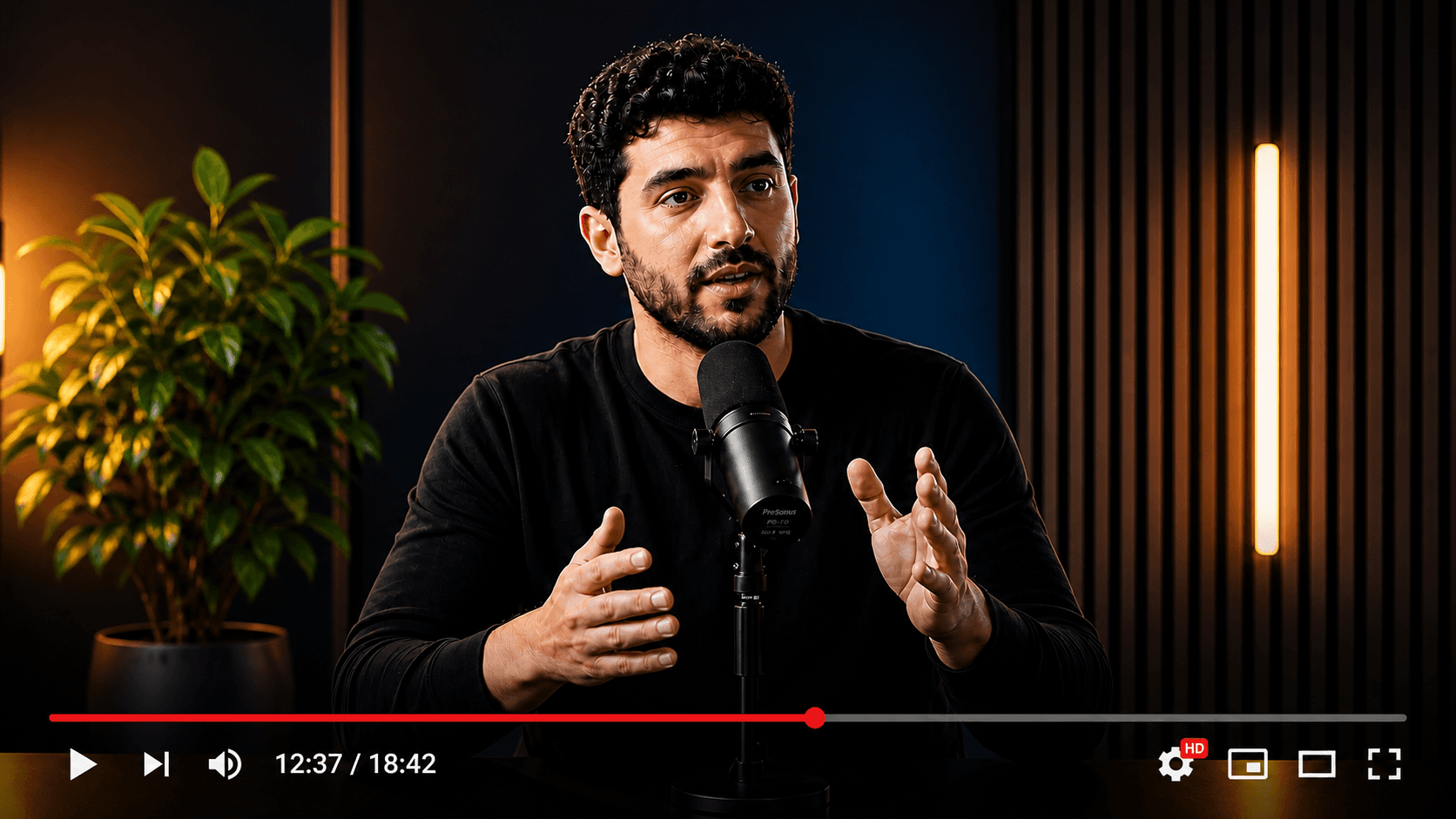
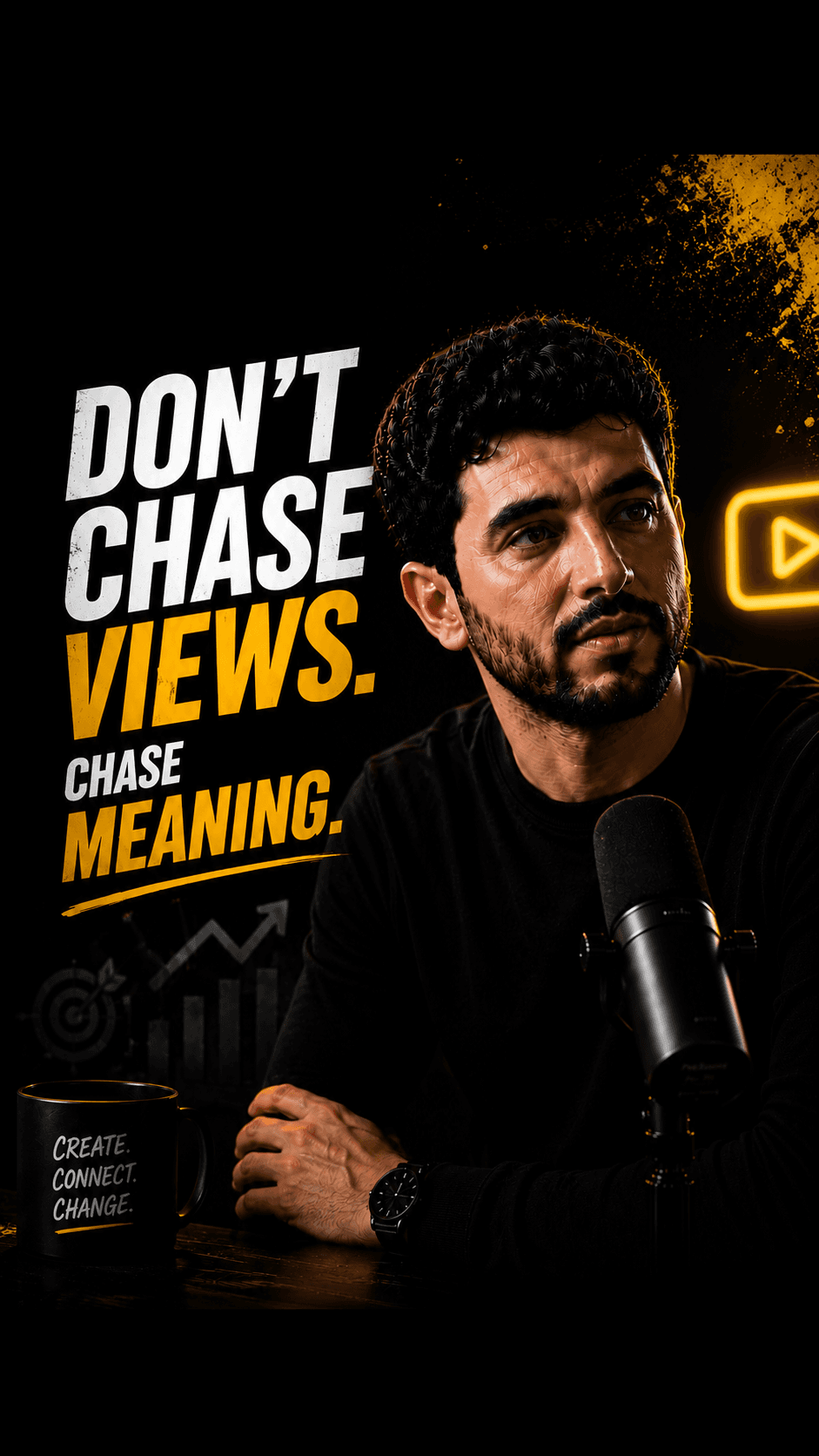
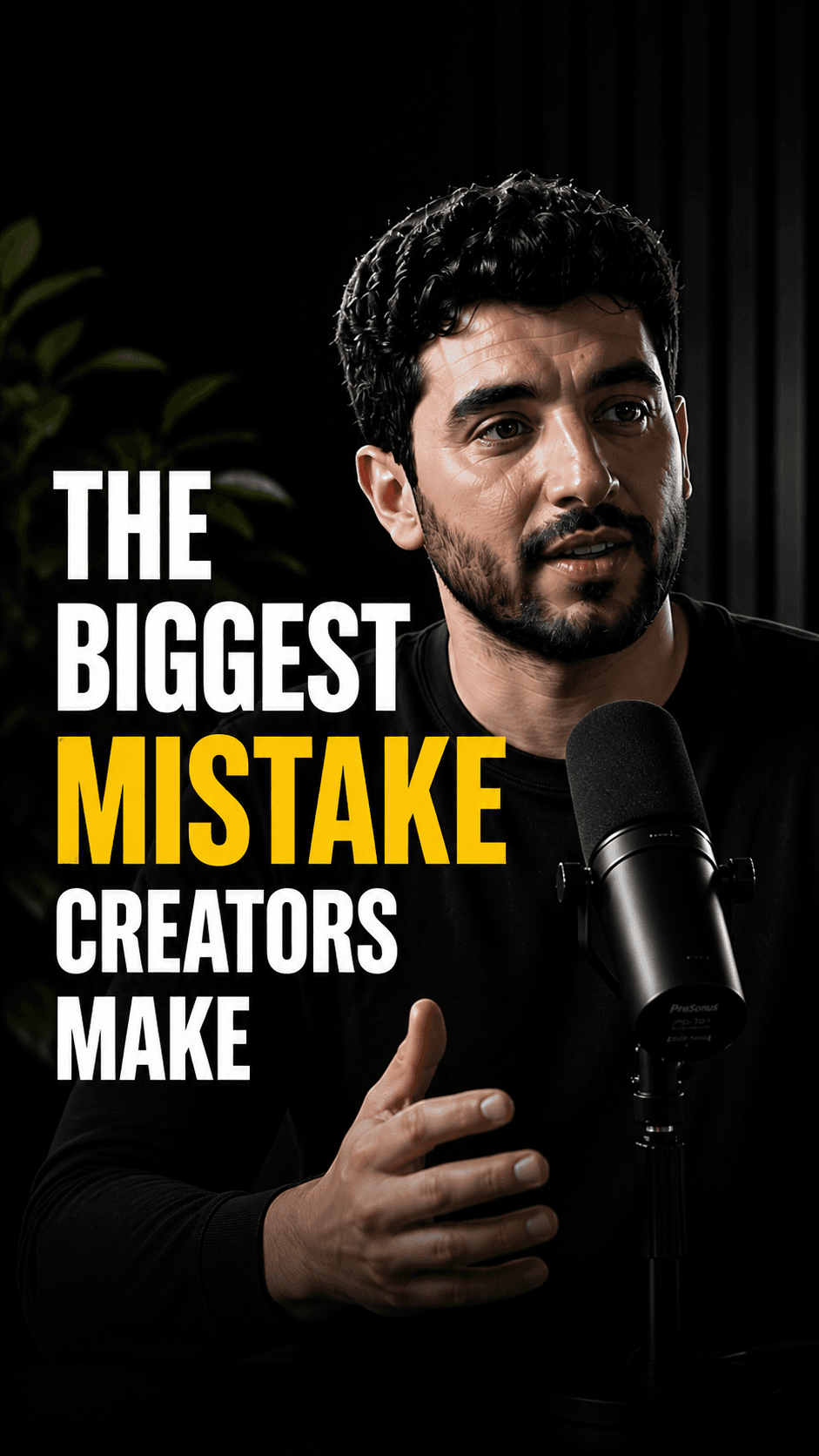

Source: How to set up your first product demo (22 min)
YouTube long-form
Shorts shelf preview
Hook
Tip
Payoff
01
Clip A (0:38) — problem hook + first setup tip
02
Clip B (0:47) — common mistake + fix
03
Clip C (0:41) — before/after result teaser
Tutorials, vlogs, podcasts-on-YouTube, and explainers map cleanly into Shorts-length vertical clips without starting over in a timeline editor.
Shorts and TikTok often start muted. Burned-in captions keep the message readable when volume is off.
Nothing auto-posts. You choose which cuts ship and edit packaging so brand claims stay accurate.
One upload can yield several Shorts candidates so you post through the week instead of once per long video.
Four steps from source to approved short-form posts.
Paste your YouTube URL (or open the app and upload the file)
AI finds high-retention moments and formats 9:16 clips with captions
Review wording, crop, titles, and packaging on one screen
Publish to YouTube and TikTok when you approve
YouTube to Shorts is the job of turning a long horizontal or long-form vertical YouTube video into multiple short vertical clips that fit the Shorts shelf and mobile feed. Searchers usually want speed: paste a link, get candidates, post the best ones.
The high-intent query is not “video editor.” It is “turn this existing upload into Shorts without re-recording.” That is why a converter-style workflow beats a blank timeline for most creators who already have long videos sitting on the channel.
Creators who publish weekly long-form but struggle to keep Shorts consistent. Educators and coaches with course-length uploads. Brands with product demos that never become short ads. Agencies batching client YouTube into Shorts calendars.
If you already film long and need distribution density, converting YouTube to Shorts is usually a better first system than inventing new short-only shoots every day.
Pick sources with clear spoken structure: tutorials with steps, interviews with punchy answers, demos with visible before/after. Soft ambient vlogs with no thesis produce weaker auto cuts.
After generation, keep only clips that stand alone. A Short should make sense without the full video. Rewrite the first line of captions if the hook is buried. Prefer one idea per clip.
Conversion is only half the job. Shorts still need clear titles, on-topic speech, and accurate captions. Official YouTube guidance emphasizes packaging and viewer satisfaction over tag spam.
Use the free title, description, and tags tools on HypeNest when you want metadata drafts that match the clip you just approved. Link long-form and Shorts when the topic is the same series.
HypeNest is built as an AI video repurposing workflow: clips, captions, and packaging in one review surface. Direct publish is live for YouTube and TikTok. Free plan with no card; paid plans add more AI capacity, storage, and priority.
You keep editorial control. The product promise is faster packaging and a cleaner path from one long upload to a week of Shorts candidates, not guaranteed virality.
Turn 20–40 minute lessons into tip Shorts that point back to the full video.
Batch clip candidates from research-style long videos for daily short posts.
Repurpose demos and webinars into product Shorts with review for claims.
Definition
YouTube to Shorts conversion
The process of extracting short vertical clips from a longer YouTube video, usually with captions and optional packaging (titles/descriptions), so the same source can distribute on the Shorts feed without a full re-edit.
It is a tool that takes a long YouTube video and produces short vertical clips sized for YouTube Shorts (and often TikTok), usually with captions. HypeNest adds a review step and packaging drafts before publish.
HypeNest has a free plan — no credit card required. Paid plans (Lite, Starter, Pro) add more AI capacity, storage, and priority; see /pricing for details.
Yes. Clips are generated with subtitles so they work on mute-heavy feeds. You can review and adjust before export or publish.
Yes after review. Direct publish is live for YouTube and TikTok. Create assets once, approve each destination separately.
Manual editing is precise but slow for weekly volume. HypeNest proposes candidates from the transcript and pacing so you spend time selecting and polishing, not scrubbing a 40-minute timeline from zero.
No. Clips depend on source quality, hooks, and audience fit. Treat output as a draft batch to test, not a guarantee of views.