
A Footage-First invideo Alternative for Shorts You Already Recorded
Most invideo alternatives are other generators. HypeNest is not one. It replaces invideo only for turning recordings you already have into reviewed Shorts.
Your source video
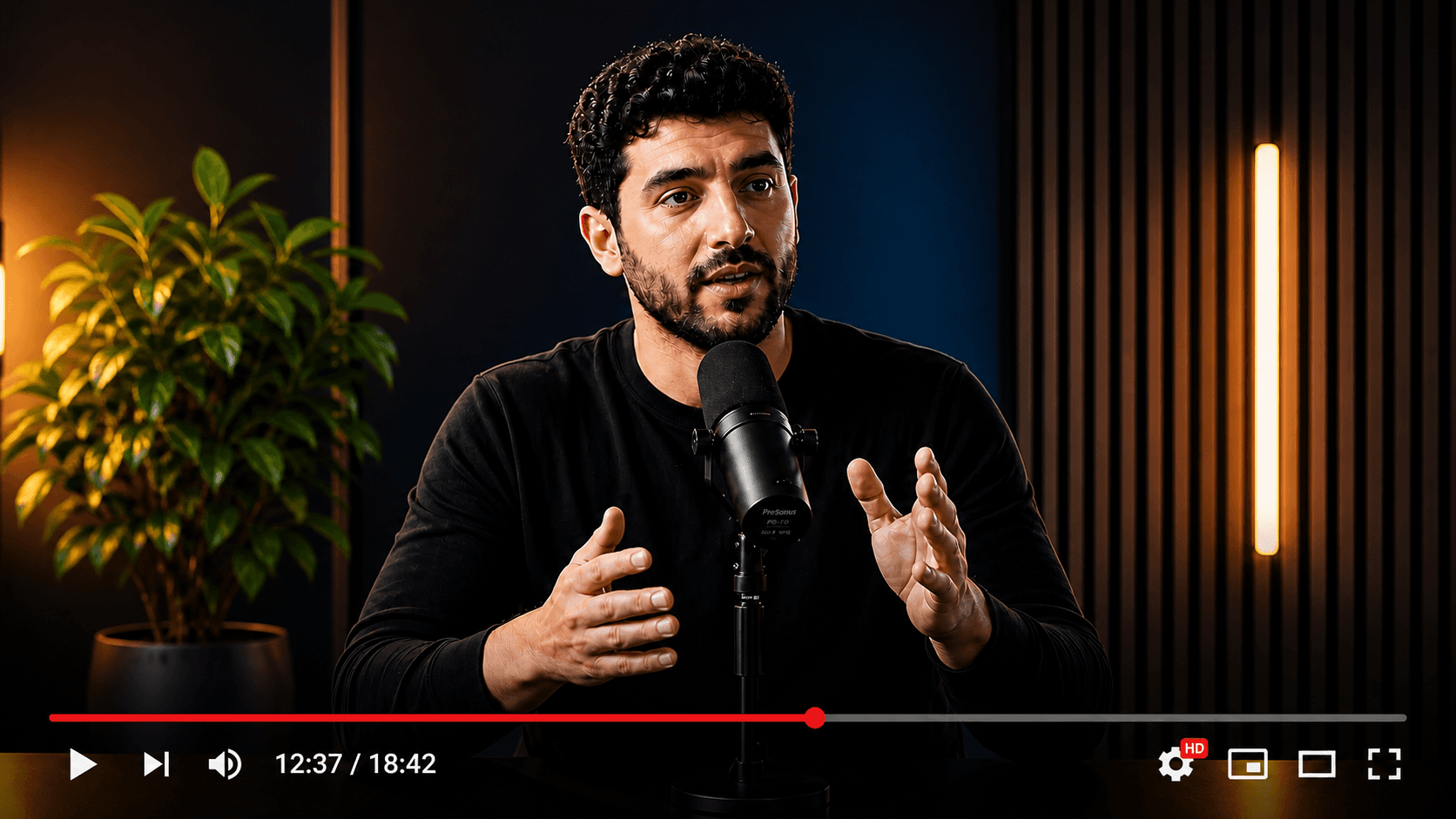
Multiple publish-ready clips



Wrong switch: replacing prompt-to-video with a clip workflow.
Right switch: moving clips from your own long recordings out of a generator.
HypeNest has a free plan — no credit card required — plus paid Lite, Starter, and Pro tiers; see /pricing for details.
Direct publish is live for YouTube and TikTok only. Instagram, LinkedIn, and Facebook are not live publish targets.
Keep, switch or split
- Keep invideo for
- Faceless channels, explainers, ads and anything that starts as a prompt or needs AI voiceover.
- Move to HypeNest for
- Weekly podcasts, webinars, lessons and long YouTube videos that should become reviewed Shorts.
- Run both when
- You script concept videos in invideo and also record long shows worth clipping every week.
Pain points
Why people leave invideo for this job
You already record long video, and a blank-page prompt flow does not use it.
Generated scenes and stock visuals feel off-brand next to your own face and voice.
Credits go to generation and agent jobs you do not need for clipping.
You want a shortlist of clips from one episode, not one new video per prompt.
Titles, descriptions and thumbnails still get written somewhere else.
Comparison
Generator vs repurposer
With invideo
invideo
Prompt-to-video with script, generated and stock visuals and AI voiceover, plus the invideo Editor timeline and agents. HypeNest is built around your own recordings, not prompt-to-video.
Losing invideo's generation is the real cost of switching. Move only the work that never needed it.
With HypeNest
HypeNest
Clips from your own recordings: shortlist, captions, packaging, human review, then YouTube and TikTok publish.
- HypeNest replaces one lane of invideo: making short clips from footage you already own. Upload a finished video up to 5 GiB and 5 hours, or paste a link up to 3 hours. AI proposes up to 10 vertical clips per generation, 10 to 180 seconds each.
- Each clip comes with burned-in captions, silence removal, your brand kit, and drafted titles, descriptions and thumbnails. You approve every clip before it goes to YouTube or TikTok; scheduled publishing is on paid plans.
Feature breakdown
What changes when you switch
| Category | HypeNest | invideo | Why it matters |
|---|---|---|---|
| Input | Finished long video you recorded | A prompt, or raw takes in invideo Editor | Switch only footage-first work |
| Output | Up to 10 vertical clips per generation | One new video per prompt or edit | Shortlist vs single piece |
| Generated media and voice | Your own recording and audio | AI visuals, stock library, AI voiceover | What you give up by switching |
| Review | Review-before-publish is the default — nothing goes live without approval | Review links and comments in the Editor | Publish gate vs feedback |
| Publish | Direct publish live for YouTube and TikTok only today | Export and share; verify on their site | Where posts end up |
| Price | Free plan; Lite $6/mo, Starter $15/mo, Pro $27/mo (annual from $5/mo) | Free manual editor; paid Starter, Plus and Max tiers; verify on their site | Credit pool vs plan limits |
Decision guide
Is this the right switch?
Switch if…
Switch to HypeNest if…
- Most of your Shorts should come from recordings you already have.
- Your audience expects your face and voice, not generated scenes.
- Titles, descriptions and thumbnails per clip are the slow part.
- You want a review gate before anything posts.
Stay if…
Stay with invideo if…
- You have no footage and build videos from prompts.
- You rely on AI voiceover, stock or generated visuals.
- You need a timeline editor, multicam or exports to desktop editors.
- Your team edits together with review links and comments.
Action plan
How to switch without losing work
Step 01
List what you made in invideo last month and mark the videos that started from your own recordings.
Step 02
Collect those source recordings as files or links.
Step 03
Run one through HypeNest on the Free plan and approve the clips you would actually post.
Step 04
Move only that lane if approved clips per week go up; keep invideo for prompt-built videos.
How we checked
Last verified:
We checked invideo's public pages on 2026-09-28: the homepage, the pricing page, the invideo Editor launch post of 1 September 2026, and the AI video generator and agentic editor pages. We did not buy a paid plan or run agent jobs.
We could not verify output quality, how agents handle long footage, limits behind login or any direct publishing integrations. HypeNest facts come from our live plans page.
Plans change on both sides, so re-check both products before you switch.
Quick answer
Do not switch from invideo to HypeNest if you need videos made from a prompt, AI voiceover or stock scenes; HypeNest is not built for that. Switch the part of your work that starts from a finished long recording: HypeNest proposes vertical clips, drafts titles and thumbnails, and publishes to YouTube or TikTok after you approve.
The complete content copilot.
All in one workspace.
HypeNest gives you the tools to optimize, schedule, and scale Shorts and TikTok from one workspace — with review before you publish.
AI SEO Metadata
Instantly generate optimized titles, descriptions, and relevant tags.
AI Repurposing
Turn long-form YouTube videos into highly engaging TikToks & Shorts.
Content Calendar
Queue and schedule reviewed posts for YouTube and TikTok from one calendar.
AI Thumbnails
Generate eye-catching, high-converting video thumbnails to maximize your CTR.
Questions