 HypeNest
An Honest Descript Alternative for Short-Form Cadence

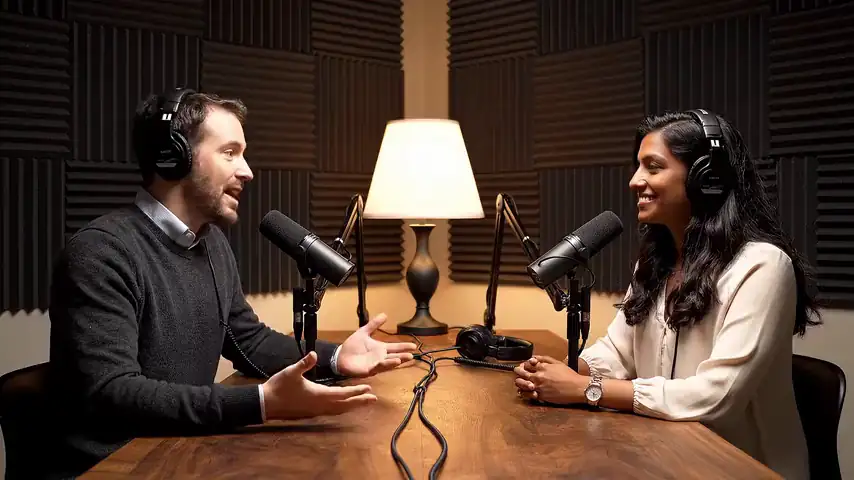

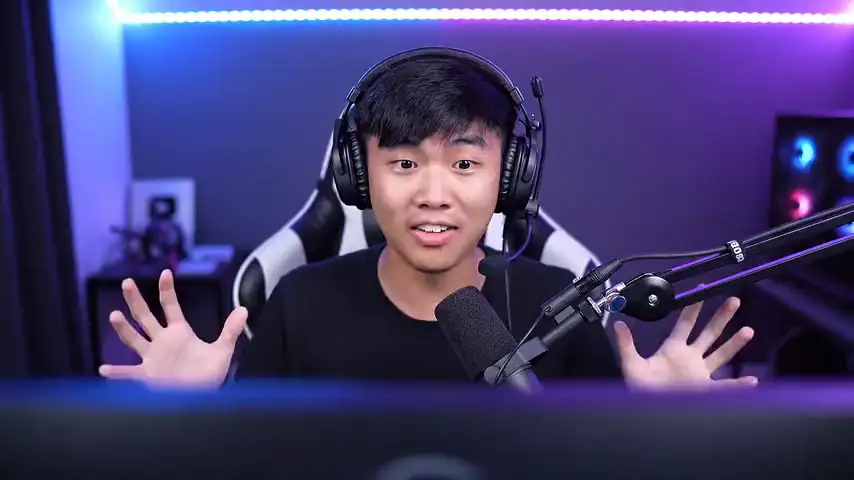





Most “Descript alternative” lists compare editors. This page does not. HypeNest is an alternative for the job after the master is exported.
Free plan, no credit card.
One clip. Everything it needs next.
Do not replace Descript with HypeNest if you still edit the master in a transcript timeline.
Every clip comes with a drafted title, description and captions.
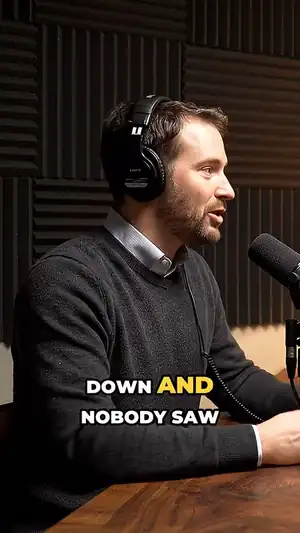
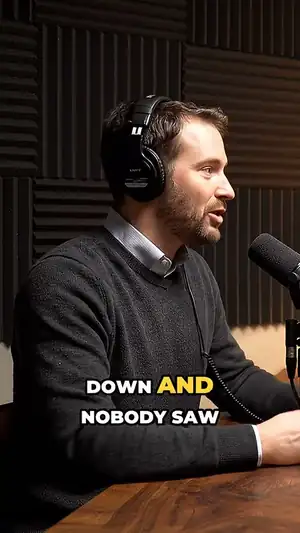
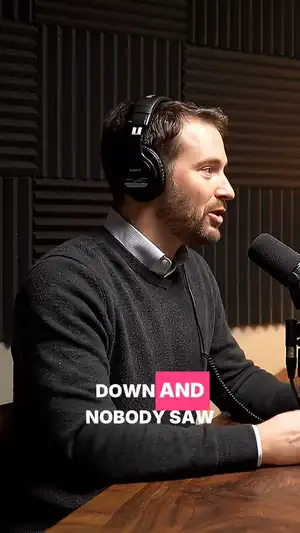
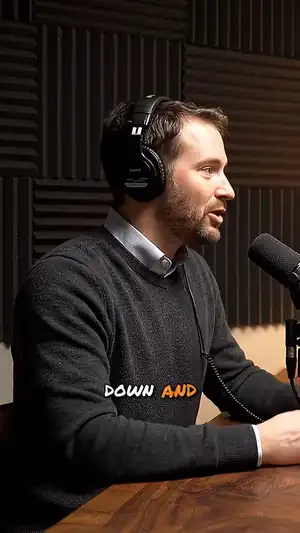
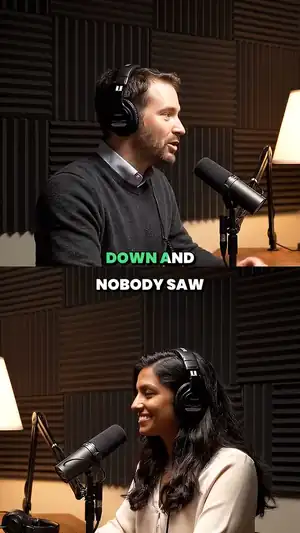 Clip
0:42, from a 1:12:40 podcast
 Title
Nobody told me this when I started
 Description
The one thing she would change about her first year, and why it took so long to see it.
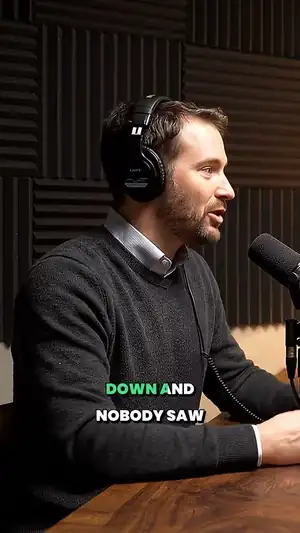 Captions
Karaoke, on every word
 Thumbnails
Quick answer
Do not replace Descript with HypeNest if you still edit the master in a transcript timeline.
Use HypeNest when the episode is done and you need Shorts and TikToks.
Keeping both is normal.
Why this alternative exists
- The episode is edited; shorts still miss the week.
- Marketing should not open the master project.
- You want Shorts for social, not another edit.
Side by side
Descript vs HypeNest (different jobs)
HypeNest on white, Descript under it.
| Category | HypeNest | Descript | Why it matters |
|---|---|---|---|
| Job | Shorts cadence from a finished source | Edit the master | Do not force a winner |
| Publish | Direct publish live for YouTube and TikTok only today, on paid plans | Confirm their destinations | Direct publish is live for YouTube and TikTok only, on paid plans. Instagram, LinkedIn, and Facebook are not live publish targets. |
| Price | Free plan; Lite €7/mo, Starter €15/mo, Pro €27/mo (annual from €5/mo) | Verify current pricing on the competitor’s live site. Plans change. Compare total workflow cost, not list price alone. | Two line items is OK |
Switch if…
Use HypeNest if…
- The master is already good enough to clip.
- You need titles and captions with the cuts.
- You want to post to YouTube and TikTok from the same tool.
Stay if…
Stay in Descript if…
- You still need to edit the episode itself.
- Transcript-as-timeline is how you work.
- You need Overdub, screen recording, or other Descript-native production.
How to try this without deleting Descript
Export last week’s episode as usual.
Run it through HypeNest once. Do not rebuild the episode there.
If usable shorts increase, keep the split stack.
Different jobs, stacked
With Descript
Transcript timeline for the episode itself — Overdub, screen recording, and master edits. Not a shorts SOP replacement.
Do not force a winner. Most shows should keep Descript for the episode and use HypeNest for the social week.
With HypeNest
Shorts cadence after the master is exported: clips, titles, captions, YouTube and TikTok.
- It replaces the second timeline session for vertical clips, not the first session that makes the episode listenable.
- Export from Descript (or anywhere). Upload or paste. Get clips. Post to YouTube or TikTok.
HypeNest shorts cadence
After export
Clips, titles, YouTube and TikTok.
Master
Descript (keep it)
Transcript edit, overdub, the episode itself.
Common questions
Is HypeNest a Descript alternative?
For shorts cadence after export, yes. For editing the master, no.
Should I cancel Descript?
Only if you never needed a transcript editor. Most shows should not cancel it to start HypeNest.
Is HypeNest free?
HypeNest has a free plan — no credit card required — plus paid Lite, Starter, and Pro tiers; see /pricing for details.
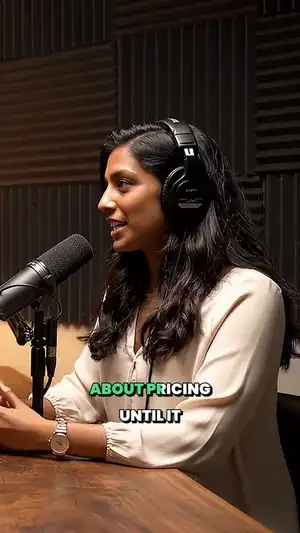

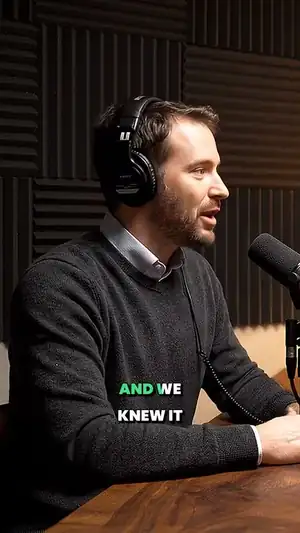

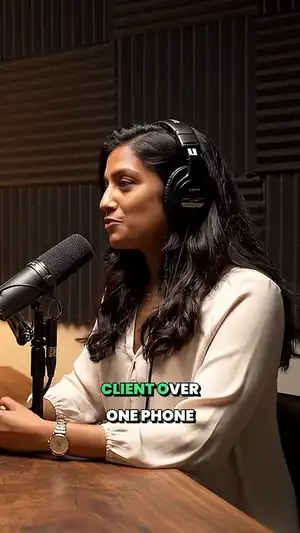

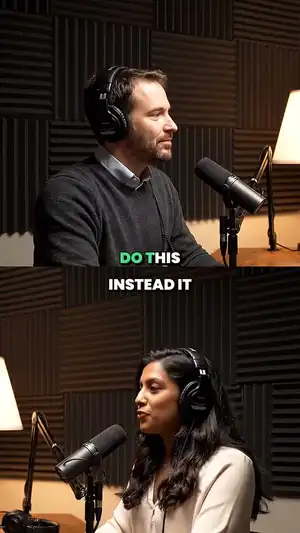

Run one long video
through the full workflow
Upload a finished podcast, webinar, or YouTube video and get clips with captions, titles, and thumbnails. Post to YouTube or TikTok on a paid plan. Free plan available; paid plans add posting and more capacity.