HypeNest
Turn long videos into Shorts.
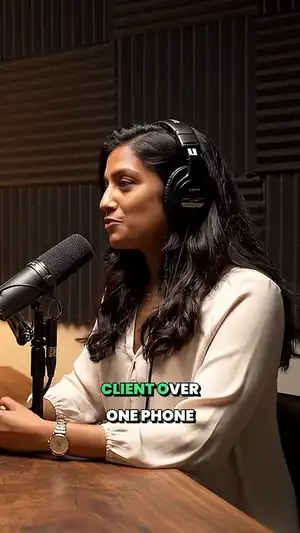
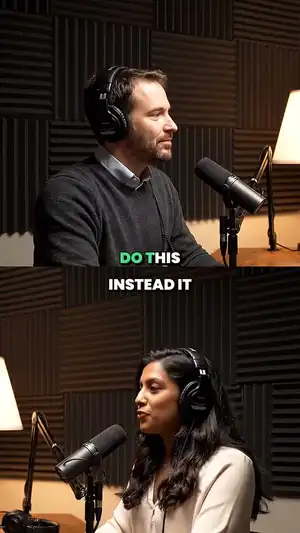
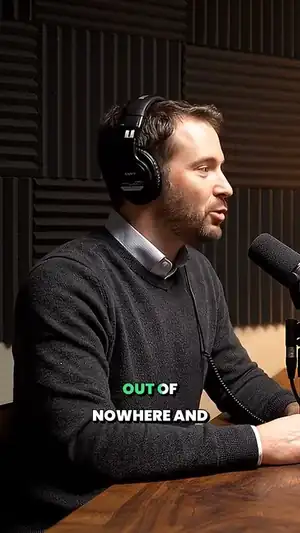
HypeNest is an AI clip maker. It finds the best moments in your video, then adds captions, a title and a thumbnail.
One video in. Ten Shorts out.
Podcasts, streams, talks, lessons, interviews, vlogs.

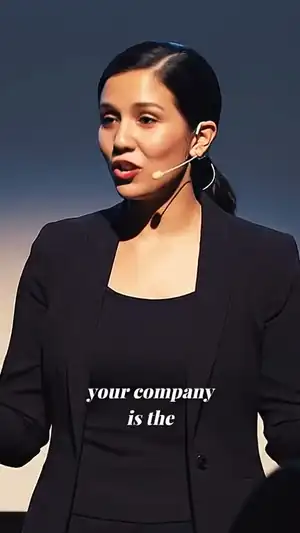

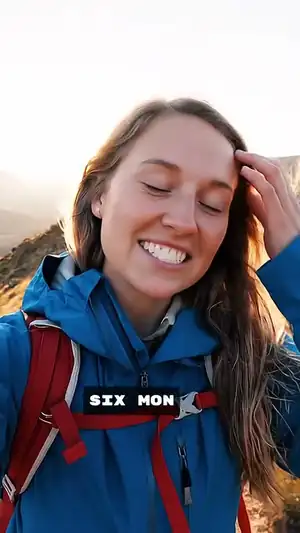
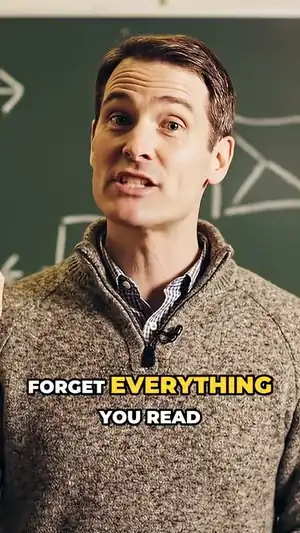
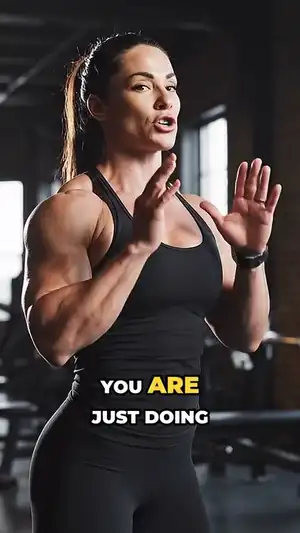
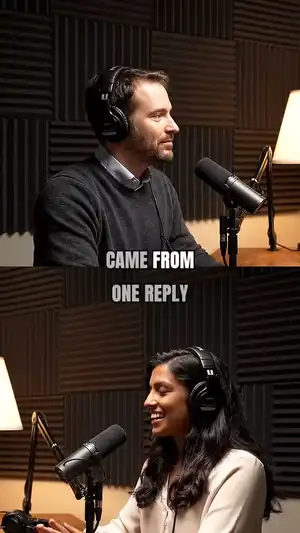
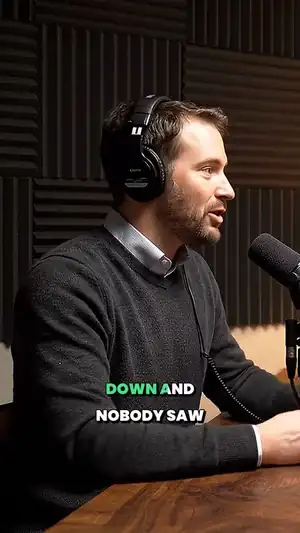
Tell it what to look for.
Say it however you like. Or leave it empty and it picks the strongest moments.
the part about pricing
how they got their first customers
the hard decisions
Now finish one.

Ready to post.
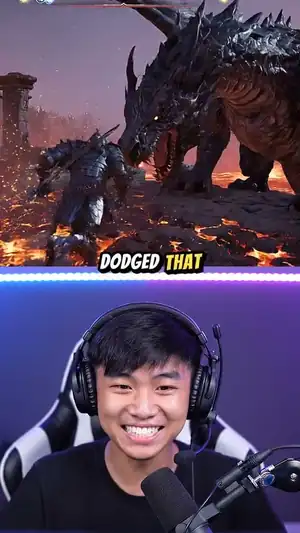 Mon · 18:00One hit from dead, then this
 Tue · 18:00The one thing this boss hates
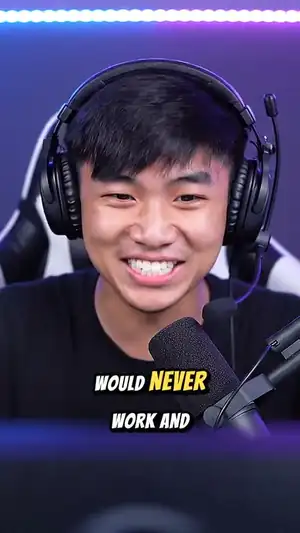 Wed · 18:00Chat said it would never work
Say it again in ten languages.
Change anything, in words or by hand.
Cut filler words from the transcript and the clip follows. Or ask for what you want in plain words.
- CaptionsMarker
- Speed1.0x
- Music18%
- Format9:16

Who it's for.
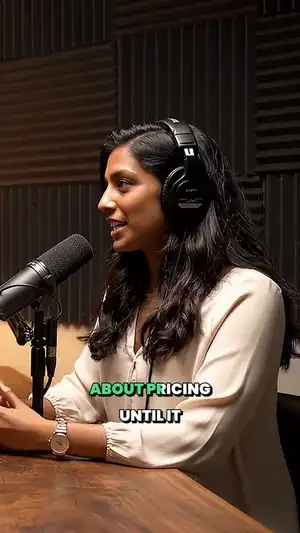
and more
Common questions.
What is HypeNest?
HypeNest is an AI clip maker. Paste a YouTube link or upload a video, and it finds the best moments and turns them into Shorts with captions, titles and thumbnails. See all features
How do I turn a long video into Shorts?
Paste a YouTube link or upload a file. HypeNest picks the strongest moments, frames each one for a vertical screen and adds captions. Change what you like, then download your Shorts or, on a paid plan, post them to YouTube and TikTok. Try YouTube to Shorts
What videos work best?
Talking-head tutorials, podcasts, webinars, course lessons, product reviews and interviews. If a video has no speech, visual mode picks moments from the picture, on paid plans. Browse use cases
What do I get from one video?
Shorts with captions, three title and description options for each, tags, and thumbnails. AI thumbnails start on Lite.
Is it free to try?
Yes. The Free plan needs no card and includes about 60 minutes of video a month. Free clips carry a watermark and stay for 3 days. Paid plans remove the watermark and keep files longer. See plans
Can I edit the results?
All of it. Fix words in the transcript, change the crop, captions, music and B-roll by hand. On paid plans you can also ask for a change in plain words. About the clip editor
Where can I post?
Directly to YouTube and TikTok, now or on a schedule, on paid plans. On any plan you can download a Short and post it wherever you like.
Does it post anything by itself?
No. A Short only goes out when you post it or put it on your schedule.
Can it pick up new uploads by itself?
Yes, on paid plans. Connect your YouTube channel and each new upload comes in on its own, with its Shorts already cut. About YouTube automation
Which languages can it dub into?
English, German, French, Italian, Spanish, Portuguese, Russian, Japanese, Korean and Chinese. Dubbing is on paid plans. About AI dubbing