
The Gling Alternative for the Shorts Step
Most Gling alternative lists compare rough-cut editors. HypeNest is not one. It replaces the part of your week where finished videos should become Shorts and TikToks.
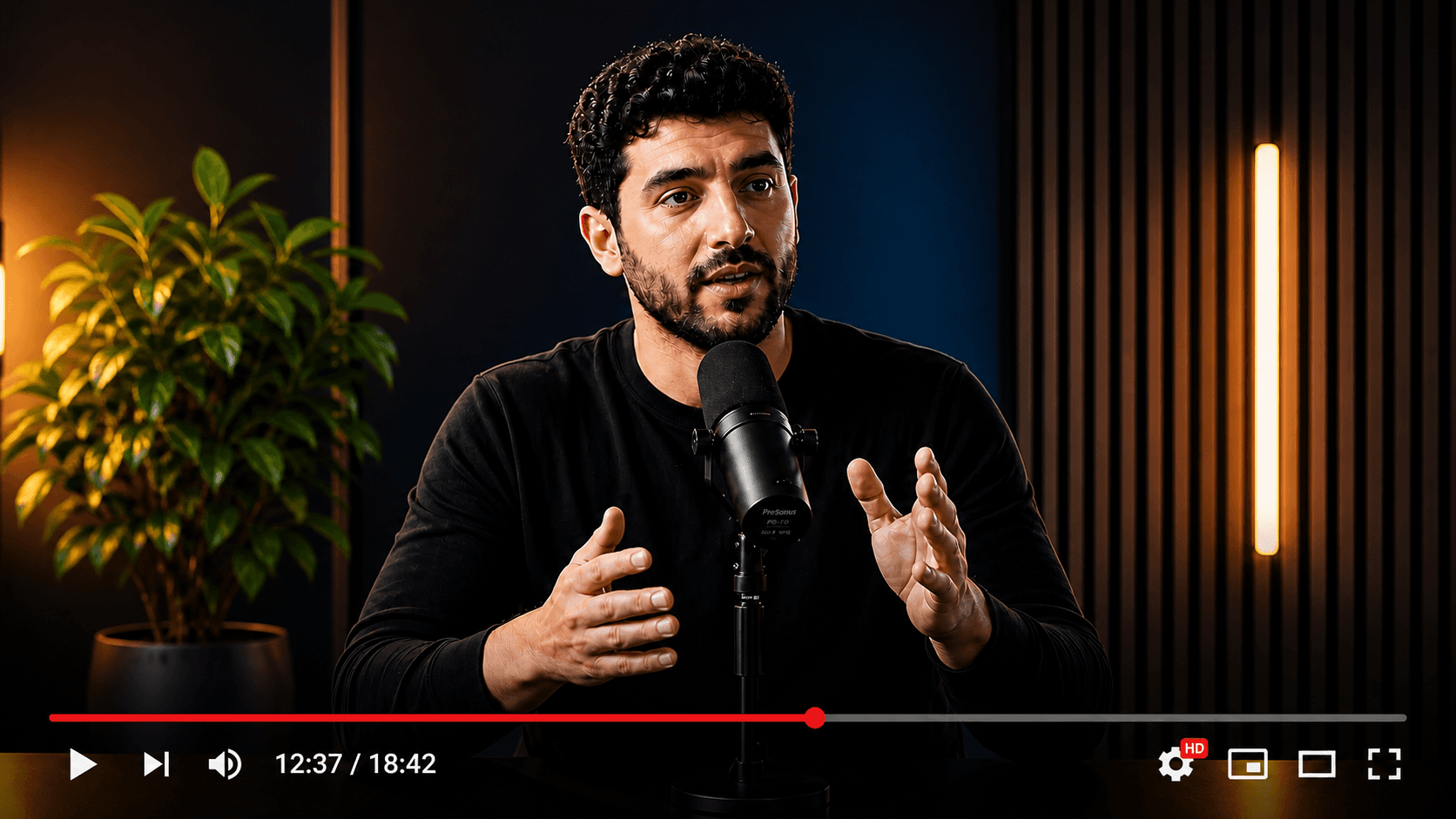
Your source video
Multiple publish-ready clips
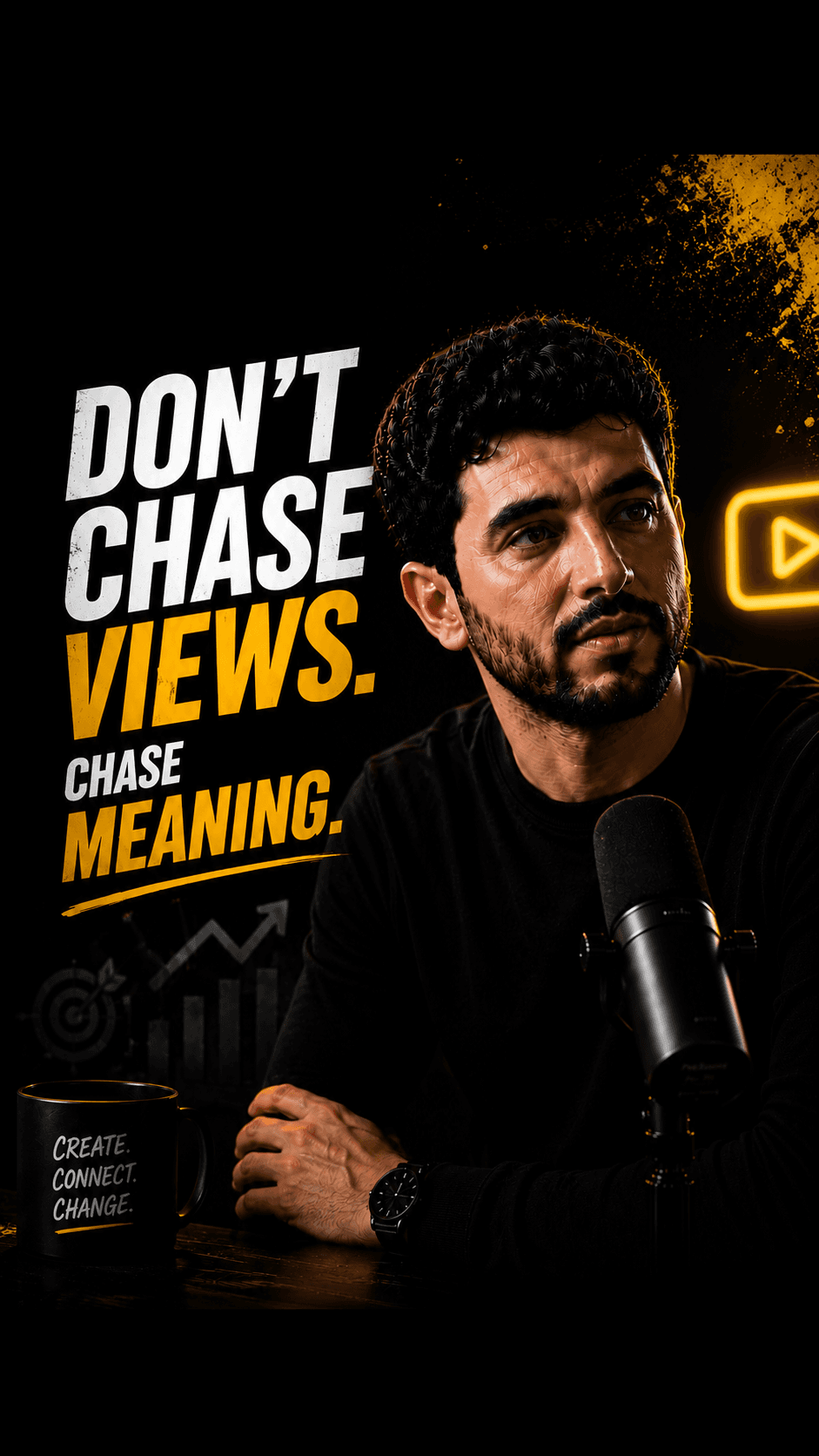
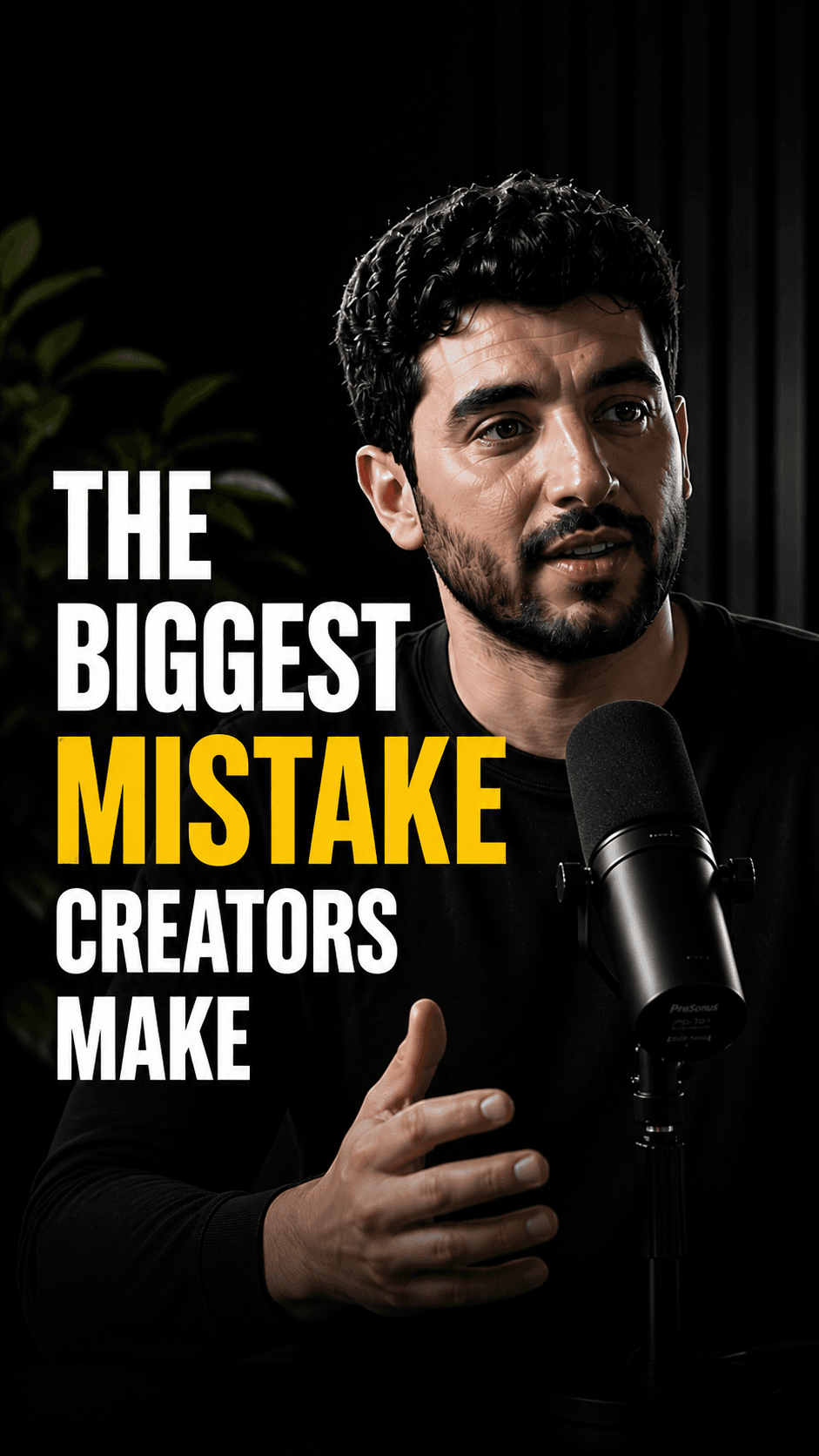

Wrong switch: expecting HypeNest to remove retakes and filler words.
Right switch: moving the finished-video-to-Shorts step out of your rough-cut editor.
HypeNest has a free plan — no credit card required — plus paid Lite, Starter, and Pro tiers; see /pricing for details.
Direct publish is live for YouTube and TikTok only. Instagram, LinkedIn, and Facebook are not live publish targets.
Keep, move, or run both
- 01
Keep Gling for raw takes
If you record yourself and retakes, pauses, and filler words fill the timeline, no part of HypeNest does that job.
- 02
Move Shorts to HypeNest
If Gling's clips still need titles, thumbnails, and manual uploads, move that step to a pipeline that drafts packaging and publishes after review.
- 03
Run both in sequence
Gling before the long upload, HypeNest after it. One file passes between them, and nothing is edited twice.
Pain points
Why people look past Gling
Your long videos are finished, but each one still yields zero or one Short.
Clips leave the editor without their own title, description, or thumbnail.
Every short means download, re-upload, and a caption pass per platform.
Episodes now arrive finished from an editor or a podcast tool, so bad-take removal is no longer your job.
You want a human approval step before anything goes to YouTube or TikTok.
Comparison
What you keep and what you move
With Gling
Gling
Raw recording in; bad takes, silences, and filler words removed, then MP4, SRT captions, or an XML timeline for Premiere Pro, Final Cut Pro, or DaVinci Resolve out.
The two tools meet at one file: the finished long video. Switching means moving the work that starts at that file, not the work before it.
With HypeNest
HypeNest
Finished long video in; reviewed vertical clips, captions, titles, thumbnails, and YouTube or TikTok publish out.
- HypeNest replaces the clip-and-post routine, not the rough cut. Upload the finished file (up to 5 GiB or 5 hours) or paste a link up to 3 hours. AI proposes up to 10 vertical clips of 10–180 seconds, with burned-in captions and a drafted title, description, and thumbnail next to each.
- You review every keep. Approved clips publish to YouTube or TikTok directly, or on a schedule on paid plans. Nothing goes live without your approval.
Feature breakdown
Switching from Gling: what changes
| Category | HypeNest | Gling | Why it matters |
|---|---|---|---|
| Starting point | Finished long video, upload or link | Raw recording before the edit | Switch only the stage you want to change |
| Bad takes and filler words | Not handled; silence removal in clips only | Core feature | Keep Gling if this is your bottleneck |
| Shorts output | Up to 10 vertical clips per generation, 10–180 s | AI short clips; verify format and limits on their site | Test both on the same finished file |
| Review | Review-before-publish is the default — nothing goes live without approval | Your judgment in the editor | A gate before public posts |
| Publish | Direct publish live for YouTube and TikTok only today | Export files; no direct publish shown on its public pages | Fewer download-and-upload loops |
| Price | Free plan; Lite $6/mo, Starter $15/mo, Pro $27/mo (annual from $5/mo) | Free tier with watermark; paid tiers scale by monthly hours; verify on their site | Hours edited vs posts shipped |
Decision guide
Is this the right switch?
Switch if…
Move the Shorts step if…
- An editor or podcast tool already delivers finished episodes.
- Posted Shorts per week matters more than long-form edit speed.
- You want titles and thumbnails drafted per clip, not per long video.
- You need direct publish to YouTube or TikTok behind a review gate.
Stay if…
Stay with Gling if…
- Cleaning raw talking-head takes is still most of your editing time.
- You rely on the XML handoff to Premiere Pro, Final Cut Pro, or DaVinci Resolve.
- You need noise removal, multicam, or chapters on the long video.
- Gling's own clips already cover the Shorts you post.
Action plan
How to move the Shorts step in one week
Step 01
Pick last week's finished long video: the file you exported from Gling or your editor.
Step 02
Upload it to HypeNest or paste its YouTube link. Do not re-edit the long version.
Step 03
Review the shortlist, fix any title or caption, and approve three clips.
Step 04
Publish or schedule them to YouTube or TikTok, then compare with what your old routine shipped.
How we checked
Last verified:
We checked Gling's public homepage, feature pages, and pricing page on 2026-09-28, without a paid account. Cut accuracy, clip limits, and export quality behind the login could not be verified.
HypeNest facts come from our live plans page. Plans on both sides change, so re-check Gling's site before you switch.
Quick answer
If you want another tool to cut bad takes and silences from raw recordings, HypeNest is the wrong switch: look at other rough-cut editors. If you mostly use Gling to get short clips out of videos that are already finished, HypeNest is built for exactly that step, with per-clip packaging, a review gate, and YouTube/TikTok publish.
The complete content copilot.
All in one workspace.
HypeNest gives you the tools to optimize, schedule, and scale Shorts and TikTok from one workspace — with review before you publish.
AI SEO Metadata
Instantly generate optimized titles, descriptions, and relevant tags.
AI Repurposing
Turn long-form YouTube videos into highly engaging TikToks & Shorts.
Content Calendar
Queue and schedule reviewed posts for YouTube and TikTok from one calendar.
AI Thumbnails
Generate eye-catching, high-converting video thumbnails to maximize your CTR.
Questions