
Turn your long videos into viral clips.
Upload a video and let AI automatically find the best moments, add subtitles, and reframe them perfectly for Shorts and TikTok.
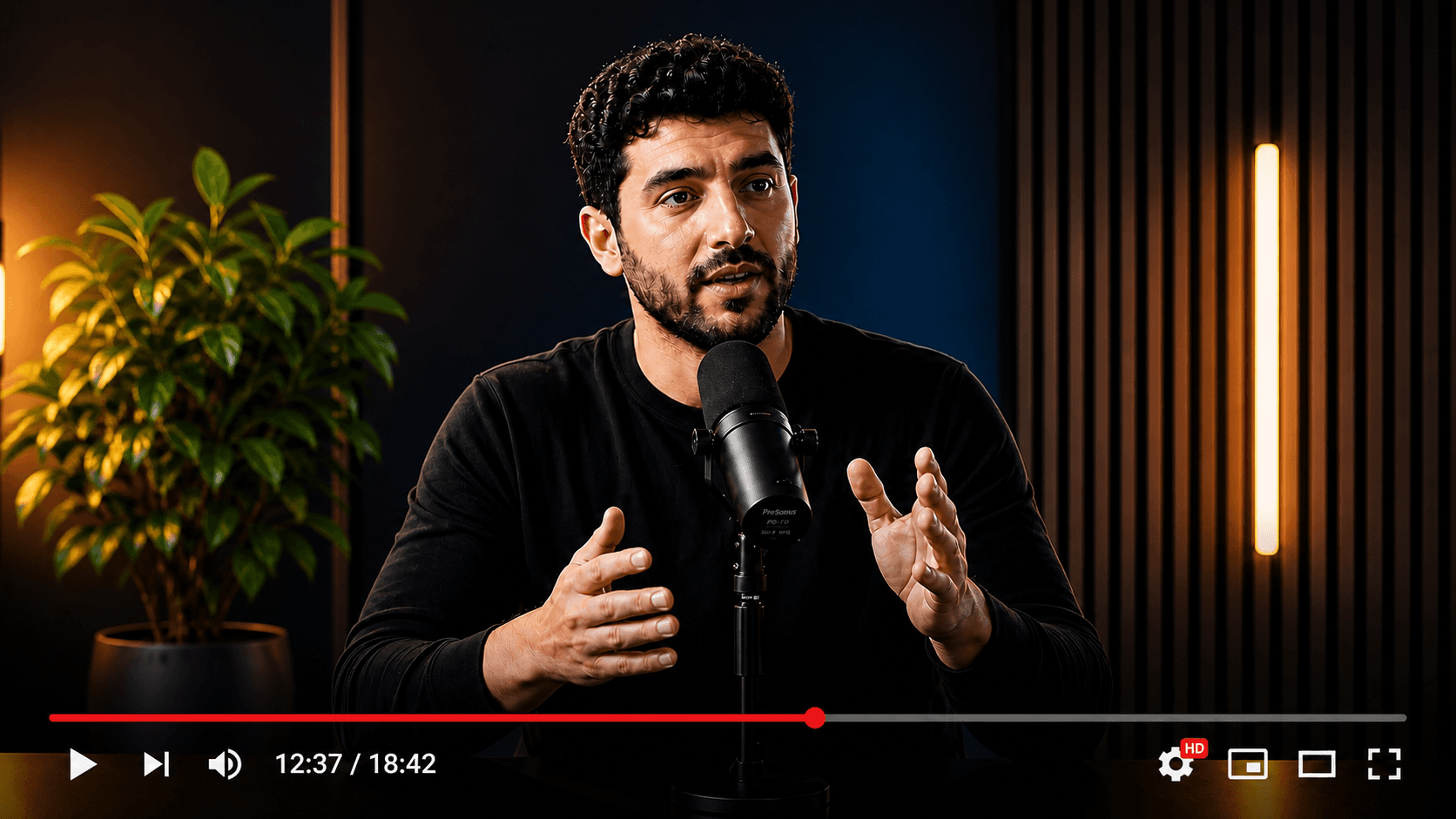
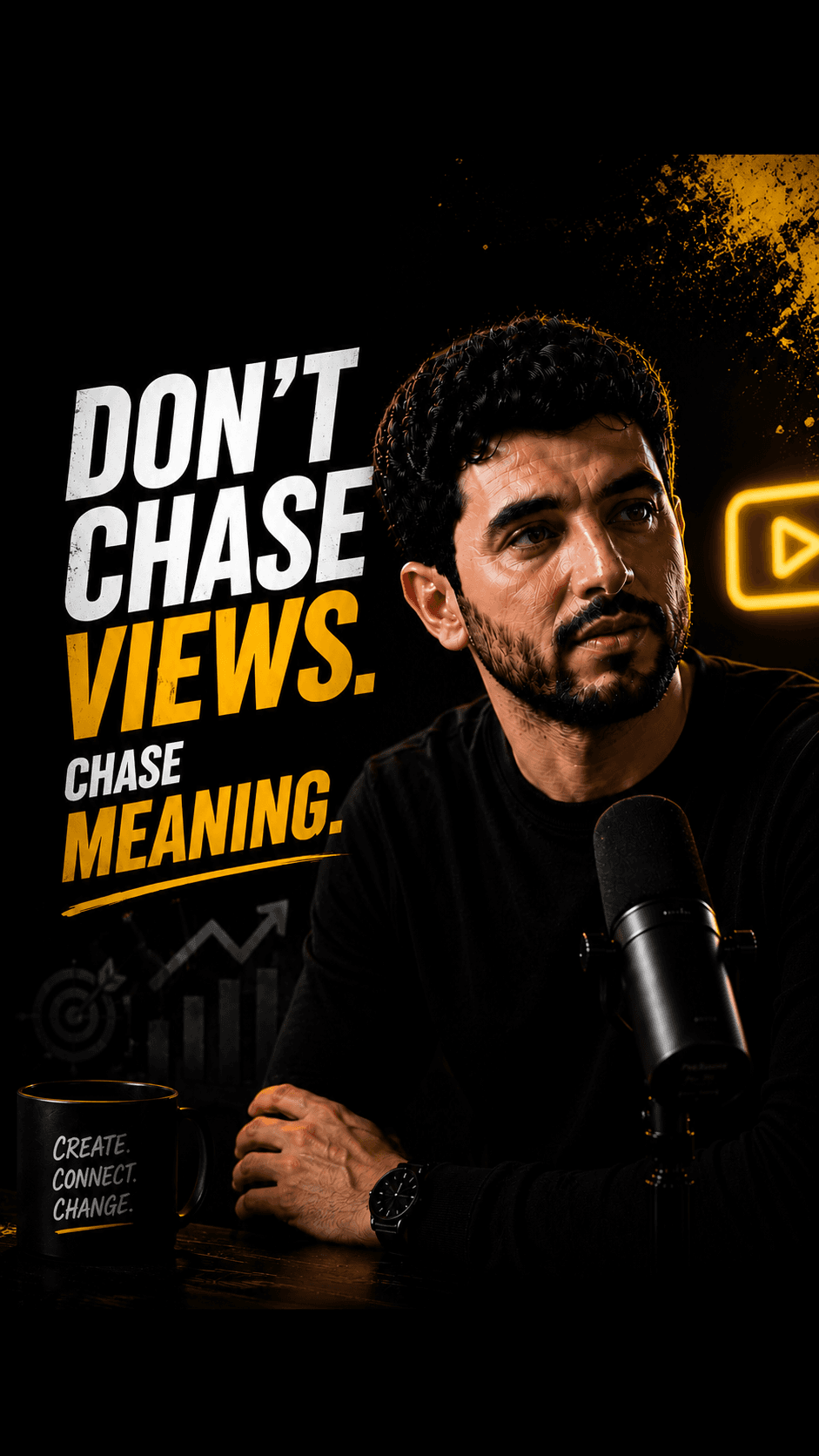
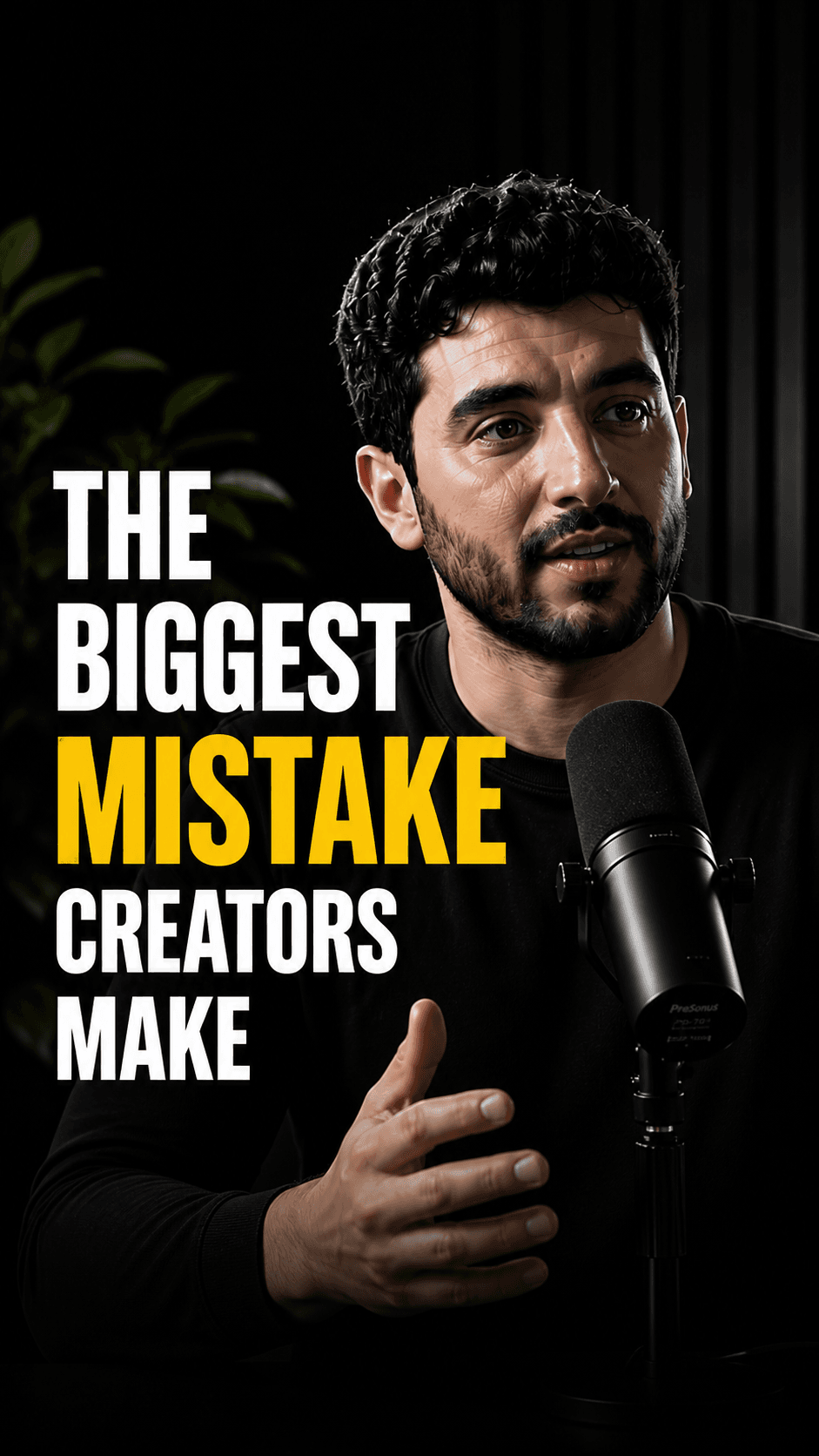

Publish months of content in minutes
HypeNest automatically extracts the most engaging moments from your video to convert single uploads into a full library of Shorts, Reels, and TikToks.
AI Context Analysis
We don't just cut randomly. Our AI analyzes your speaker's hooks, emotional spikes, and cadence to create perfect standalone narratives that retain viewers.
- Identifies peaks in engagement
- Ensures logical start and endpoints
- Scores each clip by virality potential
Auto Reframe (9:16)
Advanced face-tracking ensures the speaker is always centered. Say goodbye to manual keyframing and tedious cropping for vertical formats.
Dynamic Subtitles
Instantly add eye-catching captions. Designed to boost retention rates on platforms where viewers often scroll without sound.
- Highly accurate transcription
- Multiple caption themes & animations
- Auto-highlighting of bold words
RETENTION
RATE
From long-form to viral factory
Stop manually editing out silent pauses or digging for highlights.
Drop your video
Paste your YouTube video URL or upload any video file directly. We handle large files and high resolutions with ease.
AI Extracts & Reframes
Our models analyze the flow of your video, trimming perfection, tracking faces, and embedding dynamic subtitles natively.
Export & Post
Download perfectly formatted clips to your device, or schedule them directly in 1-click to TikTok, Shorts, and Instagram Reels.
Tell the AI which moments you want
Clip focus is an optional prompt on the upload settings step: what should the Shorts be about? Leave it empty and HypeNest picks the strongest moments as usual.
- Describe the moments in your words
- For example: money tips anyone can use today, or the most heated part of the debate. Moments that match are picked first.
- The rest are still the best
- If the video has fewer matching moments than the clips you asked for, the remaining clips are its strongest other moments.
- Grouped on the project page
- Matching clips sit under From your request, the others under More from this video. If nothing fits, the project says so and shows the best moments instead.
- Only the picks change
- Titles, descriptions and hooks are written the same way as without a prompt.
Stop wasting hours, start scaling fast.
Editing a single short-form clip manually takes up to 45 minutes of finding loops, aligning captions, and tracking faces.
The complete content copilot.
All in one workspace.
HypeNest gives you the tools to optimize, schedule, and scale Shorts and TikTok from one workspace — with review before you publish.
AI SEO Metadata
Instantly generate optimized titles, descriptions, and relevant tags.
AI Repurposing
Turn long-form YouTube videos into highly engaging TikToks & Shorts.
Content Calendar
Queue and schedule reviewed posts for YouTube and TikTok from one calendar.
AI Thumbnails
Generate eye-catching, high-converting video thumbnails to maximize your CTR.
Frequently Asked Questions
Everything you need to know about generating AI clips.
Free tool
Want to try clipping from a YouTube link first?
This page explains the AI Clips product feature. For a free long-to-shorts entry point — paste a link, review candidates, export — use the free AI clip generator.
Open free AI clip generatorDemos, gameplay or reactions? AI Vision also reads what is on screen.