
Free AI Long-to-Shorts Generator
Paste a long video link. Get Shorts-ready clips with subtitles — review first, then publish.
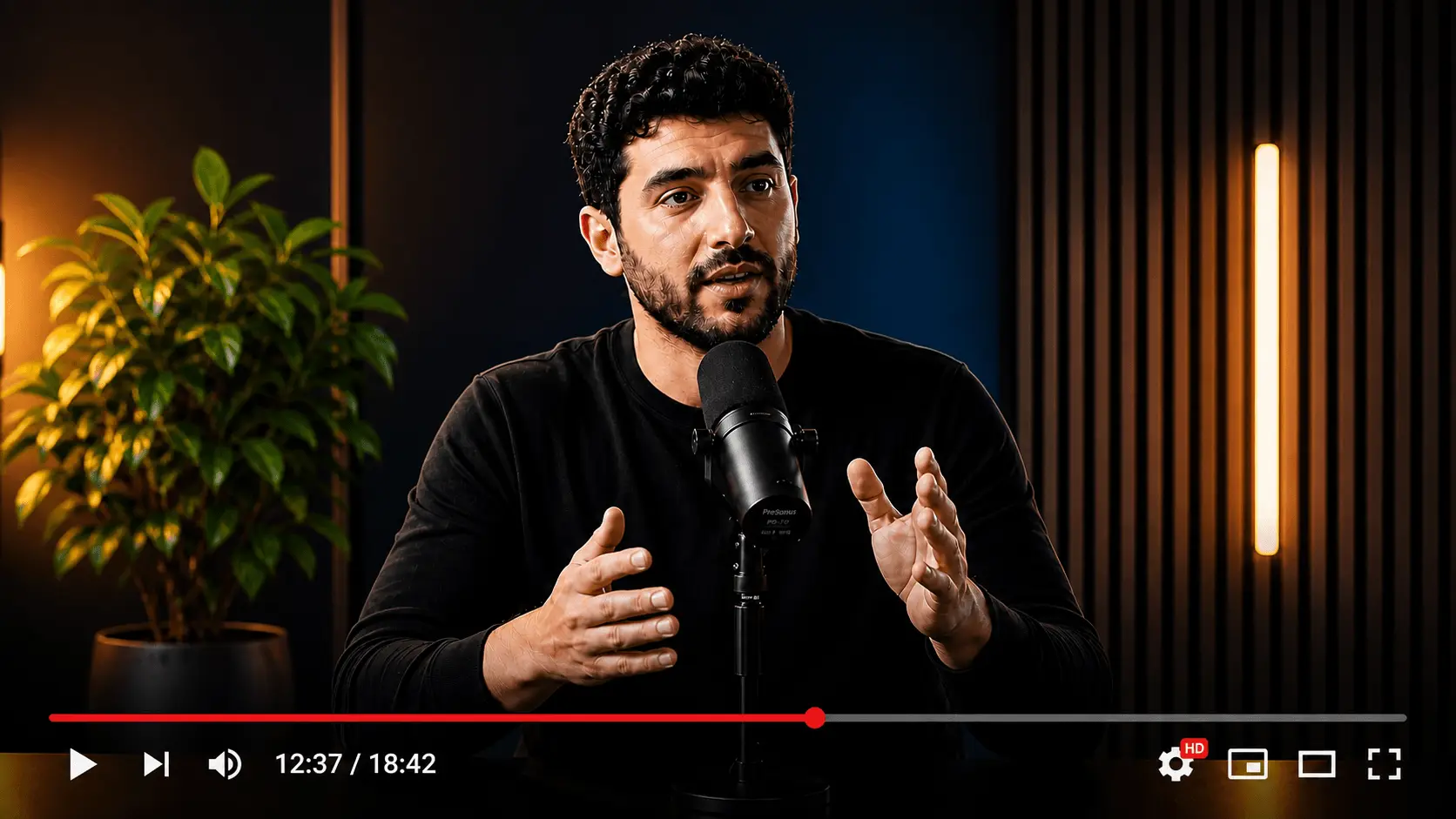
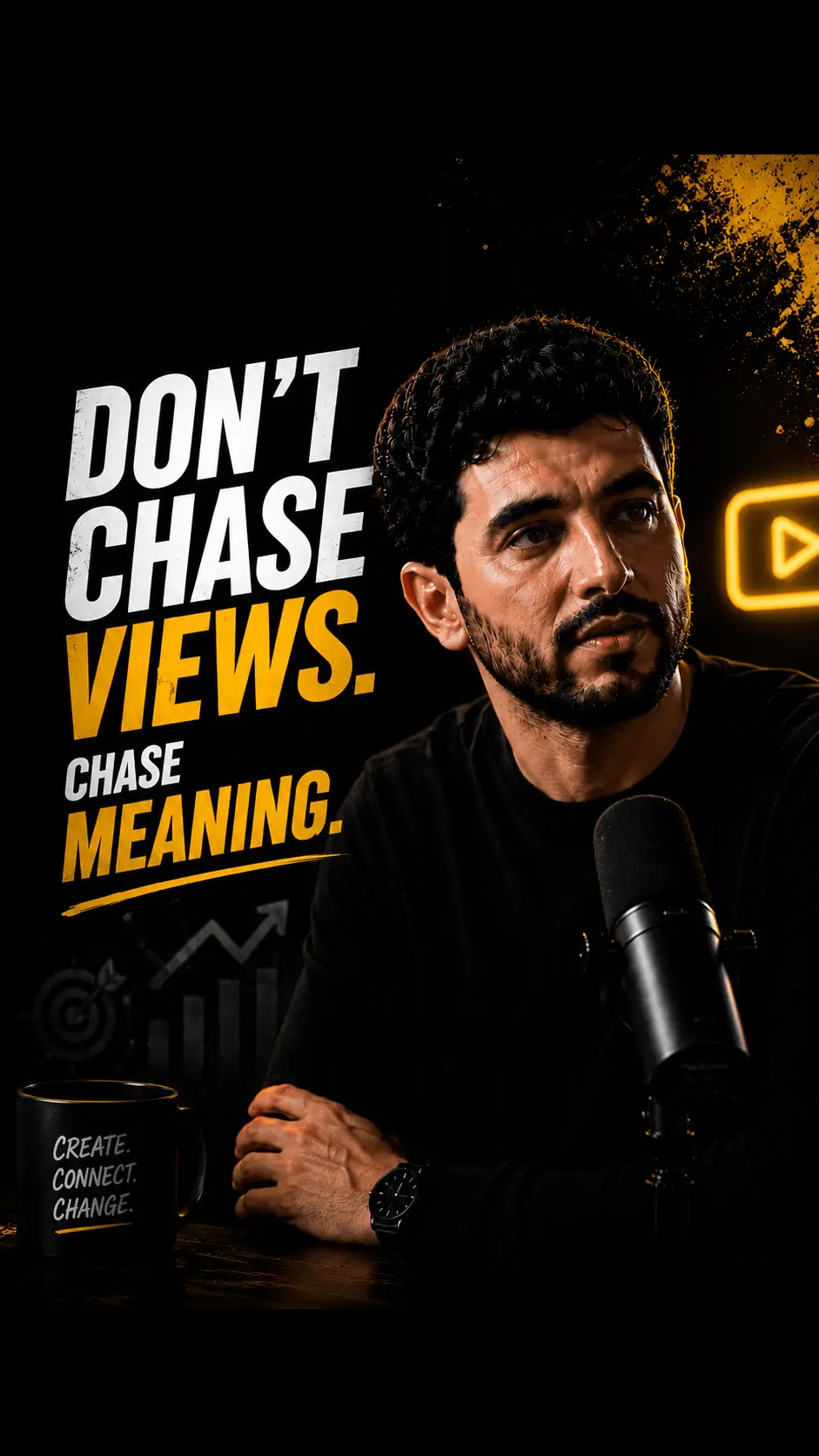
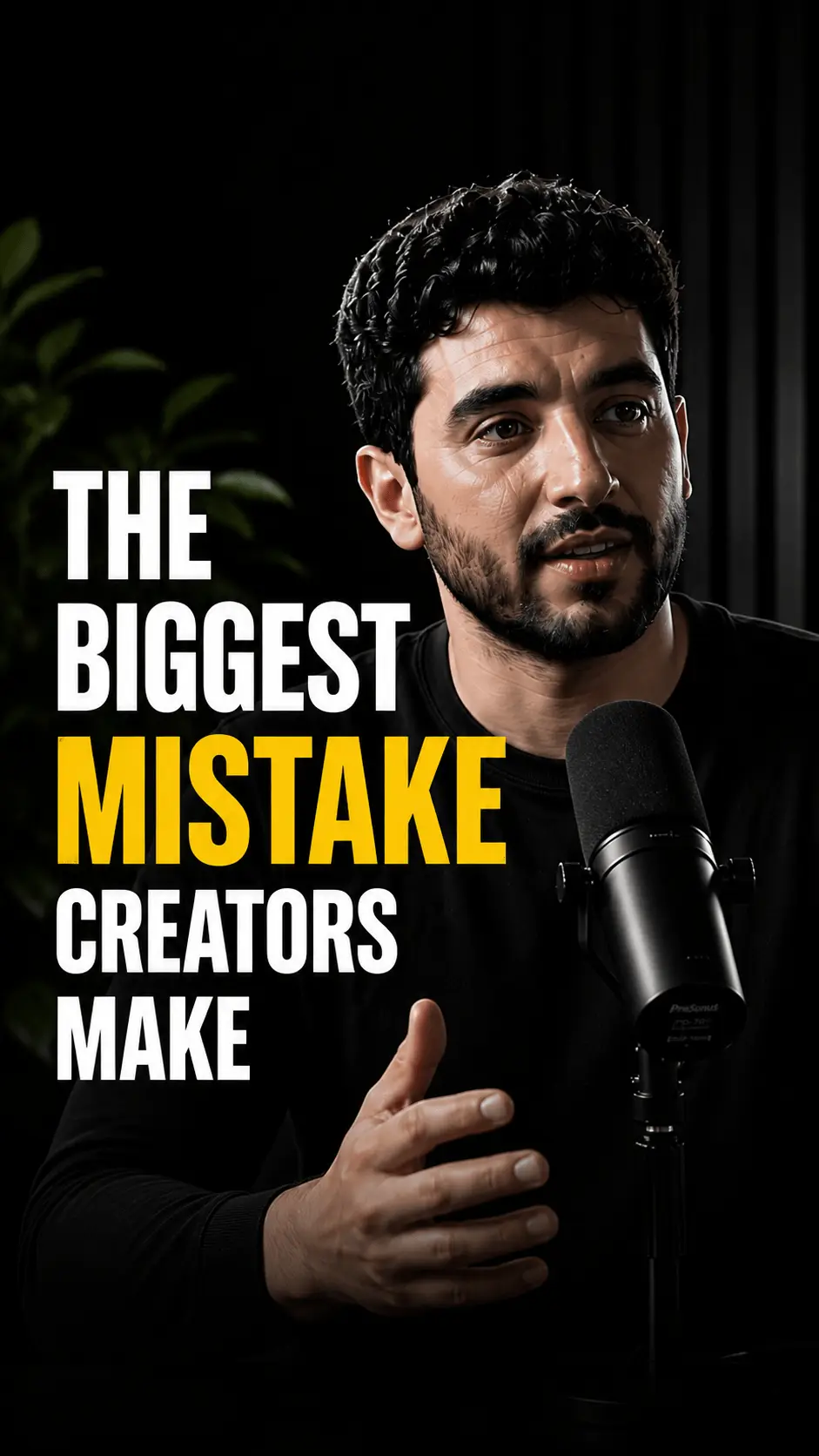

Built for creators who already film long-form
Podcasts, tutorials, webinars, and interviews already have the depth. This tool turns that depth into a reviewable batch of vertical clips: free, watermark-free, and ready for Shorts or TikTok.
Clip candidates, not random cuts
The free AI clip generator looks for complete thoughts: hooks, punchy answers, and tutorial steps that make sense alone. You get a shortlist to approve, not a pile of mid-sentence slices.
- Opens on a clear reason to keep watching
- Ends on a finished idea or a clean cliffhanger
- Built for 30-60 second Shorts runtimes
Vertical packages for every feed
Each candidate is reframed to 9:16 for YouTube Shorts, TikTok, and Reels. Speaker and action stay in frame so you are not keyframing crops in Premiere after every upload.
Captions that work on mute
Subtitles ship on every clip so mobile viewers can follow without sound. Exports leave with no watermark: clips look like they belong on your channel, not a free-tool watermark farm.
- Burned-in captions for mute-first feeds
- No HypeNest branding on exports
- Readable type sized for phone screens
without
sound
Three steps from link to Shorts batch
No blank timeline. No re-exporting the same cuts for TikTok and YouTube. Start from a link and finish on a review board.
Paste a public YouTube link
Or open the app and upload a file. No timeline project to set up. The source link is enough to start a free long-to-shorts pass.
AI drafts a batch of vertical clips
Audio is transcribed, topic shifts are mapped, and the strongest moments are cut into 9:16 candidates with subtitles already applied.
Approve, polish, then publish
Reject weak options in seconds. Keep the winners, tweak if needed, and schedule to YouTube and TikTok from one review screen.
Less timeline work. More posts shipped.
Manual long-to-shorts is mostly rewatching, cropping, and captioning. The free clip generator front-loads that draft work so you only decide what goes live.
Free tool vs product feature
This page is the free long-to-shorts entry
Use this tool when you want to paste a YouTube link, review AI clip candidates, and export watermark-free Shorts. Prefer a product overview of clipping inside HypeNest (hooks, reframing, captions, and the full publish workflow) on the AI Clips feature page instead.
Same capability family · different search intent
Guide
Turn long videos into Shorts automatically
Learn more
A free AI clip generator is a tool that analyzes a long-form video — a podcast, YouTube upload, webinar, or interview — and automatically extracts short, high-retention moments as vertical 9:16 clips with subtitles for YouTube Shorts, TikTok, and Reels, so creators can publish multiple short-form posts from a single source recording.
HypeNest goes beyond simple time-slicing: it transcribes the audio, identifies complete thoughts, hooks, and quote-worthy lines, then proposes 6–10 clip candidates per 60-minute source video. Each candidate is reframed to 9:16, auto-subtitled for mute-first viewing, exported with no watermark, and held for review before anything goes live.
The optimal Shorts runtime is 30–60 seconds — long enough to deliver one useful idea, short enough to retain viewers past the 3-second drop-off. Captioned Shorts typically see 35–40% longer watch time than uncaptioned ones, which is why subtitles ship by default in HypeNest.
Creators, podcasters, educators, and B2B marketers use HypeNest to build a steady Shorts cadence without hiring an editor. One upload becomes a week of vertical clips, each linking back to the full video to convert short-form viewers into subscribers, leads, or course buyers.
Long-form video is where depth lives. Short-form is where discovery happens. The gap between them is editing time: most creators do not have an extra three hours after every upload to scrub timelines, cut dead air, crop speakers, write captions, and export platform-specific files.
Repurposing one podcast, tutorial, webinar, or interview into five to ten vertical clips can multiply reach without multiplying filming. The hard part is choosing which moments will hold attention in the first seconds on a fast, mute-heavy feed.
A good AI clip generator removes the work that usually kills consistency. Instead of starting from a blank timeline, you start from AI-selected candidates: hooks, quote moments, tutorial steps, product demos, and Q&A answers that already have enough context to work as Shorts.
That matters for SEO and discovery. More useful clips give YouTube and TikTok more chances to understand your topic, test your content with new audiences, and route viewers back to the long-form video when the clip creates curiosity.
• Turn long YouTube videos into Shorts with AI without manual timeline editing • Extract hooks from podcasts, interviews, tutorials, and commentary automatically • Ship 9:16 vertical clips with burned-in captions for YouTube Shorts, Reels, and TikTok • Generate TikTok clip candidates from the same source upload used for Shorts • Review every clip before publishing — nothing goes live without your approval • Schedule clips across YouTube and TikTok from the same review screen • Export Shorts-ready clips with no watermark — no upgrade required to remove branding
Paste a public YouTube URL, or upload a file directly in the app. HypeNest analyzes the video, transcribes the audio, maps topic shifts, and proposes vertical cuts sized for mobile feeds.
The analysis goes beyond silence detection or fixed time intervals. HypeNest looks for complete thoughts, punchy one-liners, useful tutorial steps, emotional peaks, and answers that make sense without forcing the viewer to watch the full source first.
Each suggested clip includes subtitles so viewers can follow along without sound. Exports ship without a HypeNest watermark, so clips look native on your channel. You can review clips, titles, descriptions, thumbnails, and publishing details on one page, then choose what to publish to YouTube and TikTok.
The best workflow is simple: paste the link, let the AI build a draft batch, reject weak clips quickly, polish the winners, and schedule them while the original video is still fresh.
A YouTube Shorts generator and a TikTok clip generator solve the same basic problem, but the review criteria are slightly different. Shorts can benefit from searchable titles and descriptions that connect back to your channel. TikTok often rewards a more immediate opening line, stronger on-screen captions, and conversational framing.
HypeNest keeps the source video, transcript, clips, and publishing package together so you are not rebuilding the same asset twice. One upload can produce a Shorts batch for YouTube and a TikTok-ready set from the same review pass.
Every candidate is formatted for vertical 9:16 viewing, with subtitles included by default. That keeps the output closer to publish-ready than a raw video cutter or a generic video-to-shorts converter.
• 9:16 vertical reframing for YouTube Shorts, TikTok, and Instagram Reels • Auto-captions optimized for mute-first viewing on mobile feeds • Convert long video to YouTube Shorts with AI in one click • Best TikTok clip maker for podcasters, educators, and B2B marketers • Review-first publishing for YouTube and TikTok from a single screen
Podcasters can turn hour-long episodes into quote clips without scrubbing the whole conversation. Educators can split lessons into study-sized segments. Agencies can batch client deliverables from one source upload. Marketing teams can repurpose webinars and demos into a week of social proof.
If you already publish long-form on YouTube, an AI clip generator is the fastest path to a consistent Shorts cadence without hiring an editor for every upload. The source work is already done; the missing piece is turning the best moments into short, captioned clips.
Interview-heavy formats are especially well suited. A guest's best answer in thirty seconds often outperforms a generic two-minute teaser. Tutorial creators benefit when a single step, framed correctly, becomes a searchable Short that drives traffic to the full walkthrough.
B2B teams also benefit because demos, founder videos, customer calls, and conference talks often contain highly specific moments that are hard to find manually but valuable once clipped: one objection handled, one feature shown, one customer result explained.
Not every AI clip generator produces publish-ready output. Tools that slice videos into equal-length segments create clips that start mid-sentence, lose context, or end before the payoff. Viewers swipe away in seconds, and the repurposing effort backfires.
Strong clips open with a hook in the first two seconds: a question, a bold claim, a useful promise, or a visual change that signals something worth watching. They end on a complete thought or a deliberate cliffhanger that points back to the full video.
Captions should be readable at phone scale, synced tightly to speech, and placed where they do not cover faces, product UI, or key visuals. The crop should follow the speaker or the action, not blindly center the original 16:9 frame.
HypeNest optimizes for these quality signals during generation. Clips are framed for 9:16, subtitled for mute-first feeds, and built around moments that can make sense to someone who never saw the original upload.
• The first line gives a viewer a reason to keep watching past the 3-second hook • The clip has enough context to stand alone without the surrounding video • The ending resolves the thought or creates a clean reason to watch the full upload • Burned-in captions are readable on a phone screen and do not block faces or UI • 9:16 reframing follows the speaker or action instead of centering the original 16:9 frame
The most sustainable repurposing strategy treats clipping as part of your weekly ritual — not a one-off experiment. After each long-form upload, block thirty minutes to review AI-generated clips, schedule two or three for the coming week, and bank the rest for slower periods.
Spacing clips across days keeps your Shorts feed active without flooding subscribers. Pair each clip with a title and description generated from the same source video so metadata stays aligned with what viewers hear on screen.
Track which clip styles perform best for your niche: hot takes, how-to snippets, behind-the-scenes moments, or guest quotes. Over time, you will recognize patterns in the AI suggestions you approve most often and can steer your long-form content toward more clip-friendly moments.
HypeNest's free AI clip generator lets you paste a link, review watermark-free output, and build the Shorts habit without adding another subscription to your stack.
• Review AI-generated clips within 24 hours of your long-form upload while context is fresh • Repurpose one YouTube upload into a week of Shorts and TikTok content • Schedule vertical clips on alternating days to maintain presence without oversaturation • Link back to the full video in descriptions to convert Shorts viewers into subscribers • Track which AI clip styles get approved most often and steer long-form toward those moments
AI should create drafts, not remove judgment. Before publishing, check whether the clip starts cleanly, whether the subtitles are accurate, and whether the viewer can understand the setup without the missing minutes around it.
Then check platform fit. For YouTube Shorts, make sure the title and description help search and channel discovery. For TikTok, make sure the first caption line and spoken hook feel native to the For You feed rather than copied from a long-form upload.
Finally, look for repetition across the batch. Ten clips from one video are useful only if they give the audience ten distinct reasons to care. A strong review workflow keeps the best moments, cuts the near-duplicates, and publishes with intent.
To turn a long YouTube video into Shorts with AI, paste the video URL into HypeNest, let the tool transcribe the audio and identify high-retention moments, then review 6–10 suggested 9:16 clips with auto-captions. Approve the strongest candidates, edit titles and descriptions, and publish to YouTube Shorts and TikTok from the same review screen.
The workflow takes minutes because HypeNest handles the work that usually kills consistency: re-encoding to 9:16 vertical framing, tracking the active speaker for face-aware crops, generating burned-in subtitles, and proposing titles that match the on-screen hook.
Most creators get the best results by aiming for 30–60 second Shorts pulled from complete thoughts — a tutorial step, a hot take, a guest quote, or a Q&A answer — rather than fixed-length cuts. Complete thoughts retain viewers past the 3-second drop-off far better than mid-sentence slices.
After publishing, link each Short back to the full upload in the description and pinned comment. Shorts that resolve a single idea and tee up the longer video consistently outperform clips that try to summarize everything at once.
• Paste a public YouTube URL — no download required — and start clipping in under a minute • Generate 6–10 Shorts-ready clips from a typical 60-minute source video • Approve, edit titles, and publish to YouTube Shorts and TikTok from one review screen • Use the full-video link in the Short description to convert viewers into long-form subscribers
An AI podcast clip generator scans the episode transcript, finds self-contained quotes, hot takes, and complete answers, then exports each as a vertical 9:16 video with burned-in captions. A 60–90 minute episode typically yields 6–10 publish-ready clips, each anchored to a timestamp so listeners can jump straight to the full moment in your feed.
Podcasts are an ideal source format because interview-heavy transcripts give the AI clear, self-contained answers to extract. A guest's best 45-second answer usually outperforms a generic two-minute teaser because it lands as a complete thought rather than a fragment.
HypeNest handles the caption styling, the active-speaker reframing, and the 9:16 crop automatically, so the output feels native to Shorts, Reels, and TikTok rather than a letterboxed re-upload of horizontal audio. Each clip is held for review before publishing so you can edit names, brand terms, and timestamps.
For a weekly podcast, the cadence that works is one long-form episode plus 5–10 quote clips spread across the week. That rhythm keeps the show discoverable without forcing the host to re-edit every segment by hand.
• Turn a 60–90 minute podcast episode into 6–10 vertical quote clips with auto-captions • Pull self-contained answers, hot takes, and guest highlights straight from the transcript • Burned-in subtitles and 9:16 reframing built for Shorts, Reels, and TikTok • Edit names, brands, and timestamps in the review screen before any clip goes live
Definition
What is AI clip generator?
An AI clip generator is a tool that analyzes a long-form video — a podcast, YouTube upload, webinar, or interview — and automatically extracts short, high-retention moments as vertical 9:16 clips with subtitles, so creators can publish multiple Shorts, TikToks, and Reels from a single source recording. It typically proposes 6–10 clip candidates per 60-minute source video, with auto-captions and a review step before publishing.
Audiences
Who uses this tool
Podcasters
Turn each episode into 5–10 quote clips without scrubbing timelines or rebuilding edits.
Content creators
Turn one YouTube upload into Shorts and TikTok drafts that keep your posting cadence active.
YouTube educators
Split lectures into study-sized Shorts that drive subscribers back to the full lesson.
Agencies
Batch client clip deliverables from a single source upload — review and approve in one screen.
Social media managers
Cross-post vertical clips to YouTube Shorts and TikTok from one review pass, not two exports.
Marketing teams
Repurpose webinar recordings into a week of B2B social proof clips without briefing an editor.
Online educators
Extract chapter-sized highlights from long tutorials for discovery feeds between course launches.
SaaS brands
Turn product demos, webinars, and release walkthroughs into short feature clips with captions.
Examples
What creators clip with HypeNest
Podcast highlight reels from 90-minute episodes — 6–8 quote clips with burned-in captions
Tutorial shortcuts from 20-minute how-to uploads — one tip per Short for playlist cross-promotion
Interview quotes for LinkedIn and TikTok — speaker name in the hook, 45-second max runtime
Webinar takeaways for B2B social channels — problem/solution framing pulled from Q&A segments
SaaS demo clips showing one feature per Short — timestamp overlays linking back to full walkthrough
Conference talk moments clipped for pre-event promotion — speaker credibility in the first line
Course lesson teasers — 30-second previews that end on a chapter cliffhanger
Agency batch deliverable: 10 clips from one client podcast, spaced across Mon–Thu posting
More tools
Related tools
Clip first, then package the full release:

AI Content Generator for YouTube
Upload one long video and get clips, titles, descriptions, thumbnails, and publish-ready posts for YouTube and TikTok.

YouTube Title Generator (AI)
Generate click-worthy YouTube titles from your video. Paste a link, get scored title options for Shorts and long-form in minutes.

Instagram Reel Caption Generator (AI)
Generate Reel and Shorts captions from your video. Paste a link for hooks, emojis, and hashtags you can edit before post.
Looking for the product overview? Open the related feature page.
FAQ
No. You pick clips inside HypeNest, tweak if needed, and publish from the same flow.
Public YouTube URLs. Upload directly in HypeNest if you have a file instead.
Yes. Paste a YouTube link for the fastest start, or open HypeNest and upload a video file directly.
Yes. HypeNest formats clips for short-form platforms and lets you review the YouTube and TikTok package before publishing.
No. HypeNest exports Shorts-ready clips with no watermark, so your videos look native on YouTube, TikTok, and Reels.
It depends on length and content density. A strong long-form upload often produces 5–10 Shorts-ready clip candidates, and dense podcasts, webinars, and interviews can produce more.
Yes. Clips include burned-in subtitles suited for mute-first viewing on YouTube Shorts, Reels, and TikTok. You should still review names, technical terms, and brand-specific language before publishing.
Yes. HypeNest's free AI clip generator lets you paste a YouTube link or upload a file, review the suggested 9:16 clips, and export Shorts-ready videos with no credit card required.
Yes. HypeNest reframes generated clips to vertical 9:16 so they are ready for YouTube Shorts, TikTok, and Instagram Reels without additional cropping or re-encoding.
A normal cutter gives you editing controls. HypeNest starts by finding likely high-retention moments in the transcript, adds auto-captions, formats for short-form feeds, and keeps review plus publishing in one workflow.
Yes. Podcasts, interviews, tutorials, webinars, course lessons, and product demos are strong source formats because they contain self-contained answers, tips, quotes, and demonstrations that translate well to Shorts.
The best AI clip generator in 2026 finds complete, self-contained moments rather than slicing fixed time intervals, reframes to 9:16, and adds readable captions in one workflow. HypeNest combines transcript-based moment selection, auto-subtitles, and a review-before-publish gate for YouTube Shorts and TikTok.
Yes. HypeNest's free AI video clipper has no watermark on output and no credit card required. Paste a YouTube link or upload a file, review the suggested clips, and export Shorts-ready vertical videos.
The best AI clip generator for YouTube Shorts produces 9:16 vertical clips with auto-captions, suggests titles and descriptions, and keeps you in review control. HypeNest analyzes the transcript, picks 30–60 second moments, and ships publish-ready Shorts that drive viewers back to the long-form upload.
To clip long videos with AI, paste the source URL or upload a file, let the tool transcribe the audio and identify self-contained moments, then review the candidate clips. HypeNest typically generates 6–10 Shorts-ready clips from a 60-minute source video in a few minutes.
The best AI clip generator for TikTok produces 9:16 vertical clips with hook-first captions, keeps the runtime under 90 seconds, and lets you batch-publish. HypeNest's review-first workflow and TikTok-native caption style help clips feel native to the For You feed.
Yes. An AI podcast clip generator works well for interview-heavy formats because transcripts give the AI clear, self-contained answers to extract. A 60-minute podcast typically yields 6–10 quote clips with burned-in captions ready for YouTube Shorts, Reels, and TikTok.
Yes. HypeNest generates burned-in captions by default because mute-first feeds drive most Shorts, Reels, and TikTok views. You can edit wording, fix brand terms, and adjust placement before publishing to make sure technical names and product references read correctly.
Start for free
Upload one video. Get watermark-free clips, titles, descriptions, and thumbnails. Publish when you're ready.