
The Clipchamp Alternative for Shorts from Long Video
Clipchamp is a good editor. It stops being the right tool when your week is spent scrubbing hour-long recordings for clips, one timeline at a time.
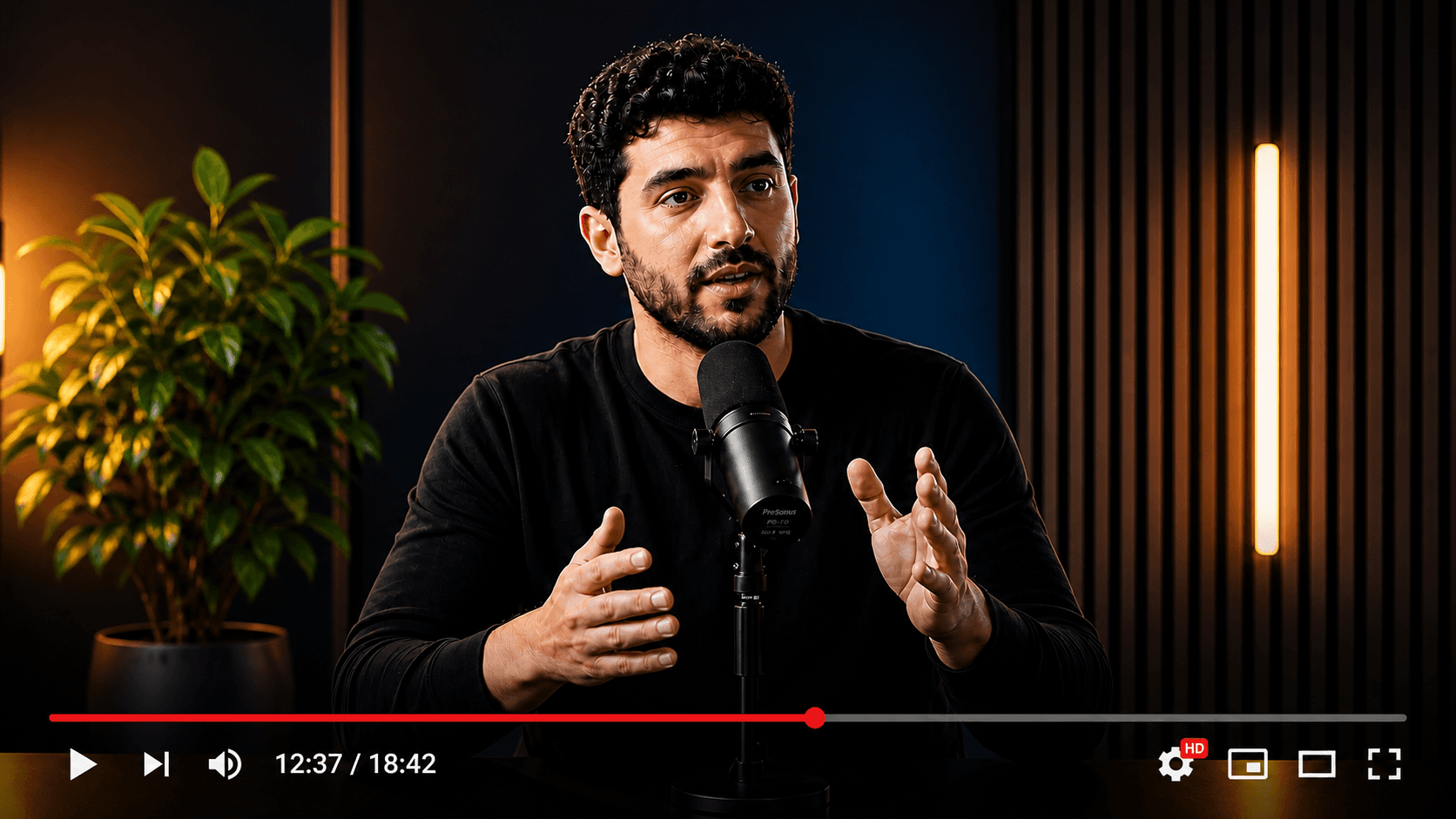
Your source video
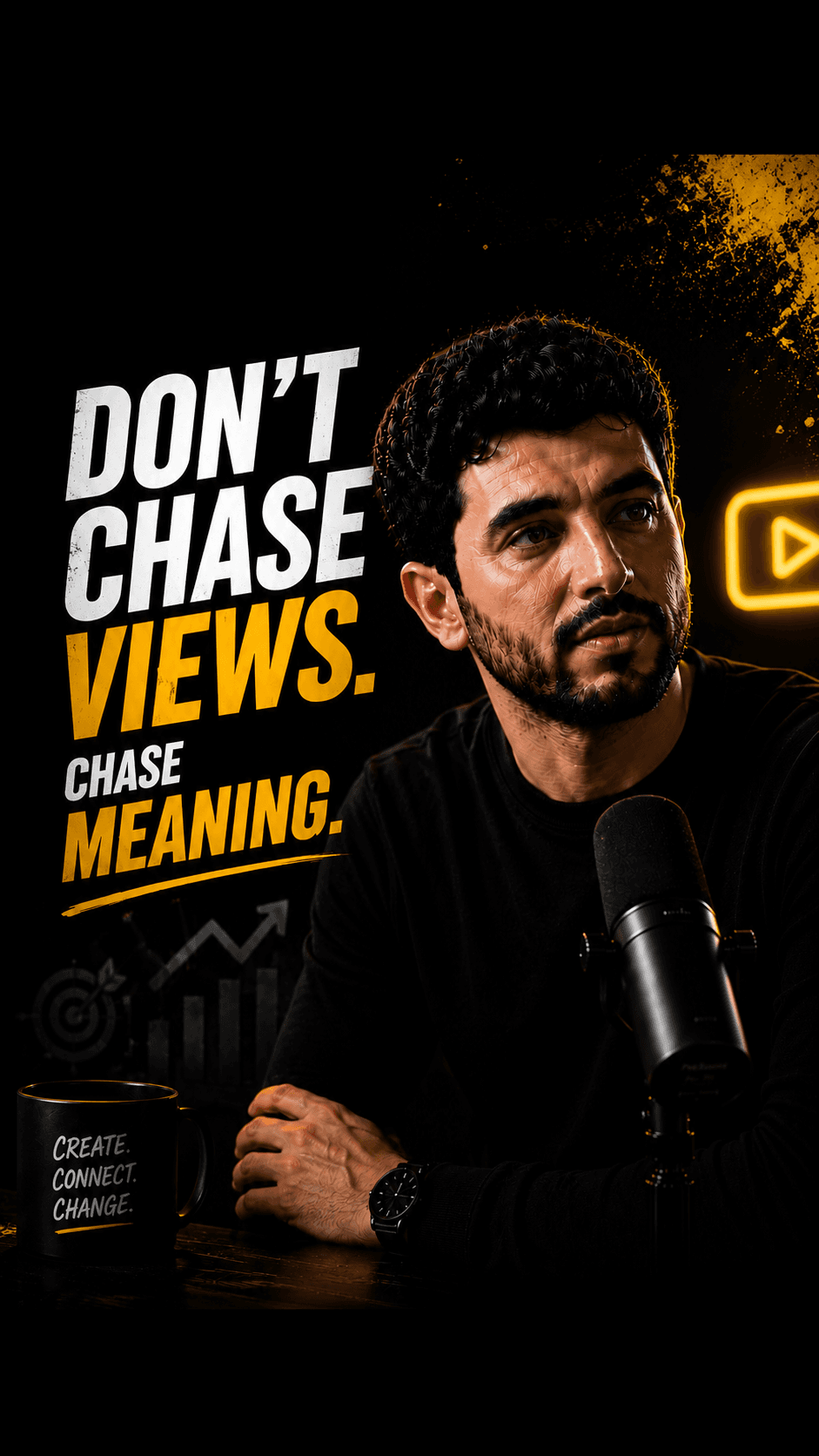
Multiple publish-ready clips


People rarely leave Clipchamp as an editor; they move one job out of it: long-to-short.
HypeNest proposes up to 10 vertical clips per generation from one upload.
HypeNest has a free plan — no credit card required — plus paid Lite, Starter, and Pro tiers; see /pricing for details.
Direct publish is live for YouTube and TikTok only. Instagram, LinkedIn, and Facebook are not live publish targets.
Where your Clipchamp hours go
Sort last month's projects into three rows. The row with the most hours tells you what to move.
- Keep in Clipchamp
- Videos you build from pieces: screen recordings, template promos, narrated explainers with text to speech, anything with stock or green screen.
- Move to HypeNest
- Shorts cut from one finished long recording, where most of the time goes into finding moments and writing titles.
- Run both
- Webinars and talks: edit the full replay in Clipchamp, send the same file to HypeNest for the YouTube and TikTok Shorts.
Pain points
Why people look for a Clipchamp alternative
Finding clip-worthy moments in a long recording means scrubbing the whole timeline.
Each Short is its own project: split, reframe to 9:16, caption, export, repeat.
Auto compose makes one montage from your media, not a set of separate Shorts.
Titles, descriptions and thumbnails still get written outside the editor.
There is no approval step between an exported file and a live post.
Comparison
What you get on each side
With Clipchamp
Clipchamp
Microsoft's timeline editor in the browser and on Windows: recording, templates, stock, AI subtitles, text to speech, silence and noise removal, background removal, auto compose, 4K export on Premium, and a work version inside Microsoft 365.
The switch is narrow on purpose: you move the long-to-short queue, not your whole video production. Clipchamp stays useful for everything HypeNest does not do.
With HypeNest
HypeNest
One long video in, a reviewed shortlist of vertical clips out, each with captions, title, description and thumbnail. Brand kit for caption style. Direct publish to YouTube and TikTok after approval.
- HypeNest starts from one long source: an upload up to 5 GiB and 5 hours, or a link up to 3 hours. AI proposes vertical clips of 10 to 180 seconds with burned-in captions and silence removal. Paid plans add AI Vision, which reads the picture as well as the transcript.
- Every clip arrives with a drafted title, description and thumbnail. Nothing goes live until you approve it, and direct publish is live for YouTube and TikTok. Scheduled publishing is on paid plans.
Feature breakdown
Clipchamp vs HypeNest for Shorts from long video
| Category | HypeNest | Clipchamp | Why it matters |
|---|---|---|---|
| Job | One long video into many reviewed Shorts | General editor: build any video on a timeline | Move only the job that overlaps |
| Finding clips | AI shortlist, up to 10 clips per generation | Manual scrubbing; auto compose makes one montage | The hours you want back |
| Packaging | Title, description and thumbnail drafted per clip | Written by you outside the edit | Unpackaged clips do not ship |
| Production tools | None: no recording, templates, stock or voiceover | Recorder, templates, stock, text to speech | Why Clipchamp stays in the stack |
| Review | Review-before-publish is the default — nothing goes live without approval | Export when you decide | Brand and client safety |
| Publish | Direct publish live for YouTube and TikTok only today | Export or listed share integrations; verify | Fewer copy-paste steps |
| Price | Free plan; Lite $6/mo, Starter $15/mo, Pro $27/mo (annual from $5/mo) | Free plan; Premium via Microsoft 365 Personal and Family; work access via business plans. Verify on their site | Total cost of the workflow |
Decision guide
Is this the right switch?
Switch if…
Switch if…
- You clip the same weekly podcast, webinar or class into Shorts.
- Scrubbing and splitting takes longer than deciding which clips are good.
- You want a title and thumbnail ready next to every clip.
- Someone must approve each post before it reaches YouTube or TikTok.
Stay if…
Stay with Clipchamp if…
- Your videos are assembled from recordings, photos, templates and stock.
- You rely on AI text to speech or faceless narration.
- Your company manages video through Clipchamp for work and SharePoint.
- You need Instagram, LinkedIn or Facebook publishing: HypeNest does not publish there.
Action plan
How to switch without losing anything
Step 01
Leave your Clipchamp projects, templates and brand kit where they are.
Step 02
Take the long recording you clipped most recently in Clipchamp and upload it to HypeNest on the free plan.
Step 03
Set up a HypeNest brand kit for captions, then review the shortlist until you would publish three clips.
Step 04
Compare the time with your last Clipchamp session. Move the recurring long-to-short work only if it is clearly faster.
How we checked
Last verified:
Clipchamp facts come from its public plans, features and Clipchamp for work pages and from Microsoft Support articles, all checked on 2026-09-28 without a paid Clipchamp or Microsoft 365 account.
We could not verify export quality, caption accuracy on real footage or how the YouTube and TikTok share integrations behave today. HypeNest facts come from our live plans page. Plans on both sides change, so re-check before you switch.
Quick answer
Move your Shorts work to HypeNest when the source is a finished podcast, webinar or long YouTube video and you are tired of cutting each clip by hand in Clipchamp. Keep Clipchamp for anything you build from recordings, templates, stock or text to speech; HypeNest is for the clipping job only.
The complete content copilot.
All in one workspace.
HypeNest gives you the tools to optimize, schedule, and scale Shorts and TikTok from one workspace — with review before you publish.
AI SEO Metadata
Instantly generate optimized titles, descriptions, and relevant tags.
AI Repurposing
Turn long-form YouTube videos into highly engaging TikToks & Shorts.
Content Calendar
Queue and schedule reviewed posts for YouTube and TikTok from one calendar.
AI Thumbnails
Generate eye-catching, high-converting video thumbnails to maximize your CTR.
Questions