
Hook voice-over
The first second, said out loud. Before anyone scrolls past.
Text on screen is easy to miss on a muted autoplay and easy to skip with sound on. Hook voice-over puts an AI voice on the opening of your clip that reads the hook aloud, then hands over to the original audio.
- AI-written hook or your own
- 12 voices, 6 female and 6 male
- Lower the original or freeze the first frame
- On upload, in the editor or as its own tool
What you control
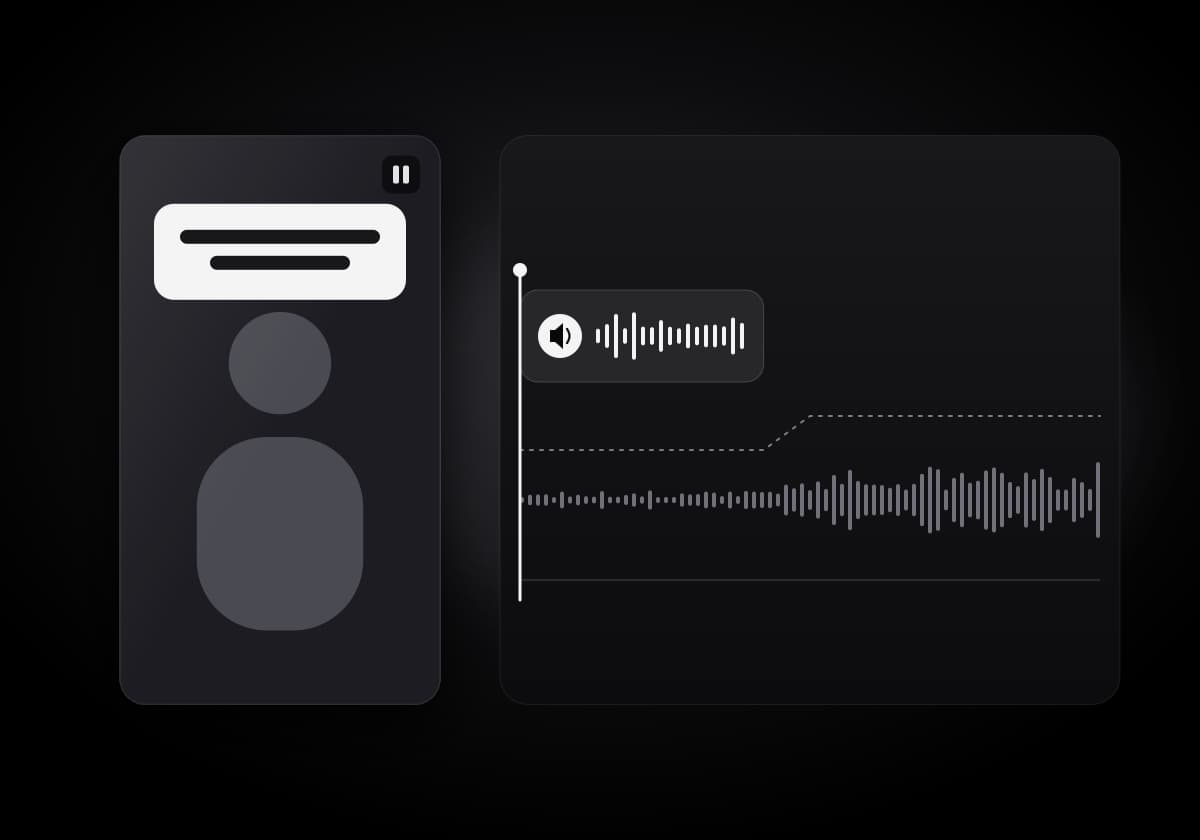
The voice-over is one short line at the start of the clip. You decide what it says, who says it and how it sits on the original.
The words
Use the hook AI wrote for the clip, ask for a New hook, or type your own line of up to 300 characters.
The voice
12 voices, 6 female and 6 male. If the voice you picked does not speak the clip's language, a voice of the same gender that does is used instead.
The start
Drag the voice on the timeline to set where it begins, and set how loud the original stays underneath.
Two ways to open the clip
Pick how the voice shares the first seconds with your footage.
- Lower original
- The clip plays from the start and its sound dips while the hook is read. Adjust the original volume, and drag the voice to start exactly where you want.
- Freeze first frame
- The video holds on its first frame while the voice plays, then the clip starts with its own sound, so no word of the original is talked over.
Three places to add it
Voice every clip at once, one clip by hand, or a video that never went through the clip pipeline.
Upload setup
Switch hook voice-over on before processing and every clip of the project gets one.
Clip editor
A Hook voice lane in the editor. Change the text, voice or mode and press Make voice. Clip Agent can voice the hook too, after you confirm.
Hook voice-over tool
On the home screen: add an AI hook with voice to any video up to 5 minutes. A timeline with play, start and end, captions on or off with style, size and position, then export.
FAQ
Frequently Asked Questions
Voices, modes, languages and plans.
Say the hook. Then let the clip talk.
Upload a video, switch on hook voice-over and pick the voice before processing starts.
Get Started Now