 HypeNest
The OpusClip alternative with scheduling on every paid plan

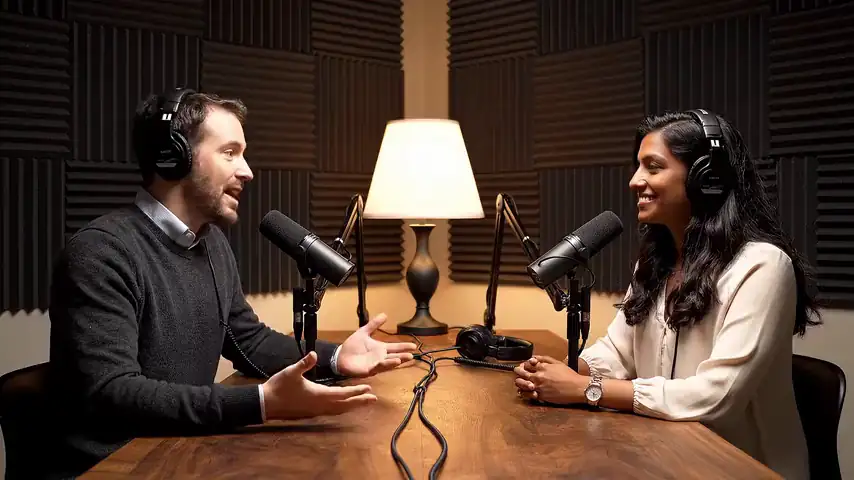

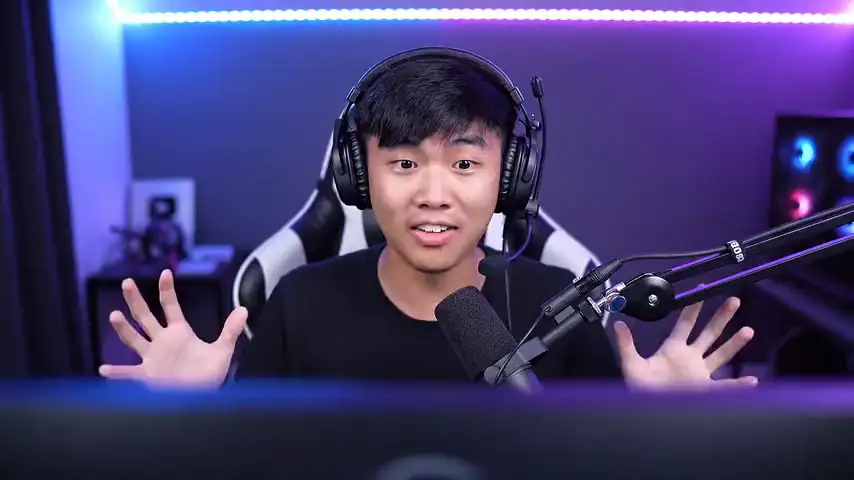





OpusClip clips long video, adds animated captions, and posts directly from its Starter plan. HypeNest differs on two points: scheduling on every paid plan and title and description variants for every Short.
Free plan, no credit card.
One clip. Everything it needs next.
HypeNest is the stronger OpusClip alternative when you want scheduling on every paid plan and title and description variants for every Short.
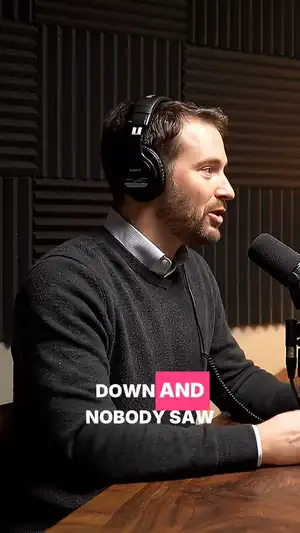
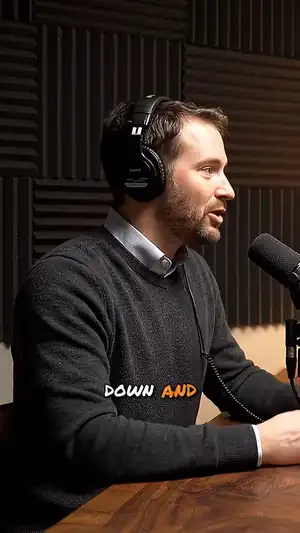
Every clip comes with a drafted title, description and captions.
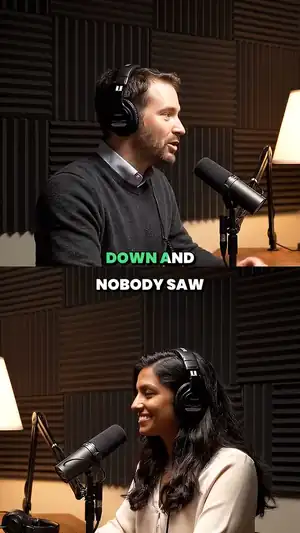 Clip
0:42, from a 1:12:40 podcast
 Title
Nobody told me this when I started
 Description
The one thing she would change about her first year, and why it took so long to see it.
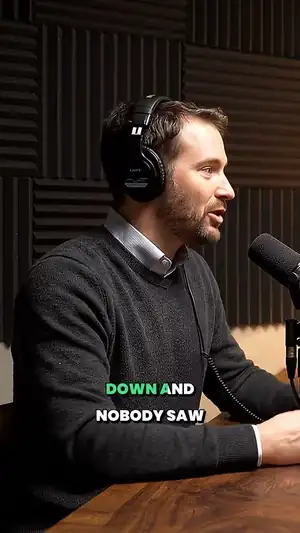 Captions
Karaoke, on every word
 Thumbnails

Quick answer
HypeNest is the stronger OpusClip alternative when you want scheduling on every paid plan and title and description variants for every Short.
OpusClip is the stronger choice for Instagram posting, team workspaces, an API, and editor export.
Free plan with a watermark, plus paid Lite, Starter, and Pro tiers.
Why People Look for an OpusClip Alternative
- You want title and description variants for each Short, while OpusClip's AI writes descriptions and hashtags when scheduling and names AI titles only for its iOS app.
- OpusClip's calendar scheduler is on Pro only, so lower plans go without it.
- On OpusClip Free there is no social posting, and animated captions carry a watermark.
Side by side
At-a-glance Comparison
HypeNest on white, OpusClip under it.
| Category | HypeNest | OpusClip | Why it matters |
|---|---|---|---|
| Clip extraction | Integrated with metadata and publishing context | Core AI clipping product | Both create clips, so test cut quality on your own source |
| Titles and descriptions | Title and description variants for every Short | AI descriptions and hashtags when scheduling; AI titles named only for its iOS app | Metadata quality and speed usually decide publishing consistency |
| Captions | On every clip, for mute-first feeds | Animated caption templates; 1 brand template on Free and Starter, more on Pro; watermark on animated captions on Free | Shorts and TikTok often start muted — readable captions protect retention |
| Direct posting | Live for YouTube and TikTok only today, on paid plans | YouTube Shorts, TikTok, and Instagram from Starter; no social posting on Free | Fewer handoffs improve trend timing |
| Batch / weekly ops | Scheduling on every paid plan, including Lite | Calendar scheduler on Pro only | Higher volume teams need fewer handoffs and more SOP consistency |
| Pricing transparency | Free plan with a watermark, plus paid Lite, Starter, and Pro tiers | Checked 7 November 2026: Free with 60 credits a month, Starter, Pro, Business custom; current prices on OpusClip's pricing page | Trust drops quickly on comparison pages with stale pricing claims |
How we checked
We read OpusClip's public pricing page and its help articles on scheduling clips, customizing posts, and team management on 7 November 2026. Every OpusClip plan limit on this page is from that date.
Those pages do not state thumbnails, and they name AI titles only for the iOS app, so we make no further claims about them. Public pages also do not show how well OpusClip picks moments in your kind of video. HypeNest facts come from our live plans page.
Plans and features change. Re-check OpusClip's current pages before you decide.
Switch if…
Who Should Switch From OpusClip
- Creators publishing weekly across YouTube Shorts and TikTok who want scheduling on every paid plan; OpusClip's calendar scheduler is on Pro only.
- Anyone who wants title and description variants for every Short, rather than AI descriptions and hashtags added at scheduling.
- Solo operators and small channels that do not need a shared workspace, an API, or editor export.
- Operators who measure success by clips shipped and posted, not extraction alone.
- Anyone who wants thumbnails drafted with each Short. The OpusClip pages we read do not state thumbnails.
Stay if…
Who Should Not Switch
- Anyone who posts to Instagram from the tool: OpusClip does this from Starter, HypeNest does not.
- Teams that need a shared workspace: OpusClip Pro has one for 2 to 4 users, HypeNest has none.
- Developers and editors who need an API or Premiere Pro and DaVinci Resolve export, both on OpusClip Pro. HypeNest has no public API.
A Practical Switching Plan
Run a two-week pilot with the same 3–5 real long videos in both tools.
Track minutes to first publish-ready package, clips posted, and caption accuracy.
Count how many tools and people still touch each clip after the cut, and check which plan each step needs.
Make HypeNest your default if handoffs drop without hurting clip quality; keep OpusClip if you rely on Instagram posting, a team workspace, its API, or editor export.
Feature and Workflow Comparison
With OpusClip
An AI clipping product with animated caption templates and direct posting to YouTube Shorts, TikTok, and Instagram from Starter. Pro adds a calendar scheduler, a team workspace of 2 to 4 users, an API, and Premiere Pro and DaVinci Resolve export.
Both tools create clips and post them. They differ on which plan has the scheduler and on per-Short variants.
With HypeNest
Clips with title and description variants for every Short, plus captions, in one place. Scheduling comes with every paid plan.
- Direct publish goes to YouTube and TikTok only, on paid plans. There are no team workspaces, no public API, and no Instagram publishing.
Common questions
What is the best OpusClip alternative for teams?
It depends on what the team needs. OpusClip Pro has a workspace of 2 to 4 users, an API, and editor export; HypeNest has no team workspaces or public API. HypeNest fits when the priority is scheduling on every paid plan and title and description variants for every Short.
Why do teams look for an OpusClip alternative?
The reasons that hold up against its current plans are a calendar scheduler limited to Pro and AI titles named only for its iOS app.
Is HypeNest an OpusClip alternative for YouTube Shorts and TikTok?
Yes for teams that want long video turned into vertical clips with titles, descriptions, and thumbnails. Direct publish on HypeNest is live for YouTube and TikTok only today, on paid plans.
Can HypeNest and OpusClip be used together?
Yes, if both subscriptions are worth it. For example, keep OpusClip for Instagram posting or editor export and use HypeNest for title and description variants and YouTube/TikTok publishing.
Is HypeNest free compared to OpusClip?
HypeNest has a free plan with a watermark — no credit card required — plus paid Lite, Starter, and Pro tiers; see /pricing for details. OpusClip, checked on 7 November 2026: Free with 60 credits a month, a watermark on animated captions, and no social posting; above it Starter, Pro, and Business custom, with current prices on OpusClip's pricing page. Compare total workflow cost, not list price alone.
Does HypeNest auto-publish?
No. A Short goes out only when you post it or put it on your schedule. Direct publish is live for YouTube and TikTok only, on paid plans.
How should I evaluate an OpusClip alternative?
Run a same-source pilot: process the same long videos in both tools, measure time to publish-ready packages, caption quality, and handoffs after the cut. Decide with numbers, not feature checklists alone.
Who should stay with OpusClip?
Anyone who needs Instagram posting, a team workspace of 2 to 4 users, an API, or Premiere Pro and DaVinci Resolve export. HypeNest has no Instagram publishing, team workspaces, or public API.






Want Scheduling on
Every Paid Plan?
Try HypeNest if your real problem is turning long video into consistent, publish-ready short-form output with less manual cleanup. Free to start — no credit card.