
Keep Captions for phone takes
Daily talking-head recordings, teleprompter scripts, eye contact and noise fixes, anything you need in another language.
Captions by Mirage is a strong phone editor. This page is for people who keep feeding it hour-long recordings and still end up writing titles and posting by hand.
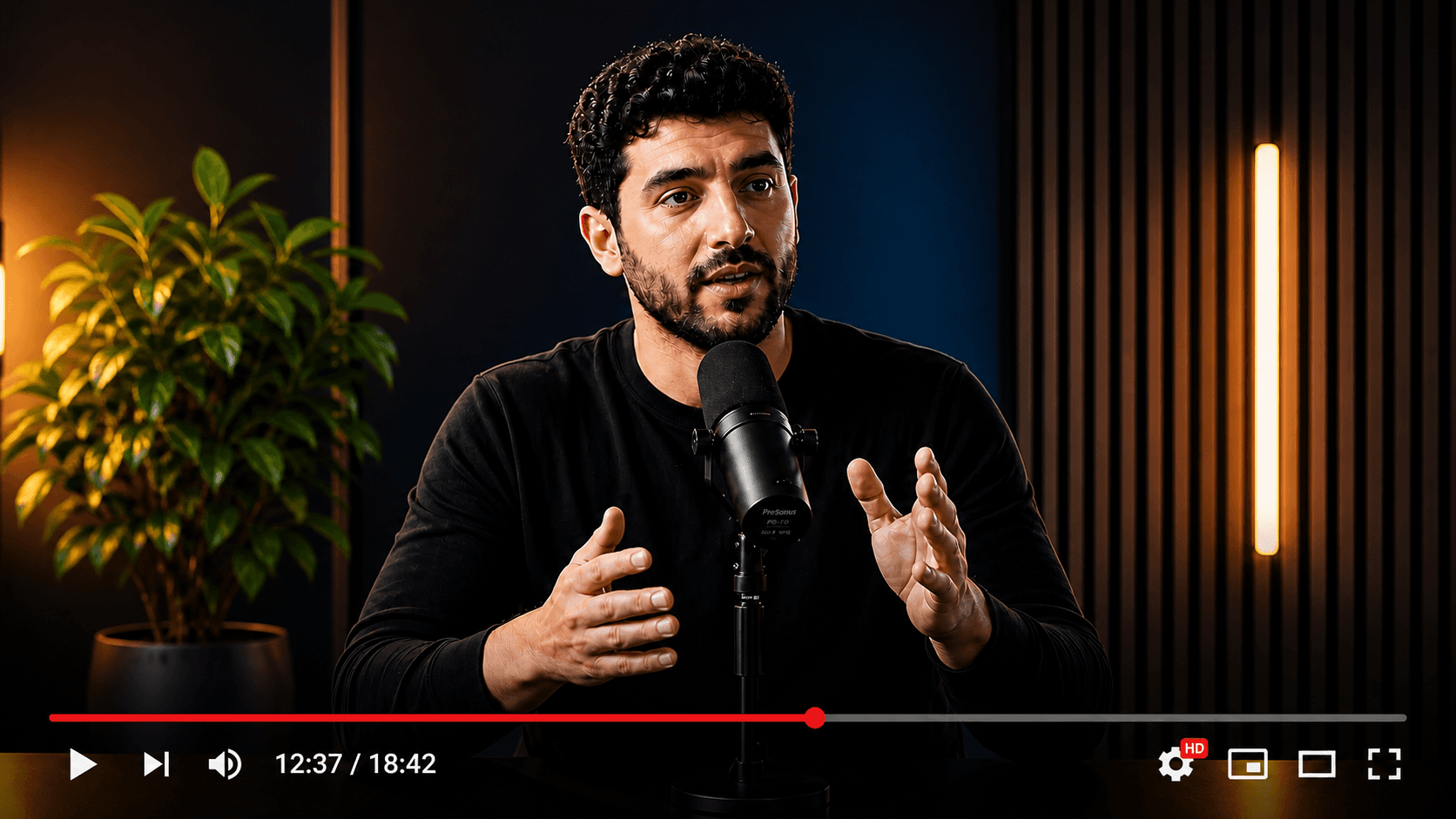
Your source video
Multiple publish-ready clips
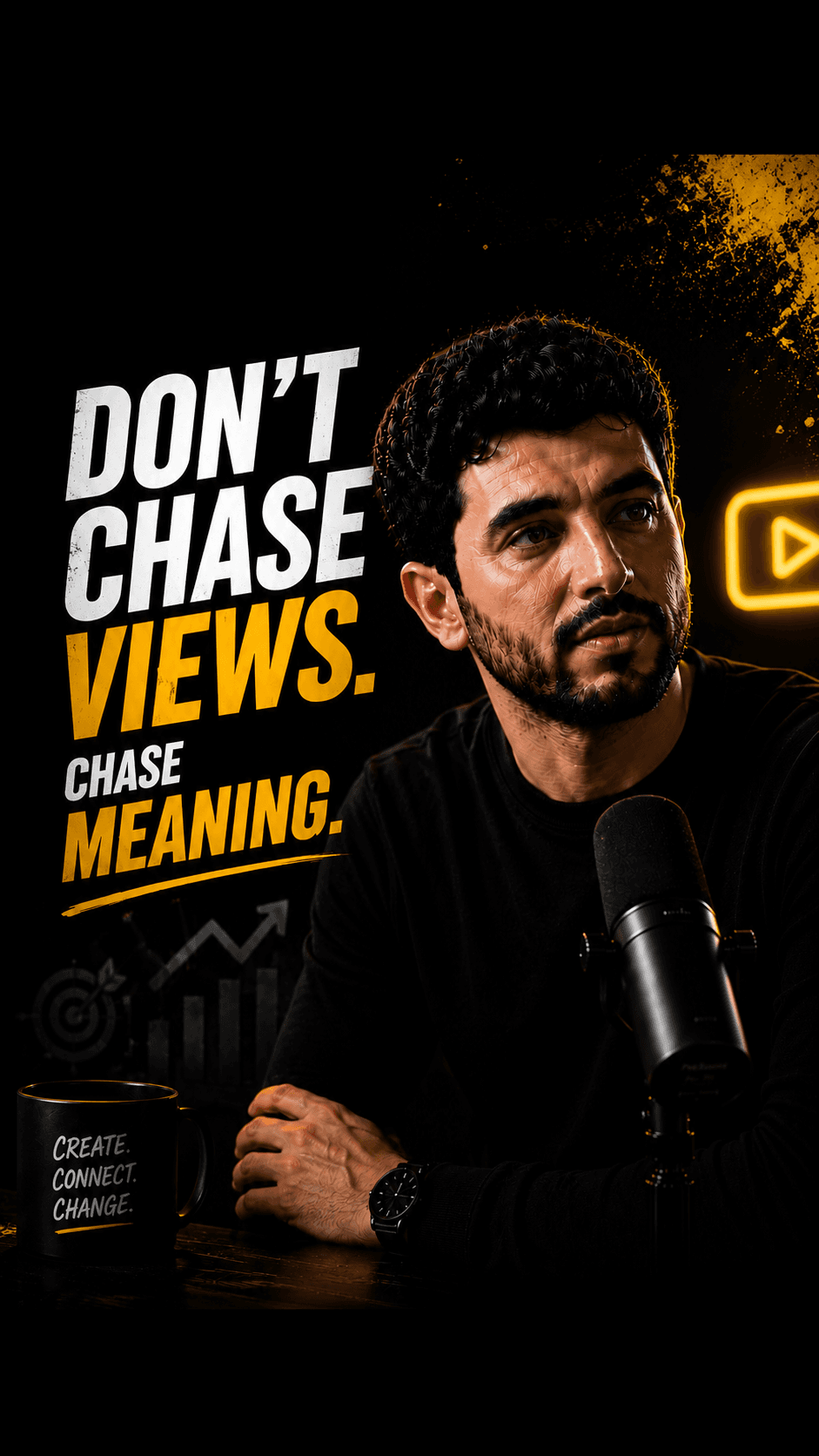
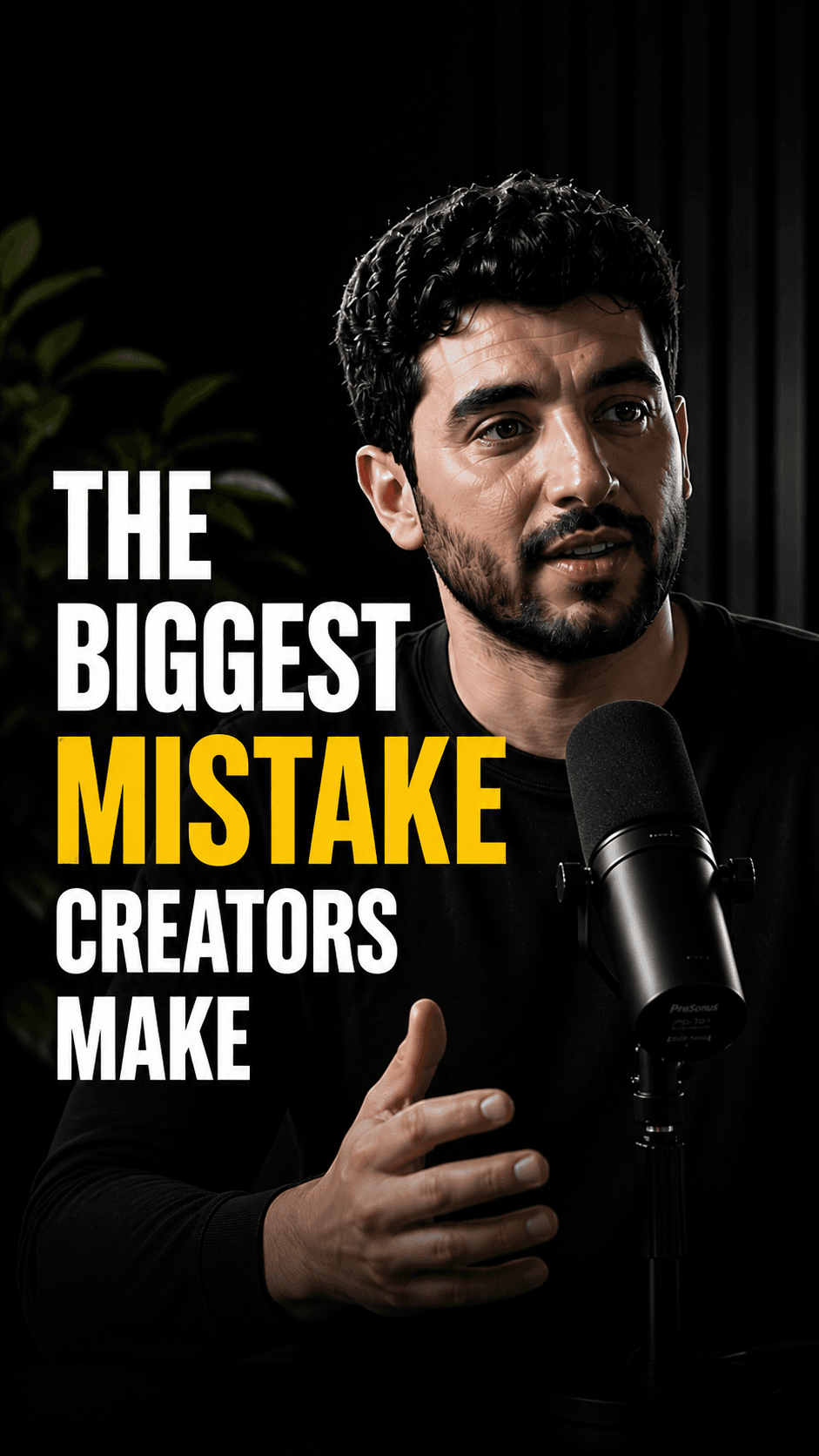

Wrong switch: replacing a phone editor for daily talking-head takes.
Right switch: moving long-video clipping and packaging off the phone.
HypeNest has a free plan — no credit card required — plus paid Lite, Starter, and Pro tiers; see /pricing for details.
Direct publish is live for YouTube and TikTok only. Instagram, LinkedIn, and Facebook are not live publish targets.
Keep Captions for phone takes
Daily talking-head recordings, teleprompter scripts, eye contact and noise fixes, anything you need in another language.
Move long episodes over
Podcasts, webinars, courses and YouTube episodes longer than a few minutes go to HypeNest for the shortlist, packaging and review.
Run both for multilingual
Clip and approve the episode in HypeNest; take the keepers into Captions when a dubbed or lipdub version is needed.
Pain points
Hour-long recordings are awkward to scrub and pick from on a phone.
Clips come out, but titles, descriptions and thumbnails still get written elsewhere.
Export ends as a file on the device; posting to each platform is manual.
Nobody signs off before a clip goes out, which matters for client or brand claims.
Credit-based generative features make monthly clip volume harder to predict.
Comparison
With Captions
Phone-first editor for the footage itself: teleprompter recording, AI Edit, 100+ caption styles, eye contact, denoise, dubbing and lipdub, avatars, plus Create clips.
Captions changes the video. HypeNest changes what happens after the video exists. The overlap is clipping, and even there the difference is the packaging and approval that follow.
With HypeNest
Desktop pipeline for long finished video: shortlist, captions, titles, descriptions, thumbnails, required review, YouTube and TikTok publish.
Feature breakdown
| Category | HypeNest | Captions | Why it matters |
|---|---|---|---|
| Best input | Long finished video, upload or link | Phone recording or imported footage | Pick the tool by where the short is born |
| Device | Web app built for desktop | iOS and Android apps plus web | Long files are easier to review on a big screen |
| After the clip | Title, description and thumbnail drafted per clip | Not described on the Create clips page; verify | Packaging is where clips usually stall |
| Review | Review-before-publish is the default — nothing goes live without approval | No approval step described | Protects brand and client claims |
| Publish | Direct publish live for YouTube and TikTok only today | Export to device, post in each app | Fewer manual uploads per week |
| What you lose | No recording, eye contact, dubbing or avatars | Keeps all of these | Keep Captions if you rely on them |
| Price | Free plan; Lite $6/mo, Starter $15/mo, Pro $27/mo (annual from $5/mo) | Free tier plus credit-based paid tiers and Enterprise; verify on their site | Plan limits vs credits |
Decision guide
Switch if…
Stay if…
Action plan
Step 01
Pick last week's longest recording, the one you clipped in Captions, and upload it to HypeNest.
Step 02
Set your brand kit once, then review the shortlist and edit titles and thumbnails where needed.
Step 03
Connect YouTube and TikTok and publish only what you approve.
Step 04
After two weeks, compare approved posts and minutes of work per post with your Captions routine.
Last verified:
We reviewed Captions' public homepage, pricing, Create clips and translation pages, and its help center article on publishing and exporting on 2026-09-28, without a paid account. Mirage is the company; Captions is still the app name.
We could not test clip quality, caption accuracy, credit use over a real month or limits behind sign-in. HypeNest facts come from our live plans page. Plans on both sides change, so re-check before you switch.
Quick answer
Do not leave Captions if you record talking videos on your phone and rely on its teleprompter, eye contact fix or dubbing. Move to HypeNest for the other half of the work: long podcasts, webinars and YouTube episodes that need a shortlist of vertical clips, drafted titles and thumbnails, a review step and direct publish to YouTube or TikTok.
HypeNest gives you the tools to optimize, schedule, and scale Shorts and TikTok from one workspace — with review before you publish.
Instantly generate optimized titles, descriptions, and relevant tags.
Turn long-form YouTube videos into highly engaging TikToks & Shorts.
Queue and schedule reviewed posts for YouTube and TikTok from one calendar.
Generate eye-catching, high-converting video thumbnails to maximize your CTR.
Questions