
Do YouTube Tags Still Matter in 2026?
Yes, for common misspellings. YouTube says tags otherwise play a minimal role in discovery. Here is where to spend your time instead.
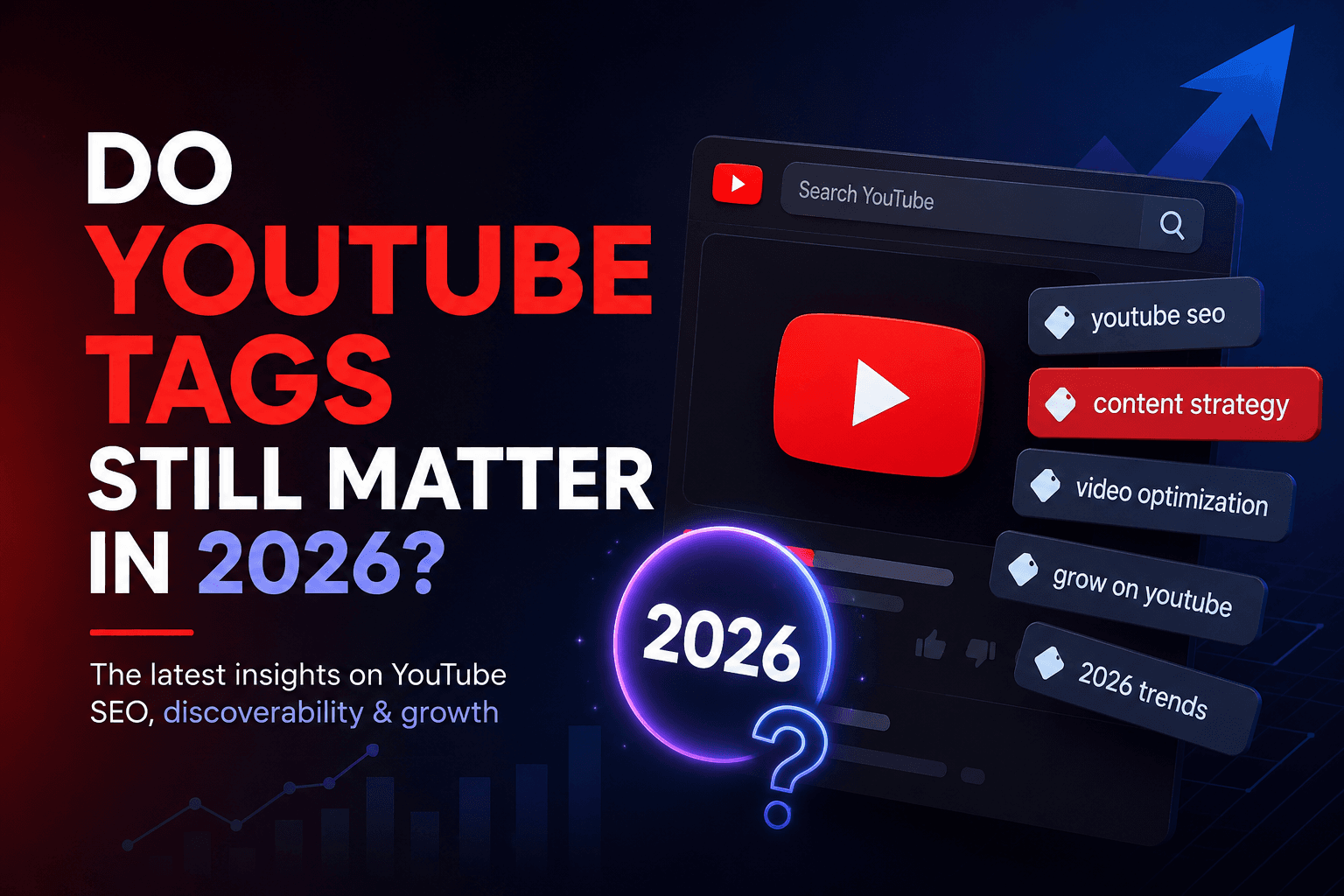
YouTube tags are still available, but YouTube says they mainly help with common misspellings. Titles, thumbnails and descriptions matter more for discovery. If a video is not getting views, adding a long list of tags is unlikely to fix its topic, packaging or opening.
The short answer
Use tags when viewers might misspell a name or when a term has a clear alternative spelling. Skip generic tags that could describe thousands of unrelated videos. There is no official ideal number of tags to add.
A useful tag example
Suppose your tutorial shows how to use DaVinci Resolve to cut a podcast into Shorts. Write a title such as “Turn a Podcast into Shorts in DaVinci Resolve” and describe the steps shown. If viewers commonly type “Davinci” without the capital V, that spelling can go in the tag field. “Viral”, “YouTube algorithm” and unrelated creator names add little context.
The same rule applies to product names, guest names and acronyms. Add a variant only when it truthfully describes this video; do not copy a competitor's tags blindly.
A better order of work
Choose the viewer's question
Write title and description
Review the opening and thumbnail
Add tags only for edge cases
YouTube's own guidance
Add tags to your YouTube videos
Upload YouTube videos
FAQ
Do tags help a YouTube video rank?
How many tags should I use?
Should I put tags in the description?
Finish the metadata in the right order
Draft a title and description first. Then use the free tags tool for the few spelling variants your video actually needs.