
Webinars to Short-Form Content
Turn webinars and demos into Shorts, TikToks, and social clips that educate, build trust, and create pipeline.
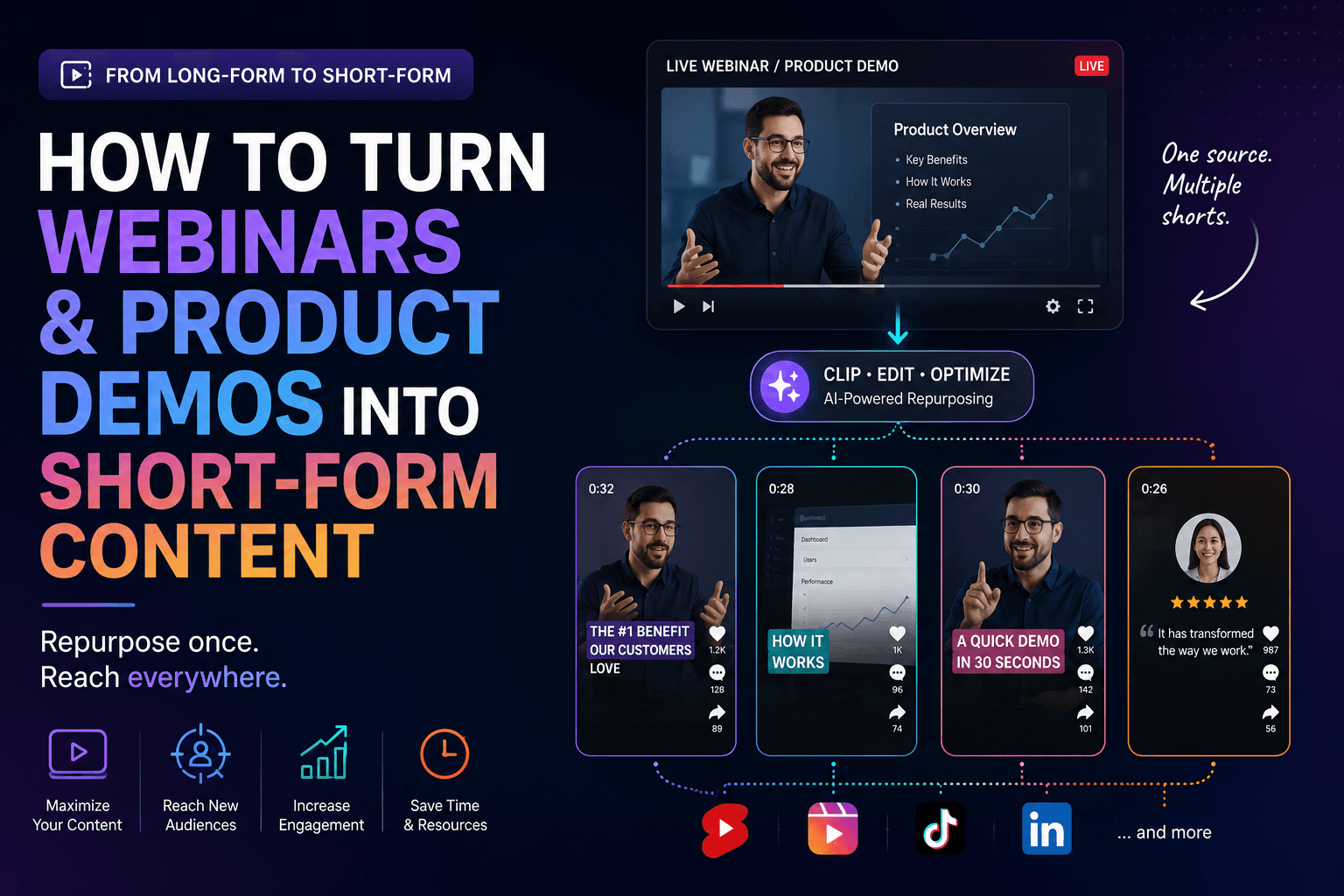
Webinars and product demos already contain the raw material most teams say they need more of: objections, proof points, product moments, audience questions, and real examples. The problem is that these assets are usually trapped inside one long recording. They get promoted once, then disappear into a folder even though the best 30 to 60 seconds could work for weeks across Shorts, TikTok, and LinkedIn-style short-form posts.
The way to fix that is to stop treating the webinar as one asset. Treat it as a source library. Your short-form batch should include clips that educate, clips that answer objections, clips that show the product in context, and clips that move people toward the next step. HypeNest helps by shortening the path between source recording, clip selection, packaging, and scheduling.
Quick Answer
To turn webinars and product demos into strong short-form content, start by separating the recording into four clip types: teachable moments, objection-handling moments, product proof moments, and conversion bridges. That mix keeps the output useful and commercially relevant without making every clip feel like a hard sell.
The fastest workflow is to review the full recording once, shortlist the moments that already stand alone, then batch titles, descriptions, and scheduling together. HypeNest is a good fit when your team wants clips that move from long-form education to publish-ready short-form assets in one repeatable system.
Which moments convert well into short-form clips
Teachable moments
Objection-handling moments
Product proof moments
Conversion bridges
Build the clip plan before you edit
A webinar usually has enough material for far more clips than you should publish. The bottleneck is not supply. It is selection and sequencing. Put a simple plan in place before you start polishing clips.
- Pull 8 to 12 candidate moments from the source recording.
- Choose 2 to 3 educational clips that can stand alone without extra setup.
- Choose 2 to 3 objection or FAQ clips for higher-intent viewers.
- Choose 2 product proof clips that make the workflow or result visible.
- Keep 1 to 2 bridge clips for replay promotion, trial interest, or deeper funnel content.
- Sequence the week so educational clips open attention, proof clips build trust, and bridge clips arrive after the topic already has momentum.
A repeatable workflow from recording to calendar
Review the recording for standalone moments first
Tag each moment by job to be done
Batch metadata and platform framing
Publish in waves and review what converts
Segment webinar clips by funnel stage, not just by topic
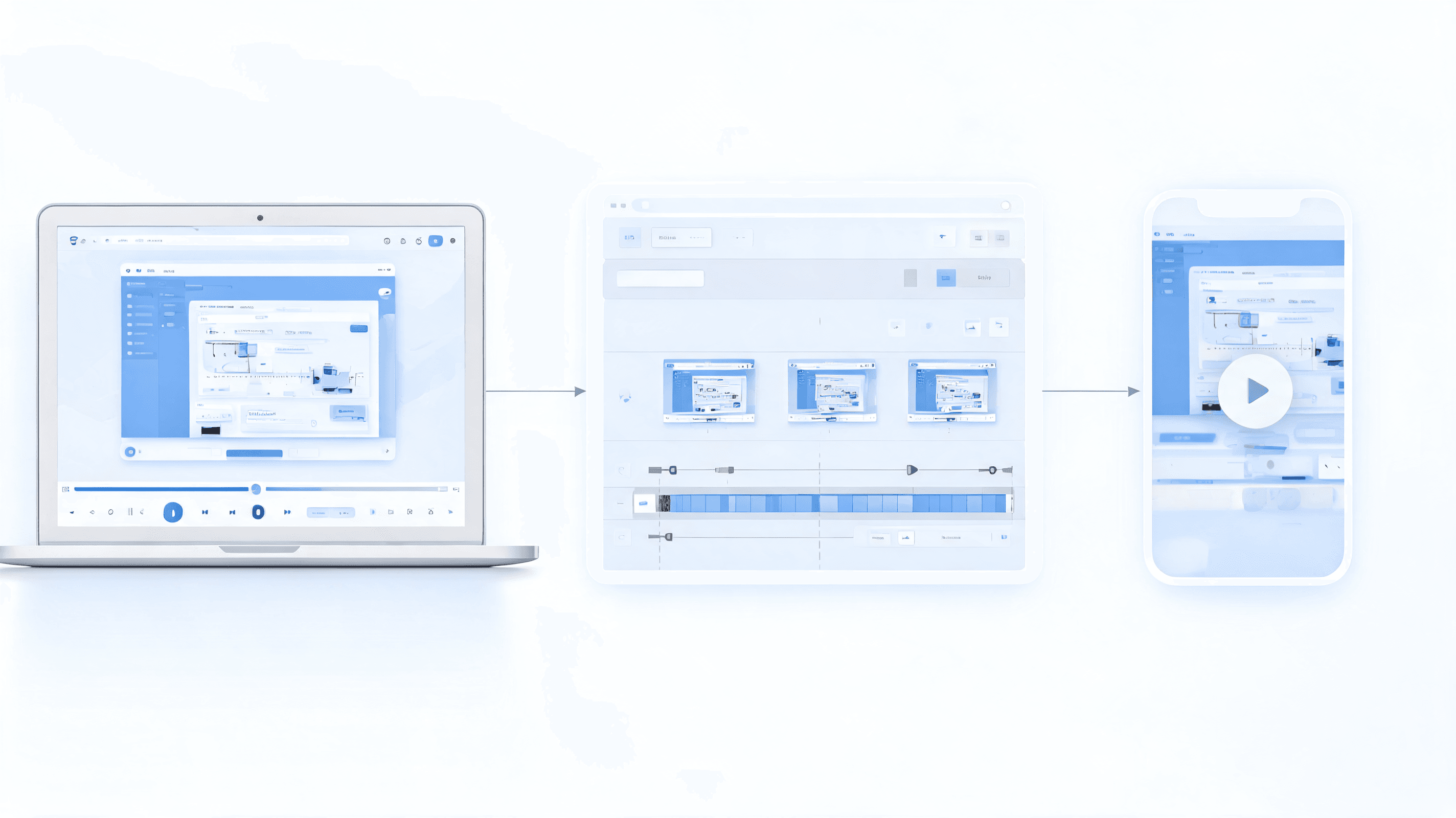
A common mistake is to clip whatever sounds interesting without deciding who the clip is for. The same webinar can feed awareness, consideration, and conversion, but only when each clip is mapped to a buyer stage. When every clip gets the same framing, top-of-funnel viewers feel over-sold and bottom-of-funnel viewers feel under-informed.
A better system is to build a mini funnel from one recording. Pull some clips that name the problem, some that explain how to evaluate solutions, some that prove the product, and some that bridge into replay, trial, or demo. That segmentation gives the team a fuller publishing week and makes it easier to match clips to organic social, retargeting, nurture email, or sales follow-up.
Problem-aware clips for broad reach
Solution-aware clips for active researchers
Evaluation clips for buyers comparing options
Decision-stage clips for handoff and follow-up
Build the batch as a funnel, not a pile
Package speaker clips, screens, and slides so they feel native
Raw webinar footage rarely looks native to short-form feeds on its own. Good packaging does not mean over-editing. It means deciding whether the speaker's face, the slide, the product UI, or the caption carries the point of the clip, then building the frame around that choice. When packaging is wrong, even a smart clip feels slow because the viewer cannot tell where to look.
For webinars and demos, the best-performing packaging often alternates between authority and evidence. Let the speaker establish credibility, let the slide or screen prove the claim, then use text and framing to make the takeaway instantly legible with sound off.
| Item | Details |
|---|---|
| Face-first hooks | Lead with the speaker when authority is part of the value. A confident opening from a founder, product marketer, or subject-matter expert tells the viewer there is a real person behind the point. This works especially well for contrarian takes, mistake-based hooks, and bold claims that need a human voice. Keep the frame tight, cut quickly to the main point, and let the first subtitle line carry the promise. If the viewer understands the hook before the first pause, the clip is much more likely to hold. |
| Slide-led proof frames | Some webinar moments are stronger when the slide does the explaining. If the speaker is walking through a framework, benchmark, funnel map, or before-and-after graphic, lead with the slide instead of keeping the speaker full screen. Short-form viewers process structure visually, so a well-cropped slide can make the argument feel faster and more concrete. Highlight only the part that matters, enlarge the text if needed, and remove clutter. If the evidence is on the slide, let the slide carry the clip. |
| Screen-zoom demo moments | For product clips, zoom into the exact click, result, or workflow step that proves the claim. Wide screen shares often fail because mobile viewers cannot tell what changed. Crop tighter than feels comfortable, show the cursor only when it adds clarity, and pair the motion with one concise on-screen sentence that explains why the moment matters. A short demo clip does not need to show the whole journey. It only needs to make one meaningful action obvious. |
| Split-screen expert and evidence | Many of the best webinar clips alternate between the speaker and the supporting evidence. Use split-screen or quick switches when the face builds trust but the slide or interface carries proof. This format works especially well for objection handling, because the expert can state the concern in plain language and the visual can immediately support the answer. The key is rhythm: every visual change should help comprehension, not just add movement for its own sake. |
| Captions, titles, and CTA overlays | Packaging is not finished when the clip is trimmed. The title, caption style, and closing overlay determine whether the clip feels native to the platform and whether viewers know what to do next. Use captions that are easy to scan, titles that promise a concrete takeaway, and CTAs that match the clip's job in the funnel. A top-of-funnel clip might invite viewers to watch the full replay, while a bottom-of-funnel clip can point to a demo page or specific use case. |
Run a weekly launch and replay sequence from one webinar
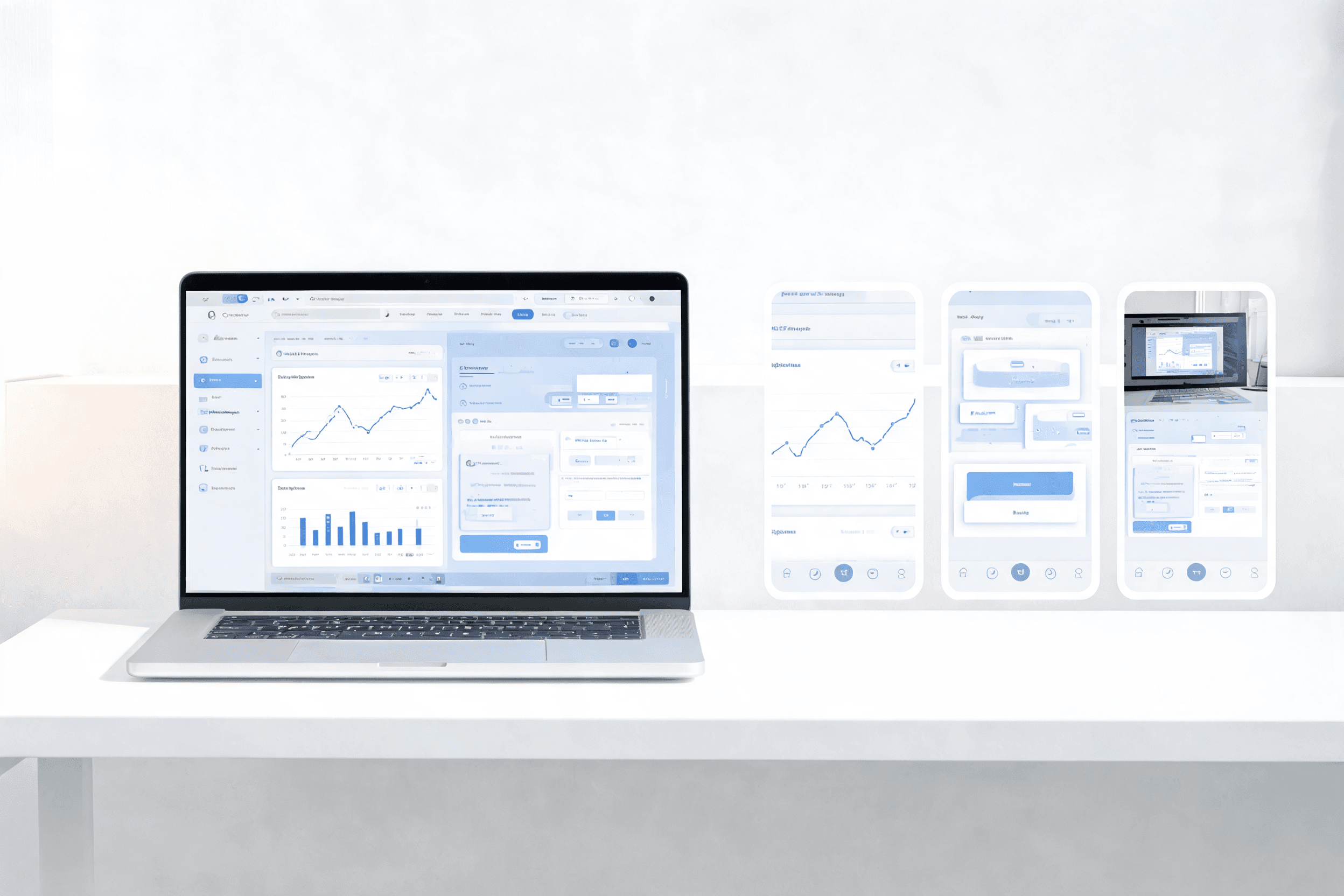
One webinar should not produce one burst of posts and then go quiet. The smarter move is to run a weekly sequence that lets the same event do multiple jobs: attract cold viewers, remind attendees what they learned, and give sales or lifecycle teams fresh material while interest is still warm.
This matters even more around launches, releases, and product announcements. A short-form schedule with intentional pacing keeps the conversation moving without repeating the same clip. It also lets you reuse the recording for organic social, email, remarketing, and founder or sales distribution.
Pre-event teaser and registration push
Event-day insight clip
Day-after objection and FAQ clip
Midweek product proof and use-case clip
End-of-week replay and meeting bridge
Measure pipeline impact, not just clip performance
If the team only measures views, webinar clips look either better or worse than they really are. Many of the most useful clips are not pure reach plays. They are assists that move a prospect from passive awareness to replay registration, product page visits, demo requests, or faster sales conversations. That means reporting should connect clip performance to downstream behavior, not just vanity metrics.
The easiest way to do that is to create a small scorecard for each webinar batch. Review short-form performance, on-site response, assisted conversions, and qualitative sales feedback together. Over a few cycles, the team learns which speaker angles, proof moments, and CTA bridges actually create pipeline.
| Item | Details |
|---|---|
| Attention quality metrics | Start with the obvious numbers, but read them correctly. Views, average watch time, and retention still matter because they tell you whether the opening frame, hook, and packaging are doing their job. For webinar clips, watch percentage is often more informative than raw reach. A niche proof clip may get fewer impressions than a broad educational clip yet outperform on completion rate because the audience is better qualified. |
| Intent signals after the view | The next layer is what viewers do after the clip. Track profile visits, site clicks, replay registrations, demo page sessions, saves, shares, and high-intent comments. These signals show whether the clip created curiosity strong enough to move someone off the feed. When possible, tag links by webinar batch or clip theme so you can tell whether objection clips, proof clips, or educational clips generate more meaningful next steps. |
| Replay and conversion assists | Short-form content from webinars often works as an assist rather than the final conversion touch. Someone sees a clip on Tuesday, watches the replay on Wednesday, visits the site on Thursday, and books a demo next week. If you only report last-touch attribution, the clip disappears from the story. Build simple assisted-conversion reporting so the webinar batch can be credited for replay consumption, revisit behavior, and influenced conversions even when the final hand-raiser comes later. |
| Sales reuse and deal influence | Ask the revenue team which clips they actually reuse in live deals. The best bottom-of-funnel webinar snippets often get forwarded in email follow-ups, dropped into nurture sequences, or shared in Slack threads between champions and decision makers. That usage is a strong signal that the clip carries real commercial value. A clip that closes confusion in an active deal can matter more than one that wins shallow engagement on a public feed. |
| Batch scorecards and feedback loops | Create one short scorecard for each webinar batch: top attention clip, top intent clip, top proof clip, top assisted-conversion clip, and the clip sales reused most. Review those results alongside pipeline notes from the same period. Over a few webinar cycles, patterns become obvious. You start to learn which speakers hold attention, which slide formats clarify fast, which proof moments move buyers forward, and which CTA bridges create measurable pipeline instead of generic traffic. |
Routes to support this webinar workflow
HypeNest for SaaS Brands
HypeNest for Coaches and Consultants
HypeNest for Marketing Teams
HypeNest Planner
FAQ
How many clips should I get from one webinar?
Should webinar clips sound educational or promotional?
Do product demo clips work on Shorts and TikTok?
What makes webinar clips feel weak?
Turn event content into pipeline assets
Use HypeNest to turn webinars and demos into short-form clips, stronger metadata, and a publishing plan your team can actually repeat.