
Turn a Podcast into TikTok Clips in Minutes
A practical 5-minute workflow that turns one podcast episode into ten short TikToks and YouTube Shorts with hooks, packaging, and publish-ready metadata already done.

Most podcasters record a 45-minute conversation, upload the full episode, and then wonder why their channel stopped growing. The bottleneck is rarely the conversation. It is the gap between one long recording and a steady stream of short-form posts. Closing that gap is the difference between creators who compound and creators who publish once a month and hope.
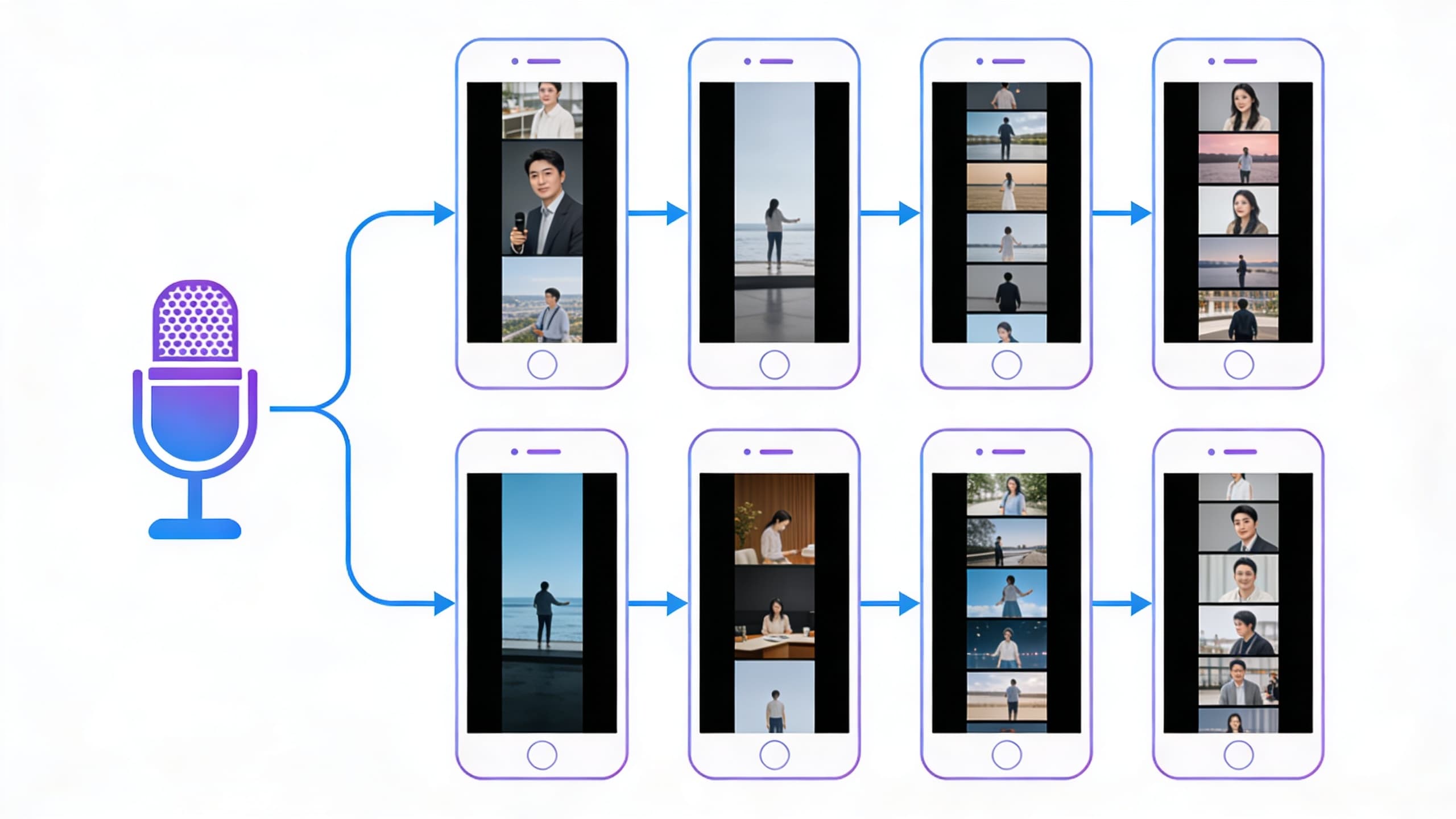
The 5-minute promise is not clickbait. It refers to the part of the workflow that is most painful today: identifying the right moments, cutting clips, reframing for vertical, adding captions, generating titles and descriptions, and packaging everything so it can be reviewed and scheduled in one pass. With a proper AI workflow, that block of work drops from several hours to a few minutes, leaving the rest of the week for review and publishing decisions.
This guide walks through the exact system: how to source moments from a podcast, how to package each clip so it does not feel like a chopped fragment, how to write titles that earn the first three seconds, and how to schedule a balanced ten-clip batch that does not look like ten copies of the same idea. You will see where AI does the heavy lifting, where you must still review, and how to iterate the system so the next episode is even faster to repurpose.
Viral is not a strategy. Volume with intent is. The clips that travel the furthest on TikTok and YouTube Shorts in 2026 are not the most polished — they are the most self-contained. They open with a hook that earns the watch, deliver one idea, and end with a reason to engage. That structure is repeatable, and once you see it, you will hear it in your own episodes within a single review pass.
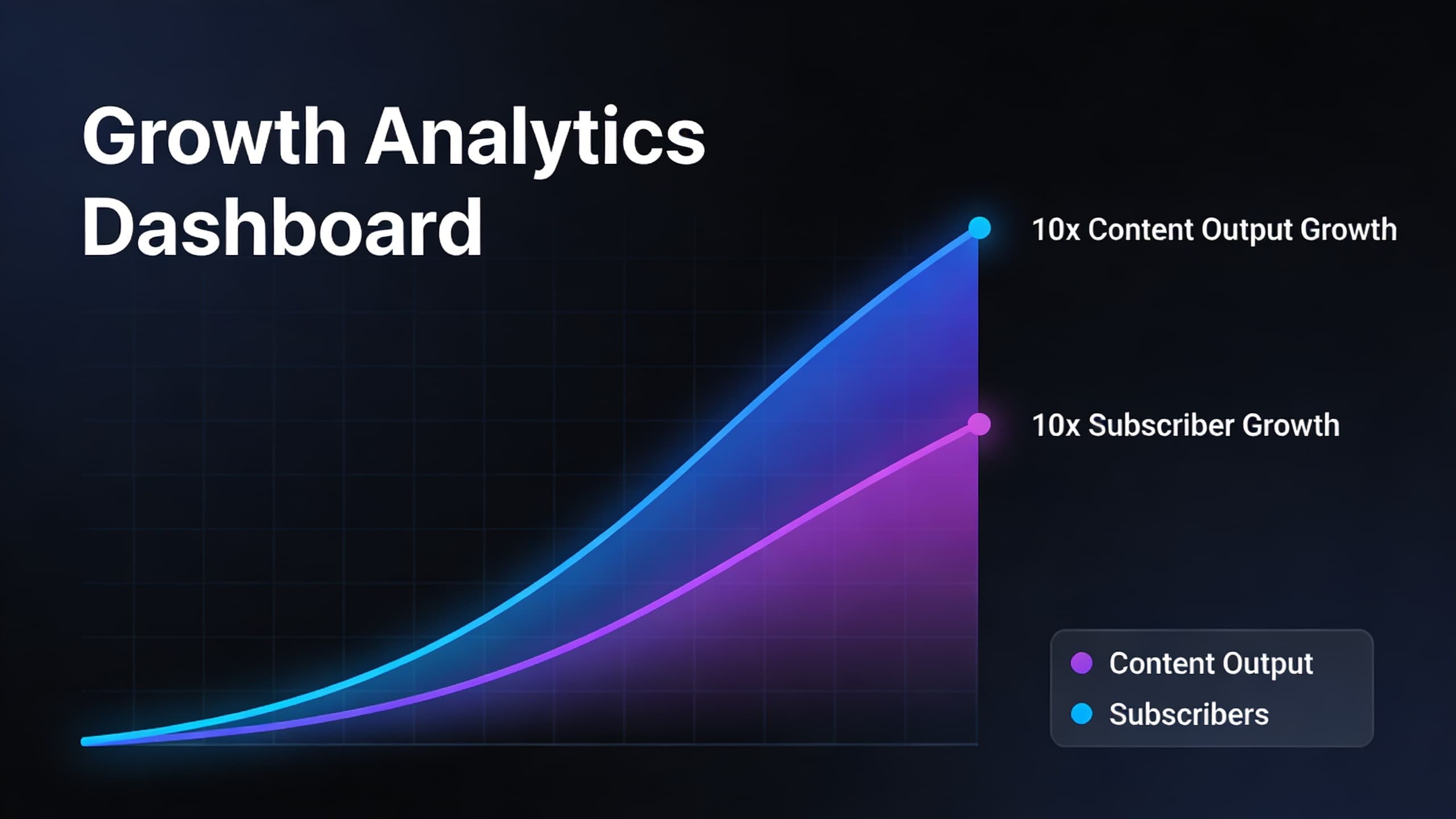
If you publish a weekly podcast, this workflow can produce 40 to 50 short-form posts per month from a single weekly recording session. If you publish biweekly, you can still hit 20+ posts, which is enough to keep both TikTok and YouTube Shorts feeds active without extra recording.
A note on the 5-minute claim: the AI does the extraction, reframing, captioning, and metadata in roughly that window for a typical 45-minute episode. Plan another 20 to 30 minutes for human review, packaging tweaks, and scheduling. That is still a 70 to 80 percent reduction in time compared to manual repurposing, and the result is more consistent across the batch.
Before you start, make sure your source recording is clean. Normalize audio levels, remove long silences above three seconds, and trim obvious dead air at the start and end. The cleaner the source, the more accurate the auto captions and the more useful the AI's moment detection will be. This single prep step is the most common reason first attempts look messy.
Quick Answer
Upload your finished podcast episode to HypeNest, run moment detection on the transcript, and you will get a batch of ten candidate clips with captions, reframed vertical framing, and draft titles within five minutes. Review the batch, pick the strongest mixes of opinions, lessons, and stories, schedule them across the week, and publish.
The system works because it removes the four most time-consuming steps — finding moments, cutting, reframing, and writing metadata — and replaces them with one review pass. The result is a balanced ten-clip week that you can ship without losing evenings to your timeline.
What changed about TikTok and Shorts in 2026
Both platforms now weight the first two to three seconds more aggressively than they did a year ago. Watch time still matters, but the way it is measured has shifted toward micro-retention: did the viewer pass the first beat, commit by second three, and finish or rewatch. That changes what a good clip looks like and makes packaging more important than ever.
Search has also grown on both platforms. TikTok increasingly surfaces clips through keyword-driven discovery, and YouTube Shorts has fully indexed short-form into regular YouTube search. That means titles, descriptions, and on-screen text are not optional extras — they are part of the clip itself, and they decide whether the right viewer can find it.
The good news for podcasters is that conversation already produces the kind of moments these algorithms reward. Strong claims, surprising stories, useful lessons, and sharp disagreements all compress well into 30 to 60 seconds. The work is selecting the right slice and giving it a hook.
The 5-minute workflow from episode to ten short clips
Upload the finished audio or video file
Run transcript-based moment detection
Generate the ten-clip package
Open the batch review view
Refine titles, captions, and metadata
Schedule the batch across the week
The ten-clip mix: what each role does in your week
| Item | Details |
|---|---|
| 3 opinion clips | Pull moments where the host or guest takes a strong, specific position. These earn comments and shares, and they are the engine of your reach on TikTok. |
| 3 lesson clips | Choose moments with a clear takeaway the viewer can apply the same day. These earn saves and watch time, which compounds on YouTube Shorts. |
| 2 story clips | Use a personal anecdote, a case study, or a first-hand example. Stories hold attention longer than abstract advice and they differentiate your show from louder feeds. |
| 1 bridge clip | One clip should explicitly point viewers to the full episode, your newsletter, or your offer. Make sure value lands before the call to action so the clip still earns the watch. |
| 1 hook-only clip | A 10 to 15 second clip that opens a curiosity loop and points to the longer content. Hook clips are useful for testing new framings without committing a full lesson to the format. |
How AI finds the right podcast moments without missing the good ones
Modern moment detection works on the transcript, not the waveform. The AI looks for sentences that contain a complete idea, a surprising claim, a named mistake, or a clear takeaway. It also weighs the surrounding context to avoid clipping mid-thought or right before the payoff.
Speaker changes and laughter are strong signals. Most viral podcast clips happen at points where one person finishes a thought and another reacts, or where the speaker says something the audience does not expect. The AI gives those moments higher priority, but the review pass is still your chance to drop any clip that lacks context.
The biggest improvement over the last year is boundary detection. Two years ago, AI tools often cut a second too early or too late, which left clips feeling awkward. The new generation of tools, including HypeNest, attempt to preserve the natural opening sentence and the actual closing line, which is what makes a clip feel like a complete piece of content rather than a fragment.
How to write titles that earn the first three seconds
Titles are not summaries. They are promises. The viewer decides in three seconds whether the clip is worth their time, and the title is doing half of that work alongside the on-screen text. Use these rules when refining AI-generated titles:
- Lead with the most specific word, not the most general. "Most founders raise wrong" beats "How to raise capital".
- Use numbers when the clip makes a count. "3 things I would never do again" reads as concrete.
- Keep titles under 60 characters for Shorts and under 50 for TikTok to avoid truncation.
- Name the audience when the clip is for a niche. "For first-time managers" earns more watch time than a general phrasing.
- Avoid clickbait that the clip cannot deliver. The retention hit from a misleading title is worse than a slightly weaker hook.
- Stack the title with a hook overlay in the first two seconds of the video. Spoken title plus on-screen text doubles the chance the viewer commits.
Captions, subtitles, and on-screen text: how to make them earn watch time
Most short-form viewers watch with sound off at first. Captions are not an accessibility feature anymore — they are the primary way the clip communicates. Auto captions have improved enough to handle most speech accurately, but technical terms, names, and numbers are still common failure points. Always run a 60-second scan of the captions on the strongest clips in the batch.
On-screen text is a different layer. It should add context the audio cannot carry in the first second: a strong claim, a number, or a question. Keep the type large, limit it to a short phrase, and place it where the speaker's face is not in the first second of the frame.
Style consistency matters across the batch. Pick one caption font, one highlight color, and one positioning convention and use it on every clip. Repetition is part of the brand. Viewers should recognize your captions before they read the username.
What AI cannot replace in your podcast workflow
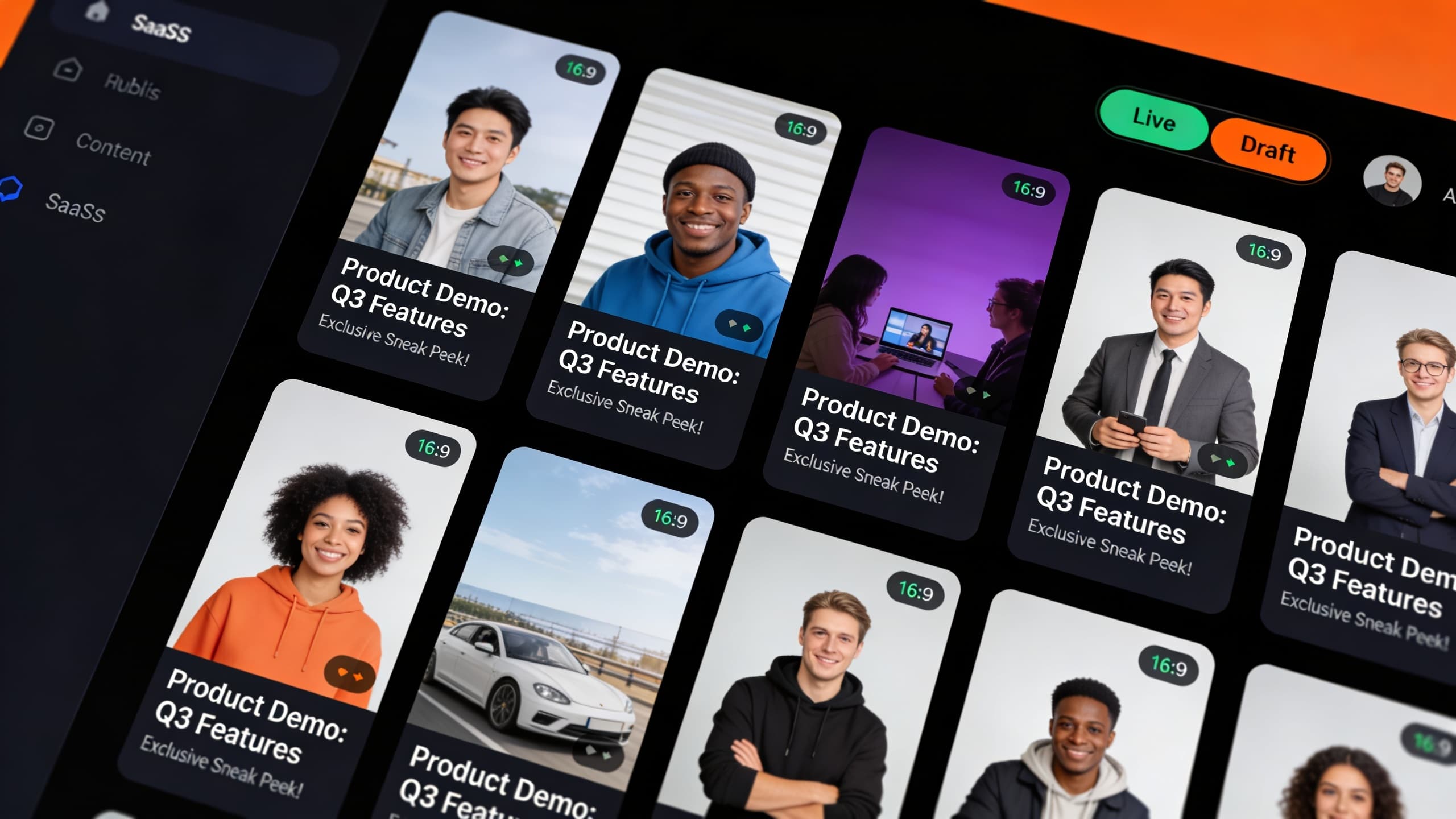
AI is excellent at extraction, formatting, and metadata. It is not a substitute for editorial judgment. The 15 to 30 minute review pass is where the batch becomes a real content product rather than a pile of clips. That is where you decide which clip roles earn a slot, which titles still feel generic, and which on-screen text would help the viewer commit.
AI also cannot fix a weak source. If the conversation wanders, repeats itself, or lacks a single strong claim, the clips will be technically clean but boring. Repurposing amplifies what is already there. The most valuable investment you can make is recording tighter, more opinionated episodes, because every improvement upstream multiplies across ten clips.
A 20-minute review pass checklist for the ten-clip batch
Watch each clip once at 1.5x speed
Check captions for technical terms and names
Refine the two strongest titles
Verify on-screen text positioning
Confirm role mix in the batch
Schedule the batch with platform targeting
How to schedule a ten-clip week without flooding your own feed
A common mistake is publishing the whole batch in one or two days. Short-form algorithms tend to slow down when a single account floods a feed in a short window, and viewers get fatigued seeing ten similar clips from the same person. Spreading the batch across seven to ten days is almost always better for sustained reach.
The simplest schedule is two clips on day one, then one clip per day for the next six days, with the bridge clip and the hook clip placed where they get the most attention. Lead with the strongest opinion clip to earn early reach, then alternate lesson and story clips to keep retention high.
Cross-posting between TikTok and YouTube Shorts is fine, but stagger by at least 24 hours. The platforms favor fresh content, and a clip that performed well on TikTok on Monday will perform differently if you post the same file to Shorts on Tuesday versus Friday.
Common mistakes podcasters make when repurposing into TikToks and Shorts
Most first batches fail for the same predictable reasons. Avoid these to keep your retention high from day one:
- Cutting clips that start in the middle of a thought. The opening second has to make sense without the rest of the conversation.
- Skipping audio cleanup. Echo and uneven mic levels are more obvious in isolated short clips than in the full episode.
- Letting AI auto-captions ship without a human pass. The most common retention drop comes from a wrong number or a misheard name.
- Posting the entire batch in a single day. Spread the clips to give each one a real distribution window.
- Treating titles as an afterthought. Titles carry half the work of earning the first three seconds.
- Picking too many opinion clips. The batch feels repetitive and you stop earning saves.
- Forgetting the bridge clip. Without a clip that points to the full episode, you lose the long-form conversion traffic.
What to do with the clips that did not make the ten-clip batch
The AI will surface more than ten candidate moments. Some of them are weak by design — they are filler, restatements, or moments that only make sense with full context. Others are genuinely strong but get cut for role balance. Do not throw those away.
Keep an archive of unused candidates with their timestamps and a one-line note. The next episode's batch can pull from the archive when it needs a strong lesson clip and the new transcript did not produce one. After a few months, you will have a small library of tested moments that you know perform well, which makes every new batch easier.
You can also use the archive to plan future episodes. If a particular kind of clip keeps being useful, you can shape the next recording to produce more of them. The archive becomes a feedback loop that improves both your short-form output and your long-form structure.
How to measure whether the ten-clip batch is working
Reach and view count are the wrong primary metric. The two numbers that actually matter for a podcast repurposing batch are completion rate and saves. Completion rate tells you whether the clip earned the watch. Saves tell you whether the viewer thought it was worth coming back to. Both metrics compound: a clip with strong completion keeps being shown to new viewers, and a clip with strong saves keeps showing up in search.
After each batch, sort the ten clips by completion rate and saves, then look at the role mix. If your three lesson clips are saving well but your three opinion clips are barely getting retention, the next batch should keep the lessons but swap the opinions for more stories or more hooks. The mix is a starting template, not a rule.
Check back in 30 days. The clips that quietly accumulated saves in week two are often your best templates for the next month. Pull the patterns: what was the hook, what was the role, what was the title structure, what was the length. Then run that template deliberately on the next episode.
Internal routes that support the ten-clip podcast workflow
HypeNest for Podcasters
HypeNest Clips
HypeNest Thumbnails
Free AI Video Titles Tool
FAQ
How is a 5-minute workflow realistic for a 45-minute podcast?
Do I need a video file or is audio enough?
How long should each short clip be?
What if my podcast is just two hosts with no guests?
Can I get more than ten clips from one episode?
Will posting clips cannibalize full-episode listens?
How do I handle clips that quote guests?
Should I use the same caption style on every clip?
How do I know which clip should lead the week?
Do clips need hashtags in 2026?
What if the AI keeps suggesting the same type of clip?
How quickly will I see results from the ten-clip batch?
Can I repurpose an old episode with this workflow?
Should I include intro music in the clips?
What is the best day and time to publish a podcast clip?
Turn your next episode into a full week of content
Use HypeNest to extract ten strong clips from each podcast episode, package them with titles, descriptions, and captions, and schedule a balanced week of TikToks and Shorts without spending your evenings in an editor.