
HypeNest
AI workflow for creators

One long video in.
Clips, titles,
and thumbnails out.

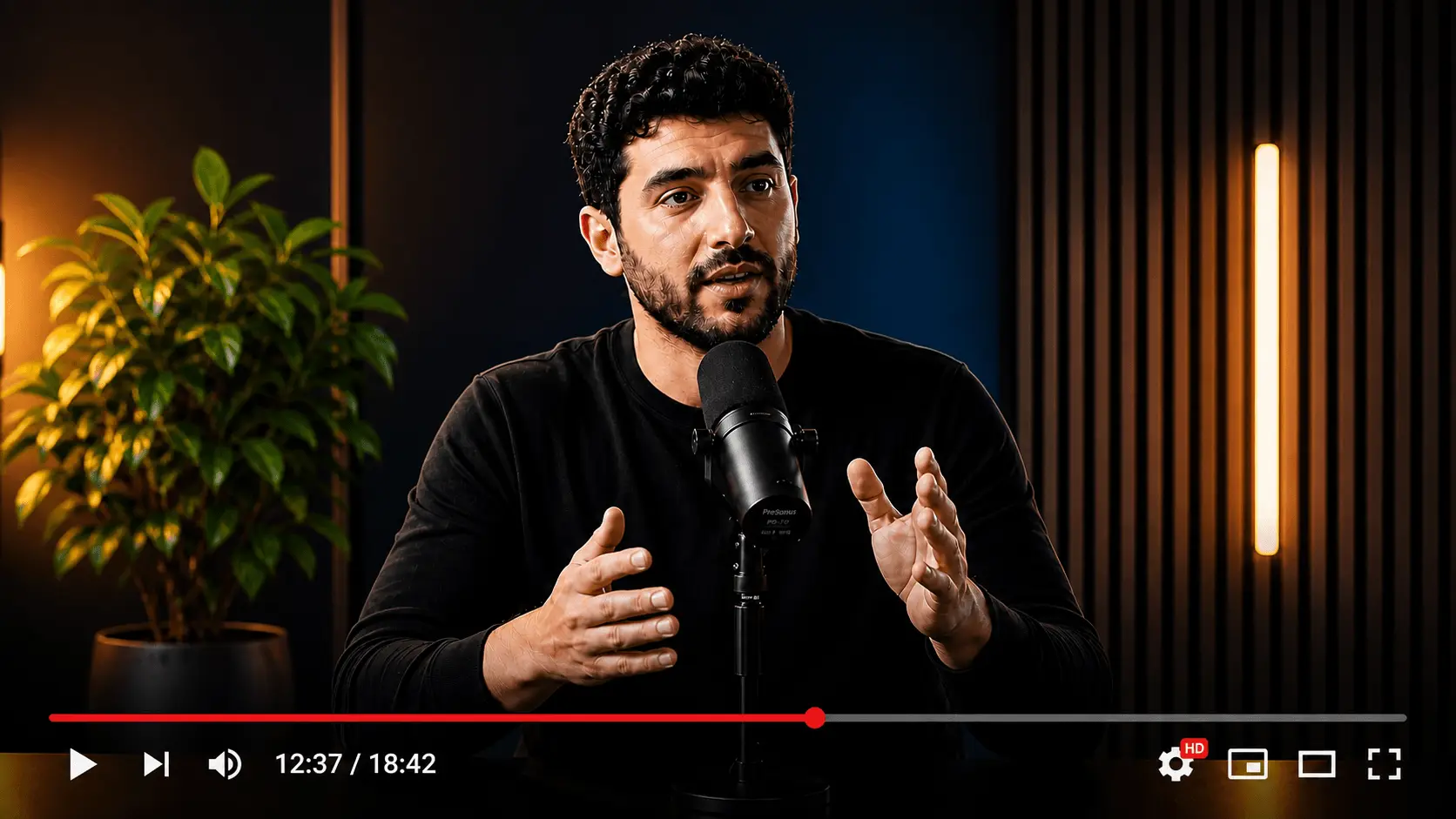
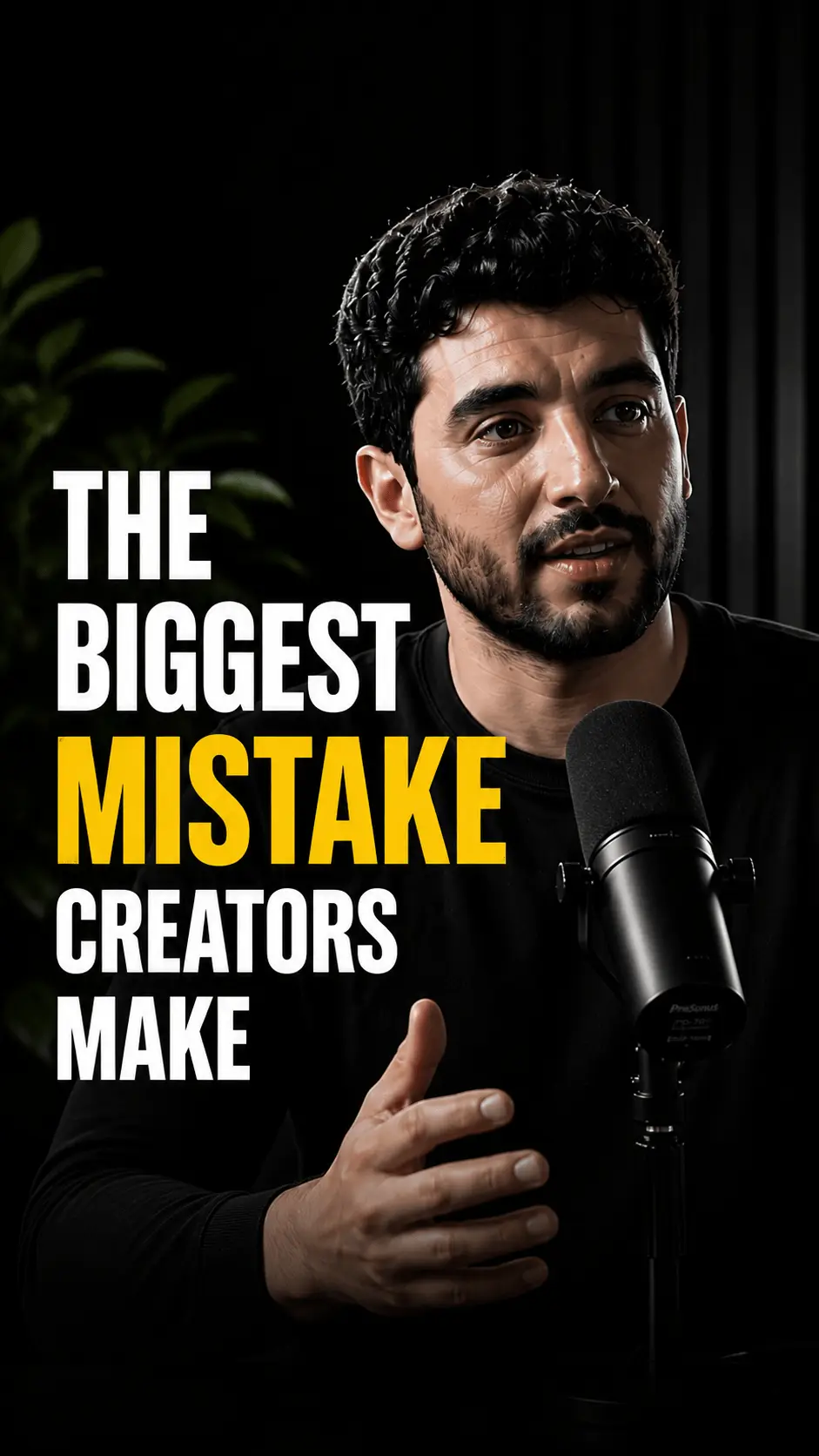
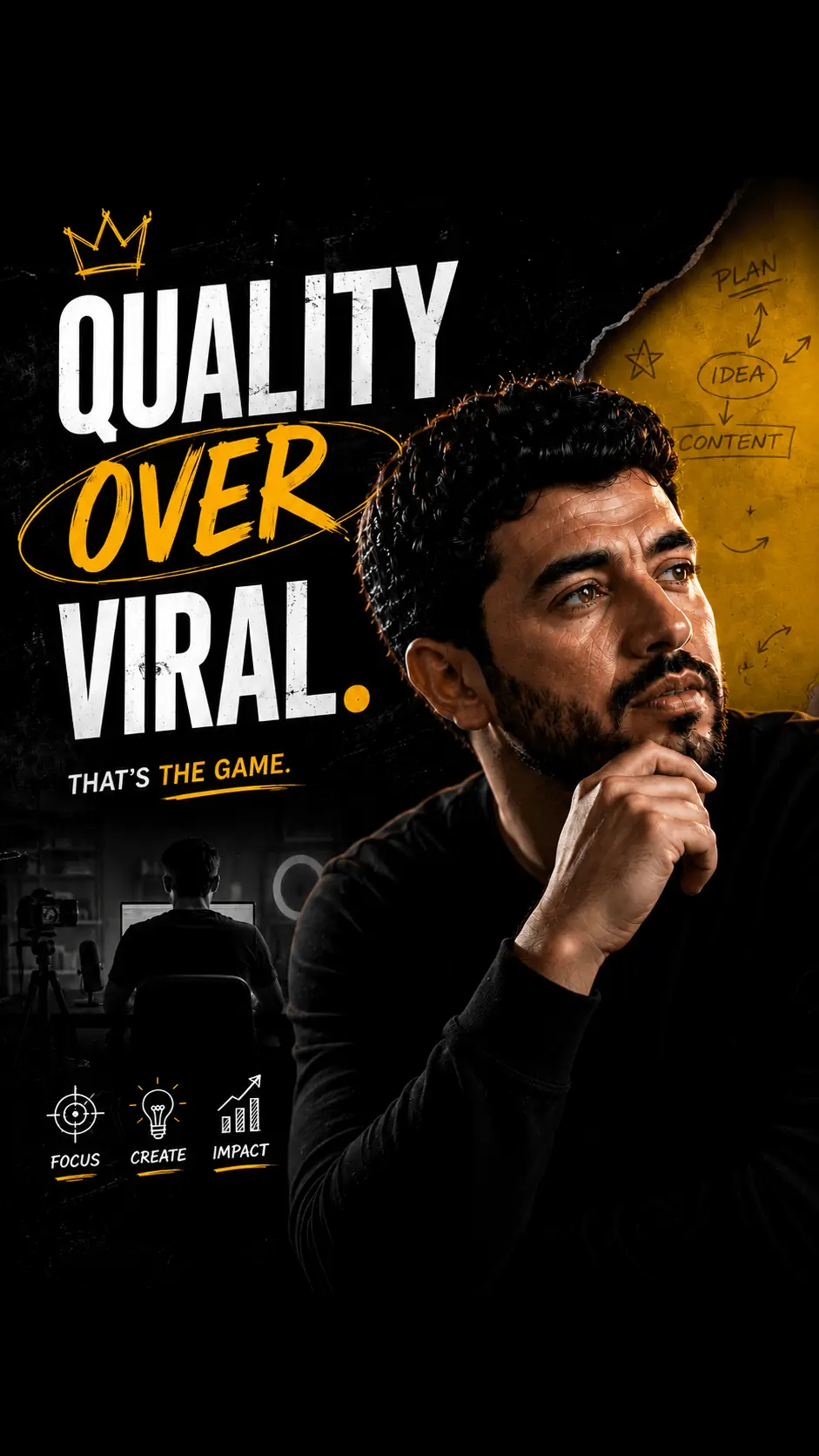
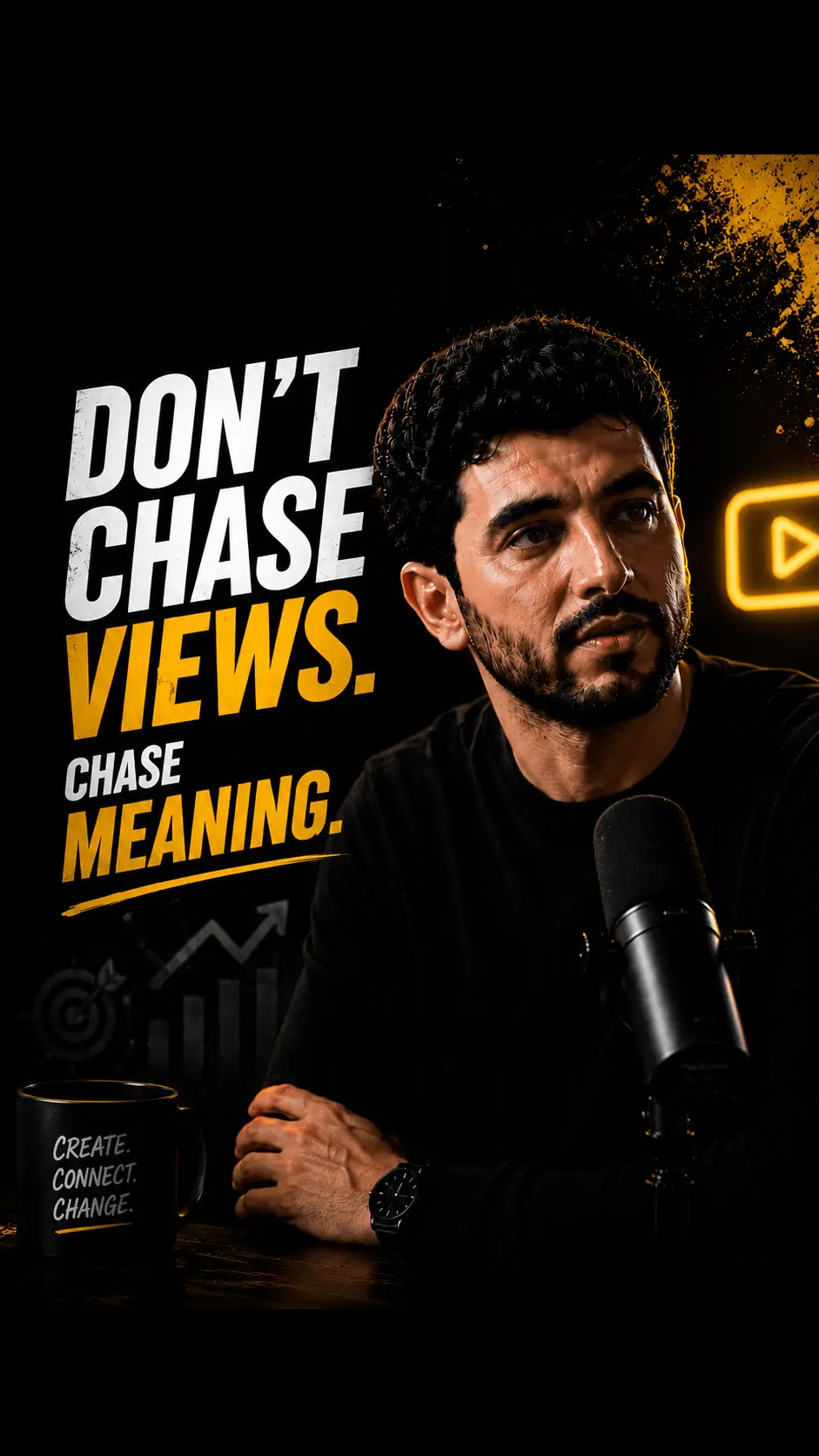
For content creators publishing on YouTube Shorts and TikTok. Upload one long video and HypeNest creates clips, subtitles, titles, descriptions, thumbnails, and posting suggestions you can review before publishing you can review before publishing.

or

Built for content creators

turning long videos into publish-ready assets faster.

Source video
Shorts
Thumbnails
SEO Package
Title
Description
Tags
Schedule
Original Video
Today, 14:00
Short #1
Tomorrow, 09:00
Short #2
May 12, 16:30
Short #3
May 14, 18:00
For content creators

Everything creators need from one upload

A strong fit for tutorial videos, podcasts, webinars, product reviews, and educational content.

01

Short-form clips

AI-selected moments

Turn long videos into short-form clips with professional subtitles.

02

Custom Thumbnails

Channel-style options

Generate thumbnail options that match your channel style.

03

SEO Assets

Titles and descriptions

Create metadata and packaging before you publish.

04

Publishing

Review, then publish

Review everything and publish directly to your channels.

Why content creators teams use HypeNest

AI-selected moments

Turn long videos into short-form clips with professional subtitles.

Channel-style options

Custom Thumbnails

Titles and descriptions

SEO Assets

Review, then publish

Publishing

Search themes content creators actually care about

01

AI video clip generator with automatic subtitles

Turn long videos into short-form clips with professional subtitles.

AI-selected moments
02

YouTube Shorts and TikTok video creator

Generate thumbnail options that match your channel style.

Channel-style options
03

Automated video title generator

Create metadata and packaging before you publish.

Titles and descriptions

How content creators go from upload to publishing

A clear step-by-step workflow reinforces product-fit for the exact publishing motion this audience is searching for.

1

tutorial videos

YouTube Shorts and TikTok video creator

2

podcasts

Automated video title generator

3

webinars

AI-powered video description writer

Step 01

Upload source video

Everything creators need from one upload

Step 02

Review clips and packaging

Generate thumbnail options that match your channel style.

Step 03

Schedule and publish

Review everything and publish directly to your channels.

Workflow Examples

Example content creators workflows to repurpose

Concrete source formats create stronger topical depth and better long-tail alignment.

01AI-selected moments

tutorial videos

YouTube Shorts and TikTok video creator

Short-form clipsAI-selected momentsCustom thumbnail generator with brand matching
02Channel-style options

podcasts

Automated video title generator

Custom ThumbnailsChannel-style optionsOne-click publishing to YouTube and TikTok
03Titles and descriptions

webinars

AI-powered video description writer

SEO AssetsTitles and descriptionsSmart scheduling for optimal posting times

Series planning ribbon

01

Upload source video

Everything creators need from one upload

02

Review clips and packaging

Generate thumbnail options that match your channel style.

03

Schedule and publish

Review everything and publish directly to your channels.

Built for content creators

Create, review, and publish for YouTube Shorts and TikTok.

Soon
Soon
Pricing

Plans for content creators

Start free, then scale as your publishing volume grows.

MonthlyYearlySave 17%

Free

Perfect for trying AI content repurposing

$0/mo
Try free
150 credits/mo
Auto publish to YouTube
Standard processing
Watermark on clips
Upload up to 1GB
Most Popular

Starter

For growing content creators

$15/mo
Start now
600 credits/mo
Everything in Free
Medium priority processing
No watermark on clips
Upload up to 3GB

Pro

For serious content creators

$27/mo
Choose plan
1,500 credits/mo
Everything in Starter
Highest priority processing
Upload up to 10GB
FAQ

Questions content creators ask

Practical answers about clips, metadata, publishing, and supported content.

Start creating

Turn one video into more content.

Create clips, thumbnails, titles, descriptions, and ready-to-publish posts for YouTube Shorts and TikTok.

or
    AI Video Repurposing for Content Creators | HypeNest