
Keep Pictory for text
Blog posts, scripts, slide decks and audio-only pieces that have no footage. Stock visuals and AI voices are the point there, and HypeNest cannot do it.
Pictory builds videos from words. If your videos already exist and the stock look no longer fits, this is where HypeNest replaces part of it — and where it does not.
Your source video
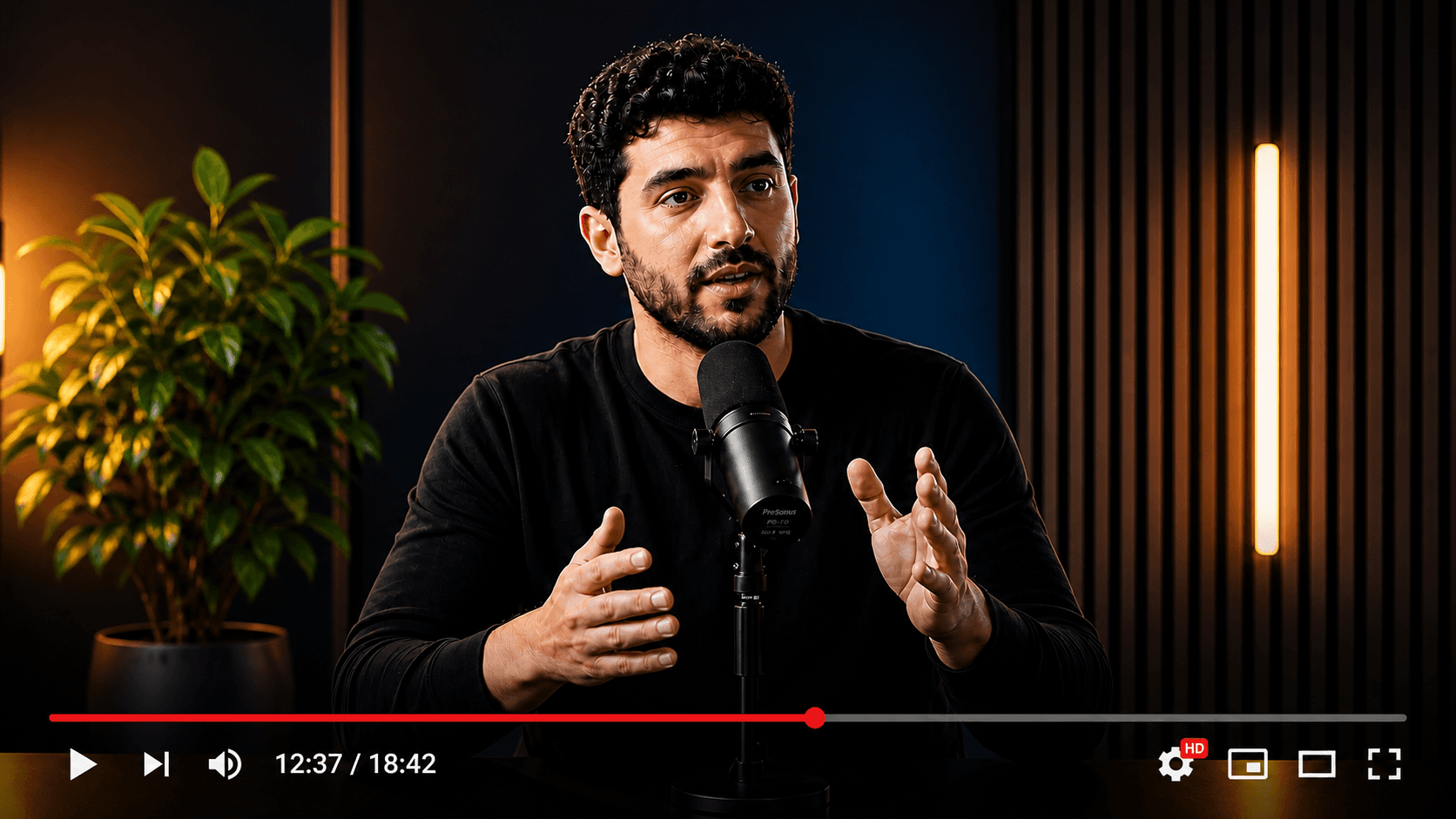
Multiple publish-ready clips
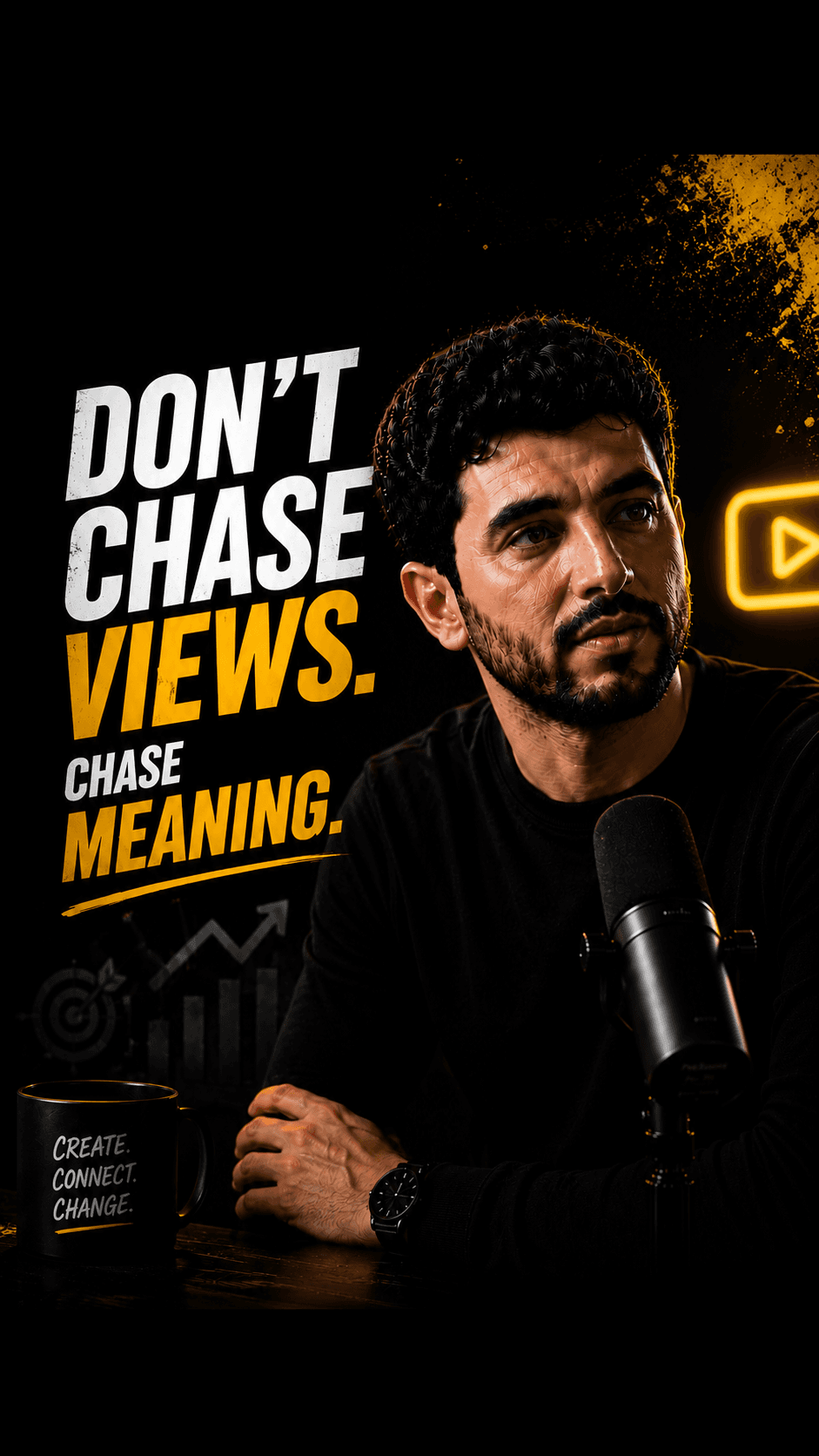
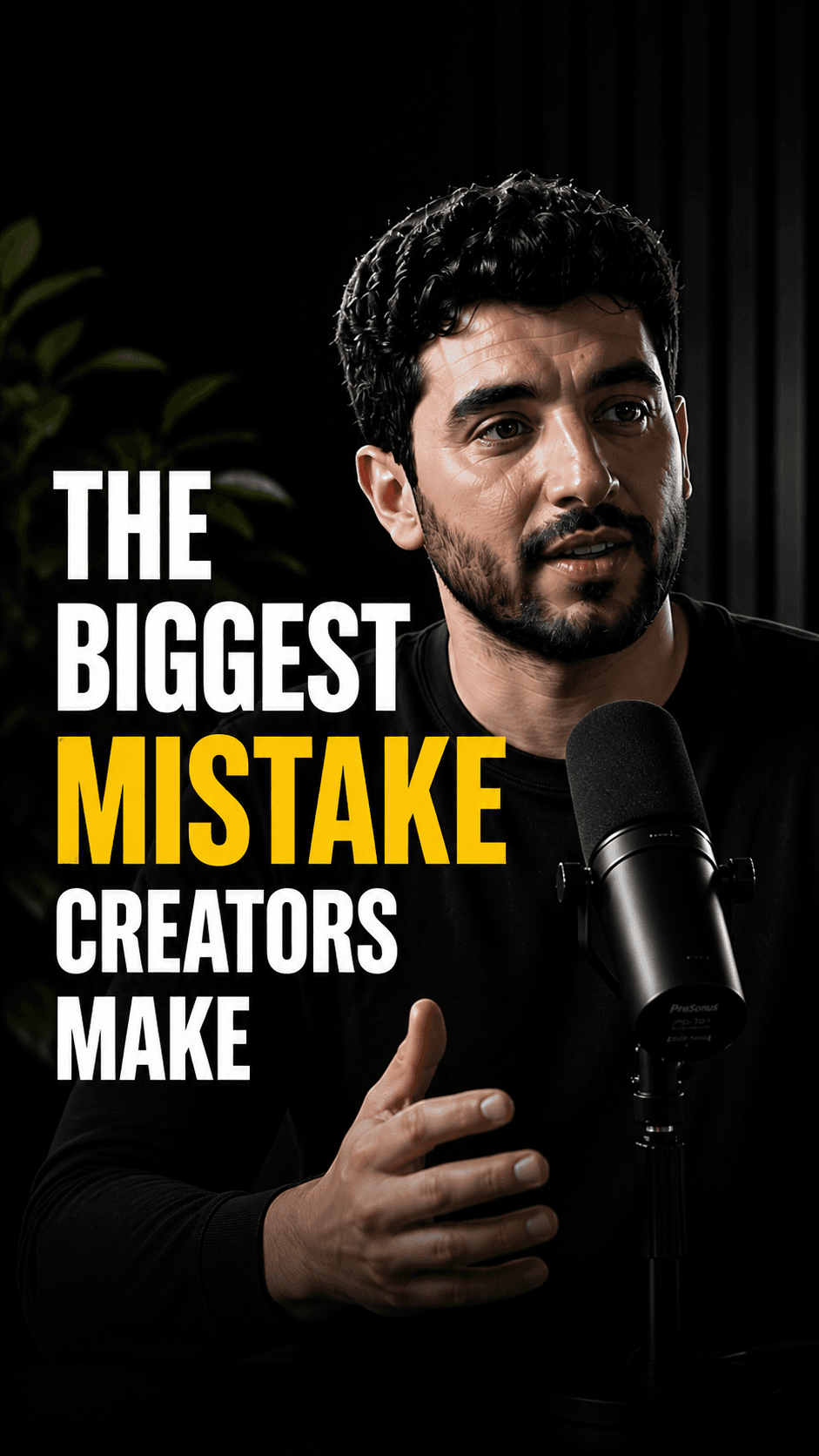

Switch the recordings, not the scripts: HypeNest needs finished video as input.
What you gain: your own footage in every clip, packaging per clip, and a review gate.
HypeNest has a free plan — no credit card required — plus paid Lite, Starter, and Pro tiers; see /pricing for details.
Direct publish is live for YouTube and TikTok only. Instagram, LinkedIn, and Facebook are not live publish targets.
Keep Pictory for text
Blog posts, scripts, slide decks and audio-only pieces that have no footage. Stock visuals and AI voices are the point there, and HypeNest cannot do it.
Move recordings to HypeNest
Podcasts, webinars, lessons and YouTube episodes where the speaker is the content, and each clip needs packaging and approval before it posts.
Run both when mixed
Teams that publish articles and recorded shows. Split by source type, not by habit, and compare approved posts per week after two weeks.
Pain points
Your audience follows a host or a guest, and stock visuals hide them.
You now have hours of recorded episodes and no weekly Shorts from them.
Each clip still needs a title, description and thumbnail written elsewhere.
A preview and an MP4 download is not an approved post on YouTube or TikTok.
You want a required review step before anything goes live.
Comparison
With Pictory
Starts from text: scripts, article URLs, slides, PDFs or audio, matched to stock visuals and AI voices. Also offers transcript-based editing, filler-word cleanup and a highlight clip generator.
Pictory can also pull highlights from long recordings. If that already works for you, you may not need to switch at all; run the same episode through both before deciding.
With HypeNest
Starts from your finished recording. Shortlist of vertical clips, captions, titles, descriptions and thumbnails, human review, then YouTube or TikTok. No scripts, no synthetic voice.
Feature breakdown
| Category | HypeNest | Pictory | Why it matters |
|---|---|---|---|
| Input you need | A finished recording (upload up to 5 GiB / 5 h, or a link up to 3 h) | Text, slides, audio or video | HypeNest cannot replace Pictory's text-to-video |
| What's on screen | Your own footage | Stock visuals, or your uploads | Viewers who follow a person expect that person |
| Clips from long video | Up to 10 vertical clips per generation, 10–180 s | Highlight clip generator | The one job both tools share |
| Review | Review-before-publish is the default — nothing goes live without approval | Preview, then download | Gate vs personal judgment |
| Publish | Direct publish live for YouTube and TikTok only today | MP4 download; verify publishing options | Fewer steps between export and post |
| Price | Free plan; Lite $6/mo, Starter $15/mo, Pro $27/mo (annual from $5/mo) | Free trial, then Starter, Professional, Team and Enterprise tiers; verify on their site | Compare a normal month, not list price |
Decision guide
Switch if…
Stay if…
Action plan
Step 01
Sort last month's Pictory projects into text-based and recording-based.
Step 02
Take the original recording behind one recent project — not the Pictory export — and upload it to HypeNest.
Step 03
Review the proposed clips, fix titles and thumbnails, and publish the keeps to YouTube or TikTok.
Step 04
After two weeks, move recordings to whichever tool shipped more approved posts and keep Pictory for text if you still need it.
Last verified:
Pictory facts on this page were verified on its public site on 2026-09-28 — homepage, pricing, script-to-video, AI video editor and clip generator pages — without a paid account. Anything behind the login, such as export quality, highlight accuracy, real limits and in-app publishing options, was not verifiable, so the page says to verify it.
HypeNest facts come from our live plans page. We leave Pictory's price numbers out on purpose because they change; check its current plans before you switch.
Quick answer
Leave Pictory for HypeNest only for the recordings part of your output: podcasts, webinars, lessons and YouTube episodes that should become reviewed Shorts with your own face and voice. If you still turn scripts, articles or slides into videos, keep Pictory for that — HypeNest cannot start from text.
HypeNest gives you the tools to optimize, schedule, and scale Shorts and TikTok from one workspace — with review before you publish.
Instantly generate optimized titles, descriptions, and relevant tags.
Turn long-form YouTube videos into highly engaging TikToks & Shorts.
Queue and schedule reviewed posts for YouTube and TikTok from one calendar.
Generate eye-catching, high-converting video thumbnails to maximize your CTR.
Questions