
AI B-Roll
Fill the frame with AI B-roll.
Upload a talking-head or long-form video and let HypeNest insert context-aware B-roll cutaways so the edit feels dynamic — without hunting stock libraries by hand.
- Context-aware cutaways
- Matched to spoken topics
- Keeps A-roll in control
- Review before export
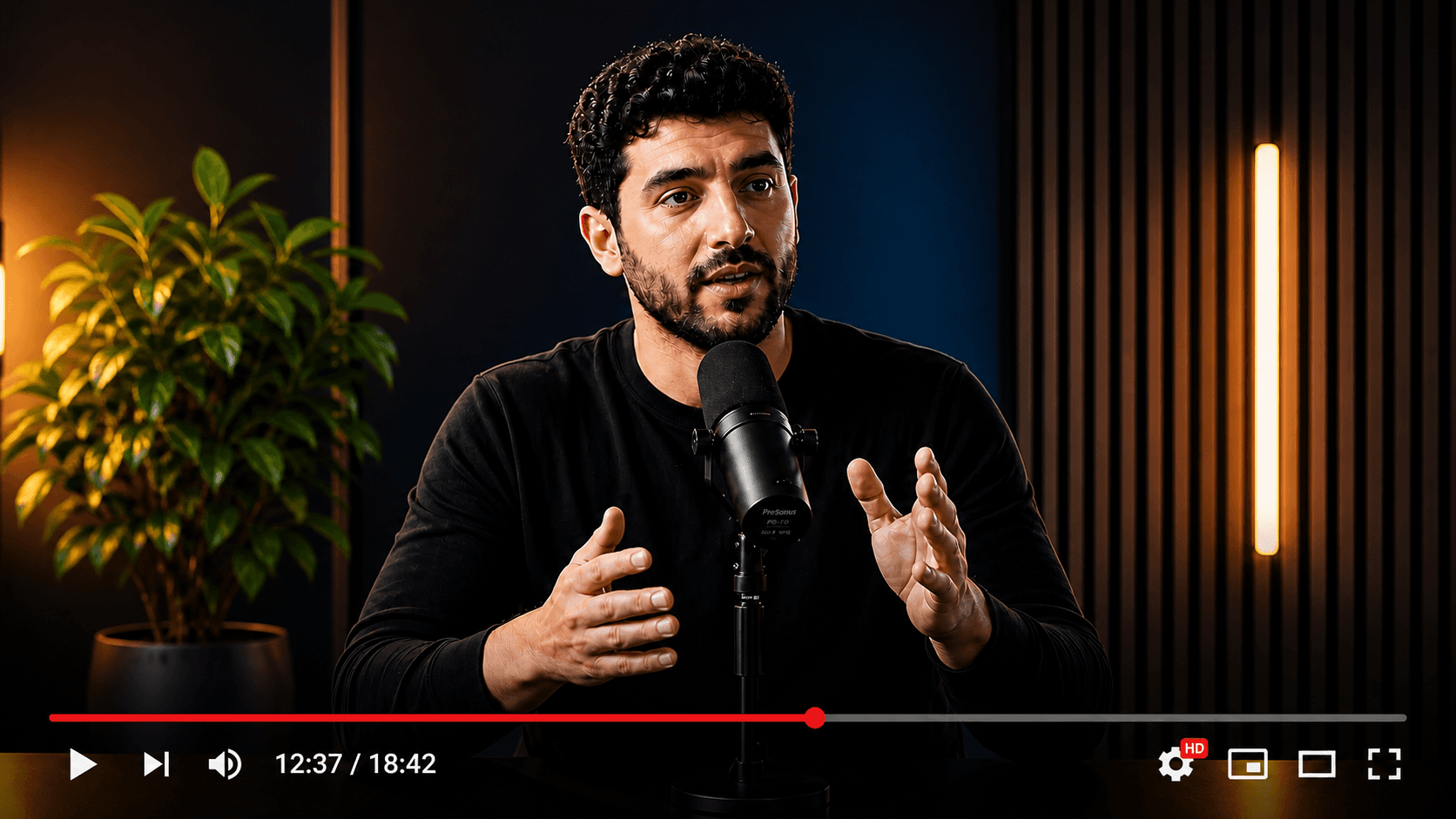 A-roll
AI B-roll layers
B-roll without the stock scavenger hunt
Static talking-head videos lose retention. HypeNest analyzes speech and scene context, then proposes B-roll inserts you can approve, swap, or skip before publish.
Topic-aware inserts
B-roll is timed to what you say — product demos, concepts, and story beats — not random decoration every three seconds.
Layered over your A-roll
Your face and delivery stay the backbone. Cutaways cover explanations, lists, and visual metaphors so the edit stays watchable on mute-first feeds.
Human review built in
Nothing ships without you. Approve, replace, or remove any B-roll suggestion before export or publish.
From talking head to visually dense edit
Three steps: upload, let AI propose cutaways, refine what stays in the final cut.
- 01
Upload the source video
Paste a link or upload a file. Works best with clear speech and a stable A-roll shot.
- 02
AI maps B-roll opportunities
HypeNest finds moments that benefit from visual support and proposes cutaways aligned to the transcript and pacing.
- 03
Review and export
Keep the inserts that help, drop the rest, then export or continue into clips, captions, and publish.
Stop pausing every thirty seconds for stock.
Manual B-roll usually means scrubbing the timeline, searching stock sites, and re-timing every cut. AI proposals collapse that loop into a review pass.
Context first
Inserts tied to speech topics, not fixed-interval flash cuts
Less library hunting
Fewer tabs spent searching stock while the export waits
Review, not autopilot
You stay editor-in-chief on every cutaway
Hours
Manual stock workflow
Mark spots on the timeline, search stock for each beat, download, import, scale, and re-time — then repeat for the next video.
Review pass
HypeNest AI B-roll
Get proposed cutaways from the same source upload, approve what works, and move on to captions or publish.
FAQ
Frequently Asked Questions
Everything you need to know about AI B-roll in HypeNest.
Make talking-head videos worth watching.
Add AI B-roll to your next upload and review cutaways before anything goes live.
Get Started Now