
How to Repurpose a Podcast Episode into 10 Clips
Use this practical workflow to turn one podcast episode into 10 short clips for YouTube Shorts and TikTok without losing context or making every cut feel the same.
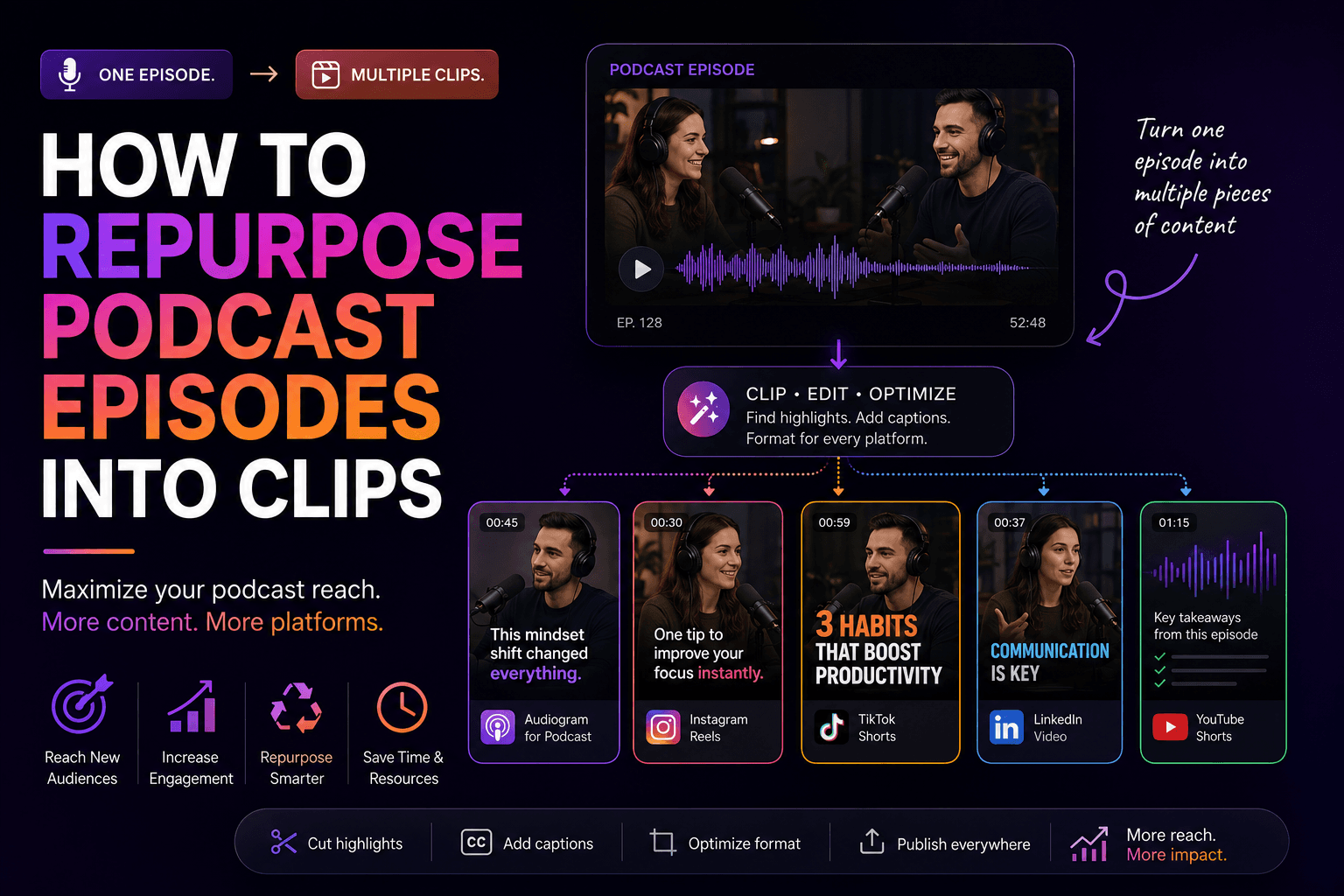
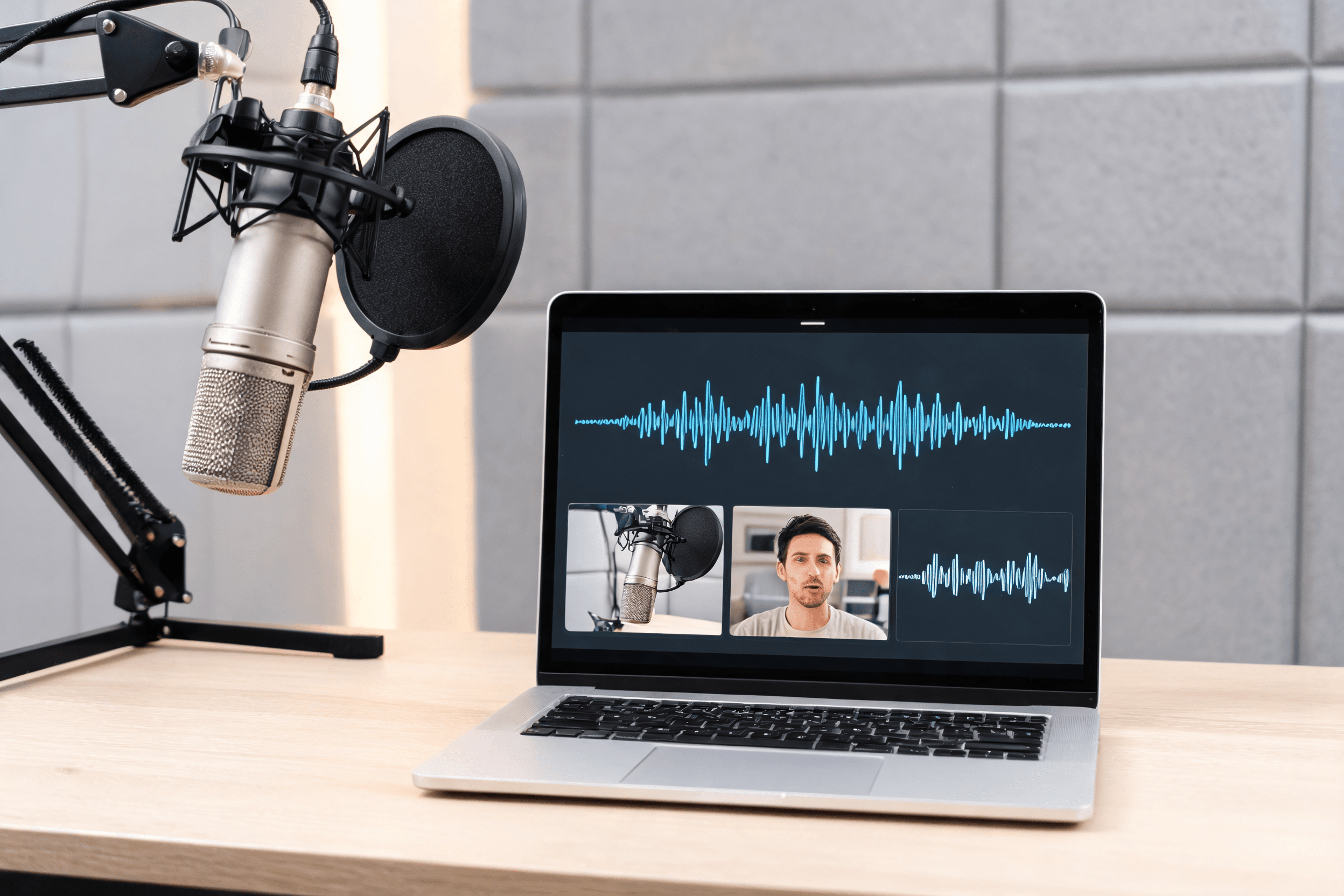
Podcast episodes are excellent raw material for short-form because they already contain hooks, stories, lessons, and sharp opinions. Most weak snippets fail for simple reasons: they start too late, assume too much context, or sound like every other cut from the same episode.
A stronger system is to plan distinct clip roles before you publish. You want attention clips, teaching clips, story clips, and a few that move people toward the full episode or your offer. HypeNest helps by surfacing candidate moments quickly and packaging the best ones into publish-ready assets.
Most podcasters publish the full episode once and leave the rest of the value unused. With a structured workflow, one recording can support a full week of Shorts, TikTok posts, Reels, and LinkedIn content.
Podcast clips need more framing than tutorials or demos because the viewer drops into the middle of a conversation. In the opening seconds, make clear who is speaking, what the point is, and why it matters.
This guide shows a repeatable way to turn one episode into ten distinct clips without making the batch feel repetitive. The goal is not maximum volume. It is a balanced set of posts with different jobs.
Format matters too. Solo episodes often produce strong claims and personal stories, interviews produce examples and contrarian opinions, and panels produce clips through agreement or productive disagreement.
Audio cleanup is part of repurposing. Normalize speaker levels before clipping so volume changes do not undermine otherwise strong content.
Quick Answer
If you want to turn one podcast episode into 10 clips, do not split the recording into equal chunks. Pull from four buckets instead: bold opinions, practical lessons, short stories, and bridge moments that point people to the full episode or your offer.
The goal is ten clips that feel different and complete on their own. HypeNest helps by combining moment selection, packaging, and publishing so you can think about discoverability while you clip.
What makes a podcast moment worth clipping
The best podcast clips are self-contained. They open with a strong claim or question, make one clear point, and end with a payoff. If a moment needs too much setup, it usually belongs in the full episode instead of the short-form batch.
Good batches also have range. If every cut is a hot take, the feed feels repetitive. If every cut is a lesson, the batch becomes useful but flat. Mix attention clips, teachable clips, stories, and a few bridge posts so each episode feels broader than one angle.
Think of repurposing as editorial selection, not just editing. The highest-leverage decision is choosing moments with standalone value, then packaging them for the way short-form viewers actually consume content.
Specificity matters. Generic advice rarely performs as well as a concrete example, a named mistake, or a repeatable framework. Viewers stay longer when the takeaway is clear and practical.
A simple 10-clip blueprint from one episode
| Item | Details |
|---|---|
| 2 strong-opinion clips | Pull moments where the host or guest says something surprising or contrarian. These are attention drivers, and they work best when the claim is specific enough to quote or debate. |
| 3 teachable clips | Choose moments with a framework, tactic, or mistake viewers can apply. These clips work best when the lesson is obvious from the first few seconds and ends with a practical action. |
| 3 story or example clips | Use short anecdotes, case studies, or first-hand examples to add narrative momentum. They break up the batch and often hold retention better than abstract advice. |
| 2 bridge clips | Use two clips to point people deeper into the ecosystem. One can tease the full episode, and another can connect the lesson to your product or next step. Value should land before the CTA. |
| 1 hook-only attention clip | Sometimes one provocative sentence or question is enough. Keep it under 15 seconds and use it to create a curiosity gap that pulls viewers toward your other content. |
| 1 behind-the-scenes or personality clip | Keep one candid reaction, laugh, or off-script exchange in the batch. These clips humanize the show and add connection that purely informational cuts usually miss. |
A repeatable workflow from episode to publish-ready clips
Mark candidate moments in one review pass
Group clips by role before you edit
Package every winning clip like its own post
Schedule across the week, not all at once
Review performance and iterate on the next episode
Archive unused candidates for the next batch
Why a transcript review pass saves time
Before you open an editor, read the transcript. It is faster to scan for strong openings in text than to scrub the timeline, and phrases like 'the thing most people get wrong' often point to clip-worthy moments.
Mark 15 to 20 candidates in this pass. Some strong lines on paper will fall flat on video, so the buffer gives you room to cut weaker options later.
Transcript review also improves packaging. When the idea is clear in text, it becomes easier to write a better title, overlay, or description around it.
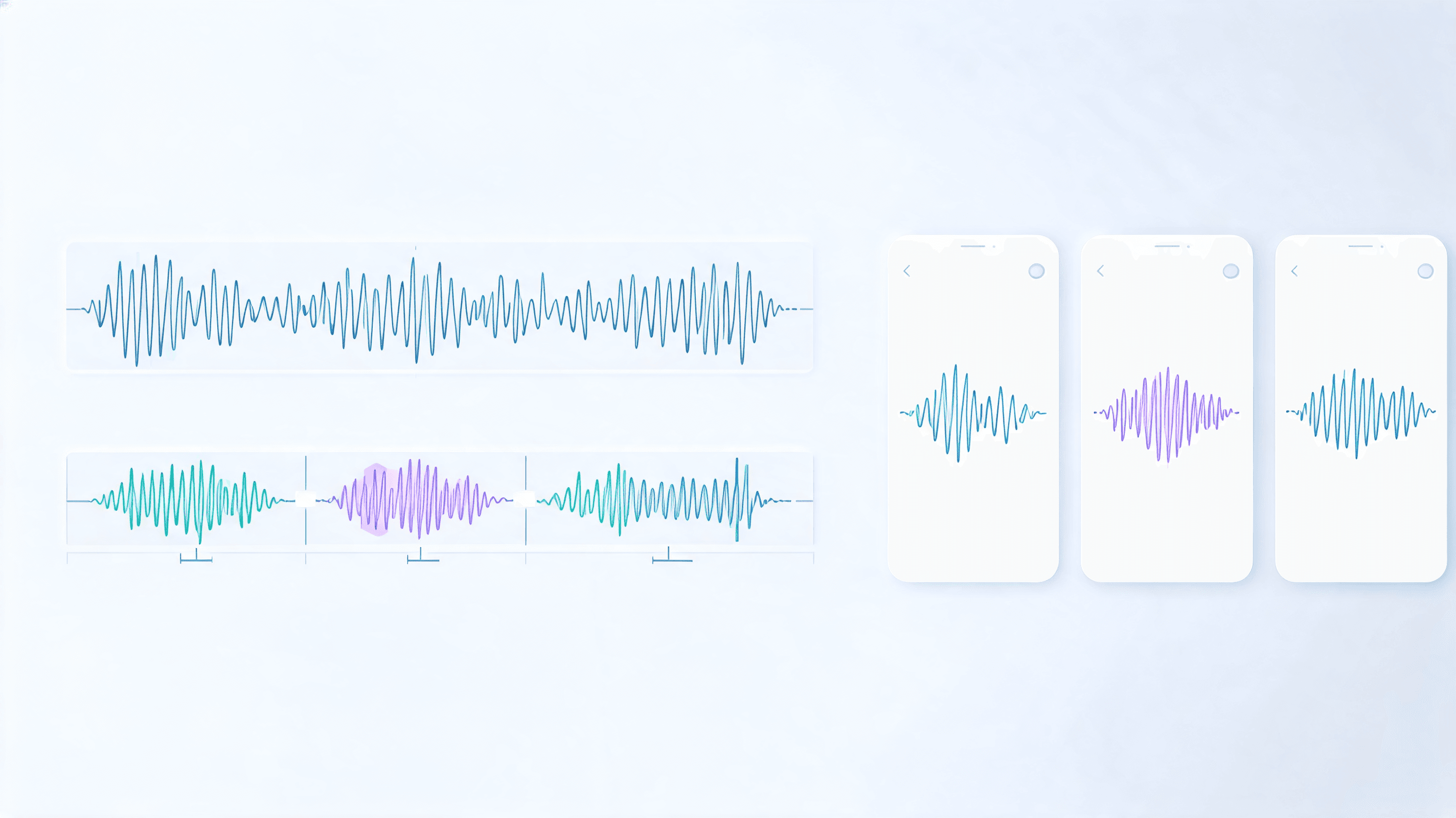
How to handle clip length and pacing for podcast content
Podcast clips come from conversations that were not designed for short-form. Use these guidelines to keep them tight and watchable:
- Aim for 20 to 45 seconds. Under 15 seconds often feels too thin, and over 60 seconds needs unusually strong momentum to hold retention.
- Trim dead air before the hook lands. Start with the first meaningful word, not the warm-up phrase before it.
- Add a text hook in the first two seconds so the viewer knows what the clip is about before the conversation fully unfolds.
- If two speakers appear, make the handoff obvious with name captions or simple labels.
- Do not force a five-minute story into a 45-second cut. Pull the sharpest excerpt and send viewers to the full episode for the rest.
- Use jump cuts to remove filler, but do not overdo them. Tight is good; robotic is not.
- If you add music, keep it subtle. It should support the clip, not compete with the voices.
How to optimize podcast clips for each platform
YouTube Shorts
TikTok
Instagram Reels
Common mistakes when repurposing podcast clips
Even experienced podcasters make the same short-form mistakes. These are the ones to fix first:
- Publishing only opinion clips and skipping lessons or stories. Hot takes alone make the feed feel thin.
- Using the same hook structure for every clip. Even strong ideas feel repetitive when the openings all sound identical.
- Skipping audio cleanup. Echo and inconsistent mic levels are more obvious in isolated short clips.
- Posting the whole batch in one day. Spread clips across five to seven days to give each one a real distribution window.
- Ignoring titles and descriptions. Metadata is part of discoverability, not an optional extra.
- Wasting the first two seconds on setup. If the hook is late, the viewer is already gone.
How to review clip performance and improve your next batch
Wait at least 48 hours before evaluating performance
Compare clip roles against each other
Extract title patterns that worked
Check platform-specific differences
Update your batch template with learnings
Hook types that work especially well for podcast clips
| Item | Details |
|---|---|
| The counterintuitive claim hook | Use this when the speaker challenges a belief your audience assumes is true. It works best when the clip explains the claim quickly instead of dragging out the reveal. |
| The specific promise hook | Educational clips improve when the opening promises a concrete outcome instead of a vague topic. The viewer should know exactly what they will leave with. |
| The story-turn hook | Some of the best moments start in the middle of a real consequence: losing a client, missing a launch, or changing a belief. They work when the turn arrives early and the resolution fits inside the clip. |
| The audience-identity hook | If the speaker names the exact viewer in the first sentence, the clip feels more personal. Identity hooks work especially well for niche shows with a clear listener profile. |
| The answer-first hook | Podcast clips often improve when you start with the conclusion instead of the setup. This format is efficient, searchable, and easier to caption because the core point appears immediately. |
How to clip guest episodes and multi-speaker conversations
Choose one speaker to carry the clip
Make the speaker handoff obvious
Label roles, not only names
Export guest-share versions separately
Treat disagreement as its own series
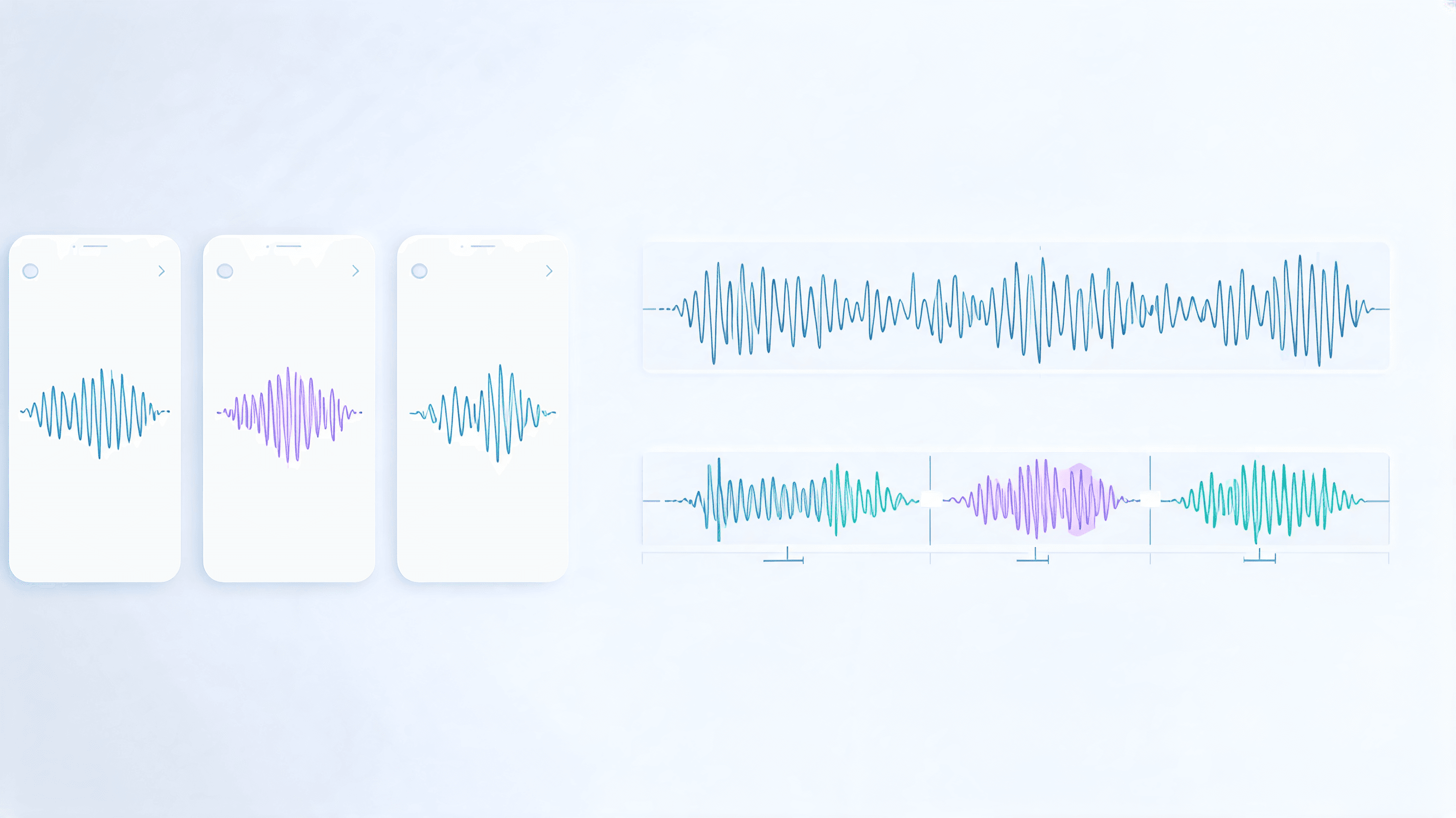
Assign each platform a job in the 10-clip batch
| Item | Details |
|---|---|
| YouTube Shorts as the searchable library | Use Shorts for clips with durable value and clear keyword intent. Frameworks, tactical mistakes, and quotable guest moments can keep working long after the first distribution burst. |
| TikTok as the hook-testing channel | TikTok is the fastest place to learn which framing angle makes people stop. Send sharper opinions and curiosity-led hooks there first to test what deserves a second version elsewhere. |
| Instagram Reels as the familiarity engine | Reels works well for clips that build familiarity with the host, guest, or show identity. Personality moments and concise lessons often deepen recognition even without strong search intent. |
| LinkedIn as the authority filter | Publish the clips that sound most credible in a professional setting on LinkedIn. The goal there is less raw reach and more trust, comments, and profile visits from the right audience. |
| Owned channels as the conversion layer | Your newsletter, episode page, community, and follow-up emails should get the clips that point people deeper into the ecosystem. Treat these as the conversion layer of the batch, not as an afterthought. |
Turn one promising moment into multiple clip iterations
Read the first signal correctly
Rework the first five seconds before touching the rest
Test framing separately from the footage
Use comments to generate the second cut
Keep an iteration log by episode
Internal routes that support the podcast workflow
HypeNest for Podcasters
HypeNest Clips
HypeNest SEO
Free AI Video Titles Tool
FAQ
How long should a podcast clip be for Shorts and TikTok?
What audio quality is acceptable for podcast clips?
Should I include the podcast intro music in clips?
How do I get 10 clips without making them all feel repetitive?
Do podcast clips need captions, titles, and descriptions?
What should I publish first after recording a new episode?
Can I repurpose old episodes that were recorded months ago?
Should I edit podcast clips differently for YouTube Shorts versus TikTok?
What percentage of an episode typically becomes usable clip material?
Do I need a guest release form before clipping interview episodes?
How many clips can I get from a 30-minute versus a 60-minute episode?
Should I publish clips from the same episode on multiple platforms the same day?
Do I need facecam video for podcast clips to work?
How do I handle guests with different energy levels than the host?
Do clips cannibalize full-episode listens?
Turn every episode into a week of content
Use HypeNest to pull better podcast moments, package them with stronger titles and descriptions, and publish a more intentional batch of clips.