
How to Batch 30 Shorts from 4 Long Videos
Turn four long videos into thirty publish-ready Shorts. Set targets, choose clip types, batch titles and descriptions, and schedule everything.
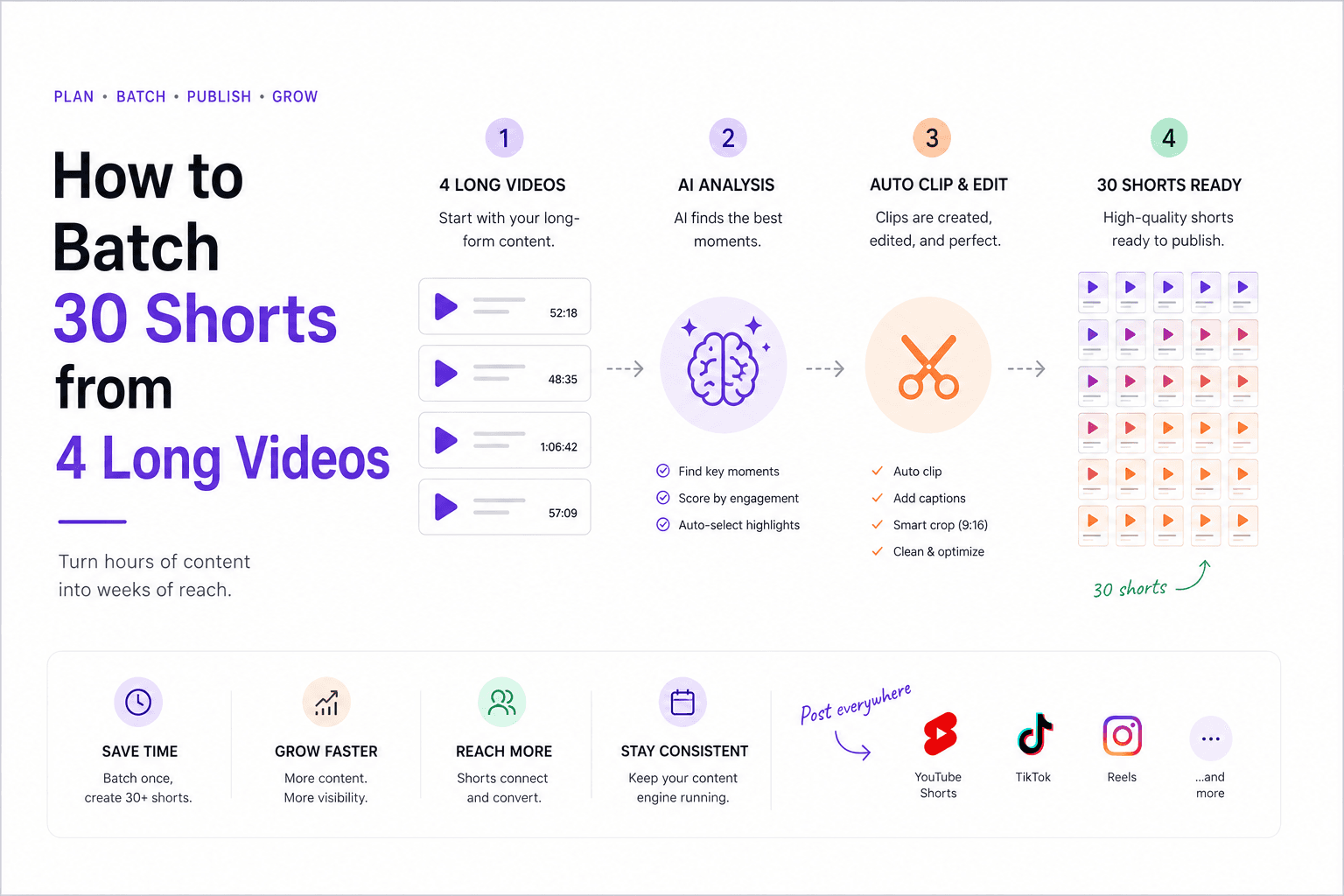
If you want 30 Shorts from 4 long videos, the trap is finishing them one by one. That creates constant context switching: find a moment, trim it, write a title, write a description, choose a date, then repeat. It feels busy, but it is one of the slowest ways to scale short-form output.
The better approach is to treat the month like a batch operation. Four long videos are not four assets. They are a library of hooks, lessons, stories, objections, proof moments, and CTA bridges. Once you define the clip mix and the publishing calendar in advance, 30 Shorts becomes an operations problem, not a creative emergency. That is exactly the kind of throughput HypeNest is built to support.
Quick Answer
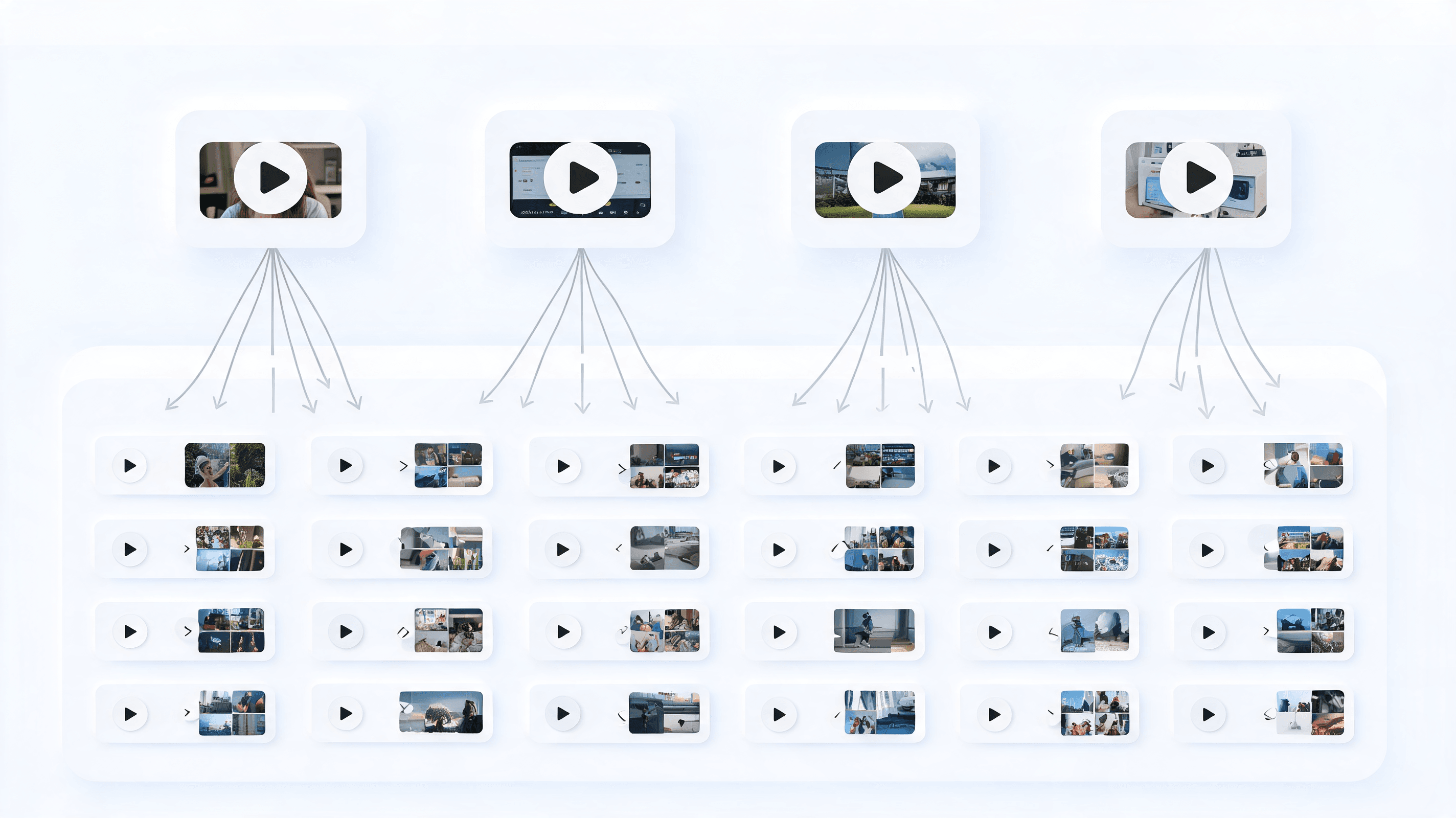
To batch 30 Shorts from 4 long videos, aim for 10 to 12 candidate clips per source video, then approve 7 or 8 from each. The goal is not perfect symmetry. The goal is enough publishable inventory to fill a month while keeping some reserve clips for swaps and winners.
The biggest speed gain comes from batching by stage instead of by clip. Extract clips in one pass, write titles in one pass, write descriptions in one pass, then schedule the month. HypeNest helps because clips, SEO metadata, and planning can live in the same workflow instead of across multiple disconnected tools.
The output math behind 30 Shorts
You do not need every source video to perform the same way. You need enough raw candidates to build a calendar and enough structure to avoid over-editing. Most long videos contain more usable Short moments than creators think, especially tutorials, interviews, podcasts, webinars, breakdowns, and founder-style commentary.
A simple monthly target looks like this:
- 4 long videos in the month
- 10 to 12 candidate clips pulled from each source video
- 7 or 8 approved Shorts per source video
- 30 scheduled Shorts total, with reserve clips left over for swaps and winners
- A mix of educational, opinion, story, proof, and CTA-style clips so the feed does not feel repetitive
- A review checkpoint after the first 10 uploads so you can double down on the formats that actually earn retention and replays
Use a repeatable clip mix so 30 Shorts do not feel the same
Quick tip clips
Strong-opinion clips
Story or failure moments
Proof clips
The 5-step batch system
Upload all four source videos together
Review candidate clips fast and reject aggressively
Write titles in clusters, then descriptions in clusters
Place the whole month on a calendar before polishing
Review winners every week, not once a month
Choose source videos that can actually feed a month
The batching plan starts before you extract a single clip. Not every long video deserves a place in the monthly set. A strong source video usually has clear segment boundaries, multiple ideas that can stand alone, and at least a few moments where the speaker lands a sharp statement, example, or story beat in under thirty seconds. Tutorials, webinars, interviews, podcasts, launch breakdowns, and Q&A sessions often work because the pacing naturally creates repeatable cut points.
Weak source videos create downstream drag. If a video depends heavily on slides, inside jokes, or context from the previous ten minutes, you can still make Shorts from it, but the editing burden climbs fast. The same is true for recordings with soft openings, muddy audio, or long setup before the useful takeaway arrives. When the goal is 30 publish-ready Shorts, your monthly source pool should bias toward density and clarity, not sentimentality about every long-form asset you recorded.
A practical filter is to score each candidate video on four dimensions: clip density, strategic relevance, freshness, and format variety. Clip density asks how many standalone moments you can realistically extract. Strategic relevance asks whether the topic supports the audience or offer you want to push this month. Freshness asks if the examples, opinions, or platform references still feel current. Format variety checks whether the set gives you enough room for tips, stories, objections, proof, and CTA bridges instead of thirty versions of the same talking point.
This is why four source videos should not all do the same job. One might be a tutorial full of actionable snippets. Another might be a customer-facing Q&A that produces objection-handling clips. A third could be a founder commentary piece that gives you opinion and positioning. The fourth might contain proof, case-study moments, or product walk-throughs. The best monthly batch comes from complementary sources, because variety is easier to plan at the source level than to force later in the calendar.
If you can influence production upstream, add clip thinking before recording. Build long videos with visible segment changes, stronger hook lines, repeatable summaries, and cleaner transitions. Keep rough timestamp notes while recording or reviewing the long-form cut. That small prep step can save hours during extraction, because your team starts the batch already knowing where the likely Short moments live.
Batch by clip role so the feed keeps its range
A batch gets easier when each clip has a role. Instead of asking only whether a candidate is good, ask what job it does in the feed. Role labels stop you from accidentally building thirty educational clips, thirty mini ads, or thirty hot takes that all compete for the same attention pattern.
They also make scheduling and analysis faster. When clips are tagged by role during review, you can see where the batch is overloaded, where trust-building is thin, and which roles actually drive saves, comments, profile visits, or downstream clicks.
| Item | Details |
|---|---|
| Hook or open-loop clips | These clips exist to win the first second. They usually open with a surprising claim, a hard contrast, or a promise that creates immediate curiosity. Use them in higher-value calendar slots or whenever recent uploads have started to lose reach, because they are built to pull fresh viewers into the rest of the batch. |
| Teaching clips | Teaching clips deliver one usable framework, checklist, or tactical correction without requiring the full long-form context. They often earn saves and rewatches because the viewer feels they learned something concrete. A healthy batch needs these because they create utility, not just attention, and utility is what turns occasional viewers into repeat viewers. |
| Objection-handling clips | These answer the hesitation the audience already has: no time, no budget, too competitive, too late, too complicated. They are powerful because they sound like you understand the friction in the market instead of broadcasting generic advice. Place them near offer-driven clips so the audience gets a reason to believe the next step is realistic. |
| Story clips | Story clips turn experience into momentum. They can be a mistake, a turning point, a behind-the-scenes moment, or a short before-and-after narrative. Their job is not only entertainment. They humanize the feed, vary the pacing, and make later teaching or proof clips easier to trust because the audience has more context on who is speaking. |
| Proof clips | Proof clips show receipts: results, screenshots, process footage, customer outcomes, side-by-side comparisons, or product demonstrations. They are especially useful after several high-attention clips because they convert abstract claims into visible evidence. If you want a batch to support pipeline or product interest, proof needs to appear regularly instead of only at launch moments. |
| CTA bridge clips | A CTA bridge clip connects value to the next action without sounding like an abrupt ad. It might point to a template, a longer video, a free tool, a waitlist, or a product workflow. These clips work best when they feel like the logical continuation of the lesson the viewer just received, not a disconnected promotion pasted onto the end. |
Distribute 30 Shorts like a weekly programming schedule
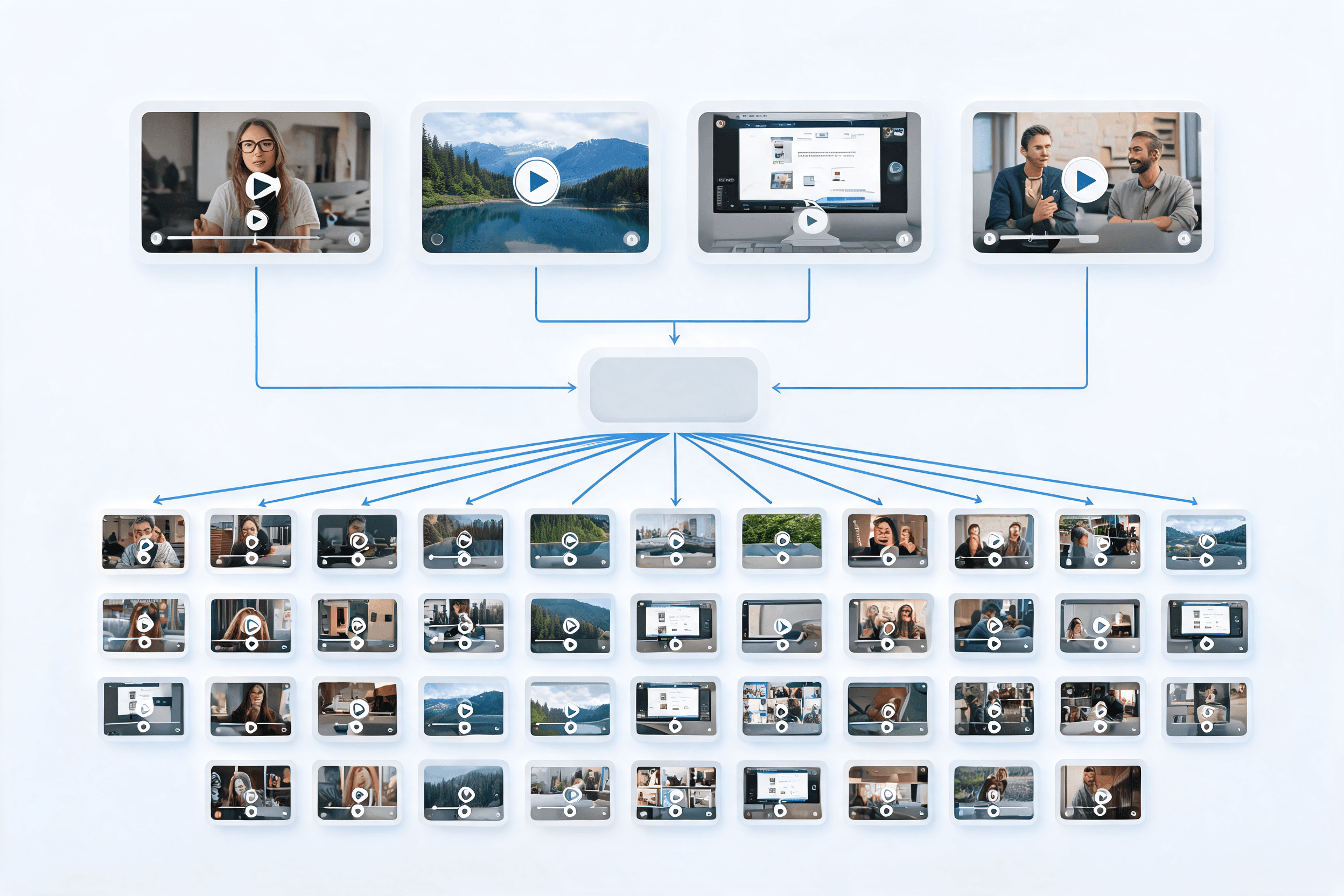
A monthly batch still needs weekly rhythm. If you simply upload clips in the order they were extracted, the feed can feel random, repetitive, or too heavy on one source video. The fix is to treat the 30 Shorts as programming blocks that need range across each week, not just coverage across the month.
That means planning by audience experience. Ask what a new viewer should see first, what a returning viewer should get next, and where more commercial clips belong so they feel earned rather than intrusive.
Map the month into four weekly arcs
Spread source videos across the calendar
Alternate clip roles and energy levels
Protect premium slots for your strongest hooks
Leave reserve space for swaps and reactive posts
End each week with a learning pass
Use analytics to improve the batch while it is still live
The biggest mistake after batching is treating the calendar like a sealed package. A batch should remove production chaos, not remove learning. If you wait until the month ends to review performance, you waste half of the signal the audience is already giving you. The better model is a live feedback loop where analytics shape the second half of the month and the next month at the same time.
This only works if you track enough context around each Short. Platform metrics alone tell you what happened, but they do not explain why. The moment you tag each clip by source video, topic, role, hook style, and CTA type, your review gets much sharper because you can compare like with like instead of guessing from a spreadsheet of isolated results.
The goal is not to micromanage every upload. It is to notice repeatable patterns early enough to act. That could mean moving a reserve proof clip forward, rewriting the description on an upcoming post, or deciding that next month's source videos need more objection-handling material because that role keeps outperforming everything else.
- Track early retention first. If viewers leave in the opening seconds, the problem is usually the hook, framing, or speed of entry rather than the core idea itself.
- Separate reach metrics from intent metrics. Views and average watch time tell you whether the clip attracted attention, while saves, shares, comments, profile visits, and clicks show whether the attention carried business value.
- Compare winners inside the same role. A proof clip should be benchmarked against other proof clips, not against a polarizing opinion clip that plays by different rules.
- Read comments for language patterns, not just sentiment. Repeated phrases often become better future hooks, titles, and objections to answer in the next batch.
- Watch for source-video fatigue. If clips from one long video repeatedly underperform, reduce their remaining calendar share and promote reserve clips from stronger sources instead.
- Promote patterns, not one-off accidents. One viral post can be luck, but three clips with the same structure outperforming in a row usually points to something you can intentionally repeat.
- Update upcoming metadata when the signal is clear. You do not need to re-edit every clip to improve the month; sometimes a better title angle or description emphasis is enough.
- Roll the learnings into the next recording cycle. The best batching teams use this month's analytics to decide what kind of long-form footage they should create next, so the source library itself keeps getting stronger.
Template QA and handoff before publishing week starts
Most batching systems slow down at the end, not at extraction. The clips exist, the calendar exists, but the final week gets messy because files are hard to find, approvals are vague, captions drift off-message, and nobody is fully sure which Shorts are actually publish-ready. If you want 30 Shorts to move smoothly from draft to scheduled post, the last mile needs as much structure as the first review pass.
A simple QA and handoff routine protects speed in two ways. First, it removes avoidable mistakes that force last-minute fixes. Second, it preserves the reserve library you worked hard to build, because a clean handoff system makes it easy to swap, reuse, or revive clips without re-opening the entire project.
Use one naming system for every export
Run a three-second opening check
Match the metadata to the real promise
QA the platform delivery details separately
Assign one owner for approval and scheduling
Archive reserve clips with reuse notes
HypeNest routes that support monthly batching
HypeNest Planner
HypeNest Clips
Video Titles Generator
Video Descriptions Generator
FAQ
How many candidate clips should I pull from each long video?
Should every long video produce the same number of Shorts?
What saves the most time when batching Shorts?
How often should I review performance during a batch month?
Turn long-form inventory into a monthly publishing engine
Use HypeNest to batch clips, titles, descriptions, and scheduling from one system so scaling Shorts stops feeling manual.