
Best AI Video Repurposing Tools 2026
Compare top AI video repurposing tools for YouTube Shorts and TikTok in 2026, including HypeNest, OpusClip, and CapCut.
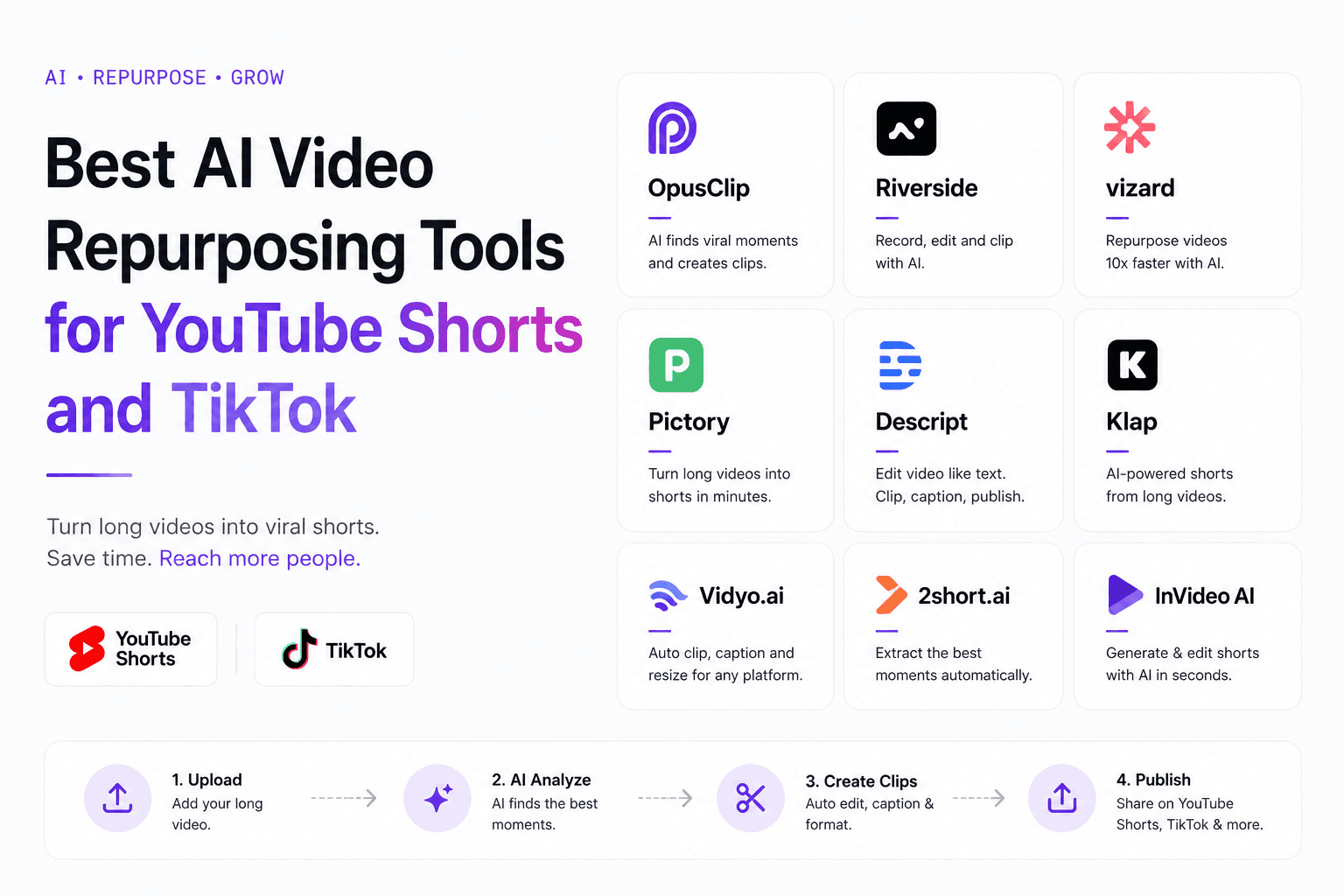
Most teams do not have a content shortage. They have a packaging shortage: one long video can yield several strong Shorts or TikTok posts, but the workflow usually breaks between clip selection, vertical formatting, metadata, and scheduling.
So the best repurposing tool in 2026 is not just the fastest exporter. It is the tool that removes the most friction from source footage to scheduled post.
Use this guide to match the tool to your real bottleneck and choose a system you will actually use every week.
That usually means buying for throughput, not novelty. A tool that saves six small decisions on every clip will beat a flashier demo if it lets you move from transcript to final post without reopening the same asset three different times.
Quick Answer
If you want the strongest all-around AI video repurposing tool for YouTube Shorts and TikTok in 2026, HypeNest is the best fit for creators and teams who want clip detection, vertical formatting, metadata, and scheduling in one workflow.
OpusClip fits clipping-first volume, and CapCut fits manual polish. For consistent weekly output, judge tools by total time to published clip, not time to first export.
If your current process still jumps from clipper to editor to docs to scheduler, the winning tool is the one that collapses those steps. For most weekly publishing teams, that operational simplicity matters more than one extra AI highlight feature.
How the top tools actually differ
| Item | Details |
|---|---|
| HypeNest | Best for creators, podcasters, coaches, and teams who want clipping, packaging, and publishing in one place. Its advantage is simple: fewer handoffs between clip extraction, metadata, planning, and scheduling. |
| OpusClip | Best for clipping-first workflows where speed and volume matter more than the rest of the system. It is strongest when you already have a reliable process for packaging, approvals, and publishing outside the tool. |
| CapCut | Best for manual polish after the right moments are already chosen. It excels at captions, effects, and overlays, but it does not replace the discovery, packaging, or planning layer. |
| A two-tool stack | This can work, but every handoff adds review time and another chance for clips to stall. For teams publishing several times per week, fewer tools usually beats one extra specialist feature. |
| Descript and similar audio-first tools | Strong for transcript-based source editing on podcasts and interviews. It helps refine the raw material, but you still need another layer for vertical packaging and publishing. |
| VEED.io and browser-based editors | Useful for light browser-based edits and quick one-off clips. At weekly scale, the lack of planning and metadata management usually pushes you back into a multi-tool workflow. |
| Runway ML and AI-first creative tools | Excellent for generative and creative effects, not for end-to-end repurposing. Use it as an enhancement layer rather than as the main short-form pipeline. |
| Rev and caption-focused services | Helpful for caption accuracy, but they do not own clip detection, vertical formatting, or scheduling. They complement a repurposing stack rather than replacing one. |
Choose based on workflow, not feature lists
Most feature lists look similar now. The better way to choose is to map each tool against the part of the weekly workflow that actually slows you down.
Write down your last ten clips and note where they stalled: finding moments, cleaning framing, writing packaging, waiting for approval, or actually scheduling. That pattern tells you whether you need a better clipper, a better editor, or a tighter publishing system.
- Choose HypeNest if the real bottleneck starts after the first clip draft and you need titles, descriptions, planning, and publishing to happen in one flow.
- Choose OpusClip if the main pain is generating more clip candidates from long-form footage and your metadata or scheduling process already works.
- Choose CapCut if the moments are already selected and the remaining need is manual polish, captions, transitions, and visual control.
- Measure the tool on completed posts per hour of source footage, not on how many raw clip suggestions it can produce.
- Prioritize clip quality over clip quantity. A few coherent clips will outperform a large batch of contextless cuts.
- Prioritize packaging for Shorts, because titles, descriptions, and thumbnails do a meaningful share of the discovery work.
- Prioritize scheduling when consistency is the problem. A good tool used weekly beats a great tool opened only in bursts.
- Do not ignore context switching and review friction. Those hidden costs compound faster than most teams expect.
A practical workflow for Shorts and TikTok
Start with one strong long-form source
Review clip candidates for standalone value
Format each clip for vertical consumption
Package each clip for discovery
Batch publish strategically across the week
Set a minimum viable publishing cadence
Common mistakes when choosing a repurposing tool
Most teams choose against the wrong metric. The real question is whether the tool fits the full publishing workflow.
- Choosing by export speed instead of total time to publish.
- Optimizing for a free tier instead of the weekly volume you actually want to sustain.
- Ignoring onboarding time and how quickly the team can use the tool well.
- Overlooking review and approval needs when clients or stakeholders are involved.
- Testing polished demos instead of running your own footage through the full workflow.
- Following recommendations from creators with a different source format than yours.

How to match tools to your specific situation
The right tool changes with team size, content type, and publishing frequency. These are the most common fit patterns we see.
| Item | Details |
|---|---|
| Solo creator, 3+ Shorts per week | You need the lowest total time per clip. HypeNest fits best because one person usually cannot afford a multi-tool handoff-heavy stack. |
| Small agency, 5+ client accounts | The bottleneck is approvals and consistency. Look for planner views, shared workspaces, and batch-friendly metadata handling. |
| Podcast team, weekly episode to clips | Prioritize transcript-led clip detection and strong packaging, because viewers need immediate context about who is speaking and why the topic matters. |
| SaaS marketing team, product demos to Shorts | Your clips must prove value quickly. Strong titles, descriptions, and thumbnail control matter as much as the clip detection itself. |
| Event or conference recap team | Turnaround speed matters most here. Choose batch processing, low review friction, and reusable branding or metadata templates. |
| Video-first education or course creator | You need chapter-aware extraction, strong transcript search, and metadata consistency so related clips feel like a series instead of random fragments. |
Key differences between YouTube Shorts and TikTok repurposing
YouTube Shorts and TikTok may look similar, but they reward different packaging and editing choices.
- Shorts leans more on search-friendly titles and descriptions, while TikTok leans more on trend fit and feed-native framing.
- TikTok usually needs a faster hook; Shorts can tolerate slightly more setup.
- Caption placement and styling should be adjusted per platform, not reused unchanged.
- CTA style should change too: subtler on TikTok, more direct on Shorts.
- Thumbnails matter far more for Shorts than for TikTok.
- Cross-posting the exact same version to both platforms usually leaves one under-optimized.
Setting up a team-based repurposing pipeline
Define roles and responsibilities per clip batch
Choose a tool with shared workspaces
Standardize metadata templates per content type
Build a review and approval loop inside the platform
Track publishing performance per team member
Retrospectively audit the pipeline every month
Essential features your repurposing tool must have
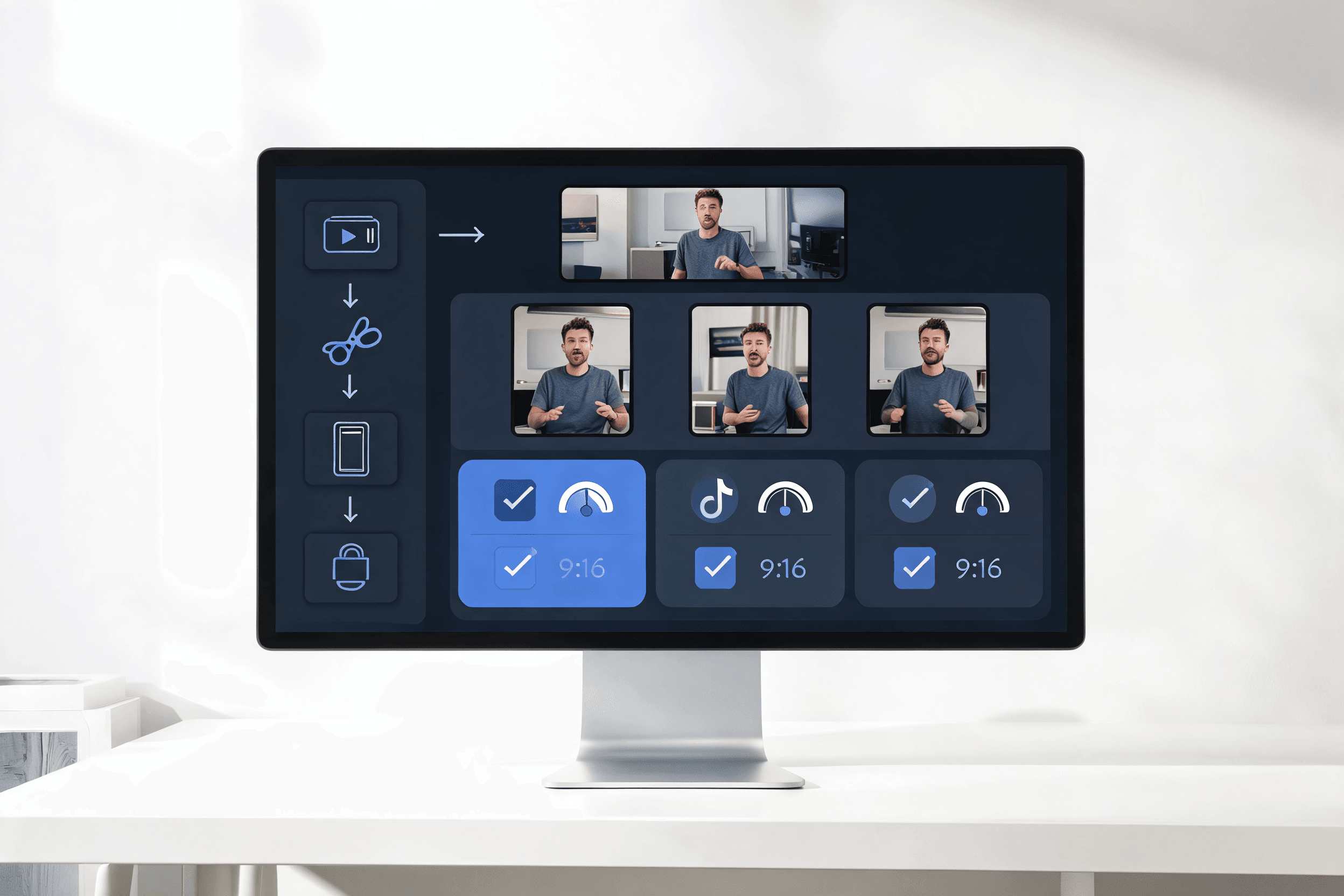
Not all features are created equal. Some are essential for any serious repurposing workflow, while others are nice-to-have additions that sound impressive in demos but rarely get used. Here is the checklist we recommend using when evaluating any tool against your actual needs:
| Item | Details |
|---|---|
| Smart clip detection with transcript context | The tool should use transcript context to find complete thoughts and strong moments, not just movement spikes. |
| Automatic vertical reframing and aspect ratio conversion | It should keep the active speaker or focal area in frame without awkward jumps. |
| Platform-specific caption customization | Captions should support different positions, sizes, and styles per platform. |
| Metadata and title templates for batch consistency | Reusable title and description templates are essential for batch publishing. |
| Scheduling or export-ready integration with platforms | Native scheduling or metadata-ready export removes a major publishing handoff. |
| Analytics that connect clip attributes to performance | Analytics should connect hooks, topics, and titles to performance so each batch improves. |
Choose the stack by creator type
Team size matters, but creator type matters just as much. The right tool changes with how your content earns attention and how quickly one source video needs to become publishable inventory.
Podcast and interview creators
Education and tutorial creators
Brand and social teams
Agencies and operators
A weekly operating system for repurposing
Monday: choose the source asset
Tuesday: score clip candidates
Wednesday: package in batches
Thursday: schedule by platform intent
Friday: log the winners

Build a metadata and SEO workflow that scales
Most teams treat metadata as a final cosmetic step. The better approach is to build a repeatable packaging system that turns transcript insights into titles, descriptions, and platform-specific context before the clip leaves the queue.
This is where many repurposing stacks quietly fail. Teams get a decent clip out of the AI, then improvise the packaging at the end, which creates inconsistent titles and weak descriptions. A reusable metadata workflow keeps the discovery layer as systematic as the clipping layer.
- Create two or three title formulas per platform so editors are choosing between proven structures instead of writing from a blank page.
- Pull likely search phrases directly from the transcript and map them to the clip's main promise, not just to the topic in broad terms.
- Use the description to supply missing context, especially for podcast or interview clips where the audience may not know the speaker, company, or story yet.
- Keep separate CTA templates for discovery intent, community intent, and commercial intent so the call to action matches the clip instead of feeling bolted on.
- Decide in advance which fields must be customized per clip and which can be templatized, so batch work stays fast without making every post feel identical.
- Review search framing and retention together. A keyword-rich title that creates the wrong expectation will hurt the clip even if it earns initial views.
- Save the best hooks, nouns, and angle patterns in a swipe file so each new batch starts from proven language rather than fresh guesswork.
Compare pricing against recovered time
Tool pricing only makes sense when you compare it to the labor it removes. The cheapest plan on paper often becomes the most expensive option once manual packaging and review time are factored in.
Before you compare monthly prices, estimate the time spent per clip on exports, renaming, description writing, thumbnail cleanup, approvals, and manual uploads. The tool with the higher sticker price often wins once those minutes are multiplied across a month of consistent posting.
Free and trial tiers
Clipping-first paid plans
All-in-one platforms
Team and agency plans
Useful HypeNest routes for deeper evaluation
HypeNest vs OpusClip
HypeNest vs CapCut
HypeNest Clips
HypeNest Planner
FAQ
Which AI video repurposing tool is best for both YouTube Shorts and TikTok?
Is CapCut enough for repurposing long videos into short-form content?
Should I use one tool for clips and another for publishing?
What matters more in 2026: clip detection or metadata?
Can I use free video editing tools instead of an AI repurposing platform?
How long does it take to evaluate a repurposing tool properly?
Do I need different tools for podcast clips versus webinar clips?
What is the hidden cost of using too many tools in the repurposing pipeline?
How do I know when it is time to upgrade from a free tool to a paid repurposing platform?
What should I look for in a team or enterprise repurposing plan?
Should I optimize clips for retention or for shares?
How many clips should I aim to extract from one long-form video?
What aspect ratio should I target for repurposed clips in 2026?
Do AI repurposing tools handle multi-speaker footage well?
How important are custom thumbnails for repurposed Shorts clips?
Build a faster repurposing system
Use HypeNest to turn one long video into publish-ready Shorts and TikTok posts with clips, titles, descriptions, and scheduling in one workflow.