
What webinar-to-clips means
Webinar-to-clips is converting a long live or recorded session into short vertical (or social-ready) posts with captions. The goal is ongoing distribution, not replacing the full replay for registrants.
Webinar recording·Social clips
One webinar can fuel a week of social. Extract takeaways, demos, and Q&A moments into captioned short clips you review before publish.
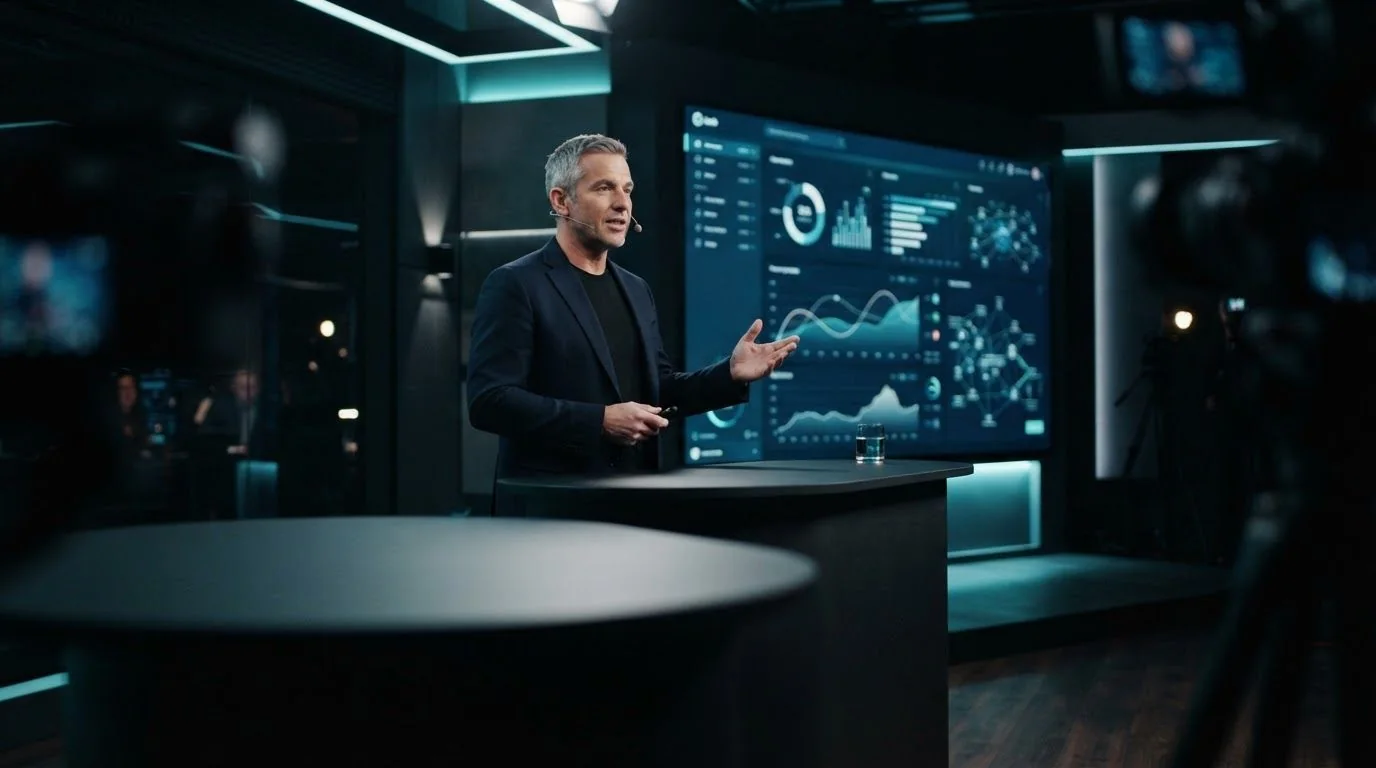

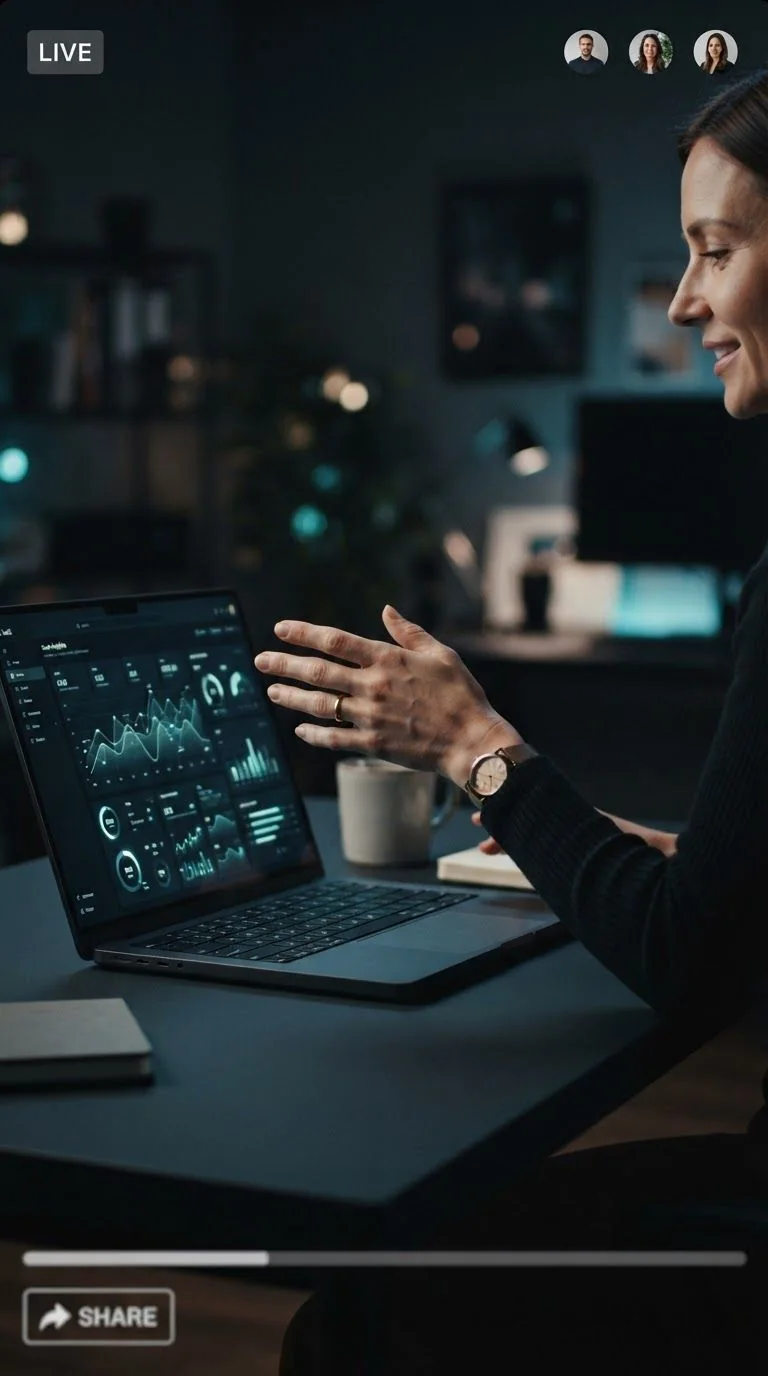

How we onboard SaaS customers in 2026 (42 min)
Hook·0:30
Tip·0:45
Payoff·0:59
Mon
Hook clip — bold claim + agenda tease
Tue
Demo clip — product moment with caption steps
Wed
Q&A clip — crisp answer to a common objection
Thu
CTA clip — next step without hard sell spam
Fri
Hook clip — bold claim + agenda tease
Hook clip — bold claim + agenda tease
Demo clip — product moment with caption steps
Q&A clip — crisp answer to a common objection
CTA clip — next step without hard sell spam
Four steps from source to approved short-form posts.
01
Paste the webinar video URL or upload the recording
02
AI finds takeaway and demo moments with captions
03
Review claims, crop, and packaging
04
Publish to YouTube and TikTok when approved
Prioritize complete teaching beats over slide transitions alone.
B2B claims need human eyes. Review titles and captions before anything posts.
One session becomes several posts instead of a single replay link.
Demos and talking-head webinars both map into vertical candidates.
Stretch webinar ROI with short social without a full agency edit.
Ship demo moments the same week as the live session.
Standardize client webinar → clip packs with review.
Definition
Webinar repurposing
Extracting short, platform-ready clips and packaging from a longer webinar recording so the same live session continues to generate demand after the event.
Webinar-to-clips is converting a long live or recorded session into short vertical (or social-ready) posts with captions. The goal is ongoing distribution, not replacing the full replay for registrants.
Review every claim. Prefer customer-safe language. Pair clips with a clear next step in the description.
Host or select one webinar, generate candidates, schedule Mon–Fri posts, keep one optional weekend remix.
Create assets in HypeNest and post to LinkedIn with your own workflow today. Direct LinkedIn publish is not live yet.
HypeNest has a free plan — no card required. Paid plans add more AI capacity, storage, and priority; see /pricing.
Clear spoken takeaways, demos with visible product, and focused Q&A beats.