HypeNest
Free AI tools / Runs in HypeNest
LinkedIn to Shorts converter
Paste the link of a public LinkedIn video post, or upload the video or event recording. HypeNest cuts it into vertical Shorts with captions, titles and tags.

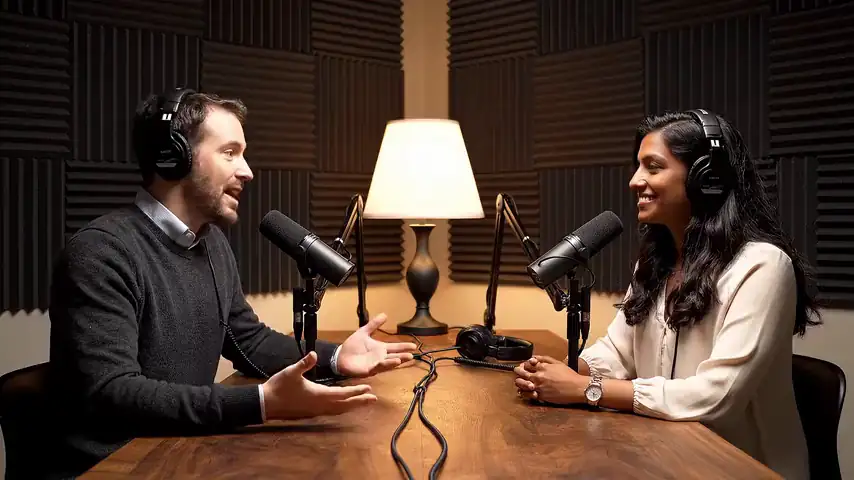
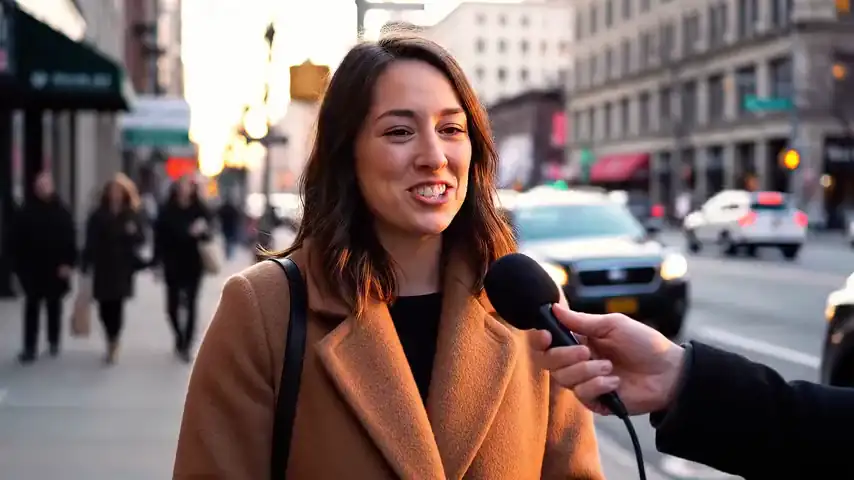
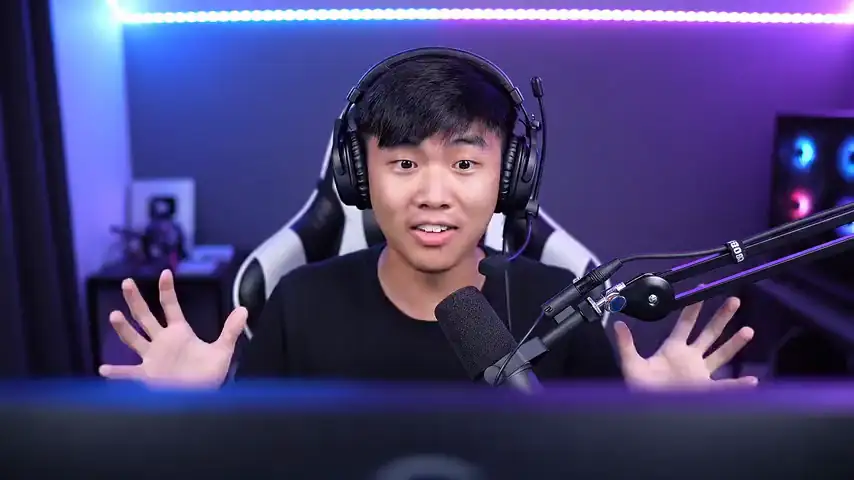
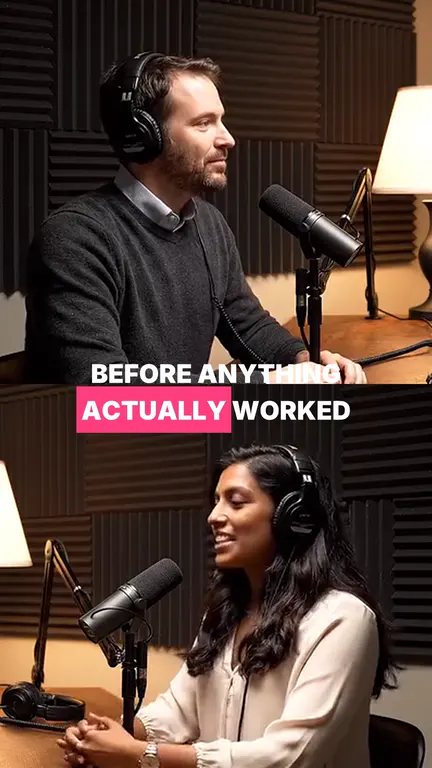

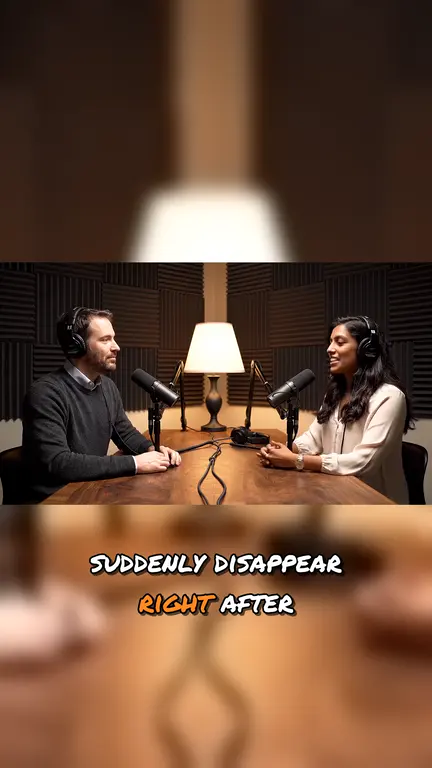
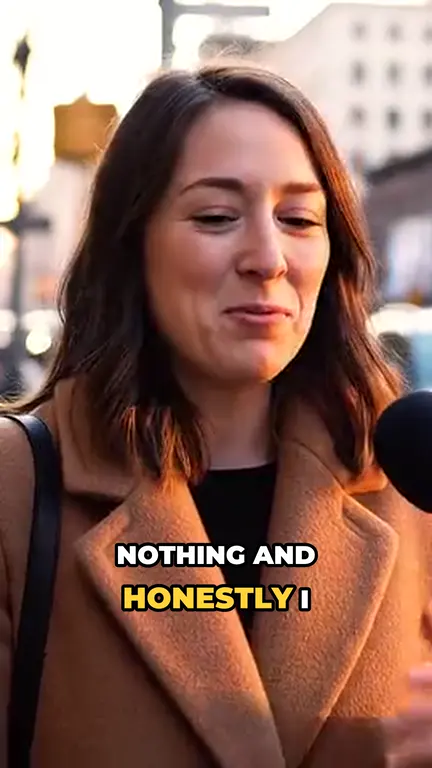
Free plan: no card, 60 credits a month, 1 credit per minute of video at standard effort, watermark, 720p. Links up to 3 hours, uploads up to 5 hours and 5 GiB.
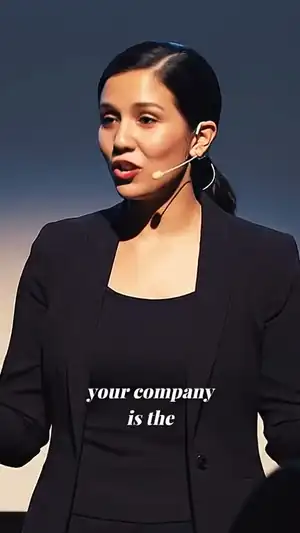
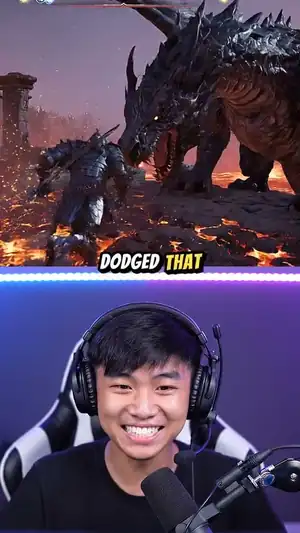
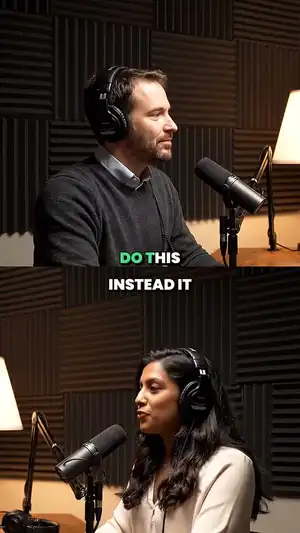
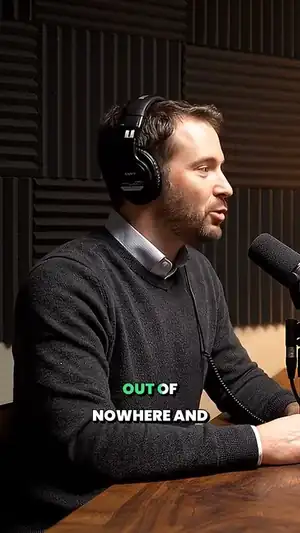
One video in. Up to 10 clips out.
A 1 h 12 min podcast, cut where each thought starts and ends.
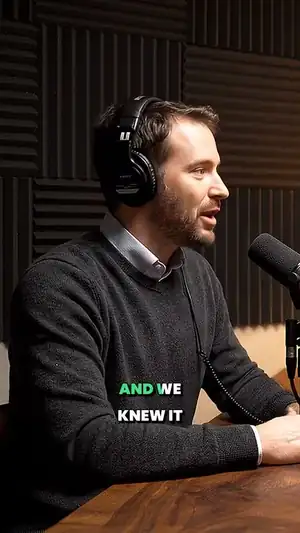
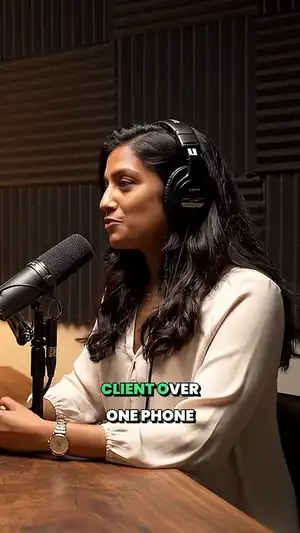
What comes back
- Up to 10 vertical Shorts
- 5 by default, 10 to 180 seconds each, cut from complete answers.
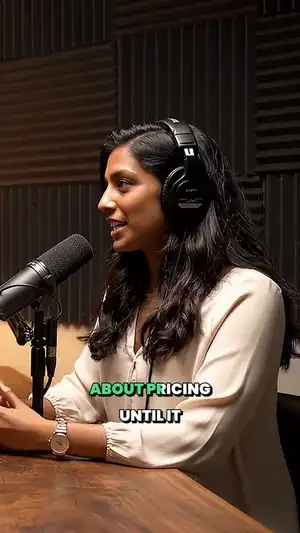
- Captions burned in
- They show on mute, and you can fix a customer’s name before export.
- Titles, descriptions and tags
- Three title and description options for each Short, plus tags.
- Downloads for LinkedIn
- HypeNest does not post to LinkedIn. Download the Short and post it there yourself.
Every clip leaves packaged.
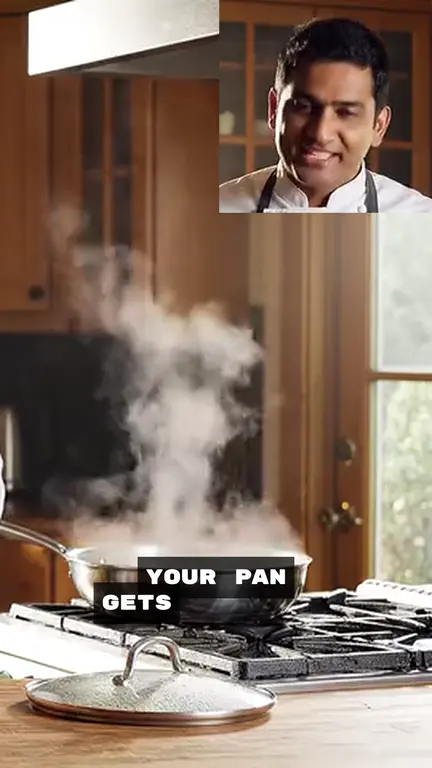
Captions burned in, a 9:16 frame, and three titles to pick from.
Caption look
- Karaoke
- Pop
- Box
- Comic
- Cinema
- Spotlight
- Typewriter
- Marker
Frame
- Fill
- Split
- Fit
Title
Description
The one thing he would change about his first year, and why it took so long to see it.
Tags
Which LinkedIn links work
HypeNest reads the video of the one public post you link. It does not connect to your LinkedIn account or page.
| What you paste | Looks like |
|---|---|
| Post link | linkedin.com/posts/… |
| Feed link | linkedin.com/feed/update/… |
| Short link | lnkd.in/… |
| Event or private video | Download the recording and upload it, up to 5 hours and 5 GiB. |
Where the Shorts can go
| Platform | How | Plan |
|---|---|---|
| YouTube Shorts | Post from HypeNest, now or on a schedule | Paid plans |
| TikTok | Post from HypeNest, now or on a schedule | Paid plans |
| Download the Short and upload it in LinkedIn | Any plan |
Clipping B2B talks
- 01
Full answers, not trailers.
Panels and long posts need complete thoughts. LinkedIn viewers notice missing context.
- 02
Names and numbers first.
Check customer names, figures and product claims in the captions before you post.
- 03
Ask before you clip a guest.
Get a speaker’s or customer’s permission in writing before their words go out as Shorts.
Free to start.
€7 when you need more.
No card to sign up. Free clips carry a small HypeNest watermark; any paid plan removes it.
- 60
- credits a month on Free
- 1
- credit per minute of video
- 720p
- with a HypeNest watermark
- €7
- Lite: 1080p, no watermark, posting to YouTube and TikTok
A 30-minute podcast costs 30 credits. A run that finds no clips gives its credits back.
YouTube, TikTok, X, Dropbox and LinkedIn, up to 3 hours.
Video files up to 5 hours and 5 GiB.
Pick a file with the Drive button.
Common questions.
Can I paste a LinkedIn URL?
Yes. Paste the link of a public LinkedIn post with a video (linkedin.com/posts/… or linkedin.com/feed/update/…) or a lnkd.in short link. It works for videos up to 3 hours; upload longer files.
Can HypeNest post to LinkedIn?
No. Download the Short and post it in LinkedIn. Posting from HypeNest is live for YouTube and TikTok only, on paid plans.
Is it free?
HypeNest has a Free plan with no card: 60 credits a month, 1 credit per minute of video at standard effort. Free clips carry a watermark and export at 720p. Paid plans add posting.
Can I convert a speaker’s or a customer’s video?
Only with their permission. Get it in writing before you post their words as Shorts; reposting without the rights risks a claim or a removal.
Should I stop posting native video on LinkedIn?
No. Keep LinkedIn for the original long video. The Shorts are for YouTube and TikTok after it.