

Skip to content
HypeNest
Clip long video with AI

AI video clipper

Turn long recordings into captioned vertical clip candidates without scrubbing the whole timeline by hand. HypeNest drafts cuts, you review every one, then publish to YouTube and TikTok — free, no card, no watermark.

Moment detection on long sources
9:16 drafts with mute-ready captions
You approve before anything posts
Free full pipeline — no credit card

Free plan · No card

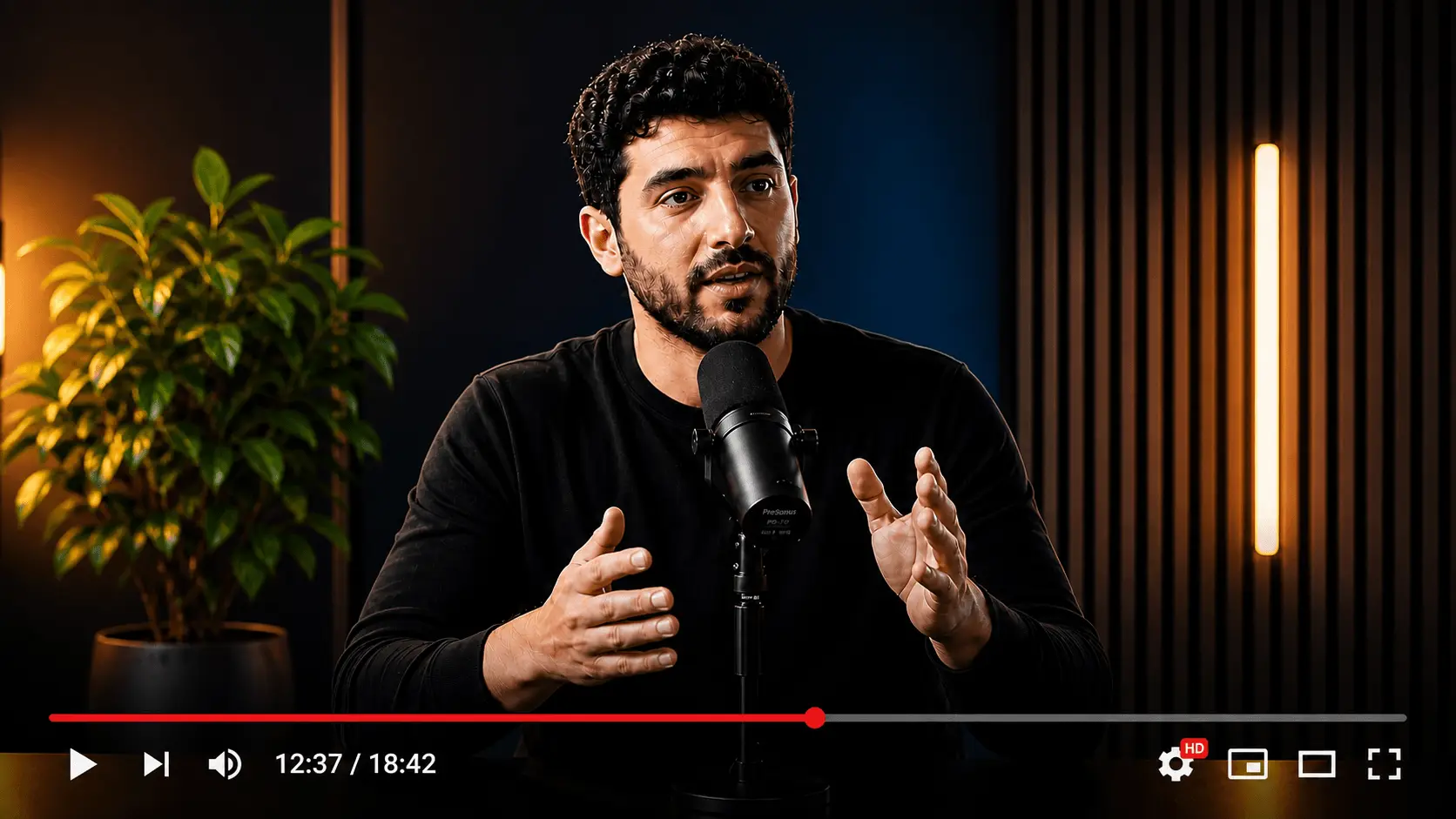
Long recording
Long recording
Clip candidates
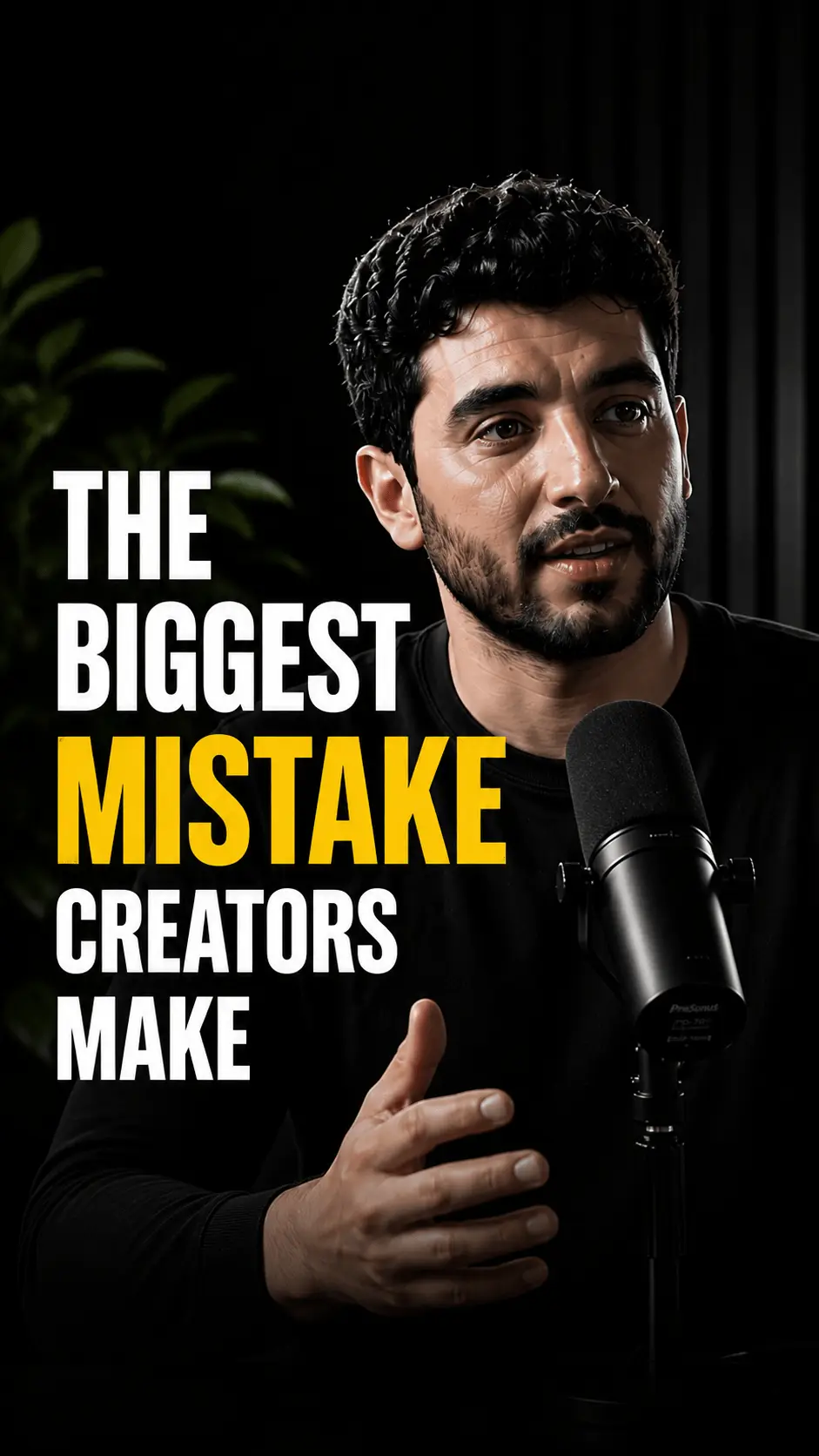
Vertical short clip
0:32
Vertical short clip
0:45
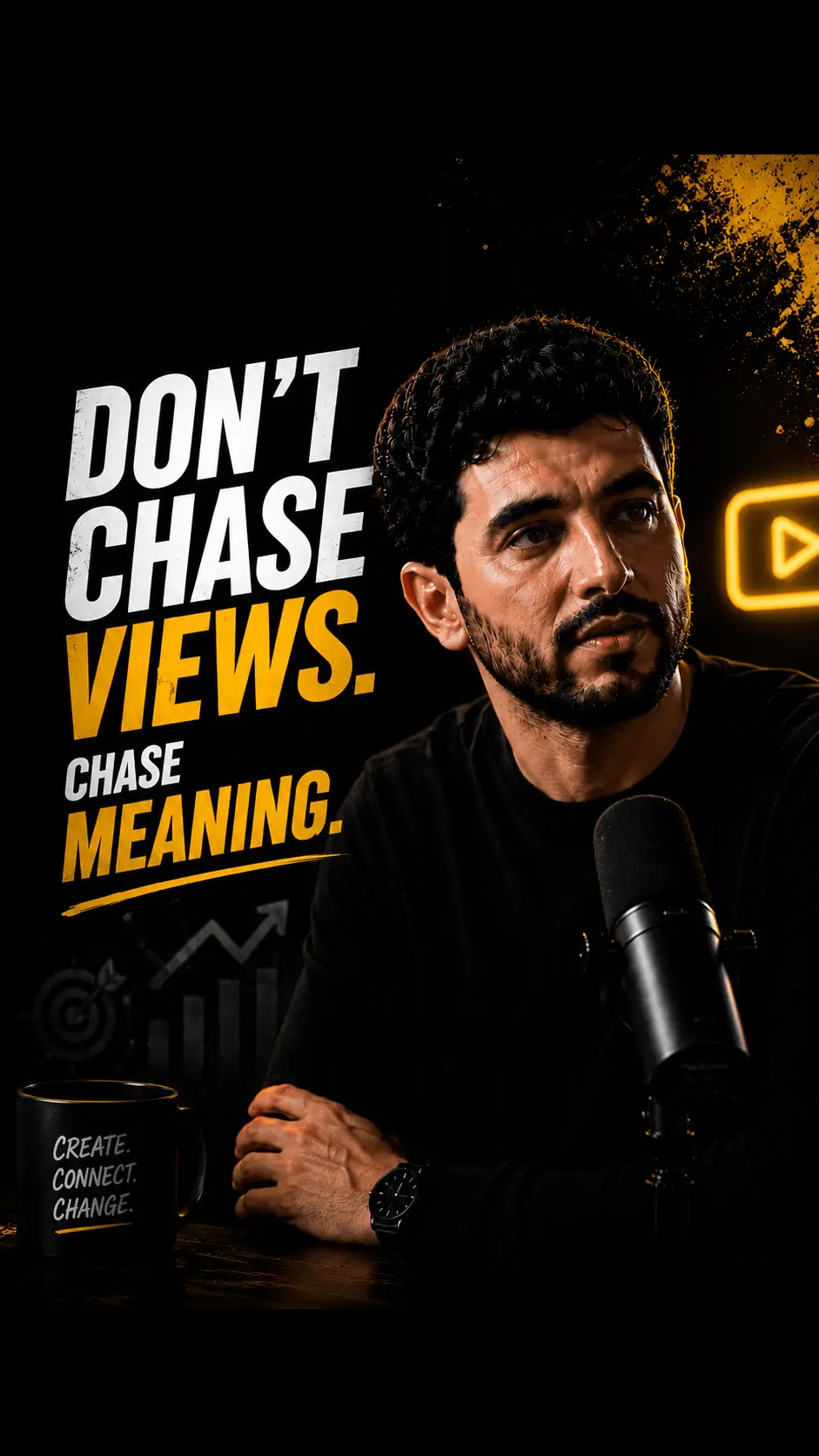
Vertical short clip
0:58

Clip with context, package for phones

Moment selection, vertical framing, and a review gate so long sessions become postable assets — not random cuts.

Clip selection that respects context

An AI video clipper should not slice mid-sentence because a waveform looked loud. HypeNest looks for complete thoughts — hooks, payoffs, and tip statements that still make sense after the parent episode is gone.

  • Topic-shift aware candidate windows
  • Standalone sense before volume of cuts
  • Easy reject for context-dependent lines
Transcript scan
Hook @ 04:12Peak @ 18:40

From timestamp to postable package

Finding a moment is half the job. Each kept candidate becomes a vertical draft with captions so “interesting timestamp” becomes “almost shippable asset” inside one workflow.

  • 9:16 reframing for Shorts and TikTok feeds
  • Burned-in captions for mute autoplay
  • No watermark on exports today
9:16

Human accountability on every export

Clipping accelerates coverage; it does not replace taste or legal judgment. Review-before-publish keeps AI drafts from becoming public mistakes on claims, names, or rights.

  • Approve, edit, or drop every candidate
  • Direct publish live for YouTube and TikTok
  • Fix numbers and brand claims first
Transcript scan
Hook @ 04:12Peak @ 18:40

Clips pulled from one long session

Source: 48-minute customer interview and product walkthrough

  • Problem open (0:28) — customer pain stated without host warm-up
  • Demo beat (0:42) — one UI path as a complete how-to
  • Quote clip (0:24) — guest punchline with high-contrast captions
  • Result stack (0:36) — three outcomes as caption beats

How the AI video clipper works

  1. Connect a structured long source

    Paste a public video link or upload in the app. Talk tracks, demos, interviews, and webinars give cleaner signal than pure ambient B-roll.

  2. Review an AI-drafted clip shortlist

    HypeNest proposes candidates with vertical packaging and captions. Scan for hook strength and completeness, not just runtime.

  3. Publish only what you stand behind

    Ship approved clips to YouTube and TikTok from review, or export for platforms that are not live direct-publish targets yet.

What an AI video clipper actually does

An AI video clipper is a discovery-and-packaging layer on top of long-form video. Instead of scrubbing a timeline hoping the good part appears, you get a shortlist of candidate windows that look complete and portable to short-form feeds. HypeNest pairs that discovery with 9:16 framing and captions so “found” becomes “almost shippable.”

Clipping is not the same as full motion design. Frame-perfect brand films still belong in a traditional NLE. The clipper wins on coverage: more high-quality candidates per hour of source, fewer missed punchlines, and a review queue that matches how social teams work.

If your calendar dies every week because nobody has time to rewatch last Thursday’s webinar, clipping is the bottleneck — not title brainstorming. Fix discovery first; packaging and publish cadence compound after that.

What makes a clip worth shipping

Useful clips usually open with a clear reason to stay, resolve a single idea, and avoid dangling references to “as we said earlier.” Educational niches love myth/fact pairs, single tactics, and checklists. Story-led niches love turning points. Interview shows love guest lines that do not require the full host setup.

Treat AI rankings as a search index over your own content, not a court verdict. Promote candidates that match brand voice; demote anything that overclaims, needs missing B-roll, or only works with the parent episode’s context.

Captions matter as much as the cut. Mute-first feeds mean on-screen text must carry names, numbers, and verbs correctly. Always spot-check ASR on product names and regulated language before publish.

  • Prefer complete ideas over maximum clip volume
  • Favor cold opens when the long intro is slow
  • Keep one idea per vertical cut
  • Rewrite captions when the transcript is sloppy

A free, review-first clipping workflow

Run the AI video clipper on every major long upload the day it publishes. Cull the shortlist to a handful of calendar slots. Approve captions and claims, then publish to YouTube and TikTok where direct post is live. Export for Instagram or other networks that are not live direct-publish targets yet.

Because HypeNest has a free plan with no credit card required, teams can install the habit before debating seats or budgets. Paid plans add more AI capacity, storage, and priority. Exports do not include a watermark.

Agencies can standardize the deliverable: “clip pass + approved vertical batch” as a recurring line item. Solo creators can treat each long video as raw material for a week of shorts without a second shoot day.

Mistakes that waste AI clipping

Auto-publishing the entire shortlist trains your audience that your clips are noisy. Ranking and detection exist so you can discard. Another failure mode is shipping landscape letterboxing in a vertical feed after a clean cut already exists — packaging is part of the job.

Skipping review on numbers, medical or financial claims, or third-party trademarks creates risk that no model will absorb for you. HypeNest drafts; you remain accountable.

  • Shipping mid-sentence cuts because a score looked high
  • Ignoring vertical crop on screen-share demos
  • Posting every candidate the same day and exhausting the archive
  • Expecting “viral” as a product guarantee

When to use the clipper vs a full edit suite

Use the AI video clipper when the source already exists and you need coverage plus packaging speed. Use a traditional NLE when you need frame-perfect motion design, complex multi-cam storytelling, or heavily scored brand films. Many teams use both: HypeNest for the weekly short-form pipeline, Premiere or CapCut for hero campaigns.

HypeNest is not a legal advisor, not a music licensing desk, and not a promise of guaranteed distribution. It is a free, review-before-publish path from long video to clip candidates with captions and live publish to YouTube and TikTok.

Who should run an AI video clipper weekly

Podcast hosts, webinar marketers, product educators, and growth teams with long libraries see the fastest ROI. Faceless and archival channels can mine narration-heavy archives for daily candidates if speech is clear.

If your content is mostly music beds or silent B-roll, plan hooks manually and use HypeNest for vertical packaging and captions rather than pure moment discovery.

Who this is for

Podcast and webinar hosts

Turn multi-hour recordings into a shortlist of feed-ready clips without a full rewatch.

Growth and social managers

Fill Shorts and TikTok calendars from existing long content with a repeatable pass.

Product and education teams

Surface tip-sized demos that stand alone and drive viewers back to full modules.

Glossary

AI video clipper

A tool that detects candidate moments in longer video, packages them as short vertical clips with captions, and (in HypeNest) requires human review before publish rather than auto-posting every cut.

Honest limits

  • AI can mis-cut context — humans approve every public clip.
  • Direct publish is live for YouTube and TikTok only today.
  • Rights, music, and regulated claims remain your responsibility.
  • Free plan available; paid plans add more AI capacity, storage, and priority.
  • No guarantee of views, reach, or “viral” performance.

FAQ

Yes. HypeNest has a free plan — no credit card required. Paid plans (Lite, Starter, Pro) add more AI capacity, storage, and priority; see /pricing for details.

No. Review-before-publish is required. You approve, edit, or reject every candidate before anything goes live.

Direct publish is live for YouTube and TikTok. For Instagram and other networks that are not live yet, export and post in the native apps.

No tool can guarantee virality. The clipper speeds discovery and packaging; performance still depends on hooks, niche, and distribution.

No. Free exports do not include a HypeNest watermark.

Speech-heavy or structured long videos: podcasts, webinars, tutorials, interviews, and explainers. Pure ambient footage needs more manual selection.

Clip free

Turn long recordings into captioned vertical clip candidates without scrubbing the whole timeline by hand. HypeNest drafts cuts, you review every one, then publish to YouTube and TikTok — free, no card, no watermark.

AI Video Clipper — Free Long-to-Short Clips (2026) | HypeNest