HypeNest
5Contents
Free AI tools / Runs in HypeNest
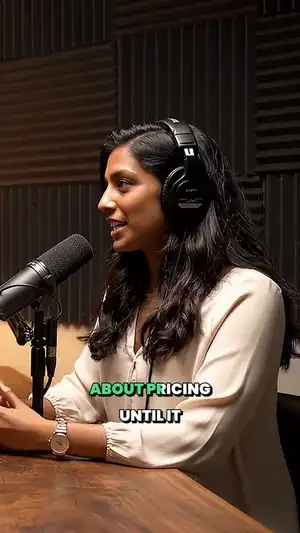
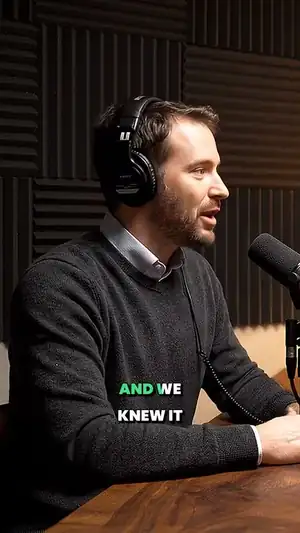
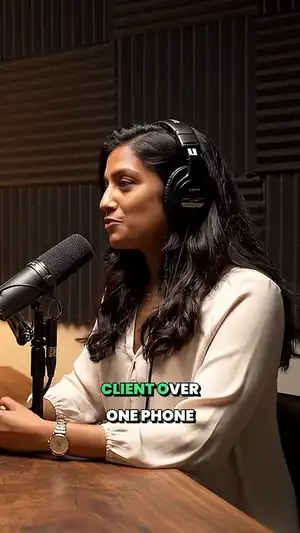
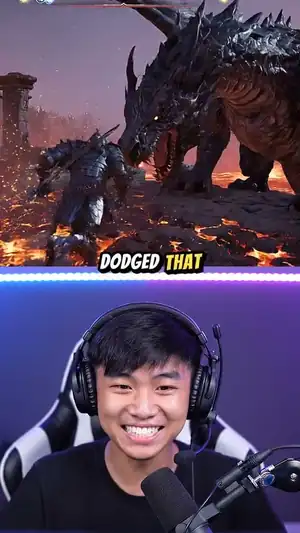
YouTube to Reels converter
Paste a public YouTube link and get 9:16 Reels with captions. HypeNest never posts to Instagram: you download each Reel and post it in the Instagram app.
Free plan: no card, 60 credits a month, 1 credit per minute of video at standard effort, watermark, 720p. Reels are downloaded, not posted.
What comes back
From YouTube link to Reel
- Paste the YouTube link. A public video up to 3 hours, or upload the file, up to 5 hours and 5 GiB.
- Keep the Reels you would post. AI suggests moments that stand alone; drop the rest.
- Fix wording and crop. In the Clip Editor. The Format menu also switches a clip to 4:5 or square.
- Download and post in Instagram. Add the cover, music and stickers there.
Which YouTube moments become Reels
A tutorial that ranks in search can still open on a logo and a warm-up. A Reel has its first frame to earn the next second.
Open on the result.
The finished dish, the fixed bug, the answer. Not the intro or the channel bumper.
One idea per Reel.
A tip stack or a single mistake fix works. Two topics in one Reel lose the viewer on the second.
Keep the action clear of the edges.
Instagram lays its buttons and caption over the bottom and the right of the frame. Keep faces and on-screen text away from them.
Write a cover line for the grid.
The hook inside the video is not your profile cover. Pick the cover frame or text in Instagram.
What HypeNest does, and what stays in Instagram
| Job | Where it happens |
|---|---|
| Finding the moments | HypeNest, from the YouTube link. |
| 9:16 crop and captions | HypeNest. Edit both before you download. |
| Caption text and tags | HypeNest drafts them; you paste them into Instagram. |
| Cover, music, stickers | Instagram, when you upload. |
| Posting | Instagram. HypeNest does not post there. |
Sending the same clips to YouTube Shorts or TikTok? HypeNest posts those on a paid plan, now or on a schedule.
Common questions
Is the YouTube to Reels converter free?
Yes, on the Free plan, with no card: 60 credits a month, 1 per minute of video at standard effort. Free Reels carry a watermark and export at 720p. Paid plans start at Lite, €6 a month.
Can HypeNest post Reels to Instagram?
No. Instagram posting is not built in. Download each Reel and post it in the Instagram app. Direct posting is live for YouTube and TikTok, on paid plans.
What comes with each Reel?
Captions, a 9:16 crop, three title and description options and tags. Add music or stickers in Instagram if you want them.
Can I make a 4:5 or square version?
Yes. In the Clip Editor, the Format menu switches a clip to 4:5, square or back to 16:9.
Do exports have a watermark?
Reels made on the Free plan carry a HypeNest watermark. Every paid plan removes it and exports at 1080p.
What YouTube videos work best for Reels?
Clear speech or a clear process: tutorials, product demos, explainers and myth-busts. Ambient footage with no talking gives moment detection little to go on.