

Skip to content
HypeNest
Clips → thumbnail concepts

AI thumbnail generator

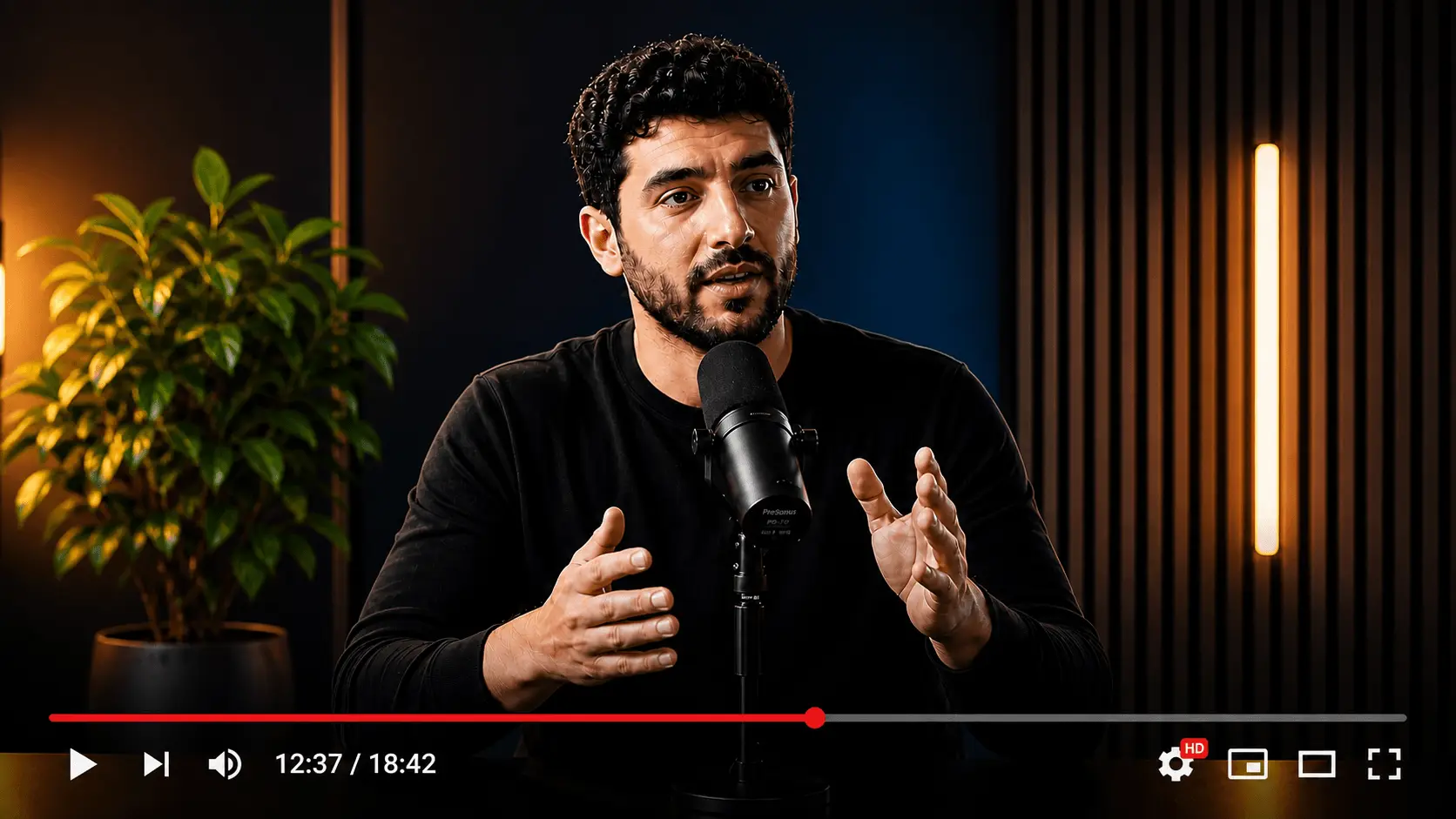
Every clip needs a first frame that earns the tap. HypeNest generates thumbnail concepts for each clip in your batch — expressive face crops from your footage, bold text hierarchy, title pairings — and you review every option on one screen before anything ships. Free to start, no silent auto-posts.

A concept set for every clip
Faces from your own footage
Title pairing per concept
Review, export, set on upload

Free plan · No card

Video or clip batch
Video or clip batch
Thumbnail concepts
Vertical short clip
0:32
Vertical short clip
0:45
Vertical short clip
0:58

Thumbnail pack from one 22-minute tutorial

Source: Camera setup tutorial (22 min)

  • Clip A (0:38) — 2 thumbnail concepts + title pairing
  • Clip B (0:47) — 2 thumbnail concepts + title pairing
  • Clip C (0:41) — 2 thumbnail concepts + title pairing
  • Export note — stills sized for native upload flows

A thumbnail set for every clip you ship

Each approved clip gets its own concepts and title options — reviewed as a pair, exported when you approve.

One thumbnail set per clip, not one per video

A long video becomes several clips, and each clip competes on its own in the feed. HypeNest drafts thumbnail directions per approved clip, so the fifth cut gets the same packaging attention as the first instead of a leftover screenshot.

  • Two or more thumbnail directions per approved clip
  • Title options written from the clip transcript
  • Drop weak pairings before anything is exported
Transcript scan
Hook @ 04:12Peak @ 18:40

Faces, text, and small-size readability

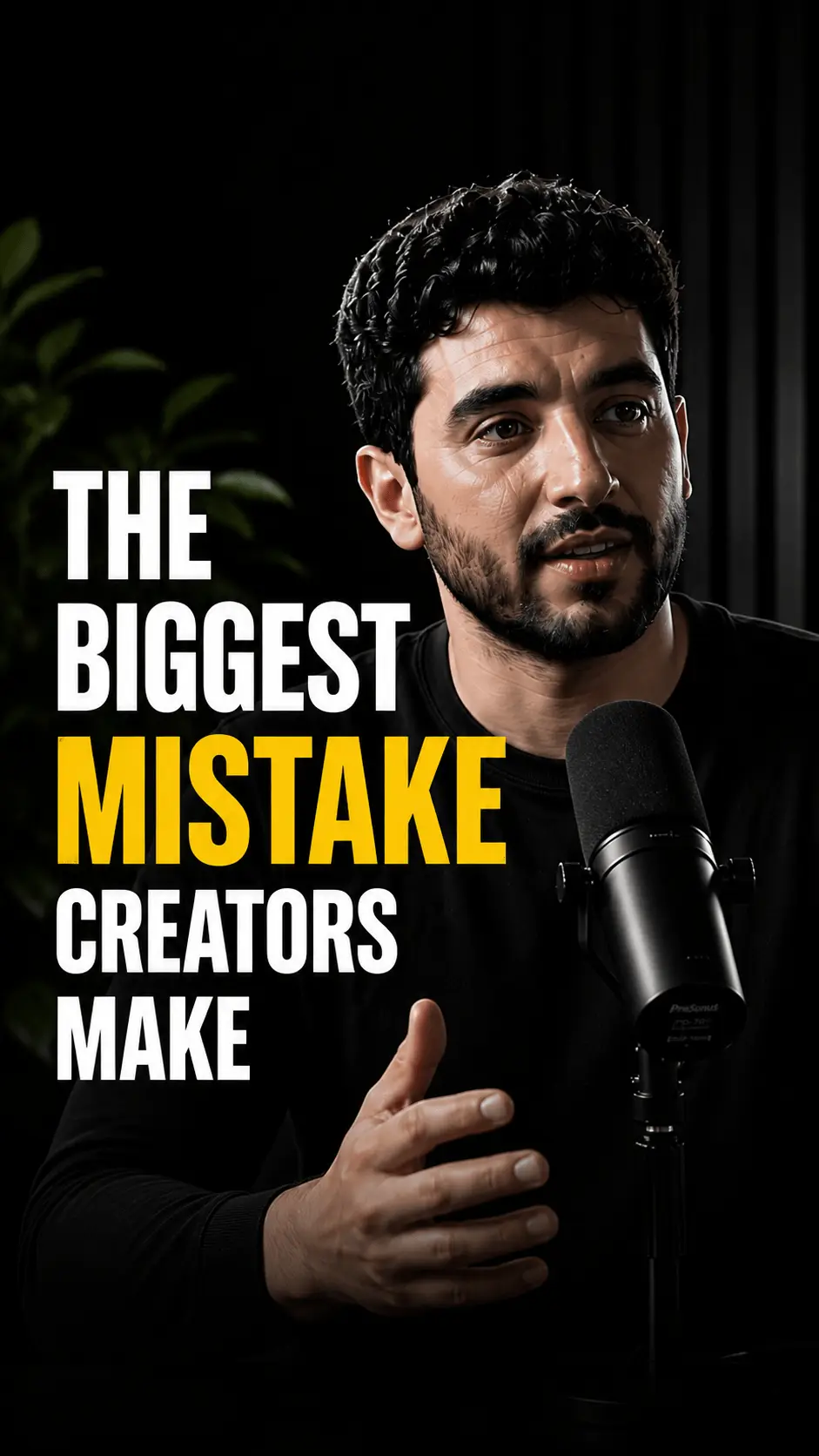
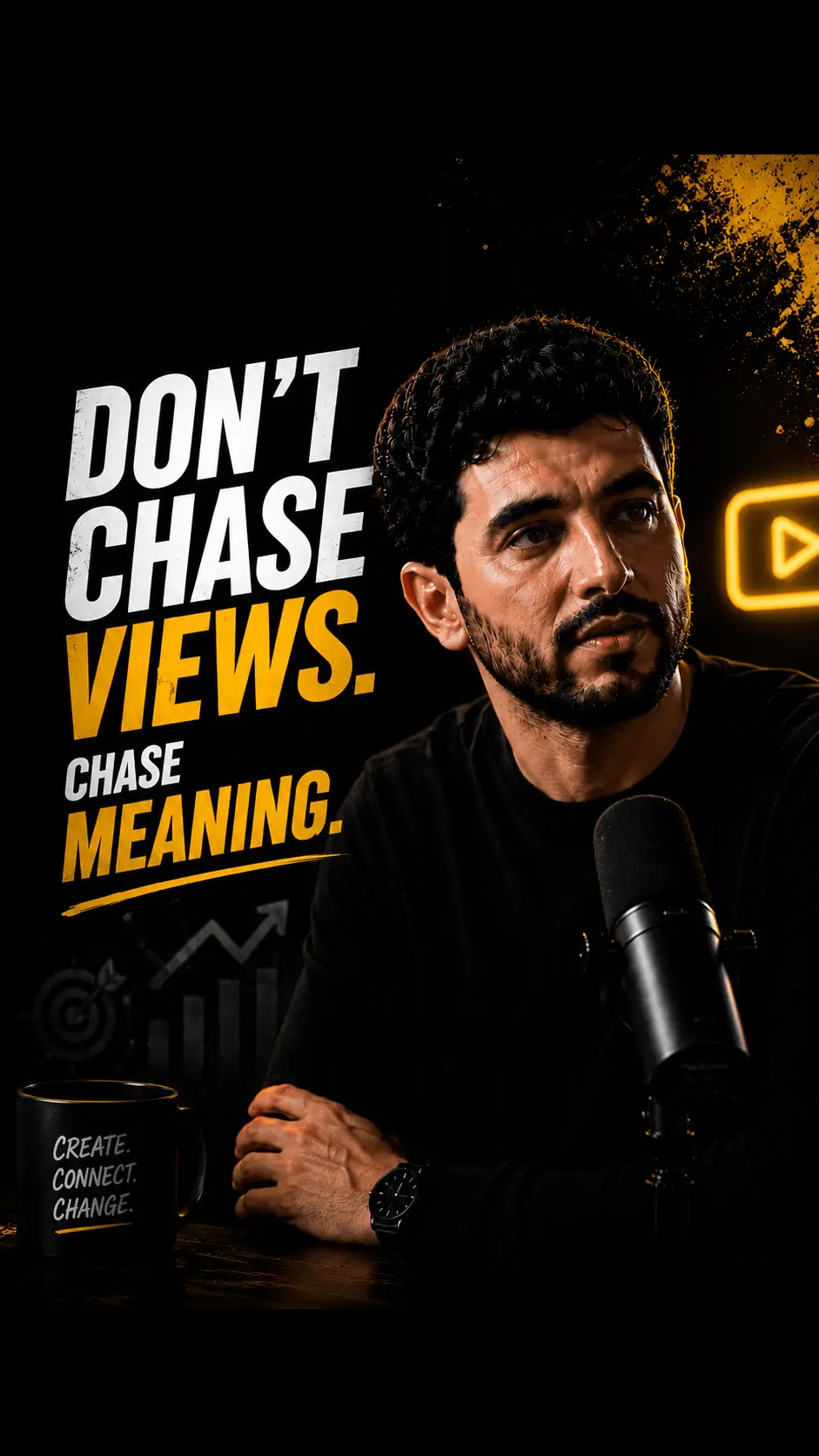
Most thumbnail decisions happen on phone screens at stamp size. Concepts prioritize one expressive face from your footage, three to four words of hierarchy, and contrast that survives compression — the parts of thumbnail craft that actually move the click.

  • Expressive face crops generated from your footage
  • Short text hierarchy that survives small sizes
  • Contrast and safe-area checks before you commit
9:16

Packaging review on one screen

Clips, titles, descriptions, and thumbnails live in the same review queue. You approve the clip and its thumbnail as a pair, export the stills, and set them in the native upload flow — no scattered docs, no forgotten exports.

  • Approve clip and thumbnail as a pair
  • Export stills sized for upload flows
  • Nothing publishes without your approval
Transcript scan
Hook @ 04:12Peak @ 18:40

From source video to thumbnail pack

  1. Upload the source or generate clips first

    Paste a public YouTube URL or upload the file. Generate a captioned clip batch, or start thumbnail concepts from a single cut you already like.

  2. Generate thumbnail concepts per clip

    AI drafts expressive face-based concepts with text hierarchy and title options for each approved clip. Cull directions that need the full video to make sense.

  3. Review, export, set on upload

    Pick the winners, export the stills, and set them in YouTube Studio or the Shorts and TikTok cover step when you upload each clip.

Manual thumbnail drafts vs HypeNest

TaskManualHypeNest
Draft thumbnails for a 5-clip batchScrub, screenshot, design each oneConcept sets for all five in one pass
Pair titles with thumbnailsSeparate docs and version chaosTitle options ship with each concept
Get clip packaging liveManual export and upload per clipReview once, export the whole pack

What an AI thumbnail generator does for clips

An AI thumbnail generator turns the slowest part of packaging — frame hunting, face selection, text hierarchy — into draft concepts you can judge in seconds. For clips, the job repeats per cut: five approved clips need five thumbnail decisions, not one hero image for the whole video.

HypeNest approaches this as a batch workflow. The same pass that drafts your clips proposes thumbnail directions and title options for each one, and every concept waits for your approval. It is a direction machine with a human gate, not a design department replacement.

Searchers usually want a practical path from finished clips to covers they can set on upload. This page focuses on per-clip packaging, small-screen readability, and honest product limits.

  • Prefer complete ideas over maximum concept count
  • Judge every concept at stamp size first
  • Keep the clip transcript next to the thumbnail text

Why every clip needs its own thumbnail

Feeds judge each clip in isolation. A viewer who never saw your long video meets the clip through its first frame and first line — the thumbnail and title carry the entire promise before a second of footage plays.

Reusing one generic thumbnail across a batch wastes the batch. Each clip has a different hook, a different face, a different payoff; its thumbnail should sell that specific payoff.

Short-form adds a second surface: Shorts and TikTok covers. The same per-clip thinking applies — one cover per Short, decided with the same review pass as the long-form thumbnail.

Thumbnail practices that survive small screens

Shrink every candidate before you fall in love with it. If the idea needs full-screen detail to land, it will not land in the feed. Three checks catch most failures: word count, focal point, and contrast.

Faces carry emotion at any size, which is why HypeNest builds concepts from the faces in your footage. Pair one expressive crop with a short text line that repeats the clip's payoff — then stop adding elements.

  • Cap overlay text at three to four words
  • One face, one emotion, no collage
  • Dark-on-light or light-on-dark — no mid-tone wars
  • Keep text inside platform safe areas
  • Generate two directions and test instead of polishing one

Shorts covers and long-form thumbnails are different jobs

A 16:9 YouTube thumbnail and a 9:16 Shorts cover share principles but not layouts. Vertical covers need tighter crops, shorter text, and focal points that sit clear of interface overlays.

HypeNest drafts both from the same clip batch so the week's Shorts and the long-form uploads share a visual direction without sharing identical pixels. You export each still and set it in the native upload or cover step of each platform.

Where HypeNest fits

HypeNest is an AI repurposing workflow: long video in, captioned clips plus titles, descriptions, and thumbnail concepts out — reviewed on one screen before anything goes live. Free to start; direct publish for approved clips is live for YouTube and TikTok.

Thumbnails export as stills that you set yourself in YouTube Studio or the Shorts and TikTok cover step. HypeNest does not auto-set thumbnails, does not guarantee clicks, and does not replace brand design for flagship launches. It removes the per-clip packaging bottleneck so every cut ships with a considered first frame.

Who this is for

YouTubers batching uploads

Ship every video with tested thumbnail directions instead of one rushed screenshot.

Short-form repurposers

Give each clip in the batch its own cover and title pairing in the same review pass.

Educators and coaches

Keep lesson clips visually consistent across a series without a designer on call.

Glossary

AI thumbnail generation for clips

Drafting thumbnail concepts — face crops, text hierarchy, title pairings — for each short clip from a longer video with AI, reviewed by a human before export and upload.

Honest limits

  • AI drafts can misread context — you stay accountable for claims and taste.
  • Thumbnails export as stills; you set them in YouTube Studio or the Shorts and TikTok cover step yourself.
  • Direct publish is live for approved clips to YouTube and TikTok only today.
  • Face-based concepts depend on source footage — no clear faces, weaker directions.
  • Free plan available; paid plans add more AI capacity, storage, and priority.

FAQ

A workflow that drafts thumbnail concepts — face crops, text hierarchy, title options — from your video or clips, so you judge directions in seconds instead of designing from zero. HypeNest generates them per clip with human review before export.

Yes. HypeNest has a free plan — no credit card required. Paid plans (Lite, Starter, Pro) add more AI capacity, storage, and priority; see /pricing for details.

No. You review the concepts, export the winners as stills, and set them yourself in YouTube Studio or the Shorts and TikTok cover step when you upload. Nothing changes on your channel without you.

Yes. Concepts include vertical 9:16 cover directions per clip with short text. Export the still and set it in each platform's native cover step on upload.

Yes. HypeNest analyzes the faces in your footage to generate expressive, high-quality thumbnail previews from the people actually in the content.

No. Stronger packaging improves your odds and makes testing cheaper, but performance still depends on topic, hook, and distribution. Treat concepts as test directions, not promises.

Start free

Every clip needs a first frame that earns the tap. HypeNest generates thumbnail concepts for each clip in your batch — expressive face crops from your footage, bold text hierarchy, title pairings — and you review every option on one screen before anything ships. Free to start, no silent auto-posts.

AI Thumbnail Generator for Clips — Concepts per Cut (2026)