
Free YouTube Thumbnail Analyzer — Score & A/B Test Variants
Paste your video link. Get thumbnail options and feedback — or generate new variants in HypeNest.
No link? Open HypeNest and upload your video file.
Illustrative score layout
Analysis panel
Demo UI only
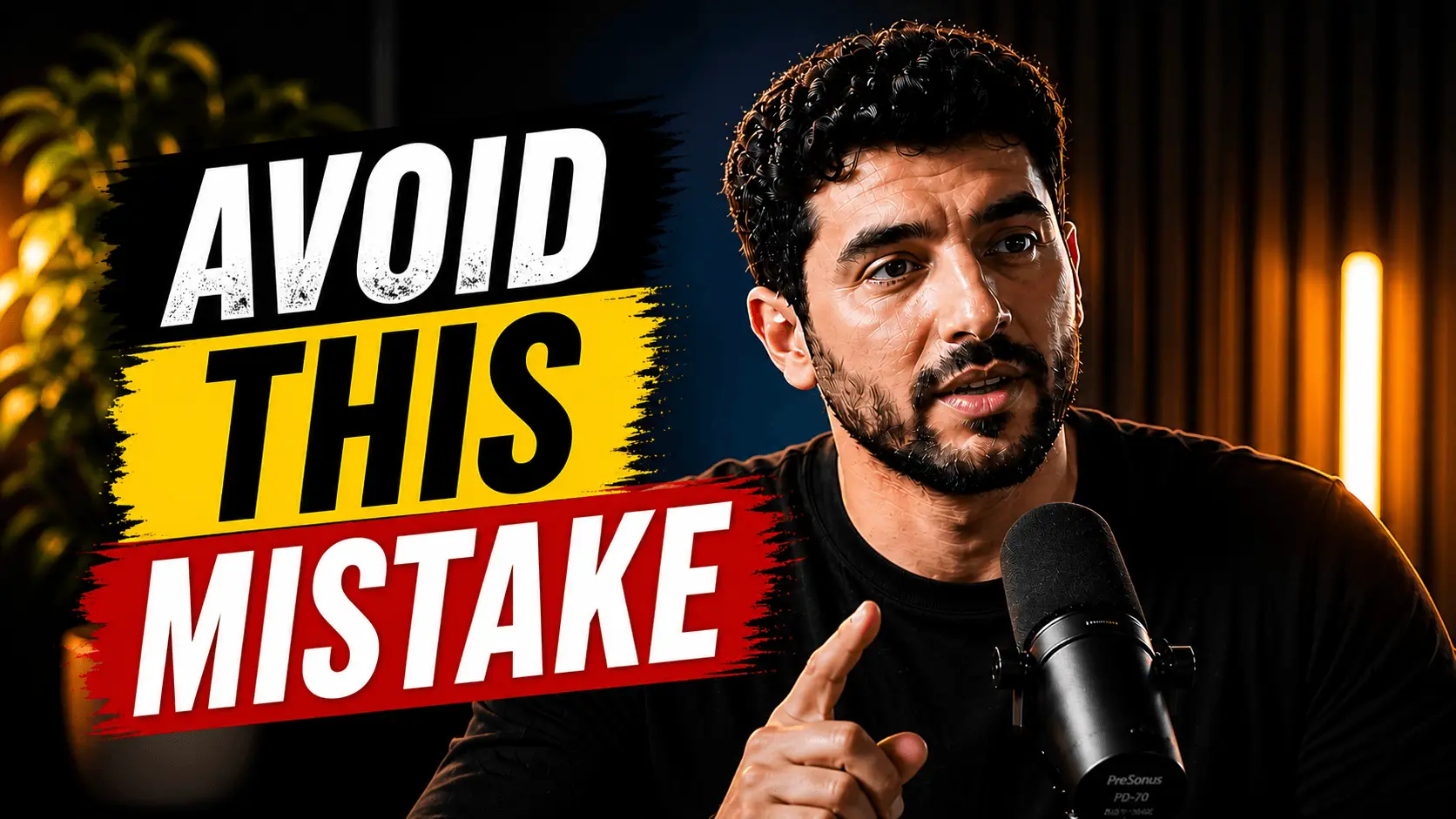
Subject separates from background at mobile size
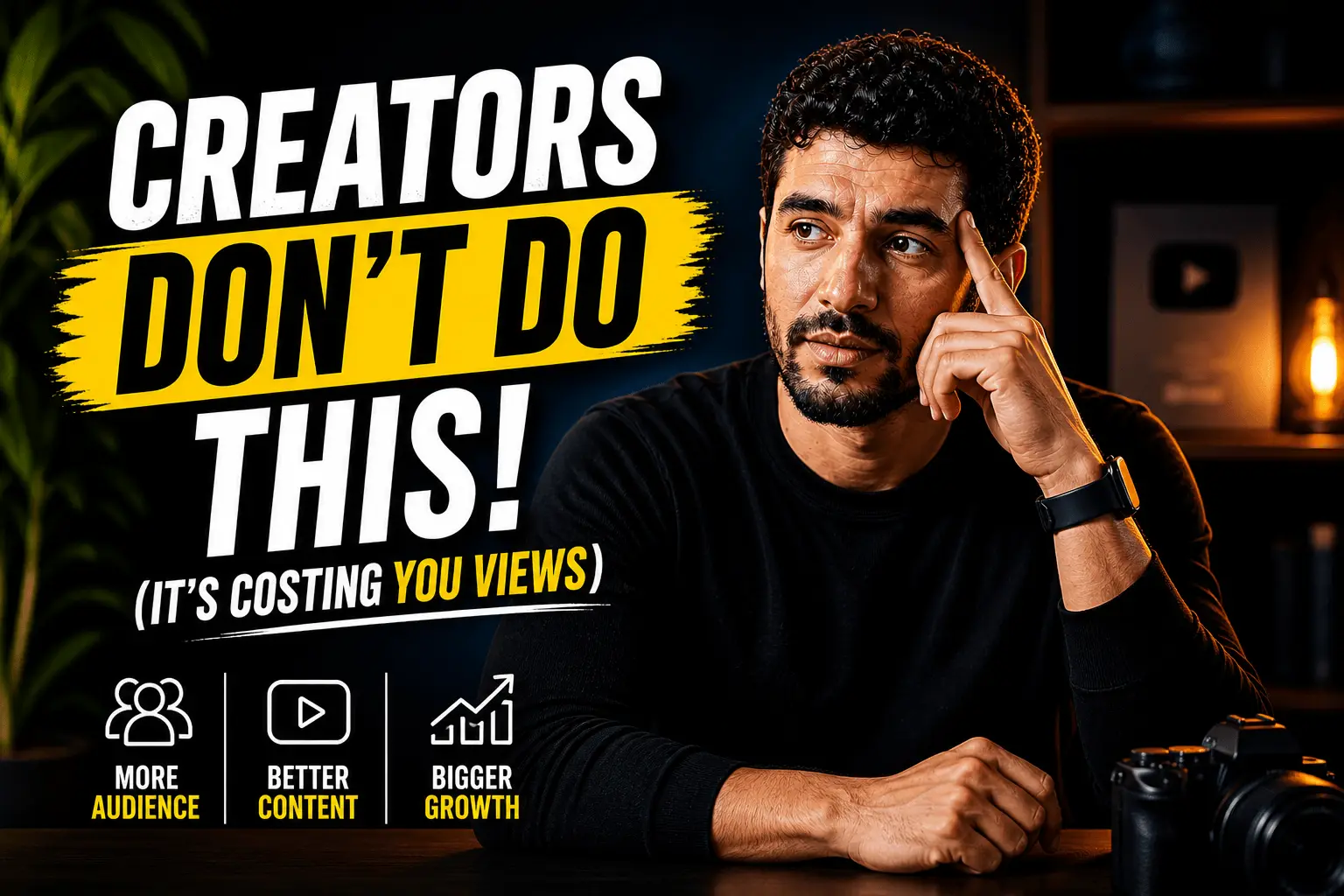
Clear focal point in the first glance zone
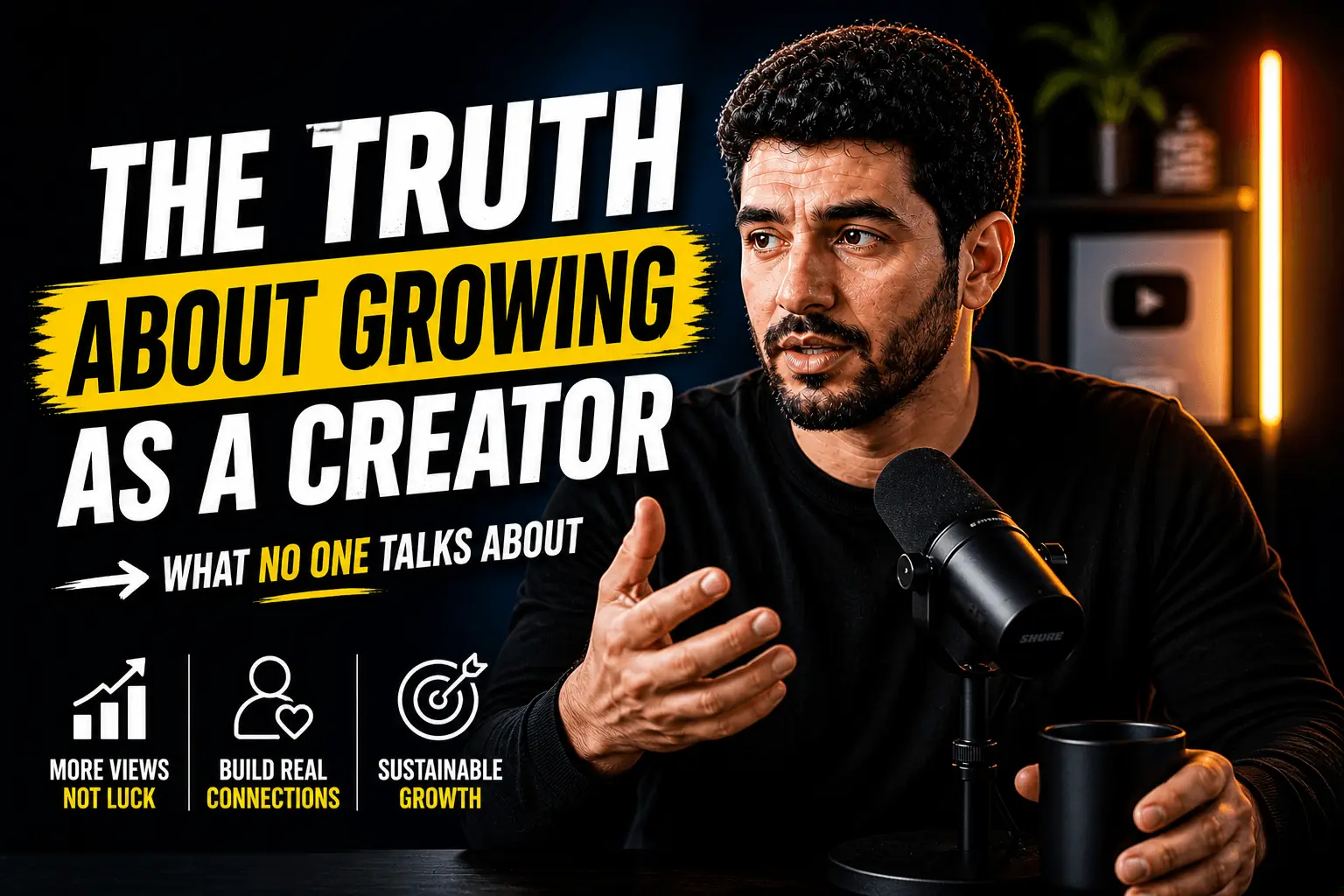
Readable near 120px feed width
Scores are sample UI only — not a guarantee of click-through or ranking.
What the score grid looks for
Contrast, face/focal clarity, and text legibility are the usual first-pass checks before you ship a 1280×720 cover. Treat numbers as a review aid, not a promise.
How it works
Three steps from frame to a packaging pass you can defend — no rainbow score cards, just monochrome checks that mirror how feeds actually crop.
Pre-publish checklist
- Text still readable when the thumbnail is the size of a stamp
- Emotion or expression matches the title promise
- One primary subject — not three competing stories
- Crop holds on light and dark YouTube themes
Upload or paste a frame
Drop a 1280×720 cover or a public video link so the review sits next to the same release package.
Paste a YouTube link
Read monochrome score bars
Contrast, face/focal, and text size surface as review aids — illustrative layout, not a CTR promise.
HypeNest analyzes your video and builds the assets
Fix packaging, then publish
Tighten crop, punch the subject, enlarge type — ship when the checklist clears, not when a number looks pretty.
Review clips, titles, descriptions, and thumbnails on one page
Package before you publish
Thumbnails fight for attention at stamp size. These checks keep packaging honest — subject, type, and crop — without inventing growth multipliers.
Variant generation
New thumbnails from your video frames.
Style matching
Consistent with your existing packaging.
Full pipeline
Thumbnails with titles and descriptions.
- Thumbnail options
- Multiple variants to A/B in your head before posting.
- CTR signals
- Contrast, faces, and text legibility at a glance.
- On-brand looks
- Thumbnails that fit your channel style.
Thumbnails from your upload
Learn more
A YouTube thumbnail analyzer evaluates and generates thumbnail variants from your video frames — scoring contrast, text legibility at 120px mobile width, and whether on-image text stays within a 3-word limit. Thumbnails drive roughly 80% of click-through decisions in browse and search feeds, so a single well-chosen frame often matters more than the title beside it.
YouTube recommends 1280x720 pixels at a 16:9 aspect ratio with a 2MB file cap (JPG, PNG, or GIF); files below that threshold render blurry on TVs and oversized mobile feeds. Faces with strong emotion outperform text-only designs by 20-30% in published CTR studies, and high-contrast color pairs lift click-through rates another 15-25% over muted palettes.
Viewers decide whether to click in under one second, and on mobile the thumbnail renders at about 120px wide — meaning anything that does not read at that scale is effectively invisible. HypeNest surfaces frame options from your upload, scores composition for click-worthiness, and proposes A/B variants that fit your channel style. You review everything before publish — nothing replaces your thumbnail automatically.
Strong thumbnails are not about more effects — they are about clarity. The analyzer helps you see what reads at 120px width before you commit to a design that only looks good at full resolution on your editing monitor.
Legible text at small sizes — if you use text overlays, they must read at phone scale (about 120px width in mobile browse feeds). Faces and emotion when relevant: human expressions with clear eye contact outperform abstract graphics for many creator niches.
Color contrast against YouTube's white and dark themes matters because your thumbnail sits beside dozens of competitors in search and home feeds. High-contrast pairs like yellow-on-dark or cyan-on-black typically lift CTR 15-25% over muted palettes.
Alignment between thumbnail promise and video content protects retention — a thumbnail that promises something the first 30 seconds do not deliver spikes early audience drop-off and hurts long-term CTR.
HypeNest surfaces frame options from your upload and generates variants that fit your channel's visual style — so new thumbnails feel like they belong on your channel, not a stock template.
• Multiple thumbnail variants from one video link • CTR-oriented composition feedback and scoring • Style consistency with your existing channel packaging • Mobile-first legibility check at 120px width • Review before publish — nothing goes live automatically
The best YouTube thumbnail size in 2026 is 1280x720 pixels at a 16:9 aspect ratio, with a maximum file size of 2MB in JPG, PNG, or GIF. Anything smaller renders soft on TVs and at the edge of mobile feed scale; larger aspect ratios get auto-cropped or letterboxed by YouTube on upload.
Design at 1280x720 so your thumbnail survives downscaling to 120px width on mobile browse feeds, 168px on desktop search, and full-screen on TV. Vector or high-DPI source files preserve clarity when YouTube re-encodes the upload for delivery to viewers.
Stick to sRGB color — wider gamuts like P3 can shift saturation once YouTube compresses the image, which is why a thumbnail that looks electric in Photoshop can wash out in the wild. Test both light and dark YouTube UI modes before publishing.
• Best YouTube thumbnail size 2026: 1280x720 at 16:9 • Maximum 2MB file size for JPG, PNG, or GIF • Design for 120px mobile feed scale first • sRGB color profile to avoid post-upload shifts • Test contrast on light AND dark YouTube UI themes
Score a YouTube thumbnail for CTR in four passes: subject clarity at 120px width, text legibility (3-word max), contrast against YouTube's light and dark UI themes, and promise match to the video content. A thumbnail that hits all four typically scores 80%+ on HypeNest's CTR readiness scale.
Run the thumbnail at thumbnail-grid size next to your top three competitors in YouTube search results. If yours blends into the grid, increase subject size, swap to a high-contrast palette, or move on-image text off-center to break the visual pattern competitors have established.
After publish, compare click-through rate in YouTube Studio Analytics → Reach against your channel average over rolling 28-day windows. A 1-2% drop is normal seasonal noise; anything below 50% of your channel average usually means packaging — not content — needs a refresh.
• Score YouTube thumbnail for CTR in four passes • 120px width legibility check comes first • 3-word maximum on-thumbnail text • Contrast test on light AND dark YouTube UI • Compare CTR vs channel 28-day average in Studio Analytics
Design for the smallest screen first. Squint at your thumbnail at postage-stamp size — if the subject is unclear, simplify cropping or increase contrast before worrying about desktop detail. Mobile browse feeds render thumbnails at about 120px wide.
Busy backgrounds compete with faces and text. Blur or darken backgrounds when the subject needs separation. One focal point beats three competing elements at small feed sizes.
Test how your thumbnail looks in both light and dark YouTube UI modes. High-contrast edges help either way; low-contrast mid-tones can disappear in one theme and dominate the other.
Leave breathing room around your subject — cramped compositions lose impact when YouTube crops edges on different devices and screen ratios.
The best CTR comes from thumbnails and titles that tell the same story with different words and images — complementary, not redundant. If the title says the outcome, the thumbnail can show the emotion or stakes behind it.
Generate titles and thumbnails from one upload so you can A/B options in your head before publishing. Mismatched pairs — shocking thumbnail, bland title — confuse viewers and erode trust over time.
Avoid repeating the full title as on-thumbnail text. Use three to five words maximum on the image; let the title carry the rest of the promise and the keywords search engines need.
Before you publish, run through a quick checklist: single clear subject, readable text (3-word max), high contrast, emotional hook, and honest alignment with the video content's first 30 seconds.
Check competitor thumbnails in search for your target keyword. You do not need to copy them — but your packaging should be legible at the same grid size, roughly 120px wide on mobile browse feeds.
HypeNest's thumbnail analyzer highlights gaps in these areas so you can fix packaging before the first impression is wasted on a weak click rate.
In YouTube Studio, open Analytics → Reach and compare click-through rate against impressions. A CTR below your channel average with rising impressions usually means the thumbnail or title pair is underperforming — not the video itself. Fix packaging before you re-edit content that viewers never clicked to watch in the first place.
• Single clear subject readable at 120px width • 3-word maximum on-thumbnail text • High-contrast palette for both light and dark UI themes • Emotional hook matched to the title promise • Honest alignment with the first 30 seconds of video
YouTube's built-in thumbnail test feature lets you upload up to three variants and measures which earns the highest watch-time share. Run tests on uploads with steady traffic — not brand-new videos still gathering first-hour data.
Change one variable per test: expression, background contrast, or on-image text. Swapping the thumbnail and title simultaneously makes it impossible to know which asset moved CTR.
HypeNest generates multiple variants from your upload so you enter Studio with options worth testing instead of guessing in Photoshop. Pick two distinct directions — bold text vs face-forward, warm palette vs high contrast — and let impressions decide.
Update thumbnails on older videos when CTR drops in YouTube Studio relative to impressions. Evergreen tutorials and listicles often benefit from a packaging refresh years after the original upload.
Test new thumbnails on re-uploaded Shorts or compilation clips when the original creative underperformed. Fresh thumbnails can revive evergreen content without re-editing the underlying video.
Seasonal or news-driven topics may need new packaging when the cultural context shifts — the video is still relevant, but the old thumbnail reads dated against newer competitors.
Treat thumbnails as the final step of a release package: clip, title, description, tags, then thumbnail. When all assets come from one source video, messaging stays tight end to end.
Agencies and multi-channel operators save hours by generating variants per client upload instead of opening Photoshop for every video. Review, pick the winner, schedule.
Thumbnail analysis and generation are free — paste a link, compare variants, and publish when packaging feels right.
Pair thumbnail work with title and description generation from the same upload so every surface of your video listing tells one coherent story to viewers and to YouTube search.
Definition
What is YouTube thumbnail analyzer?
A YouTube thumbnail analyzer is a tool that evaluates and generates thumbnail options from a video link — scoring contrast, text legibility at 120px mobile width, emotional alignment between thumbnail promise and video content, and overall CTR readiness against YouTube's 1280x720 pixel standard and 2MB file cap.
Audiences
Who uses this tool
CTR optimizers
Multiple variants from one upload before A/B testing in Studio.
Talking-head channels
Frame picks that highlight expression and topic.
Social media managers
Packaging review before client sign-off — catch weak frames before publish day.
Agencies
Thumbnail QA across multi-client release calendars without opening each raw file.
Marketing teams
Webinar and demo thumbnails aligned to landing-page promises and ad creative.
High-volume uploaders
Frame variants from one paste — skip Photoshop for every weekly upload.
Examples
Thumbnail checks before publish
Text readable at 120px width on mobile
Face emotion matches title promise
Contrast holds on YouTube light and dark themes
Single focal point — one face, one object, or one text block
A/B two frame crops in Studio before committing to a thumbnail test
Avoid clickbait gap: thumbnail scene appears in the first 30 seconds
Brand color accent consistent across a 10-video series or campaign
Gaming and tutorial thumbs: UI crop legible at mobile feed scale
More tools
Related tools
Thumbnails pair with:

YouTube Title Generator (AI)
Generate click-worthy YouTube titles from your video. Paste a link, get scored title options for Shorts and long-form in minutes.

AI Content Generator for YouTube
Upload one long video and get clips, titles, descriptions, thumbnails, and publish-ready posts for YouTube and TikTok.

Best Time to Post on YouTube & TikTok
Find the best time to post on YouTube and TikTok. Get practical scheduling windows for Shorts and short-form feeds.
Looking for the product overview? Open the related feature page.
FAQ
Yes. You get variant options from your video frames plus CTR-oriented feedback and a readiness score before you upload anything to YouTube.
No. You review all options and choose before publishing — HypeNest never auto-replaces your existing thumbnail.
Variants aim to stay consistent with your existing packaging, color palette, and topic — so new thumbnails feel native to your channel.
In YouTube Studio, check Reach → click-through rate vs impressions. Low CTR with healthy watch time usually means packaging — not content — needs a refresh.
Yes. Generate multiple options, upload two or three distinct variants in YouTube Studio's thumbnail test, and let watch-time share pick the winner.
YouTube recommends 1280x720 pixels at a 16:9 aspect ratio with a maximum file size of 2MB (JPG, PNG, or GIF). Anything smaller renders blurry on TVs and oversized mobile feeds.
Open YouTube Studio, go to the video details page, and click 'Test & compare' under the thumbnail. Upload up to 3 variants and let YouTube measure watch-time share over 7-14 days of steady traffic.
A good YouTube thumbnail CTR sits between 4-10% depending on niche and impression source. Browse feeds average 2-5%, while search-driven impressions often hit 8-12% — below your channel's 28-day average usually signals packaging needs work.
Keep on-thumbnail text to a 3-word maximum so it stays legible at 120px width on mobile feeds. Use a heavy sans-serif font and place text off-center to avoid YouTube's bottom-right duration badge.
Yes. High-contrast color pairs like yellow-on-dark or cyan-on-black consistently lift YouTube thumbnail CTR by 15-25% over muted mid-tone palettes in published creator experiments.
Close-up faces with strong, readable emotion outperform text-only and abstract graphics by 20-30% in CTR studies. The human eye locks onto eyes and expressions faster than shapes or words, especially at mobile feed sizes around 120px wide.
Yes — HypeNest's YouTube thumbnail analyzer is free. Paste a video link, generate variants, score CTR readiness, and run A/B tests in YouTube Studio without paying for separate Photoshop or Canva work.
Free
Upload one video. Get clips, titles, descriptions, and thumbnails. Publish when you're ready.