
AI Content Generator for YouTube
One upload → clips, titles, descriptions, thumbnails. Full release package in minutes.
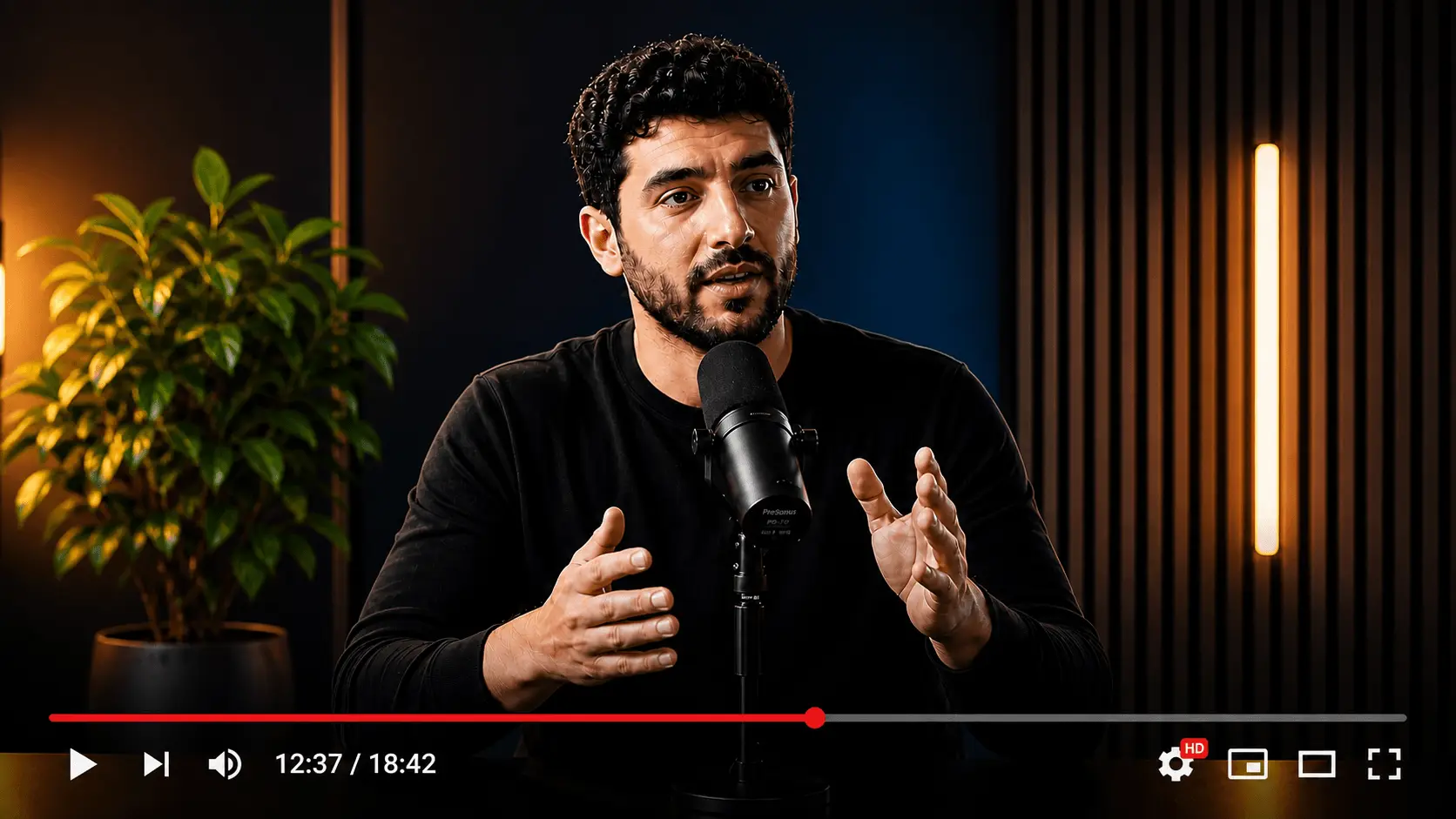


How I Turn One Video Into a Full Release Kit
91One Upload → Clips, Titles & Thumbnails
88One upload. Every asset you ship with it.
The AI content generator for YouTube is a full release kit, not a clipper with metadata bolted on later.
Shorts from the same source
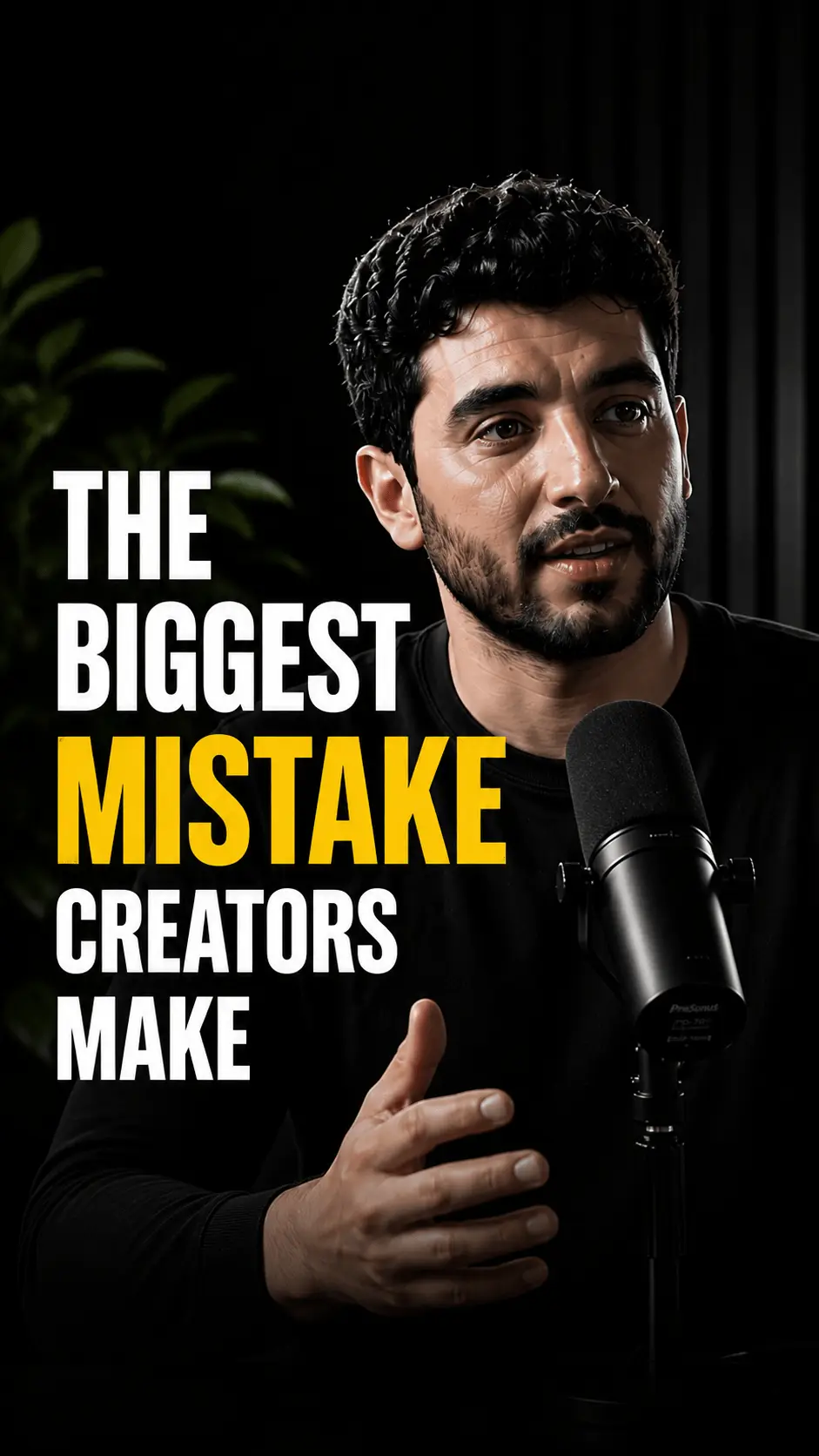
Vertical candidates with subtitles, sized for Shorts and TikTok. You pick what ships. Weak cuts never leave the review board.
- 9:16 framing for mobile feeds
- Captions for mute-first viewing
- No watermark on exports
0:420:380:51How I Turn One Video Into a Full Release Kit
91One Upload → Clips, Titles & Thumbnails
88Stop Tool-Hopping. Ship the Whole Package
85Titles and descriptions from the transcript
Scored title options and SEO-ready descriptions stay aligned with what you said on camera, not generic templates from last week.
- CTR-aware title variants to compare
- Descriptions with room for chapters and links
- Same language across Shorts and long-form
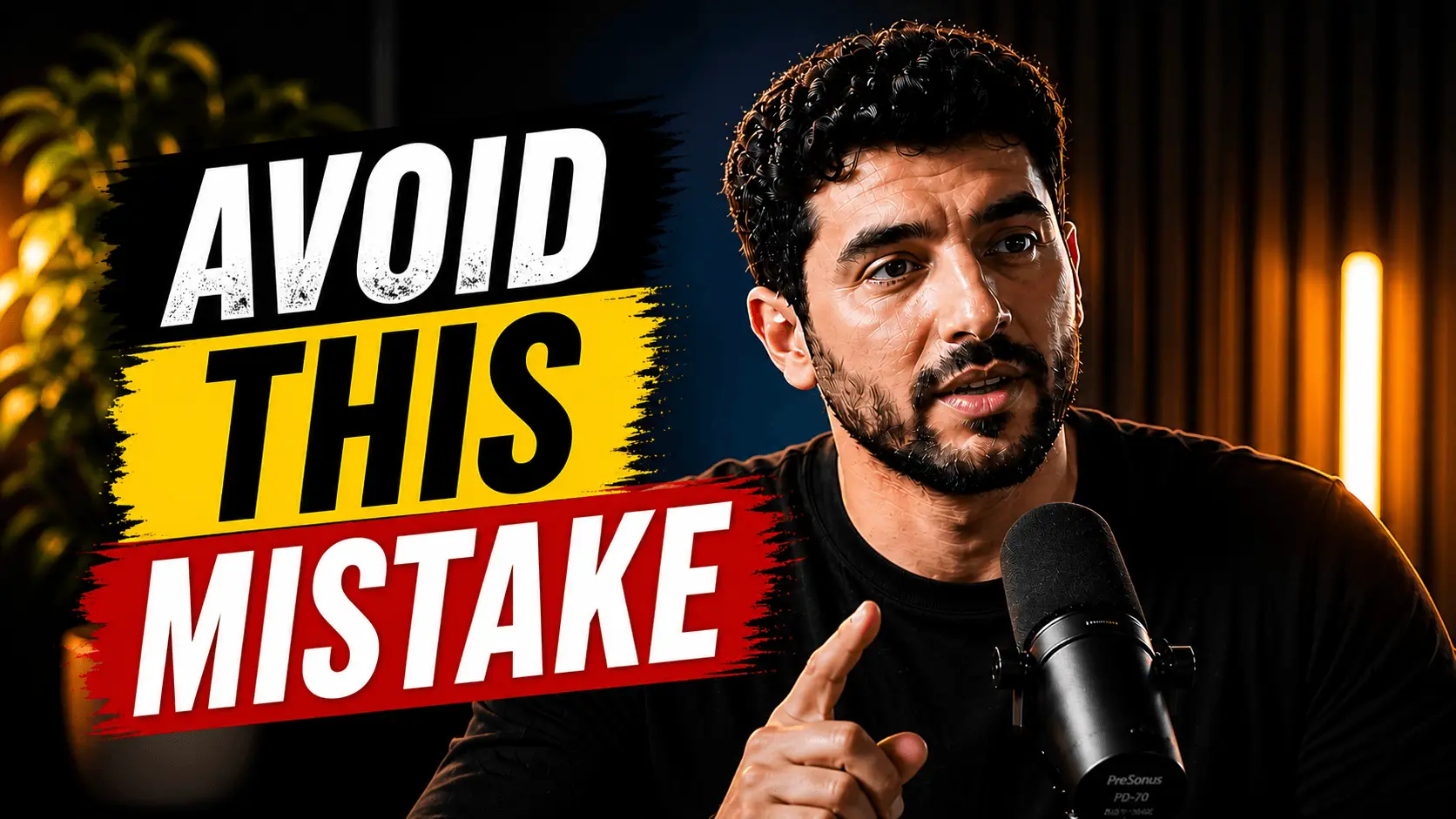
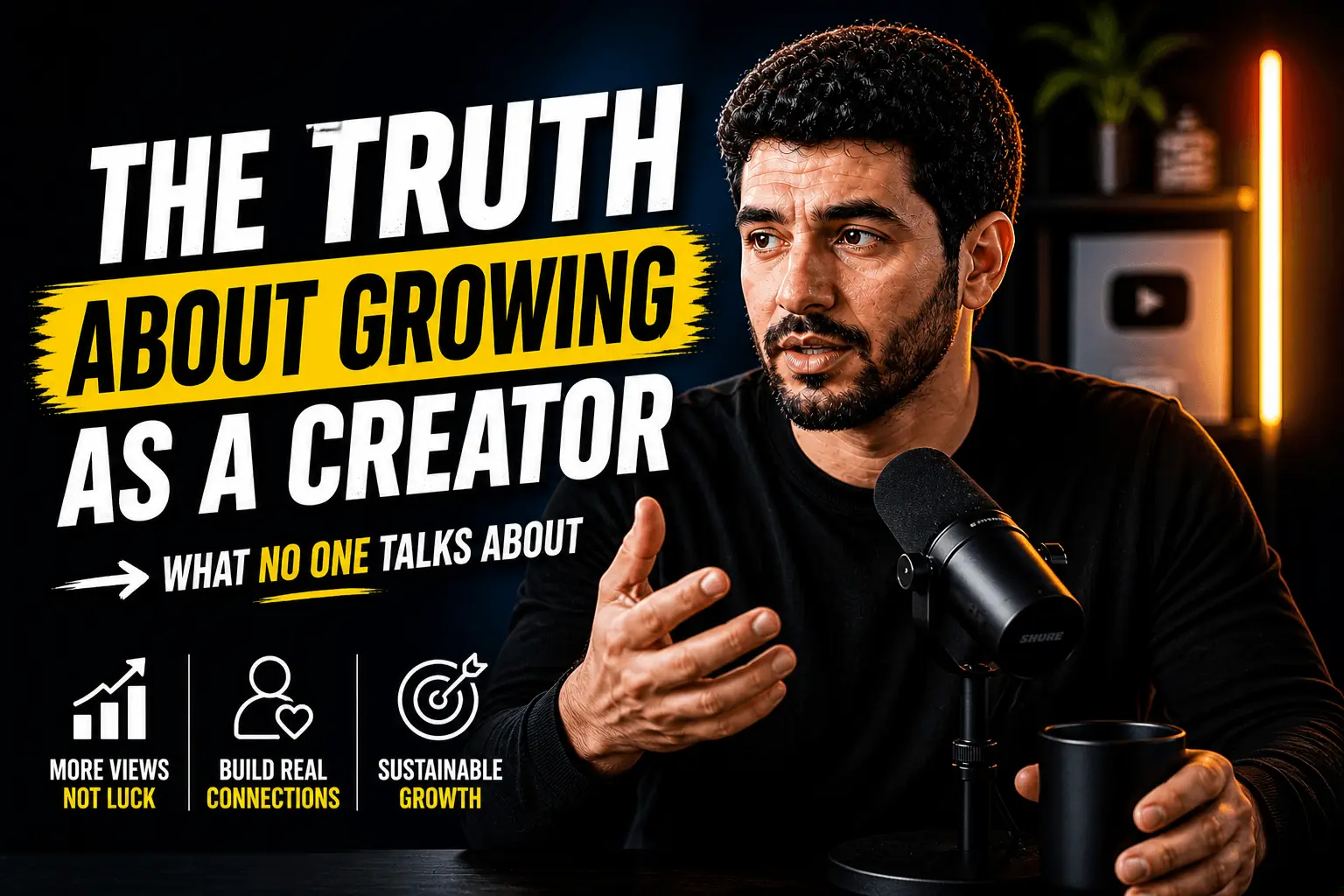
Thumbnails and a publish window
Browse-feed variants sit next to the title you chose. A suggested slot keeps the kit from sitting idle after review.

Best slot
Thu 6 PM · audience window
From one link to a publishable kit
Skip the five-tab workflow. Clip, title, description, and thumbnail stay on the same transcript until you approve.
Drop one source
Paste a YouTube link or upload a file. That single asset feeds every draft in the kit.
Build the full package
Clips, scored titles, SEO descriptions, and thumbnail options land on one review screen. Same transcript throughout.
Approve, then publish
Kill weak drafts, keep winners, schedule long-form and Shorts when you are ready. Nothing goes live without you.
Less app-switching. More posts shipped.
A fragmented stack loses context at every handoff. The kit keeps title, clip, and thumbnail on one review pass.
Full kit vs single-purpose tools
Only need clips, or only SEO?
This page is the end-to-end YouTube content generator. Single-purpose tools stay one click away when you only need one deliverable.
One upload, full YouTube release
Learn more
An AI content generator for YouTube is software that turns one source video into a complete publish-ready release — short-form clips, titles, descriptions, thumbnails, hashtags, and a posting schedule — inside a single automated workflow.
Modern end-to-end pipelines run a transcript → clip → title → description → thumbnail → schedule sequence, producing roughly 8-12 publish-ready assets from a single upload in 15-30 minutes — typically 5-10x faster than a fragmented multi-app creator stack and enough to feed a full week of YouTube publishing from one filming session.
Fragmented workflows introduce drift at every handoff — a title brainstormed in a notes app, a description pasted from last week's template, a Shorts clip that does not match either. HypeNest collapses that stack into one review pass grounded in your transcript, so consistent metadata across clip, title, and description strengthens the recommendation signals YouTube's algorithm already rewards.
A YouTube content pipeline covers every asset you publish alongside a video: a click-earning title, a search-friendly description, a browse-feed thumbnail, and short-form variants that extend reach. Treating all four as one package is what separates a true AI content generator for YouTube from a single-purpose clipper.
HypeNest generates these assets from one source video so your long-form post and Shorts campaign stay aligned on messaging, and consistent metadata across clip, title, and description boosts the recommendation signals YouTube's algorithm already rewards.
A complete pipeline also covers scheduling — when your audience is online, which Shorts to stagger across the week, and how to sequence long-form and short-form posts. Hashtags, chapter-friendly descriptions, and platform-specific formatting round out the deliverables without re-entering the same link in three different tools.
• Vertical clips with subtitles for YouTube Shorts, TikTok, and Reels • Multiple scored title options based on your transcript and search intent • SEO-ready descriptions with natural keyword placement and chapter timestamps • Thumbnail variants matched to your channel style and tested for mobile readability • Best-time-to-post suggestions, then queue reviewed posts for YouTube and TikTok • End-to-end pipeline: clip → title → description → thumbnail → schedule from one link
The typical creator stack spans a clipper, a title brainstorm doc, a description template, a thumbnail editor, and a scheduler. Context gets lost every time you copy a link between tabs, and small mismatches between title and thumbnail quietly cost clicks.
Centralizing generation in one review screen means titles reference what you actually said, descriptions match your clips, and thumbnails fit the same upload. When you change a title, you see related clips and description on the same page — fewer mismatches, faster publish, and consistent metadata across every asset.
Every app switch costs attention. You forget which title variant paired with which thumbnail mockup, or clip a moment that does not align with the hook in your title. A unified AI content generator for YouTube keeps every asset traced back to the same transcript and visual source.
• Replace clipper + title doc + thumbnail editor + scheduler with one review screen • YouTube automation software for solo creators and agencies shipping at volume • AI YouTube workflow that keeps title, description, and thumbnail on the same page
Weekly uploaders who need a repeatable release ritual. Podcasters cross-posting to YouTube. Course creators launching lesson series. Marketing teams turning webinars into social campaigns. Any creator whose bottleneck is post-production — not filming — benefits from an AI content generator for YouTube.
Solo creators treat each upload as a mini campaign: one long-form video, three to five Shorts, two title options to test over time, and a description that doubles as a search summary — all generated together so the package stays on-message.
Teams publishing at volume — agencies, media brands, SaaS marketing departments — use the pipeline to standardize output without standardizing creativity. The AI drafts; humans approve. The full pipeline is free.
• Weekly vloggers building a predictable upload ritual without a content team • Podcasters repurposing long episodes into YouTube Shorts and show-notes descriptions • Course creators launching lesson series with aligned Shorts and chapter timestamps • Marketing teams turning webinars into YouTube-ready clips and email follow-ups • Agencies delivering full YouTube release kits per client upload on tight turnarounds
HypeNest never auto-publishes without your approval. After you paste a link, the platform generates a draft release package and presents clips, titles, descriptions, thumbnails, and scheduling suggestions on one review screen.
Start with the clips: discard weak cuts, keep hooks that stand alone. Pick a title that matches your strongest thumbnail variant. Descriptions should reinforce the same promise — if the title teases a specific outcome, the first two lines should deliver on it.
Thumbnails deserve a final human check. AI variants give you a head start, but you know your audience's visual preferences. Swap faces, adjust contrast, or pick the option that reads clearest at mobile size before you commit.
When everything aligns, publish immediately or drop assets into the scheduler. The entire review pass can take fifteen to thirty minutes for a typical upload — compared to the multi-hour scramble of a fragmented toolchain.
• Review clips first, then pair the strongest thumbnail with its matching title • Best AI tool for YouTube creators 2026: human-in-the-loop review on every asset • Schedule Shorts across the week so discovery continues between long-form uploads
Consistency beats intensity on YouTube. Channels that publish weekly for a year outperform channels that post daily for a month and disappear. An AI content generator for YouTube removes the post-production bottleneck so filming stays creative and packaging becomes systematic.
Batch your review sessions: generate packages for two uploads in one sitting, schedule Shorts across the month, and bank title variants for future tests. Every asset links back to its source video — nothing gets orphaned in a folder of exports.
Automating repetitive packaging tasks frees you to focus on voice, perspective, and the consistency viewers actually reward. Burnout often comes from tasks that feel beneath your skill level — not from the creative work itself.
• Block a fixed weekly slot for package review — not open-ended editing marathons • Pre-schedule Shorts so discovery continues between long-form uploads • Keep a swipe file of your best-performing title and thumbnail pairs for reference • Treat each upload as a release event, not just a video file you drop in a folder
An AI content generator for YouTube works in five steps: transcribe the source video, identify the strongest hook moments, cut vertical clips for Shorts, draft title and description variants from the transcript, and assemble thumbnail and schedule suggestions for human review. The whole loop runs in roughly 15-30 minutes and ends with a draft release package, not an auto-posted video.
Step one is transcription — speech-to-text on the source audio gives the model the same content the viewer hears, so every downstream asset references what you actually said. Step two scores candidate moments for virality, clarity, and stand-alone context (can a viewer understand the Short without watching the long-form video?).
Steps three and four produce the publish-ready assets: vertical reframed clips with burned-in subtitles, multiple title options ranked against your transcript, and descriptions that place keywords naturally near the top two lines YouTube indexes most. Step five packages everything for one review pass before anything goes live.
You stay in control of the final publish. The generator proposes; you approve, edit, or discard. That human-in-the-loop pattern is what makes an AI content generator for YouTube safe for monetization and brand-safe — the model drafts, your taste decides.
• Step 1: Transcribe the source video so every asset references what you actually said • Step 2: Score hook moments for stand-alone clarity in Shorts • Step 3: Cut vertical clips with burned-in subtitles for Shorts and Reels • Step 4: Generate title and description variants ranked against the transcript • Step 5: Package thumbnail and schedule suggestions for human review before publish
The best AI tool to automate a YouTube channel in 2026 is the one that replaces the most apps in your stack without removing human review. A clipper alone is not enough; a thumbnail tool alone is not enough. Look for an end-to-end pipeline that produces clips, titles, descriptions, thumbnails, and a schedule from one upload — and lets you approve every asset before publish.
Compare tools on five criteria: (1) does it generate every asset type, or only one; (2) are titles and descriptions written from your transcript or a generic template; (3) can you edit inside the tool or only export; (4) does it support scheduling, or just generation; (5) does it keep metadata consistent across clips, titles, and descriptions, which directly affects YouTube recommendation signals.
HypeNest was built as a YouTube-first pipeline rather than a general video tool. That focus shows in the package output — one upload produces a release-ready set of assets aligned around the same message, which is what separates a true AI content generator for YouTube from a generic AI video editor retrofitted for creators.
• Best AI YouTube tool 2026: end-to-end pipeline, not a single-purpose clipper • YouTube automation software that keeps metadata consistent across every asset • Human-in-the-loop review so monetization-safe and brand-safe publishing stays in your hands
Definition
What is AI content generator for YouTube?
An AI content generator for YouTube is software that converts a single uploaded video into a complete publish-ready release package — short-form clips, titles, descriptions, thumbnails, and hashtags — in one automated workflow, replacing a multi-app creator stack with a single review screen. The result is typically 8-12 publish-ready assets from one source video in 15-30 minutes.
Audiences
Who uses this tool
Solo YouTubers
Replace a five-app publishing stack with one review screen — clips, titles, and thumbnails together.
Marketing teams
Ship webinar repurposing packages without briefing an editor or waiting on a separate SEO pass.
Course creators
Launch lessons with aligned Shorts, long-form metadata, and thumbnails from the same upload.
Agencies
Deliver full release kits per client upload — clips, titles, thumbnails, and schedule in one export.
Social media managers
One link produces long-form and Shorts assets for multi-platform clients without tool-hopping.
SaaS brands
Turn product demos into launch-day content packages with SEO metadata and vertical teasers.
Examples
Full-release workflows
Weekly vlog → 4 Shorts + title variants + description + thumbnail set in one review pass
Course lesson → promo clips + chapter timestamps embedded in the description block
Product demo → launch Shorts + SEO metadata package + scheduled Tuesday 2 PM publish slot
Webinar replay → 6 clips + long-form title A/B options + thumbnail variants for email follow-up
Podcast video episode → Shorts batch + show-notes description + best-time-to-post recommendation
Client deliverable (agency): branded thumbnails + 5 clips + metadata doc ready for approval
SaaS feature release → comparison-title variants + keyword-aligned description + 3 Short teasers
Tutorial series upload → episode description with playlist links + next-episode Short hook clip
More tools
Related tools
Build your release stack tool by tool:

AI Long-to-Shorts Clip Generator
Paste a YouTube link and turn a long video into Shorts-ready clips with subtitles. No watermark on exports. Review before you publish.

YouTube Description Generator (AI)
Generate SEO-ready YouTube descriptions from your video. Paste a link and get copy with hooks and structure you can edit.

YouTube Thumbnail Analyzer (AI)
Analyze and generate YouTube thumbnails from your video. Paste a link for CTR-focused cover options you can review.
Looking for the product overview? Open the related feature page.
FAQ
No. This is the full HypeNest pipeline — clips plus everything you need to publish.
Yes. No credit card required.
Clips, titles, descriptions, thumbnails, hashtags, and scheduling — all generated from one video upload.
Absolutely. HypeNest creates drafts. You review and approve everything before anything goes live.
Yes. The pipeline supports both platforms from the same source video.
The best AI content generator for YouTube in 2026 is an end-to-end pipeline that turns one source video into a complete release package — clips, titles, descriptions, thumbnails, and a schedule — rather than a single-purpose clipper or title tool.
Yes. HypeNest offers the full YouTube content generation pipeline — clips, titles, descriptions, thumbnails, and scheduling — for free, with no credit card required to publish your first release package.
AI can generate the packaging around a YouTube video — clips, titles, descriptions, thumbnails, and metadata — from a source upload, but the source footage still comes from you. The result is a publish-ready release, not an AI-generated video.
Automating a YouTube channel with AI means using an end-to-end pipeline that generates clips, titles, descriptions, thumbnails, and a posting schedule from each upload, then keeps human-in-the-loop review on every asset before publish.
The best AI tool for YouTube Shorts is one that cuts vertical clips with burned-in subtitles, reframes the speaker for mobile, and writes Shorts captions that match the hook in your long-form title — all from the same source video upload.
Yes. A modern AI content generator for YouTube pairs thumbnail variants with ranked title options from the same transcript so the visual and the headline reinforce the same promise, which improves click-through rate and recommendation signals.
An AI content generator for YouTube typically produces a full release package — 8-12 assets including clips, titles, descriptions, and thumbnail variants — in roughly 15-30 minutes per source video, compared to several hours of fragmented manual work.
Free
Upload one video. Get clips, titles, descriptions, and thumbnails. Publish when you're ready.