



Skip to content
HypeNest
Reframe

Video reframer for short clips

A bad reframe makes even a great moment unreadable on a phone. HypeNest reframes long videos into vertical short clips that keep the active speaker or subject in focus, with captions and a human review gate — free to start, no credit card, no watermark.

Subject-aware vertical reframes
Interview and panel-friendly shortlist
Mute-ready captions on drafts
Free review-before-publish pipeline

No card · YouTube & TikTok publishing · pricing may change with notice

Landscape or multi-cam
Reframed shorts
Vertical short clip
0:32
Vertical short clip
0:45
Vertical short clip
0:58

Subject-aware reframes for shorts

Keep the active speaker, gesture, and caption space intentional — then ship only the crops that survive a phone preview.

Keep the active speaker readable

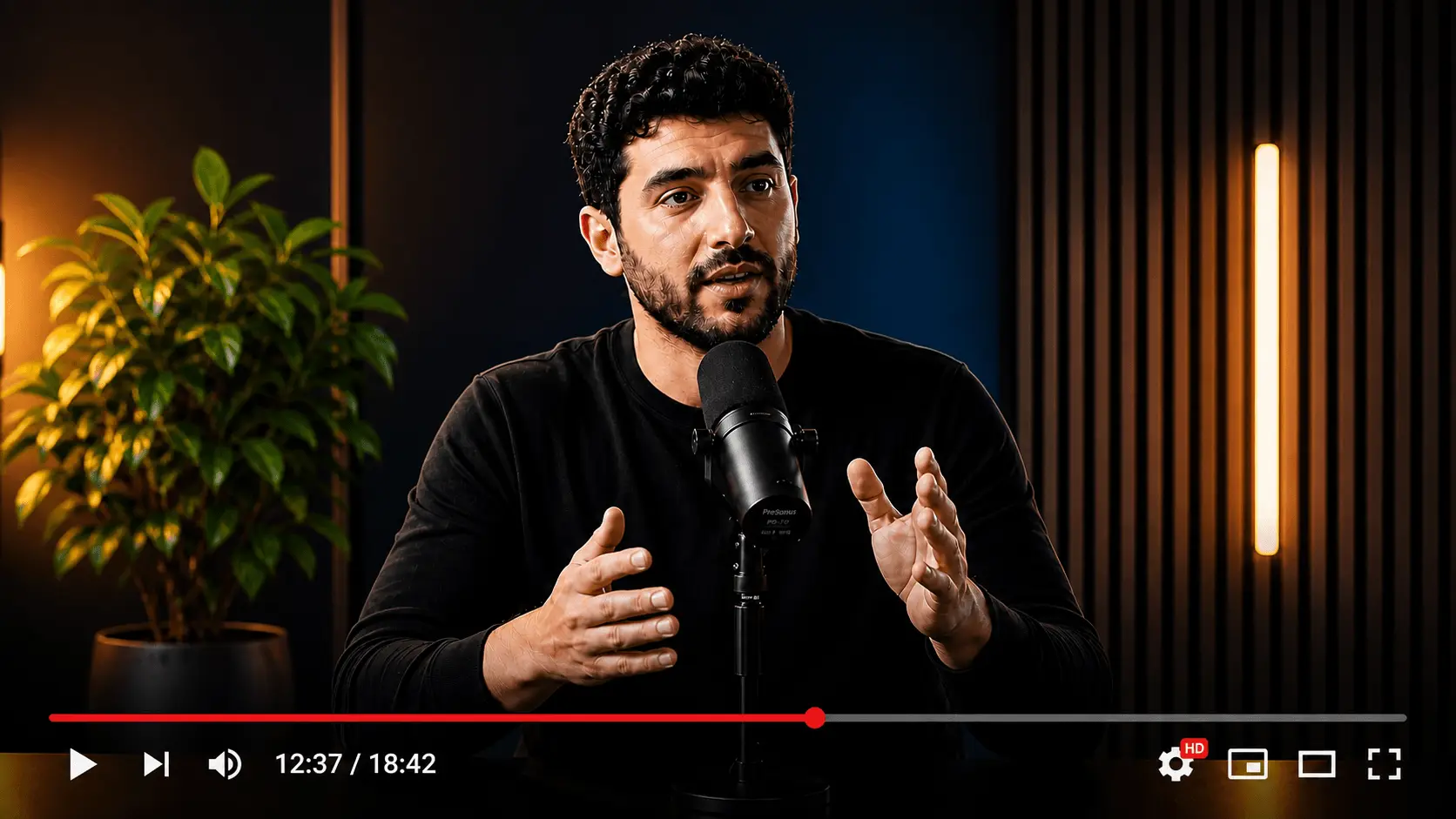
Interviews and panels die in vertical feeds when the crop freezes on the wrong person or chops gestures that carry meaning. A video reframer should prioritize the active speaker, headroom, and eye-line so shorts feel intentional.

  • Host-focused and guest-focused crop candidates
  • Reject reframes that invent false focus
  • Check eye-lines and headroom before approve
9:16

Pair reframe with complete short ideas

Reframing a whole episode as one tall file rarely works. HypeNest drafts short candidates first — reaction moments, punchlines, single tips — then packages each with 9:16 framing and captions.

  • Moment selection plus reframe in one pass
  • Captions that avoid covering mouths
  • No watermark on free exports today
Transcript scan
Hook @ 04:12Peak @ 18:40

Human gate on framing and claims

Auto-accepting every reframe without a phone preview is how teams ship cropped-out slides and half faces. Review-before-publish keeps AI drafts from becoming public mistakes.

  • Approve, edit, or drop every candidate
  • Direct publish live for YouTube and TikTok
  • Fix names, numbers, and claims first
Transcript scan
Hook @ 04:12Peak @ 18:40

How the video reframer works

  1. Bring landscape or multi-cam source

    Paste a public interview, panel, or long episode — or upload in the app. Clear speakers and structure produce stronger reframes.

  2. Review reframed short candidates

    HypeNest proposes vertical clips with subject-oriented framing and captions already applied.

  3. Phone-check, then publish

    Cull bad crops, fix caption placement, publish approved clips to YouTube and TikTok, or export for networks not live yet.

Manual reframe vs HypeNest drafts

TaskManualHypeNest
Find clip-worthy interview momentsFull rewatch + markersShortlist of complete moments
Reframe for 9:16 feedsManual track in NLE per clipDraft vertical reframes to review
Caption + shipSeparate subtitle pass + uploadCaptioned drafts + live YT/TT publish

Why video reframing decides whether shorts get watched

A sharp quote still fails if the crop cuts off the face, the slide, or the gesture that sold the idea. Vertical platforms assume intentional framing. A video reframer turns landscape and multi-cam masters into shorts that look designed for phones — not afterthought letterboxes.

Interview shows, panels, and multi-person streams need reframe more than single talking-head webcams. The active speaker changes; static center crops freeze on the wrong person. Draft candidates plus human review beat blind auto-track for brand quality.

Searchers want a free, honest path: reframe long sources, keep subjects readable, caption for mute autoplay, review before publish. HypeNest ships that workflow without promising guaranteed views.

  • Check eye-lines and headroom after reframe
  • Avoid cutting off gestures that carry meaning
  • Pair reframe with captions
  • Reject reframes that invent false focus

How the free video reframer pipeline works

Start with landscape or multi-cam source that has clear speakers. HypeNest analyzes the video, proposes short candidates, reframes toward 9:16, and applies captions. You approve framing and meaning before anything is public.

Direct publishing is live for YouTube and TikTok. Instagram, Facebook, and LinkedIn are not live direct-publish targets yet. Exports do not include a watermark. HypeNest is free with full pipeline access today; paid features may come later with notice — not free forever.

Editors can treat AI reframes as a first pass, then fine-tune hero cuts in a traditional NLE. Social teams can ship the weekly batch from review when framing is good enough and claims are clean.

Playbook: host, guest, reaction, caption-safe

Host-focused crops work when the host delivers the tip. Guest-focused crops work when the guest owns the punchline. Reaction crops need both faces readable when the joke is visual. Caption-safe reframes leave room for large type without covering mouths.

Build a checklist: complete thought, honest hook, readable crop, captions correct, rights OK. Auto-accepting every reframe without a phone preview is the fastest way to ship unusable assets.

  • Open on the line that earns the next three seconds
  • One idea per short
  • Rewrite ASR on names and numbers
  • Schedule a small batch rather than dumping the full interview

Common video reframe mistakes

Auto-accepting every reframe without a phone preview is the top process failure. Reframing so hard that context slides disappear is next. Leaving captions over mouths makes mute viewers bounce even when the crop is fine.

Expecting reframe software to fix weak writing is another miss. A bad hook remains a bad hook in 9:16. Use the reframer after you have moments worth packaging — or use moment finding first, then reframe.

Where HypeNest fits for reframing

HypeNest is an AI video repurposing and publishing platform: long video becomes draft clips, reframes, captions, and a path to post on live platforms after human review. Free to start, review-first, watermark-free exports today.

It is not a full substitute for high-end motion design, not a legal advisor, and not a promise of virality. Use it to draft and distribute faster while humans stay accountable for framing, truth, and rights.

Who gets the most from a video reframer

Interview shows need active-speaker readability in 9:16. Panel hosts need multi-person scenes reduced to usable shorts. Editors want AI reframes as a starting point before fine-tuning hero campaigns.

If your source is a single centered webcam, reframe is easier — spend more energy on hooks and captions. If your source is multi-cam or wide stage, reframe quality becomes the product difference.

Need aspect conversion for whole landscape libraries?

Pair reframing with the vertical video converter when the bottleneck is bulk 16:9 archives — same free review-before-publish habit, conversion-first framing.

Open vertical video converter

Who this is for

Interview shows

Keep the active speaker readable in 9:16 shorts.

Panel hosts

Reframe multi-person scenes into usable vertical clips.

Editors

Start from AI reframes, then fine-tune hero cuts.

Glossary

Video reframing

Adjusting crop and framing so a video designed for one aspect ratio remains legible and intentional in another, usually 9:16 for short-form — with human review on focus and captions.

FAQ

Yes for now: free with full access and no credit card. Paid features may be introduced later with notice. Not free forever.

No. Review-before-publish is required. Approve framing, captions, and claims first.

Direct publish is live for YouTube and TikTok. Other networks need export and native posting for now.

Drafts prioritize active speakers, but you must reject wrong-focus crops. AI proposes; you decide.

No. Free exports do not include a HypeNest watermark.

No. Better framing removes a common failure mode; performance still depends on hooks, niche, and distribution.

Start free

A bad reframe makes even a great moment unreadable on a phone. HypeNest reframes long videos into vertical short clips that keep the active speaker or subject in focus, with captions and a human review gate — free to start, no credit card, no watermark.

Video Reframer — Free Vertical Reframe for Short Clips (2026) | HypeNest