


Skip to content
HypeNest
Google Drive fileThumbnails

Google Drive to thumbnails generator

Download the Drive file and upload it. HypeNest pairs the strongest transcript moments with thumbnail concepts and title options — reviewed before export.

Modules get covers
Title pairings included
File-first, honestly
Review before export
Google Drive file
Google Drive file
Thumbnails

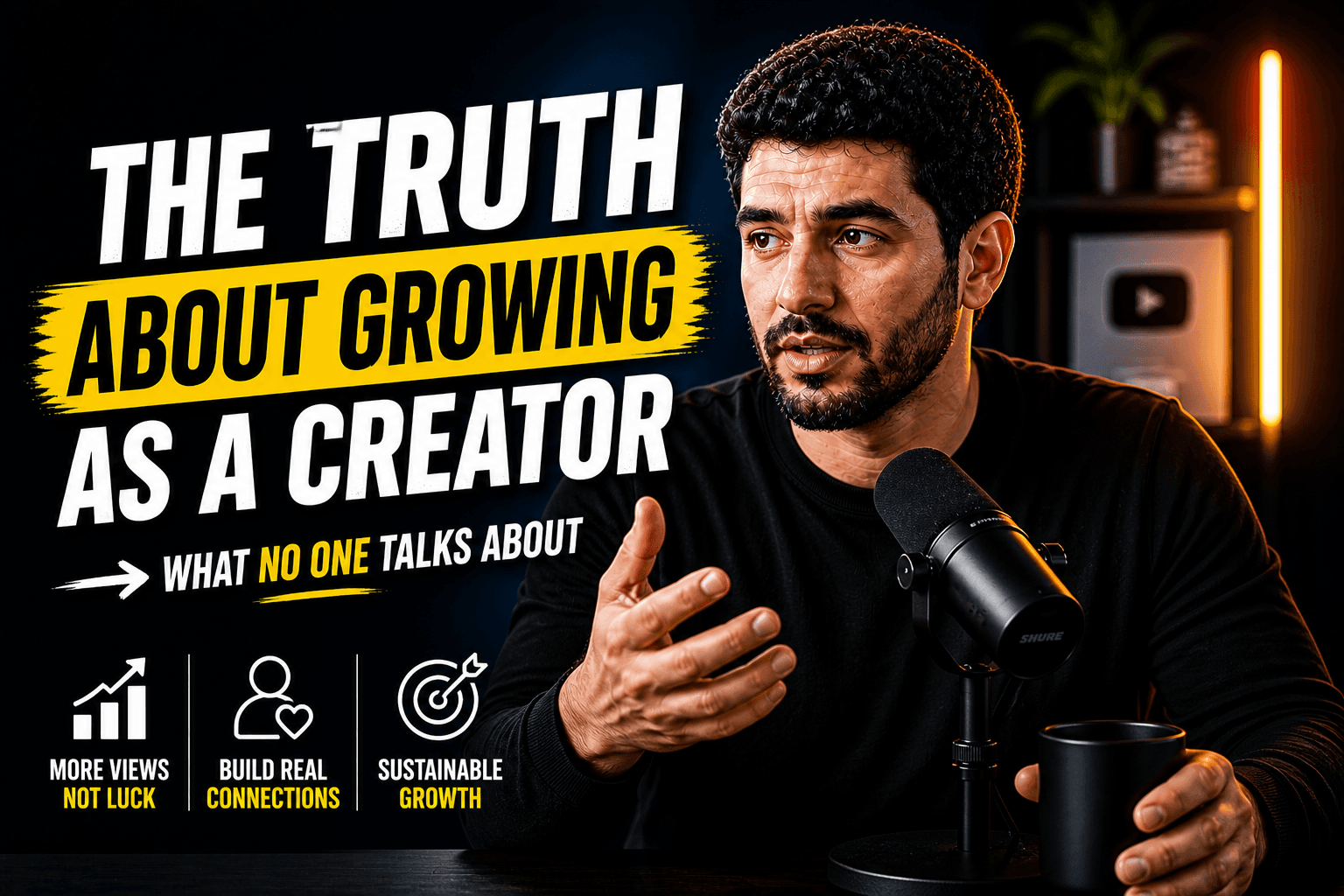
Example set from one course module

Source: Module 4 recording.mp4 (33 min)

  1. 01

    3 concepts matched to module hooks

  2. 02

    Title pairing for each concept

  3. 03

    Readability notes for phone size

  4. 04

    Series-consistent cover variant

What you get

  • Modules get covers

    Course and series recordings get consistent covers matched to each lesson's hook.

  • Title pairings included

    Each concept ships with a title so lessons stay findable.

  • File-first, honestly

    Download, then upload. No Drive connection is claimed.

  • Review before export

    You approve every concept before it fronts your content.

How it works

Four steps from source to approved short-form posts.

  1. 01

    Download the video from Google Drive to your computer

  2. 02

    Upload the file in HypeNest

  3. 03

    Pick a concept and adjust the title pairing in review

  4. 04

    Export the approved thumbnail for YouTube or your course

What Google Drive to thumbnails means

Archived lessons with auto-generated covers underperform. This page is the file → cover-concept job with series consistency.

It is not a Drive plugin. The file comes to HypeNest; concepts leave after review.

  • Input: uploaded file downloaded from Drive
  • Output: concepts + title pairings + readability notes
  • Gate: your pick before export

Who needs thumbnails from Drive video

Course creators with module masters. Teams publishing replay libraries. Agencies packaging client archives.

Best practices

Lock one layout system, vary the hook per lesson.

Check covers at phone size — most students browse there.

Why HypeNest

Covers, titles, articles, and clips from one file and one review. Free to start; not free forever.

Who it is for

Course creators

Every module gets a cover that teaches.

Teams

Replay libraries that look intentional.

Agencies

Archive packaging without design queues.

Definition

Google Drive to thumbnails conversion

Deriving reviewed thumbnail concepts and title pairings from a Drive-stored recording. Not a Drive integration.

Limits

  • 01Clip and copy quality follows source quality: weak audio, weak structure, weak output.
  • 02You must review AI drafts; auto-publish without review is not the product promise.
  • 03Direct publish is live for YouTube and TikTok only today.
  • 04Paid features may come later — we'll tell you before anything changes. Not free forever.
  • 05There is no native Google Drive integration. You download, then upload.

FAQ

Thumbnail concepts matched to your file's strongest moments, each with a title pairing and readability notes. You approve and export the winner.

They are approved concepts with export assets — apply brand fonts and colors before publishing.

No. Download the file, then upload. Drive links are not an import source.

HypeNest is free with full access right now. No credit card. Paid features may come later with notice. Not free forever.

Concepts can share a layout system across modules so the series reads as one library.

Start free with one long video

Free to start · No credit card

Google Drive to Thumbnails Generator (2026) | HypeNest