

Skip to content
HypeNest
Captions for mute-first feeds

Auto caption generator for clips

Short-form feeds often start muted; uncaptioned talking-head clips lose viewers in the first second. HypeNest generates burned-in captions as part of long-to-short packaging — free, no card, no watermark — and you still approve every public clip.

Burned-in captions for mute autoplay
Vertical drafts ready to review
You approve before anything posts
Free full pipeline — no credit card

No card · YouTube & TikTok publishing · pricing may change with notice

Video clip or long video
Captioned vertical clips
Vertical short clip
0:32
Vertical short clip
0:45
Vertical short clip
0:58

Captioned clips from one expert tip video

Source: 9-minute expert tip video

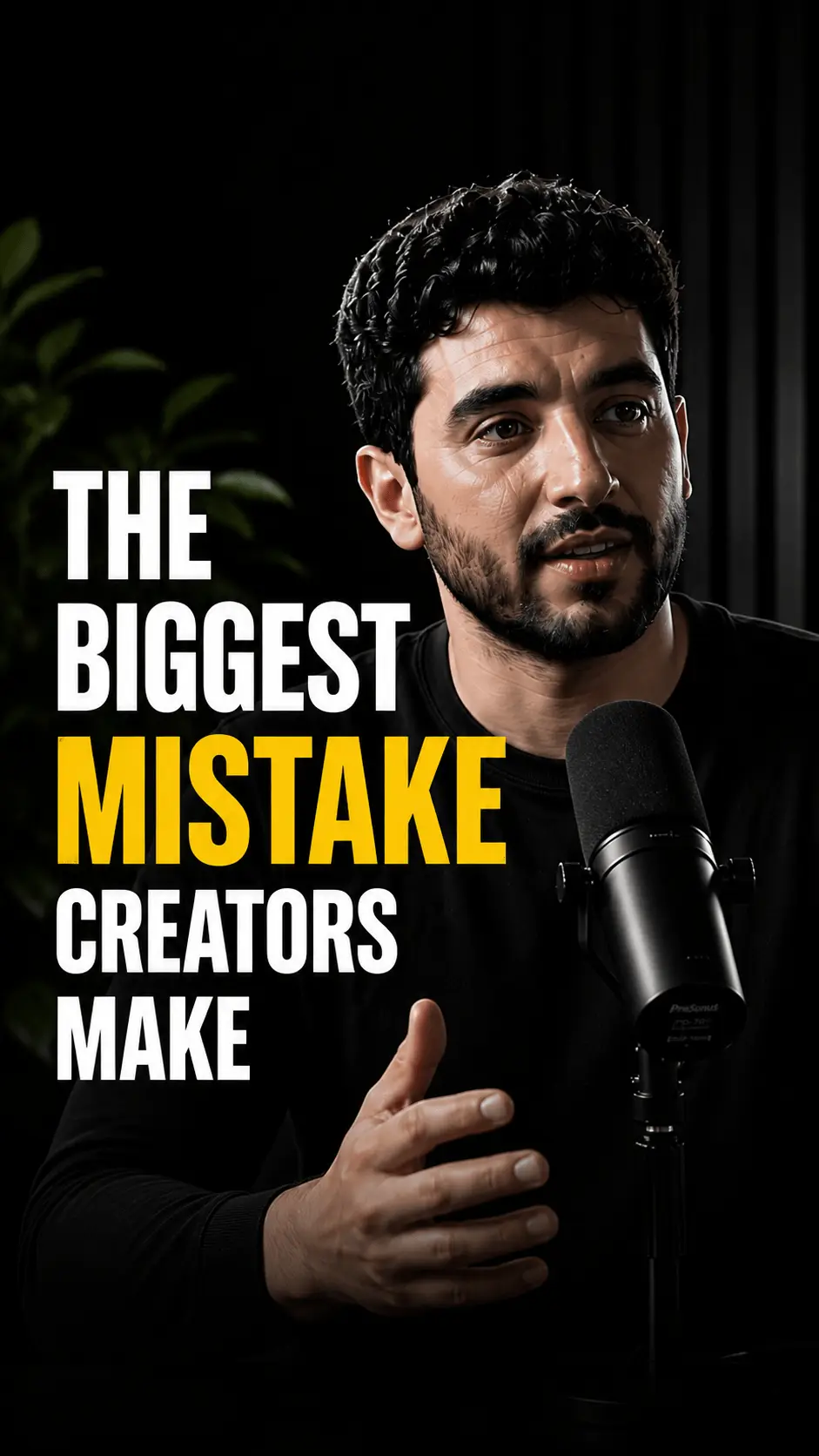
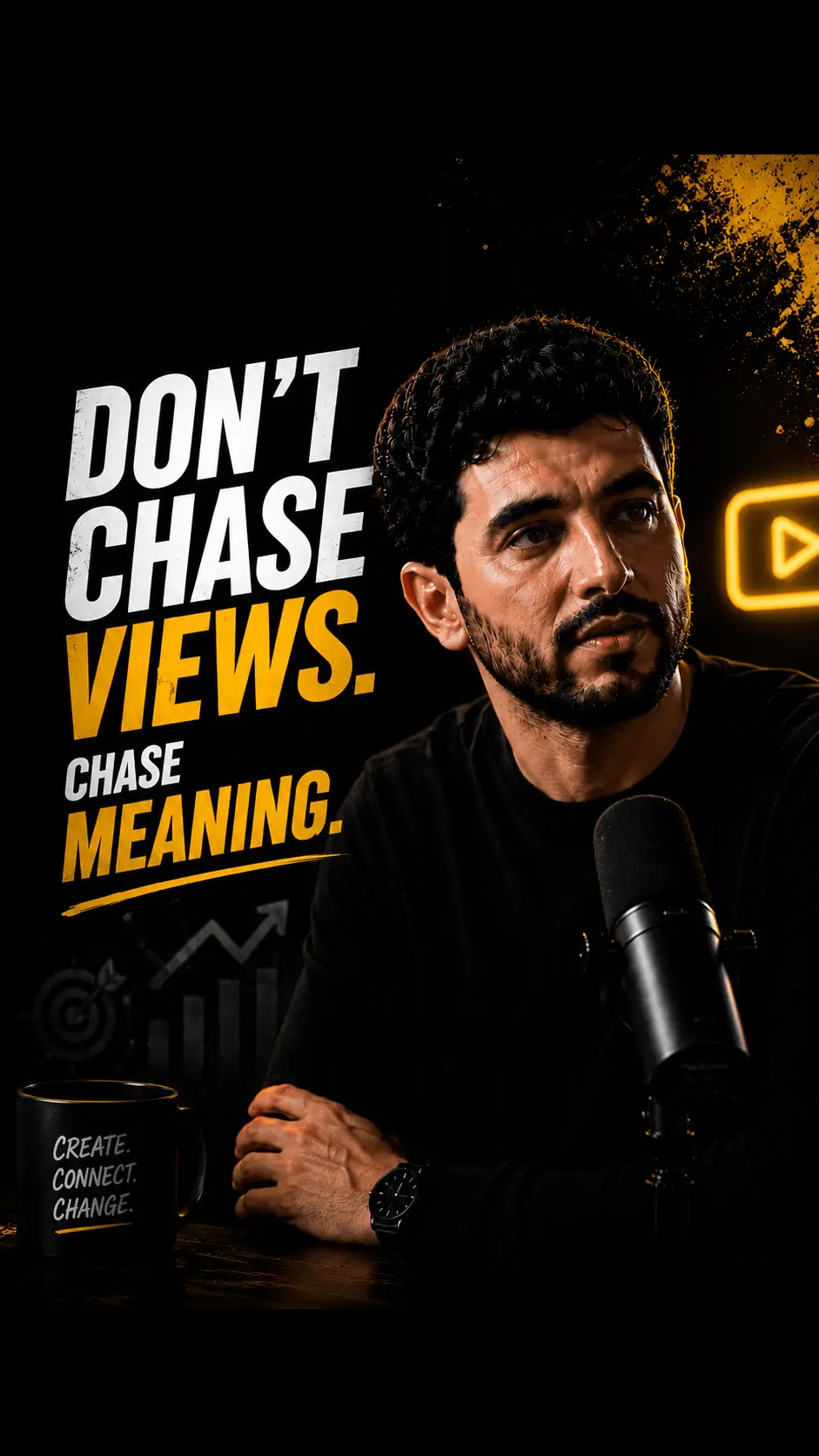
  • Captioned tip clip (0:35) — three rules as on-screen beats
  • Emphasized keyword captions on the hook line
  • Speaker-labeled interview cut for multi-voice segments
  • Export without watermark for a native brand look

Mute-ready captions you still control

Burned-in text for autoplay, vertical packaging for phones, and a human gate before any typo hits the feed.

Captions that survive mute autoplay

An auto caption generator for clips is useless if text is tiny, late, or buried under UI chrome. HypeNest drafts readable on-screen lines so viewers can follow without sound on Shorts and TikTok.

  • Hook lines emphasized in the first seconds
  • Word timing tight enough for fast speech
  • Human rewrite pass for brand names and numbers
Watch this
without
sound

Captions inside the clip pipeline

Captioning is not a separate desktop app step after export. Candidates leave the long-to-short pass already framed for 9:16 with burned-in text, so packaging and readability move together.

  • 9:16 packages with room for caption blocks
  • Speaker-friendly framing when talking heads dominate
  • No watermark on free exports today
9:16

Review before the feed sees typos

ASR will mishear product names, slang, and regulated terms. Review-before-publish is the gate that keeps auto captions from becoming public brand errors.

  • Spot-check proper nouns and numbers
  • Reject cuts with background-noise “dialogue”
  • Direct publish live for YouTube and TikTok
Transcript scan
Hook @ 04:12Peak @ 18:40

How the auto caption generator works

  1. Paste or upload speech-forward source

    Expert tips, talking-head explainers, and interviews caption cleanly. The clearer the audio, the stronger the first draft transcript.

  2. Generate captioned vertical candidates

    HypeNest drafts short clips with burned-in captions and vertical framing. Cull anything incomplete or off-brand.

  3. Fix text, then publish or export

    Correct names and claims. Publish approved clips to YouTube and TikTok from review, or export for networks not live yet.

Why an auto caption generator matters in 2026

Short-form feeds often start muted. Uncaptioned talking-head clips lose viewers immediately — even when the audio is excellent. An auto caption generator for clips closes that gap by burning readable text into frames so mute-first viewers still finish the idea.

HypeNest approaches captions as part of a free, review-before-publish long-to-short workflow: paste or upload a source, get vertical drafts with captions, approve what goes to YouTube and TikTok. Nothing is a virality guarantee — the win is readable packaging plus control.

Searchers looking for auto captions usually want a practical path, not a desktop subtitling manual. This page focuses on mute-first readability, brand accuracy, and honest product limits.

Burned-in captions vs platform auto-text

Platform auto-captions can disappear when the player is muted, the viewer disables captions, or the network’s styling fights your brand. Burned-in captions render into the video frames so the message stays visible regardless of player settings.

That does not mean dumping wall-of-text paragraphs on screen. Keep lines short, contrast high, and faces clear. Use emphasis on the hook and key verbs — not on every filler word.

Always spot-check ASR. Product names, founder names, and regulated claims are where auto systems fail most often. A sixty-second human pass beats a week of “why did we misspell our brand on TikTok.”

  • Always spot-check names, numbers, and product terms
  • Keep caption lines short for mobile readability
  • Avoid covering faces with caption blocks
  • Burn in captions when platform overlays are unreliable

A caption workflow that stays free and review-first

Run captioned packaging on every major long upload that feeds your shorts calendar. Cull weak cuts, fix text, then publish to YouTube and TikTok where direct post is live. Export for Instagram or other networks that are not live direct-publish targets yet.

HypeNest is free with full pipeline access today and requires no credit card. Paid features may come later with notice — not free forever. Exports do not include a watermark.

Brands can standardize a brand-term glossary for editors. Talking-head creators can ship readable clips without hand-timing every word in an NLE.

Caption mistakes that kill retention

Publishing auto captions with uncorrected brand misspellings is the fastest way to look careless. Tiny styles that fail outdoors are next. Captioning background noise as dialogue confuses viewers and wastes the first three seconds.

Another failure mode is over-automating publish after captions look “good enough.” Review-before-publish exists so you still own accuracy and rights.

  • Publishing uncorrected brand or product misspellings
  • Using tiny caption styles that fail on small screens
  • Captioning background noise as dialogue
  • Covering the speaker’s mouth with oversized blocks

Where HypeNest captions fit (and do not)

Use HypeNest when you need captions as part of long-to-short repurposing — discovery, vertical packages, burned-in text, and a path to live platforms after review. Use a dedicated subtitling suite when you need multi-language SRT pipelines, broadcast QC, or complex multi-speaker legal transcripts.

HypeNest is not a promise of guaranteed views, not a full replacement for high-end motion design, and not a legal advisor for rights or regulated claims. Draft faster; keep humans accountable for truth and taste.

Who gets the most from auto captions on clips

Talking-head creators ship readable shorts without manual caption timing. Brands keep messaging legible in mute autoplay. Editors skip tedious entry for routine clip batches.

Clear speech sources outperform noisy multi-mic rooms. For chaotic audio, plan a human clean-up pass before publish — AI accelerates the draft, not the final responsibility.

Who this is for

Talking-head creators

Ship readable clips without hand-timing every caption line in an NLE.

Brands

Keep on-brand messaging legible when feeds start on mute.

Editors

Skip tedious caption entry for routine short-form batches.

Glossary

Burned-in captions

Subtitles rendered into the video frames so they remain visible even when the platform player is muted or platform text is disabled.

FAQ

Yes for now. HypeNest offers full pipeline access free with no credit card. Paid features may come later with notice. Not free forever.

Yes. Captions are drafted as burned-in text on vertical clips so mute-first viewers can still follow. Always spot-check names and numbers before publish.

No. Review-before-publish is required. You approve, edit, or reject every candidate before anything goes live.

Direct publish is live for YouTube and TikTok. For Instagram and other networks that are not live yet, export and post in the native apps.

No. Free exports do not include a HypeNest watermark.

No. Captions improve mute readability. Performance still depends on hooks, niche, and distribution.

Caption clips free

Short-form feeds often start muted; uncaptioned talking-head clips lose viewers in the first second. HypeNest generates burned-in captions as part of long-to-short packaging — free, no card, no watermark — and you still approve every public clip.

Auto Caption Generator — Mute-Ready Clips Free (2026) | HypeNest