

Skip to content
HypeNest
AI subtitles inside the clip pipeline

AI subtitle generator

Teams generate clips then stall on subtitles, delaying multi-platform publishing. HypeNest creates AI subtitles as part of long-to-short repurposing — not as a standalone desktop caption app — free, no card, no watermark, with review before anything posts.

AI subtitles on vertical clip drafts
Review every line before publish
Direct post to YouTube and TikTok
Free today — no card, no watermark

No card · YouTube & TikTok publishing · pricing may change with notice

Long or short video
Long or short video
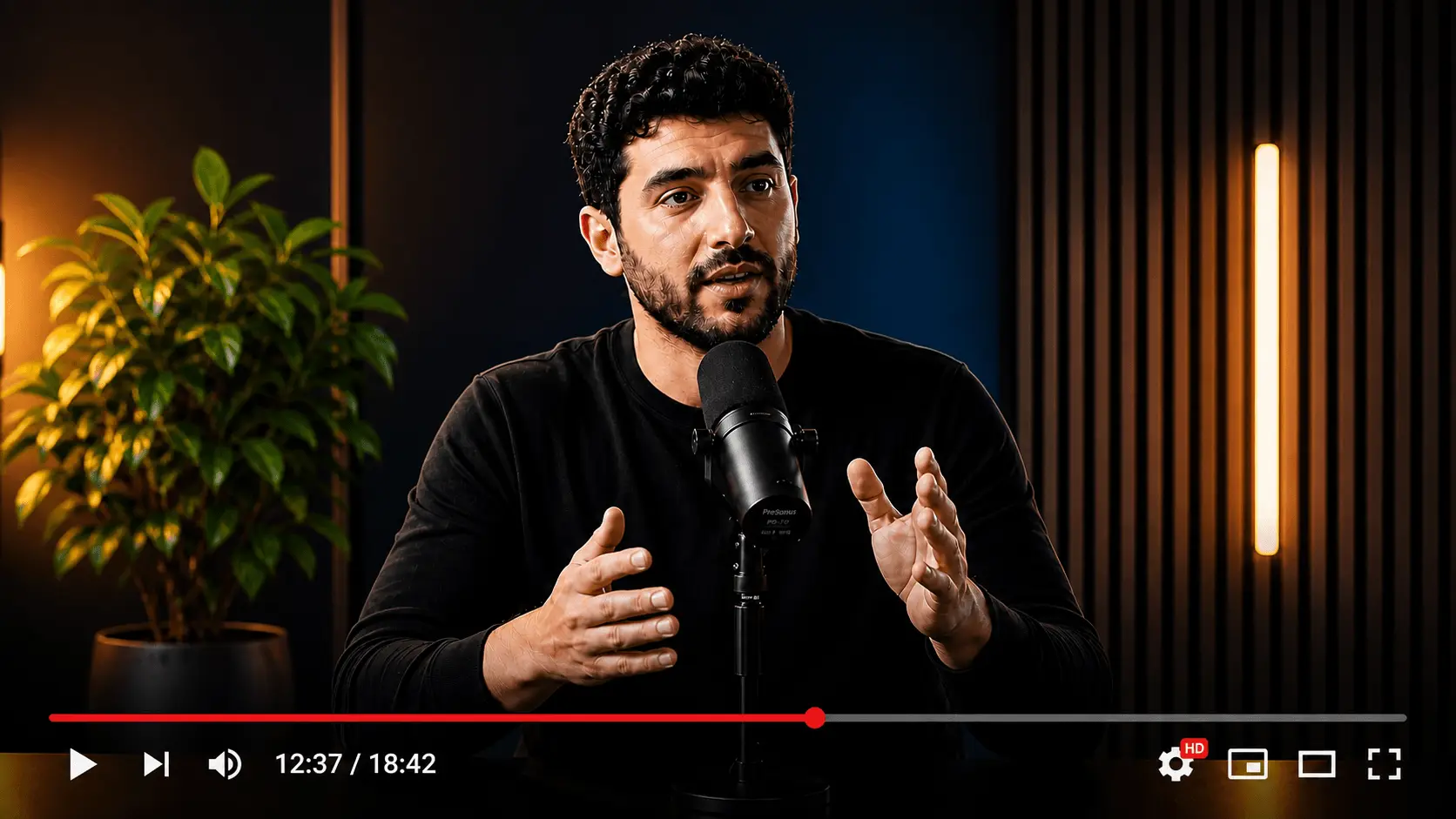
Subtitled clips
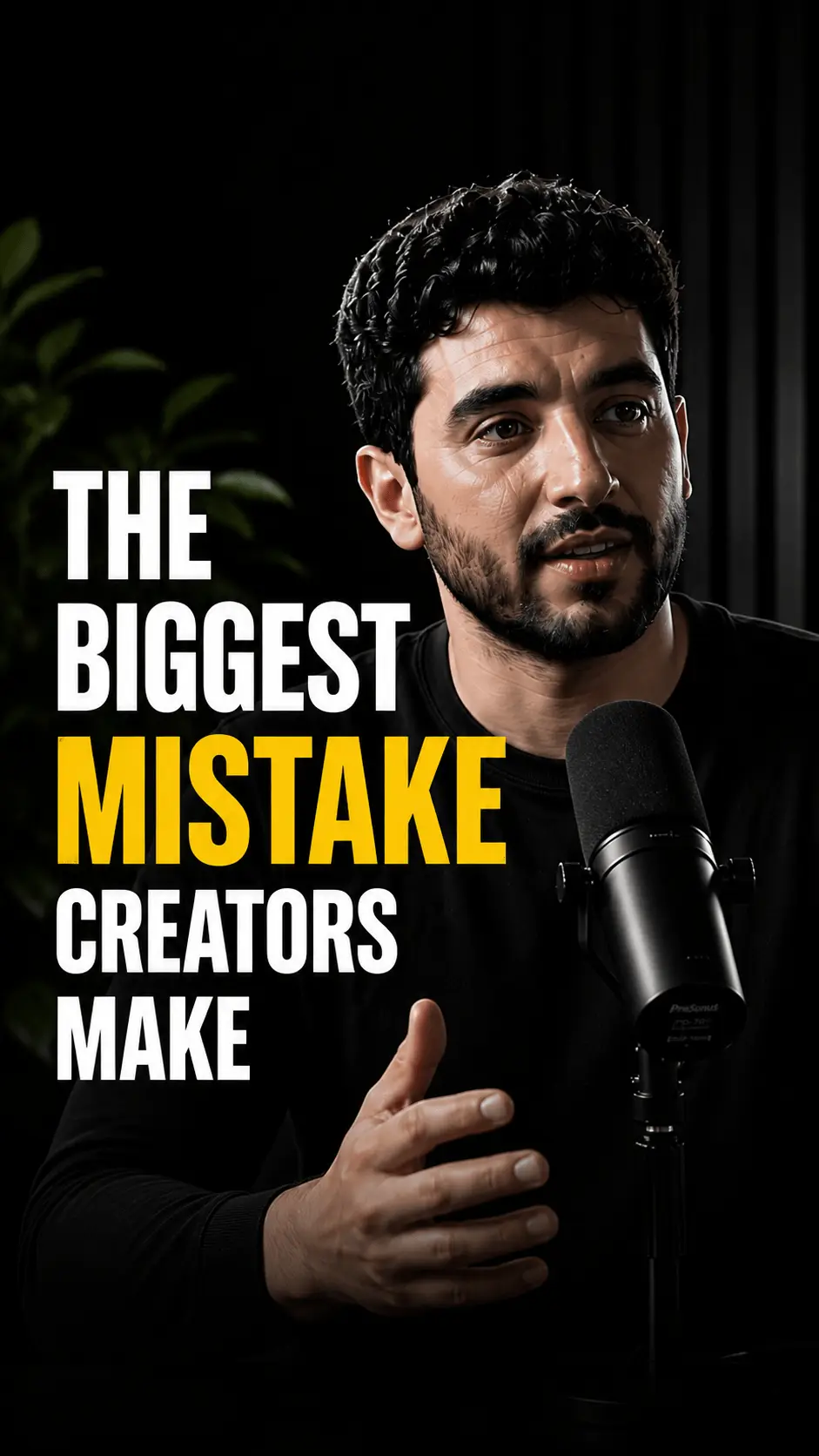
Vertical short clip
0:32
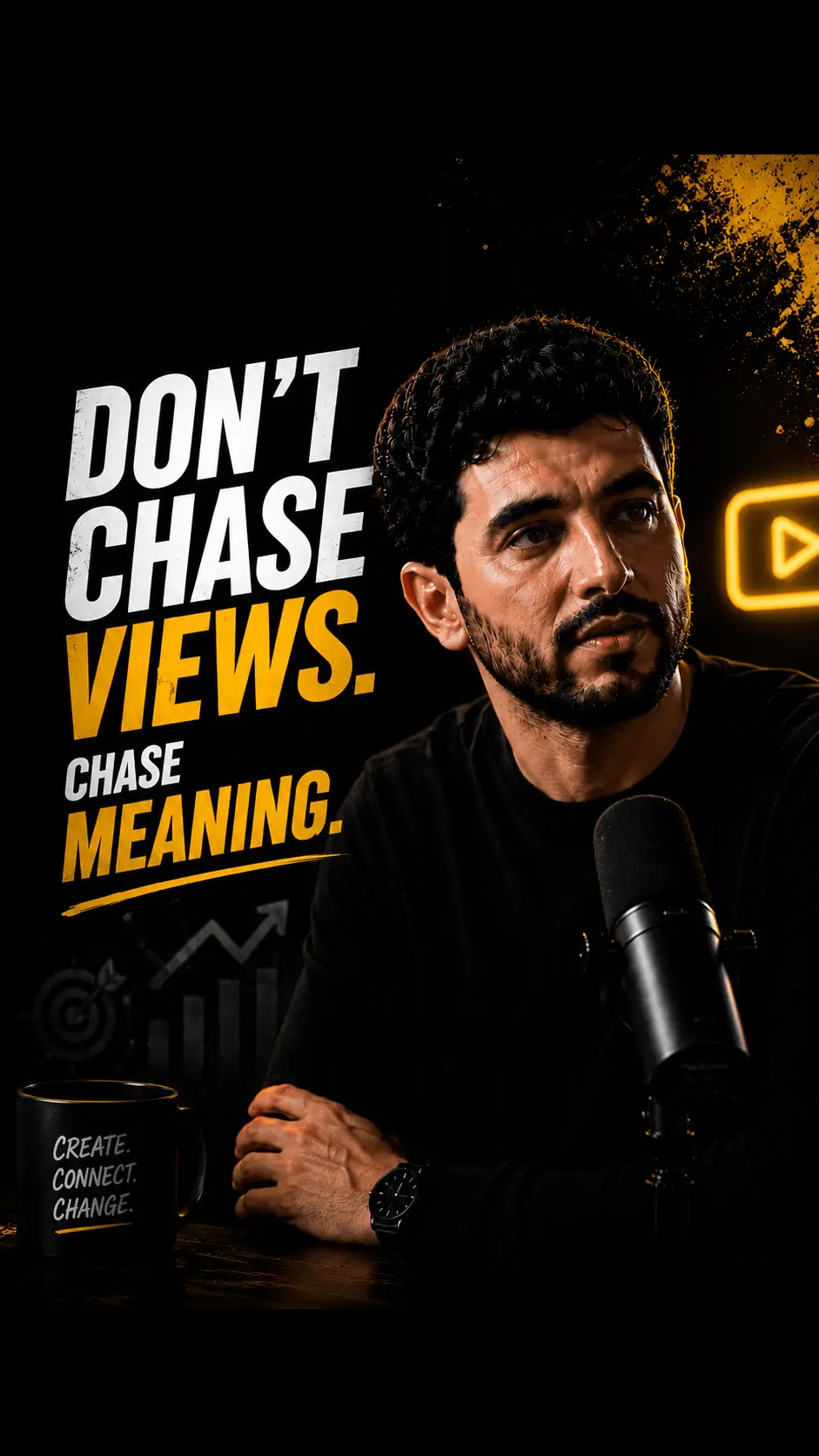
Vertical short clip
0:45
Vertical short clip
0:58

Subtitles inside the long-to-short loop

Draft lines with the cut, package for 9:16, and keep a human gate before anything posts.

Subtitles that move with the cut

An AI subtitle generator for short-form should not force a second project after export. HypeNest drafts subtitles on the same vertical candidates you are already reviewing for hooks and packaging.

  • Timing tightened for fast instructional speech
  • Speaker cues when interviews switch voices
  • Human pass for proper nouns before publish
Watch this
without
sound

From long source to subtitled short

Discovery, 9:16 packaging, and subtitles share one free pipeline. That keeps social teams from bouncing between an NLE, a caption tool, and a publish queue.

  • Complete-idea cuts preferred over mid-thought slices
  • Vertical framing with room for subtitle blocks
  • No watermark on free exports today
01
Draft
02
Review
03
Publish

Accuracy gate on every public line

AI drafts; you own the words. Review-before-publish catches misheard names, numbers, and regulated claims before YouTube or TikTok sees them.

  • Approve, edit, or drop every candidate
  • Direct publish live for YouTube and TikTok
  • Export path for networks not live yet
Transcript scan
Hook @ 04:12Peak @ 18:40

How the AI subtitle generator works

  1. Bring a speech-clear source

    How-tos, voiceover explainers, and interviews subtitle cleanly. Paste a public link or upload in the app.

  2. Generate subtitled vertical candidates

    HypeNest maps strong moments, frames for 9:16, and drafts AI subtitles on each keepable cut.

  3. Correct lines, then ship

    Fix proper nouns and claims. Publish approved clips to YouTube and TikTok from review, or export elsewhere.

Manual subtitle stall vs HypeNest pipeline

TaskManualHypeNest
Get clips to subtitled draftExport → open caption tool → retimeSubtitles on vertical candidates in one pass
Fix proper nouns and numbersManual scrub of every lineHuman review queue on shortlist only
Multi-platform publish cadenceSeparate projects per destinationReview then direct publish (YT + TikTok live)
Routine how-to batch productionHours of caption entry per episodeRepeatable subtitled shortlist per long upload

Why an AI subtitle generator belongs in repurposing

Teams often generate clips then stall on subtitles, delaying multi-platform publishing. An AI subtitle generator that lives inside long-to-short repurposing removes that stall: moments, vertical framing, and subtitles move through one review queue.

HypeNest is free with full pipeline access today, no credit card, and no watermark on exports. Direct publish is live for YouTube and TikTok. Nothing here guarantees virality — the product promise is speed to a good subtitled draft plus human control.

Searchers looking for AI subtitles usually want readable shorts, not a broadcast QC suite. This page focuses on short-form packaging, accuracy gates, and honest limits.

Subtitles for clips vs generic auto-text

For short-form, “subtitles” usually means burned-in or tightly timed on-screen text that survives mute autoplay. Platform auto-text can vanish or style itself in ways that fight your brand. Drafting subtitles with the cut keeps readability and packaging aligned.

Keep lines short. Emphasize hooks and key verbs. Leave faces clear. Rewrite when ASR mishears product names — that single habit prevents most brand-facing subtitle failures.

Interviews benefit from light speaker cues when voices switch quickly. How-tos benefit from step labels that match the spoken sequence so mute viewers can still follow the procedure.

  • Prefer complete ideas with matching subtitle beats
  • Spot-check every proper noun before publish
  • Avoid wall-of-text blocks on phone screens
  • Tighten timing on dense instructional speech

A subtitle workflow that stays free and review-first

Run the AI subtitle generator on every major long upload that feeds your shorts calendar. Cull weak cuts, correct lines, then publish to YouTube and TikTok where direct post is live. Export for Instagram or other networks that are not live direct-publish targets yet.

Paid features may come later with notice — not free forever. Use the free period to install the habit: subtitled draft → human fix → approve → post.

Agencies can standardize “subtitled short pack” as a weekly deliverable. Solo creators can stop parking finished clips in a “needs captions” folder for days.

Subtitle mistakes that delay publishing

Treating AI output as final is the most common failure. Misheard brand names, wrong numbers, and incomplete thoughts all become public the moment you skip review.

Another failure mode is separating subtitles into a second tool after export, which reintroduces the stall this workflow is meant to remove. Keep packaging and text in one review surface when you can.

  • Publishing uncorrected ASR on product names
  • Leaving mid-sentence cuts because the subtitle “looked fine”
  • Tiny text that fails outdoors or on older phones
  • Expecting subtitles alone to guarantee distribution outcomes

Where HypeNest subtitles fit (and do not)

Use HypeNest when subtitles are part of long-to-short social packaging with review-before-publish. Use a dedicated localization suite when you need multi-language SRT pipelines, broadcast compliance, or legal multi-speaker transcripts.

HypeNest is not a legal advisor, not a music licensing desk, and not a promise of guaranteed views. It is a free path from source video to subtitled short candidates with live publish to YouTube and TikTok after human approval.

Who benefits most from AI subtitles on clips

How-to and education creators need step-readable shorts. Interview shows need speaker-clear cuts. Social teams need a repeatable path from backlog long-form to subtitled posts without a second desktop project.

Clear voiceover and single-mic sources outperform noisy multi-track rooms. Plan a deeper human pass when audio is chaotic — AI accelerates the draft, not the final accountability.

Who this is for

How-to and education creators

Ship step-readable shorts without a second caption project after export.

Interview and podcast teams

Keep multi-voice cuts clear with speaker-aware subtitle review.

Social managers

Close the “needs captions” stall that delays weekly calendars.

Glossary

AI subtitle generator

Software that drafts timed on-screen text for video — in HypeNest’s case, as part of long-to-short packaging with human review before publish, not as a guarantee of perfect transcripts or viral reach.

Honest limits

  • ASR can mishear names and slang — humans approve final text.
  • AI can mis-cut context — you remain accountable for meaning.
  • Direct publish is live for YouTube and TikTok only today.
  • Rights, music, and regulated claims remain your responsibility.
  • Free today with notice before paid changes — not free forever.

FAQ

Yes for now. HypeNest offers full pipeline access free with no credit card. Paid features may come later with notice. Not free forever.

Part of the long-to-short pipeline. Candidates are drafted with vertical packaging and subtitles so you review cuts and text in one place.

No. Review-before-publish is required. You approve, edit, or reject every candidate before anything goes live.

Direct publish is live for YouTube and TikTok. For Instagram and other networks that are not live yet, export and post in the native apps.

No. Free exports do not include a HypeNest watermark.

Good enough for a first draft on clear speech, not a final transcript without review. Always fix proper nouns, numbers, and regulated claims.

Generate subtitles free

Teams generate clips then stall on subtitles, delaying multi-platform publishing. HypeNest creates AI subtitles as part of long-to-short repurposing — not as a standalone desktop caption app — free, no card, no watermark, with review before anything posts.

AI Subtitle Generator — Subtitled Clips Free (2026) | HypeNest