
5 AI Tools for YouTube Titles, Tags & Descriptions
A practical listicle of five free AI tools every YouTube creator should have in their stack, covering titles, descriptions, tags, keywords, and channel names — with a workflow for using them together.

A finished YouTube video still needs a title and a description that accurately tell people what they will watch. If you searched for a generator, start with the relevant tool below; this article explains when the other three tools are useful.
The title and description generators are separate. Use each as a draft, check its output against the actual video, and keep the wording clear. Tags, keywords, and channel names solve different jobs and are optional for this workflow.
Quick Answer
Need a title now? Open the YouTube Title Generator. Need the accompanying text? Open the separate YouTube Description Generator.
For a new upload, choose the video topic, review title options, then draft and verify a description. Add chapters, links, and disclosures yourself when they apply.
Choose the tool you need
The title and description generators are two separate tools. Open the one that matches your task; review its draft before publishing.
YouTube title generator
YouTube description generator
Tool 1: AI Video Title Generator
Titles are the most important piece of YouTube metadata. They decide whether a viewer clicks, they tell the algorithm what the video is about, and they shape the watcher's expectation of the content. A strong title does all three at once. A weak title does none of them, and no amount of thumbnail polish can fix a title that does not match search intent or viewer curiosity.
The HypeNest AI Video Title Generator takes a topic, an optional platform (YouTube, TikTok, or Instagram), and an optional tone and audience. It returns multiple title options you still review. Pair it with the YouTube Keyword Generator so the phrase matches search intent, and keep descriptions aligned with the YouTube Description Generator. The review pass is fast: read the options, pick the strongest, tweak the wording, and ship only after you approve.
Use this tool before you record the video if you can. A clear topic and a strong title before recording tends to produce a tighter, more focused video. If you are recording first and titling after, the tool still works — paste in the topic, paste in a one-line summary, and let the AI generate options. Either way, the output is the same: multiple title drafts in 10 seconds, and a final title chosen in 30.
Tool 2: AI Video Description Generator
Descriptions are the second-most important piece of YouTube metadata. The first 100 characters are visible before the fold and are weighted heavily by the algorithm. The body of the description is indexed and used to surface the video in search and recommendations. A good description front-loads the keyword, includes a hook, and provides context that helps the algorithm classify the video accurately.
The HypeNest AI Video Description Generator takes a topic, an optional platform, and optional tone and audience settings. It returns a full description draft that includes a hook, the main content of the description, a call to action, and optional hashtags. Use it after the title is locked, then add a focused tag set with the YouTube Tags Generator. You still verify claims before publish.
Use this tool immediately after you have locked in the title. The title and description should reinforce the same keyword theme, and generating them in sequence makes that alignment automatic. The review pass is to verify technical terms and add any specific links, episode notes, or sponsorship disclosures that the AI does not know about. The total time is about 90 seconds per video, including the review pass.
Tool 3: YouTube Tags Generator
YouTube tags are less important than they were five years ago, but they still matter. Tags are a confirmation signal that helps the algorithm disambiguate videos on similar topics and surface related content from your channel on the video shelf. Three to five focused tags outperform fifteen generic ones, and the right tags can give a new video a small but meaningful boost in the first 24 to 48 hours after publishing.
The HypeNest YouTube Tags Generator takes a topic and returns a focused set of 3 to 5 tags that match the title and description. The output is intentionally tight, not a list of 20 candidates. The review pass is to drop any tag that is not genuinely on-topic and to keep the rest. The total time is about 30 seconds per video.
Common mistakes with tags are using too many (15 to 20 dilutes the signal), using irrelevant tags (one off-topic tag can confuse the algorithm), and copying tags from competitor videos (their channel is not your channel, and the algorithm treats tag copy-paste as a soft negative signal). A clean, focused 3 to 5 tag set is stronger than a long, sloppy list.
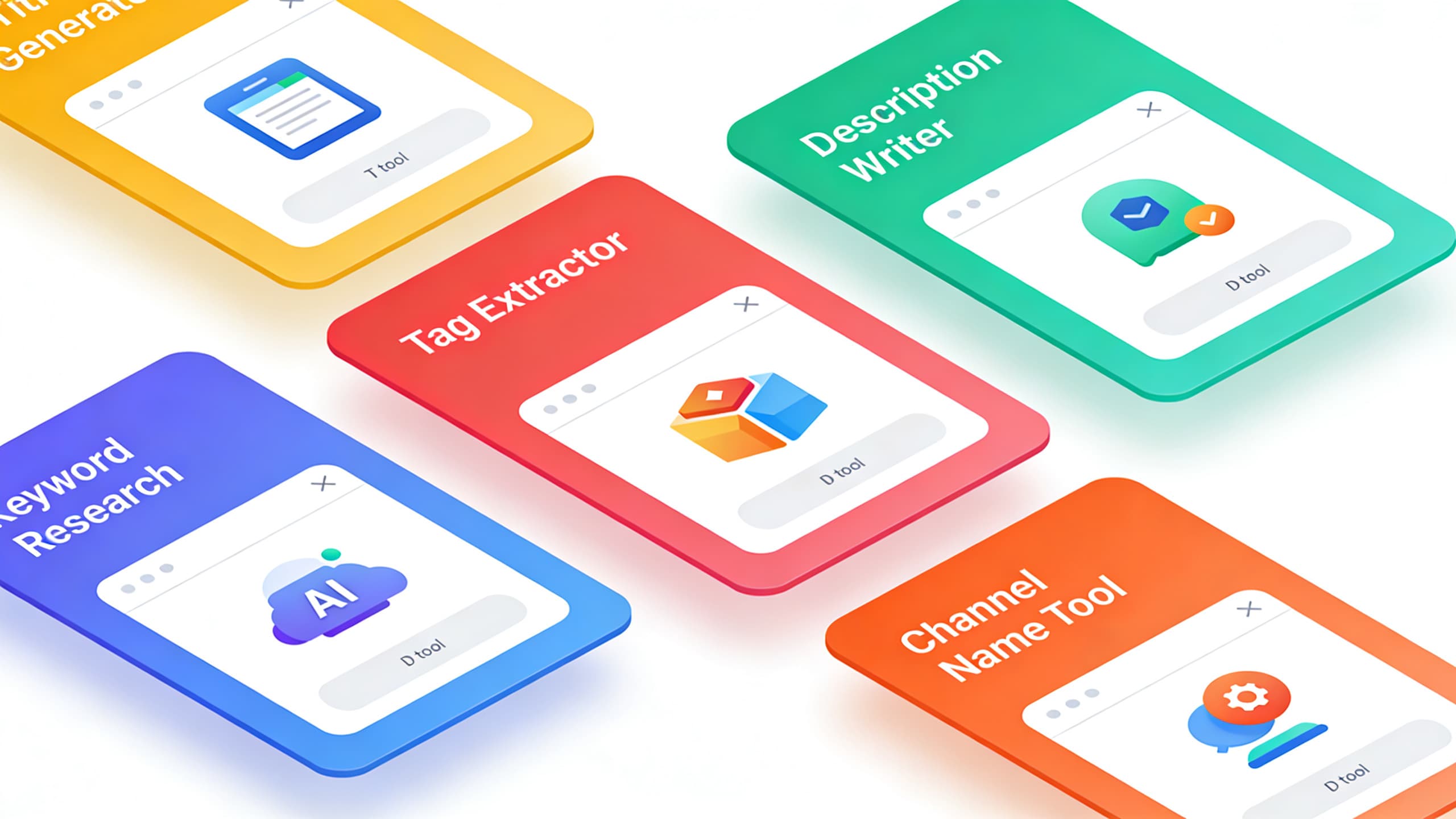
Tool 4: YouTube Keyword Generator
Keywords are the foundation of every other piece of metadata. The title, description, tags, and even the on-screen text should be anchored to a specific keyword theme. Choosing the wrong keyword means the rest of the metadata is optimized for the wrong audience, and no amount of polish on the title or description will fix that.
The HypeNest YouTube Keyword Generator takes a topic and returns a list of keyword suggestions ordered by relevance and intent. Each keyword comes with context about whether it is a broad category keyword, a long-tail question keyword, or a specific niche keyword. The right primary keyword is usually one that has decent search volume, clear intent, and a manageable level of competition for your channel size.
Use this tool first in the workflow, before you generate titles, descriptions, or tags. The output is a short list of 3 to 5 strong keyword candidates. Pick one as the primary keyword, optionally pick one or two as secondary keywords, and use those as the anchor for the rest of the metadata. The total time is about 60 seconds, but the leverage on the rest of the workflow is significant.
Tool 5: YouTube Channel Name Generator
Channel names are not metadata for a single video — they are the brand identity of the entire channel. The right name is short, memorable, easy to spell, and aligned with the niche. The wrong name creates friction at every subscriber conversion, every search, and every word-of-mouth share. Most creators under-invest in this decision, and the cost compounds over years.
The HypeNest YouTube Channel Name Generator takes a niche or topic and returns a set of name options across different categories: personal brands, creative names, keyword-rich names, and abstract names. The output is a starting point for brainstorming, not a final answer. Most creators use the output to identify 2 to 3 directions worth exploring further, then test those names against availability on YouTube and other platforms before committing.
Use this tool when you are starting a new channel or rebranding an existing one. The cost of changing a channel name is real but manageable, and the cost of keeping a weak name is permanent. Spend 30 to 60 minutes with the tool, shortlist 5 to 10 candidates, test availability, ask 3 to 5 people in your target audience for their reaction, and choose. The 30 minutes you spend here is one of the highest-leverage investments in your channel's lifetime.
The recommended workflow: from topic to publish-ready metadata in 10 minutes
Step 1: Generate keywords (60 seconds)
Step 2: Draft the title (60 seconds)
Step 3: Generate the description (90 seconds)
Step 4: Generate tags and hashtags (30 seconds)
Step 5: Final review (2 minutes)
Step 6: Publish
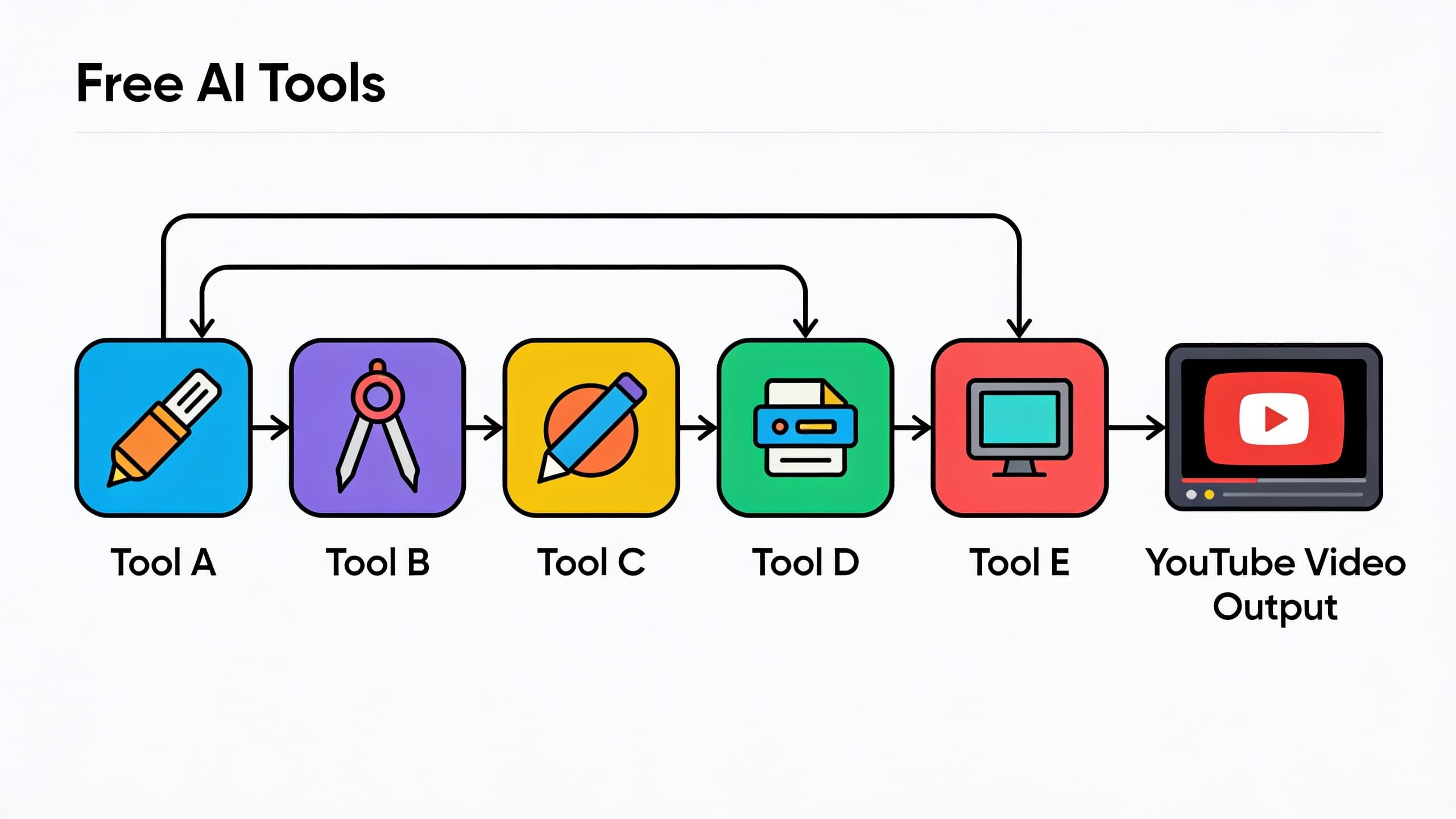
How the five tools reinforce each other when used in sequence
The power of these tools is not in any single one. It is in the fact that they all share the same keyword theme when used in sequence. The keyword choice anchors the title, the title anchors the description, the description anchors the tags, and the tags anchor the hashtags. Every layer reinforces the same signal to the algorithm, which is exactly what YouTube's search and recommendation systems are designed to detect and reward.
The reverse is also true. If the keyword, title, description, and tags are generated separately with no shared theme, the metadata sends the algorithm four conflicting signals. The video ranks weakly even if the content is excellent, because the metadata does not align with what the video is actually about. Consistency across the metadata stack is the single highest-leverage SEO move you can make.
The recommended workflow enforces that consistency by generating each layer in sequence from the same keyword input. The result is metadata that is aligned, scannable, and aligned with what the algorithm expects. The compounding effect is real: a video with aligned metadata consistently outperforms a video with the same content but scattered metadata, especially in the first 30 days after publishing.
Common mistakes when using free AI tools for YouTube metadata
Free AI tools save time and improve consistency, but they also introduce predictable mistakes. Watch for these in your own workflow:
- Shipping the first option without reviewing. AI gives you a strong starting draft, not a finished product. Always spend 30 to 60 seconds reviewing the output before publishing.
- Using different keywords across tools. Generate the keyword first, then use the same keyword for title, description, and tags. Inconsistent keywords dilute the signal.
- Letting auto-captions ship without review. The free tools do not handle captions. If you are using captions as a SEO layer, review the auto-generated output for accuracy.
- Treating free tools as a replacement for strategy. The tools are fast, but the keyword choice, the title framing, and the description angle are strategic decisions that still require your judgment.
- Ignoring the visual layer. Title, description, and tags are one half of the equation. Thumbnail, first three seconds of the video, and on-screen text are the other half. The free tools do not cover the visual layer, so that work is still on you.
- Replacing the review pass with a long edit. A 5 minute review pass that catches weak titles, off-topic tags, and inaccurate keywords is more valuable than a 30 minute rewrite that produces the same quality output.
- Forgetting to update metadata after publishing. Free tools make it cheap to update metadata later. If a video underperforms in the first 30 days, regenerate the title or description with the same workflow and update.
When to upgrade from free AI tools to a paid platform
The free tools are designed for creators publishing up to a few videos per week. If you are publishing daily, running a podcast that produces 5 to 10 clips per episode, or managing multiple channels, the free tools start to hit a volume ceiling. The right next step is not to keep stacking more free tools. It is to upgrade to a paid platform that bundles the same metadata generation with the rest of the publishing workflow.
HypeNest is the natural upgrade path from the free tools. The same AI that powers the free tools is integrated into the platform, and the platform adds the parts the free tools do not cover: clip extraction from long-form video, automatic captions, brand-consistent thumbnails, and one-click publishing to YouTube and TikTok. The free tools remain useful for one-off projects, but the platform becomes the daily driver.
The right time to upgrade is when you are spending more than 90 minutes per week on metadata across your publishing volume. Below that threshold, the free tools handle the work efficiently. Above it, the platform pays for itself in saved time and reduced context-switching. Most creators cross that threshold within their first six months of consistent publishing.
The time-savings math over a year of publishing
A manual metadata workflow takes 20 to 30 minutes per video: 10 minutes on the title, 10 minutes on the description, 5 minutes on tags, and 5 minutes on hashtags and cross-checking. A free AI tool workflow takes 5 to 10 minutes per video: 60 seconds on keywords, 60 seconds on the title, 90 seconds on the description, 30 seconds on tags, and 2 minutes on the final review. The per-video savings is 10 to 20 minutes.
For a creator publishing 3 videos per week, the annual savings is 1,500 to 3,000 minutes, or 25 to 50 hours. For a creator publishing 5 videos per week, the annual savings is 2,500 to 5,000 minutes, or 40 to 80 hours. Those hours can go into the parts of YouTube that actually require human judgment: hooks, scripts, on-screen storytelling, community engagement, and analytics review.
The savings are even larger when you factor in the consistency gain. A free AI tool workflow produces more consistent metadata across a batch, which compounds the SEO benefit. Over a year, that consistency gain is worth more than the time savings alone. The combination of faster metadata plus stronger metadata is the real return on the 15 minute setup it takes to start using these tools.
Internal routes to the free tools
Free AI Video Title Generator
Free AI Video Description Generator
Free YouTube Tags Generator
Free YouTube Keyword Generator
Free YouTube Channel Name Generator
FAQ
What are the best free AI tools for YouTube creators?
How long does the free AI tool workflow take per video?
Are free AI tools good enough for serious YouTube creators?
Should I use the same keyword for title, description, and tags?
Can AI write better video titles than humans?
What is the difference between a title and a description for YouTube?
How many YouTube tags should I use per video?
Do hashtags still help YouTube videos rank?
How do I pick the right channel name?
Should I use AI for every video?
Will AI-generated metadata hurt my channel's authenticity?
What is the best free AI tool for YouTube SEO?
Can I use free AI tools for Shorts and TikTok?
When should I upgrade to a paid platform?
Do I need technical skills to use free AI tools?
Ship your next video with metadata that actually ranks
Use the five free AI tools in the recommended sequence, and the full metadata pass takes 5 to 10 minutes per video instead of 20 to 30. Set up the workflow once, and let the time savings compound across a year of publishing.